 SynthMaker
Random looper
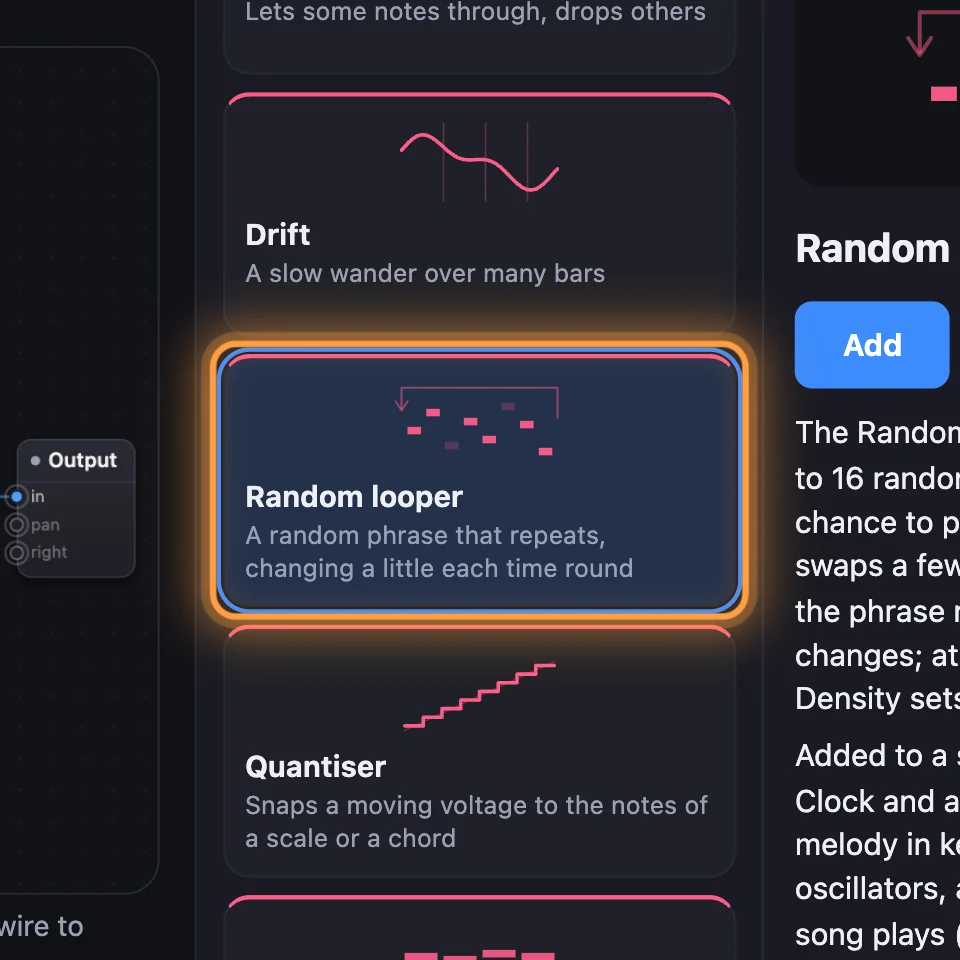
A short phrase of random steps that repeats, and changes a little each time round. Added to a sound, it plays a melody in key when the song plays.
1Add it
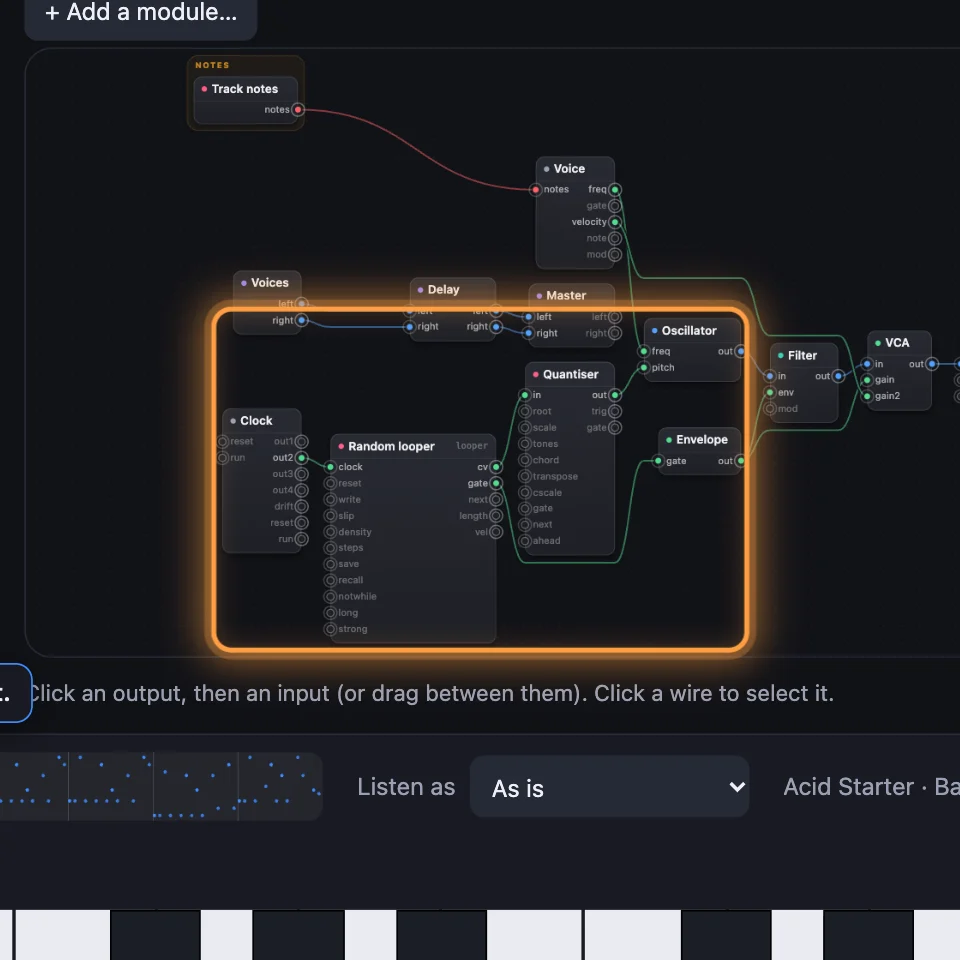
Click + Add a module and choose Random looper, under Notes. It comes with what it needs to be heard: a Clock (the song’s beat), a Quantiser (the notes of a scale) and the wires between them. The looper moves on a step every eighth note; its gate opens the sound’s envelope, and the Quantiser plays the oscillator’s pitch. The Voice switches to Mono, so the Clock plays it when you press ▶ in the transport; hold a key and it plays with the song stopped too. It all comes in as one Undo step.
2A loop that slips
It keeps a loop of up to 16 steps. Each step is two random numbers: a voltage, its pitch before the Quantiser picks a note, and a chance, whether it plays. Each beat from its clock moves it on a step, and after the last step it comes round to the first.
Slip is how often a step is swapped for a new one as it passes. At 0 the loop is locked and the phrase repeats exactly. Around 0.1 about one step in eight changes each time round, so the tune stays familiar but grows. At 1 every step is new.
Density decides which steps play. Turn it up and more steps join the same phrase; turn it down and the same ones drop out again. Its random numbers come from Seed: the same seed always plays the same phrase, on the web and in the apps.
3Its knobs
Steps (2 to 16) is the loop’s length. Slip and Density are above, and Seed picks another phrase (0: one of its own).
Write holds the phrase while it’s on: nothing slips. Save keeps the whole loop in one of four slots (Slot), and Recall brings it back from its first step, so a song can keep its hook and play it again later. Hold is how long it stays quiet after another line’s note (below).
Length is each note’s length in steps, and Long length the length while the long input is high, for the phrase’s last note; Gap is the moment of silence between two notes that touch. Velocity, Spread and Accent set how loud each note is: a base, plus a little more for higher steps, plus more on the strong beats.
4Its ports
Every input carries a voltage, as on a modular synth: a wire’s 1.0 is 5 V, and a clock or a gate is high from 2 V. The ones named after a knob turn that knob.
| In | What it carries |
|---|---|
clock | Each rising edge moves it on a step (the Clock’s eighths, as it arrives). |
reset | The next clock plays the first step again. |
write | High: the phrase is held, nothing slips. |
slip, density, steps | Turn those knobs by voltage. |
save, recall | A trigger keeps the loop, or brings it back. |
notwhile | Mutes its gate on and just after another line’s notes, for Hold: two lines in dialog. |
long, strong | High at a step: a longer note, a louder one. |
| Out | What it carries |
|---|---|
cv | The step’s voltage, 0 to 5 V: into a Quantiser. |
gate | High while a step plays. |
next | High on a step whose next step will play. |
length | The note, Length steps long. |
vel | The note’s velocity, 0 to 1. |
Try it
- Open the example and press ▶: a phrase in D minor. Turn Slip to 0 and it repeats exactly; turn it up and it wanders.
- Turn Density up for a busier line, down for a sparse one.
- Change Seed for a new phrase, then set the Quantiser’s Scale to another one.
Remember
- A loop of random steps: Slip decides how fast it changes, Density how many steps play.
- It brings a Clock and a Quantiser; its gate opens the envelope, the Quantiser plays the pitch.
- The same Seed always plays the same phrase.