 SynthMaker
No sound? Common fixes
Most silences have a simple cause. Work down this page, from the top.
1Start the audio
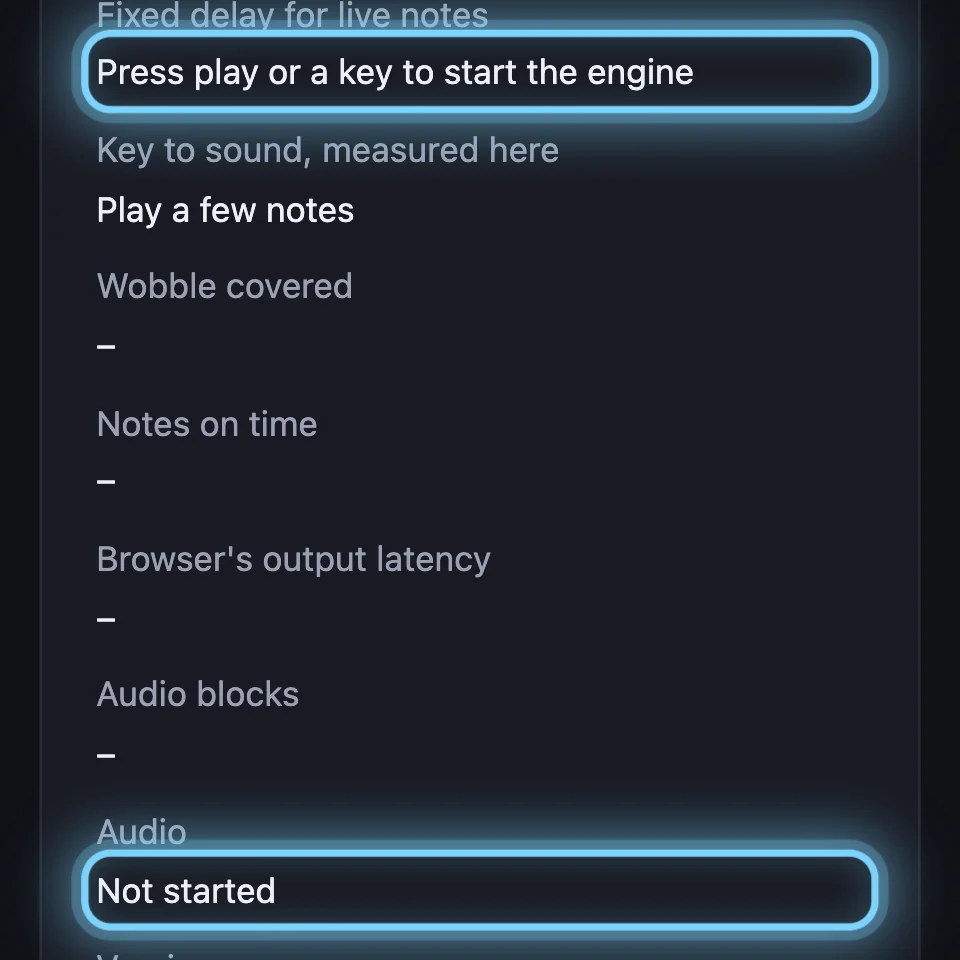
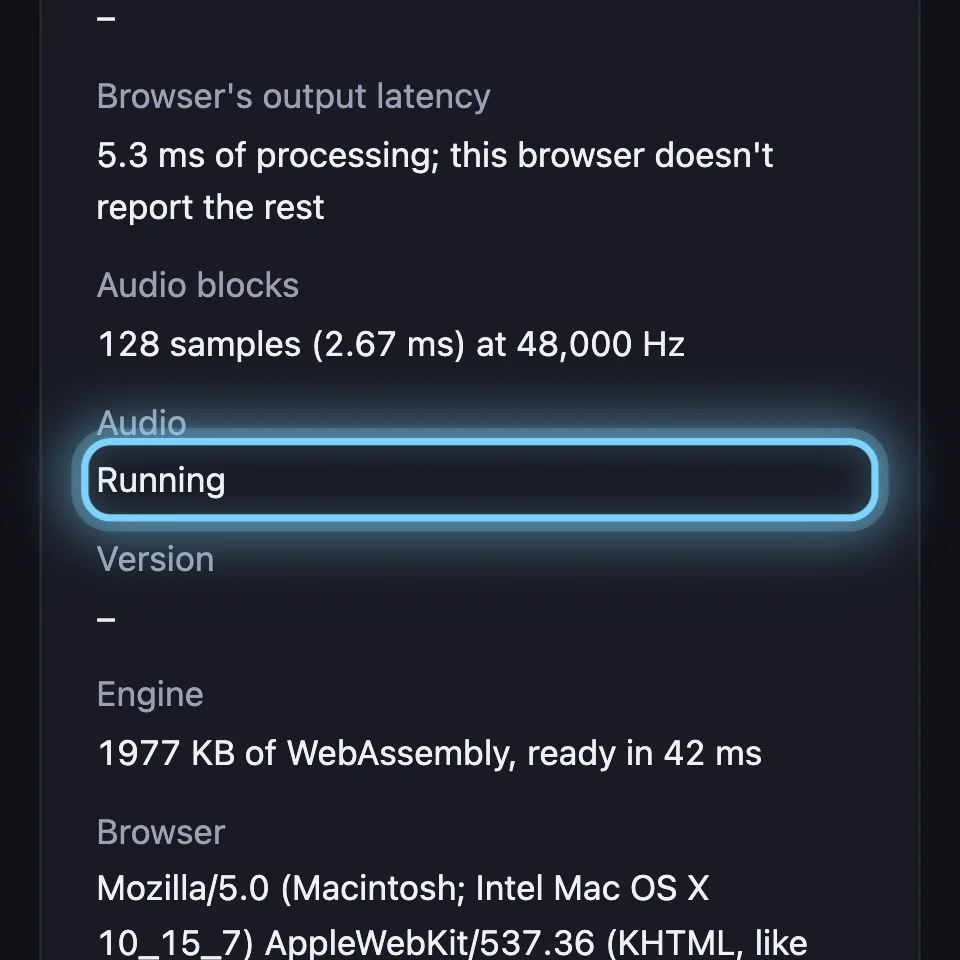
Your browser plays nothing until you click or press a key in the page. Click a key once. If the line by the transport says Sorry, this browser couldn't start the engine, reload the page, or try Chrome, Edge, Firefox or Safari.
2Turn it up
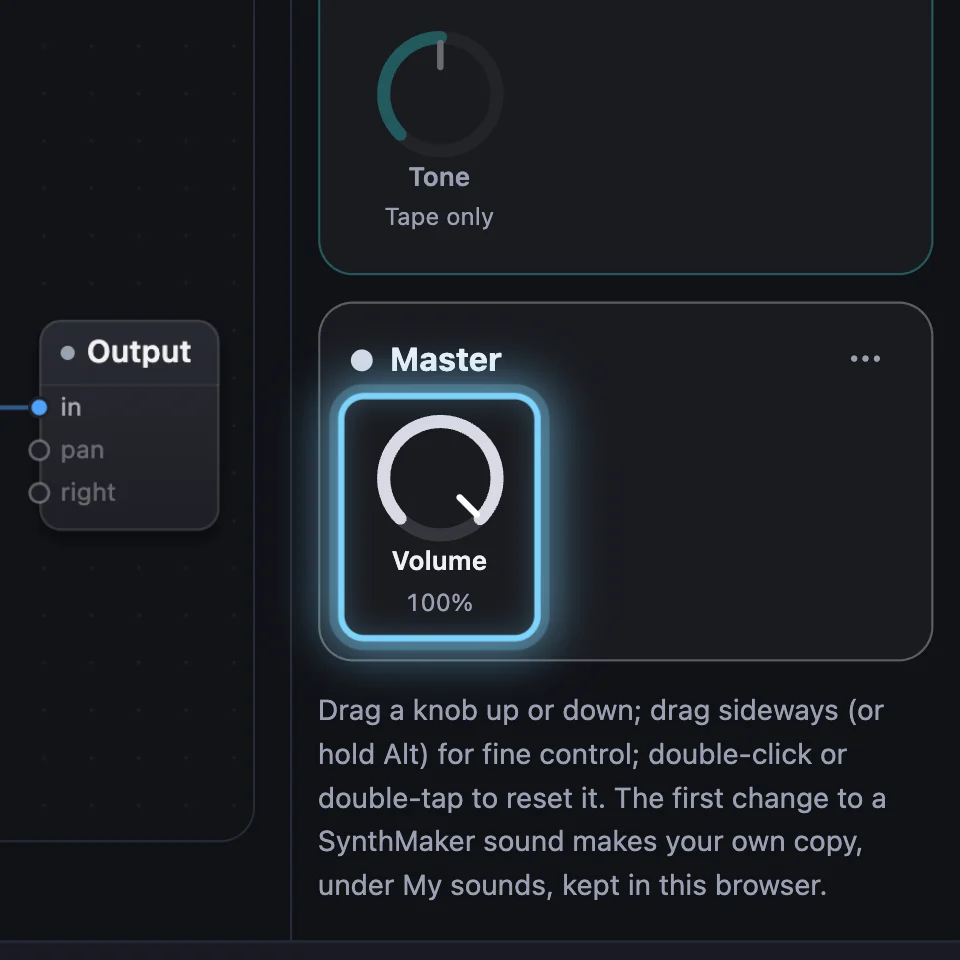
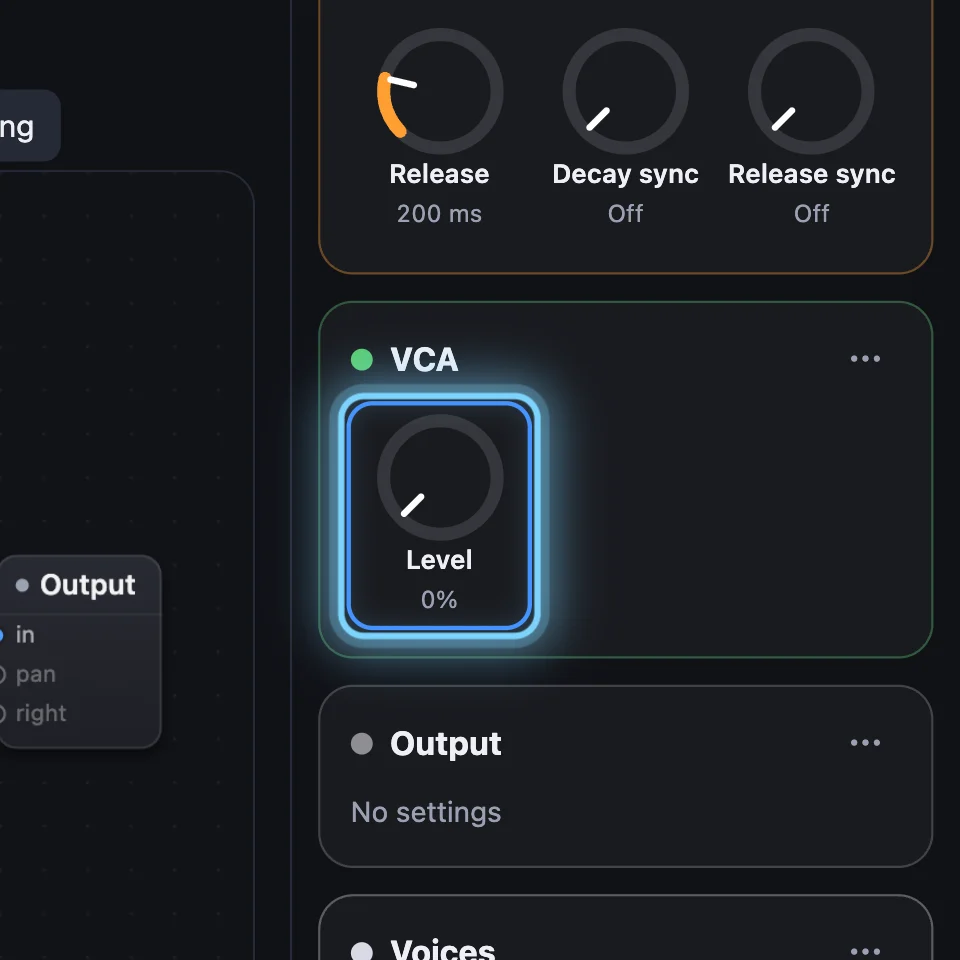
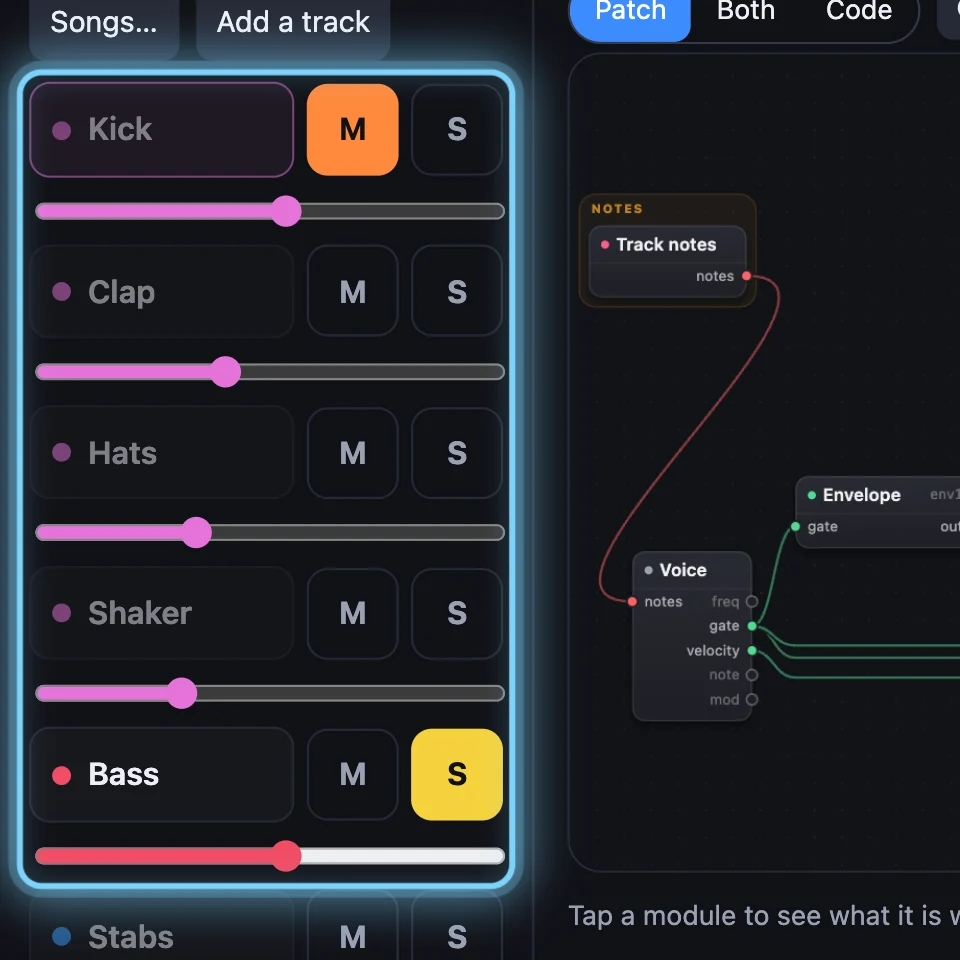
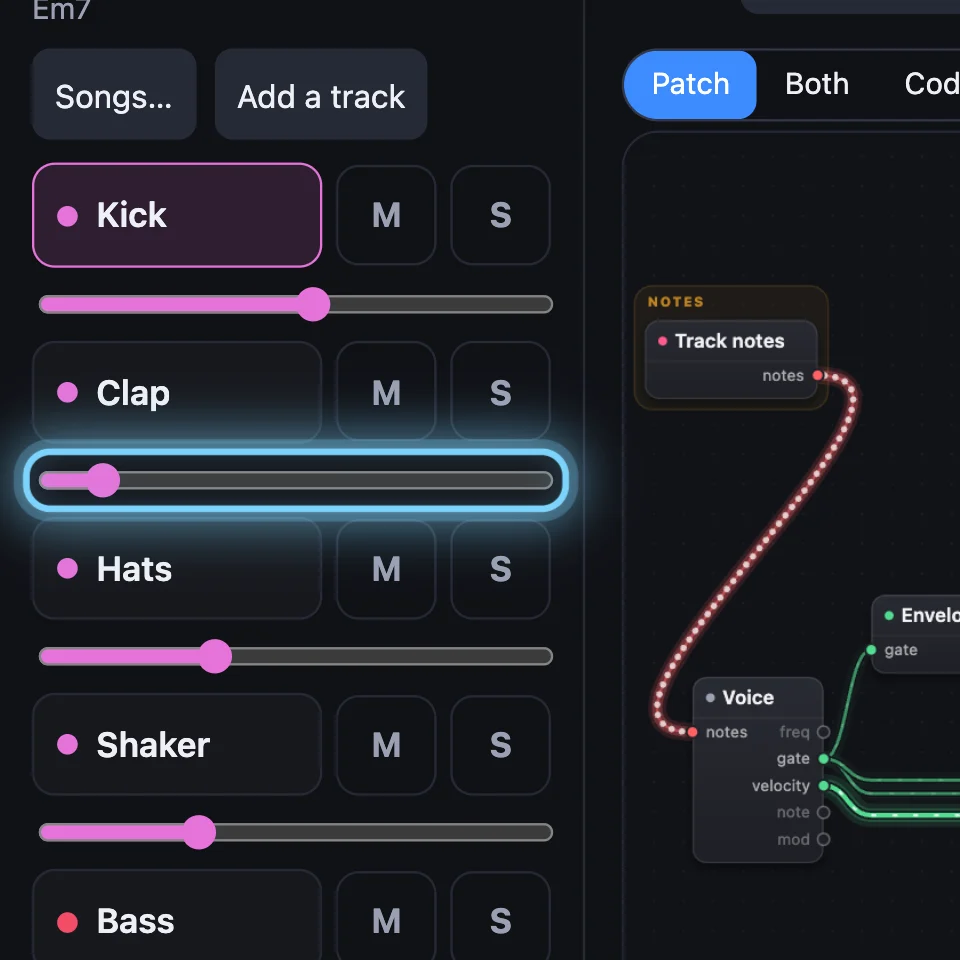
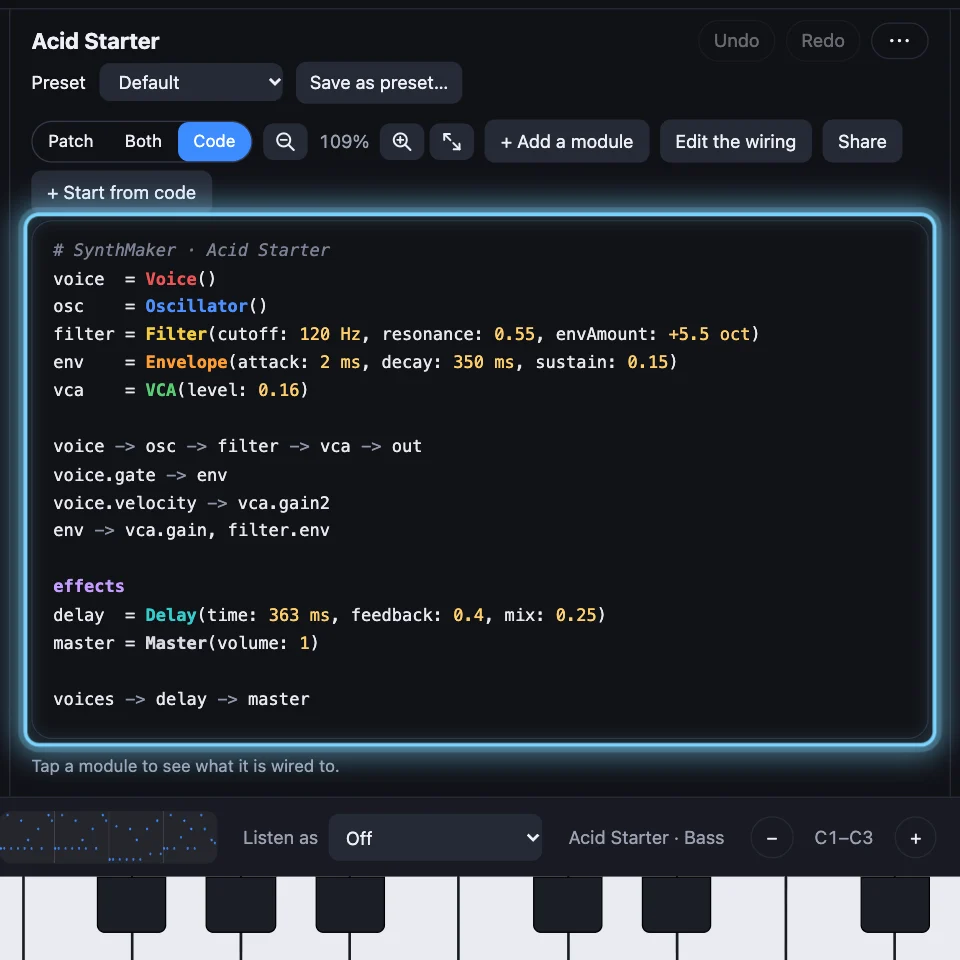
A sound can be quiet on purpose. Look at the Master's Volume and the VCA's Level on the cards. In a song, check the track: M mutes it, S plays only the soloed tracks, and its slider is its volume.
4A MIDI keyboard isn't found
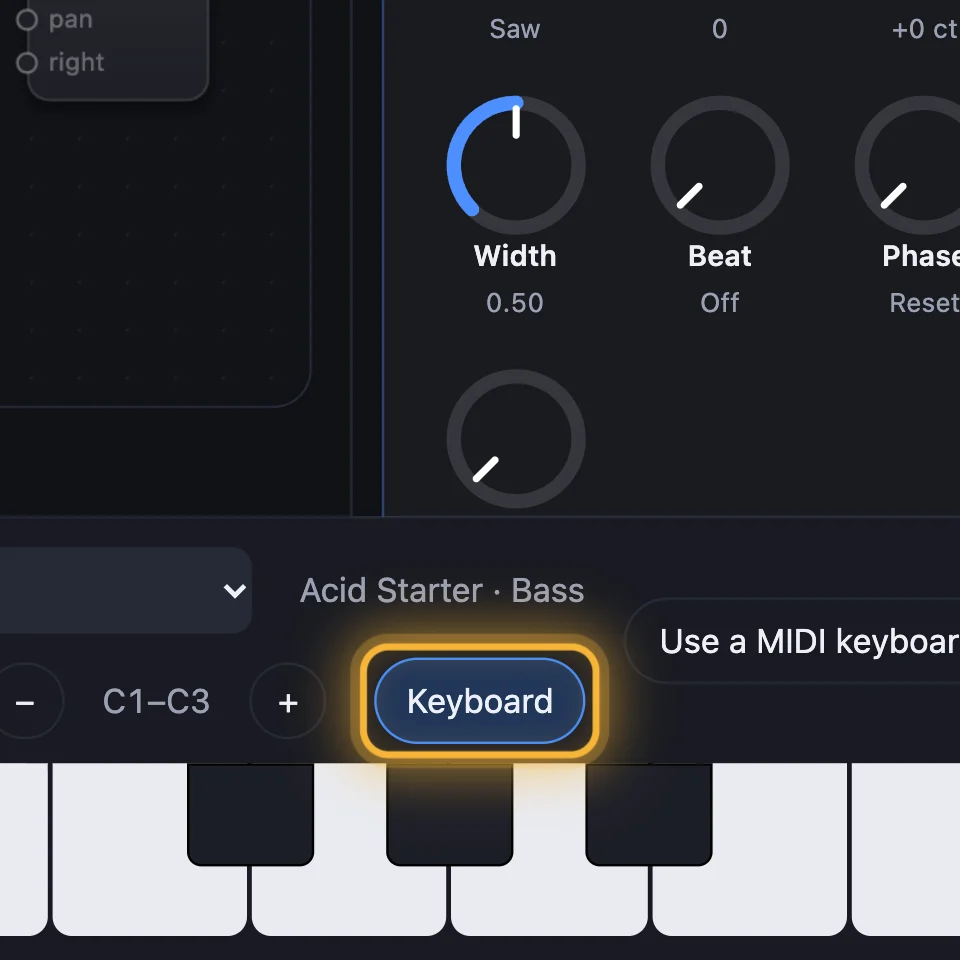
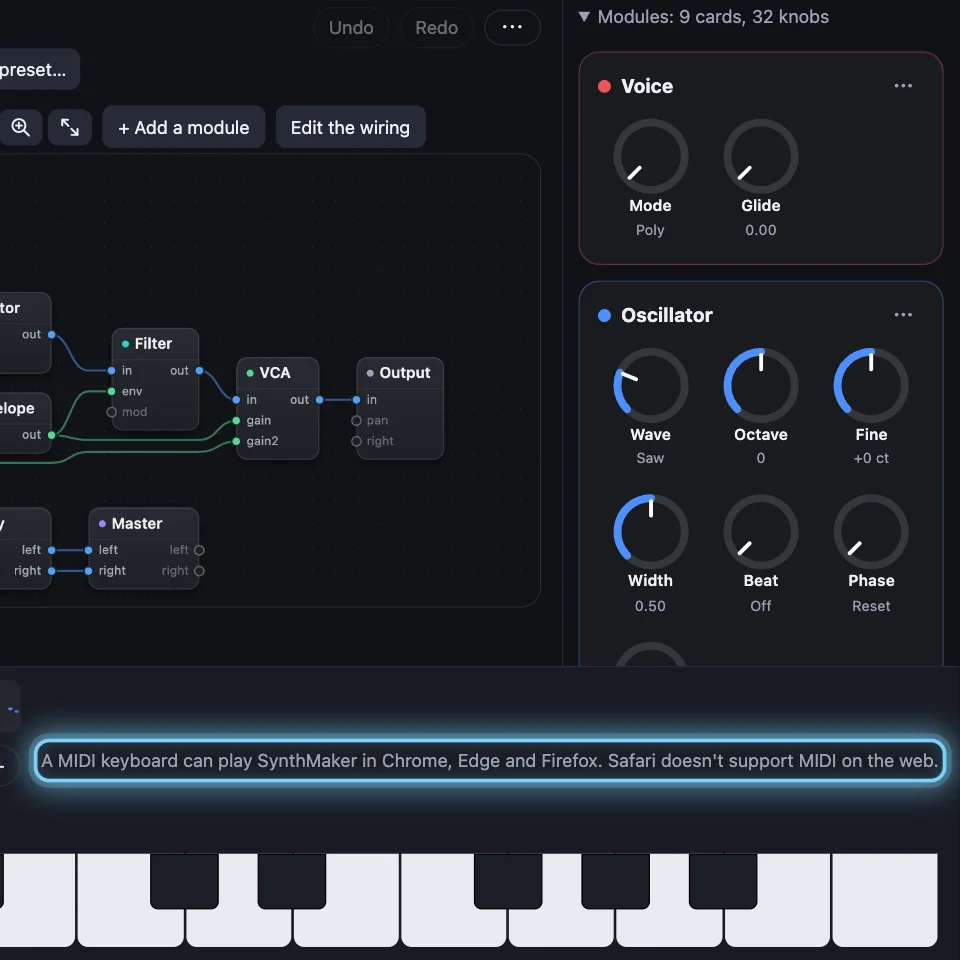
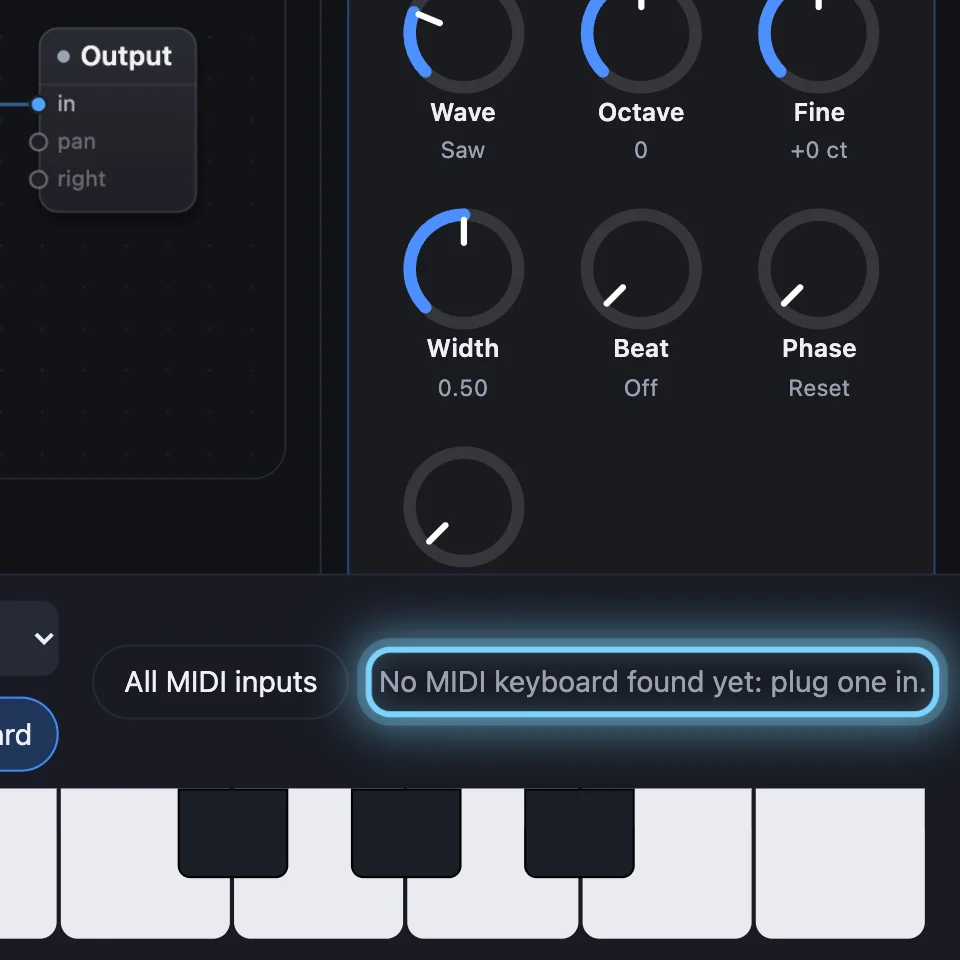
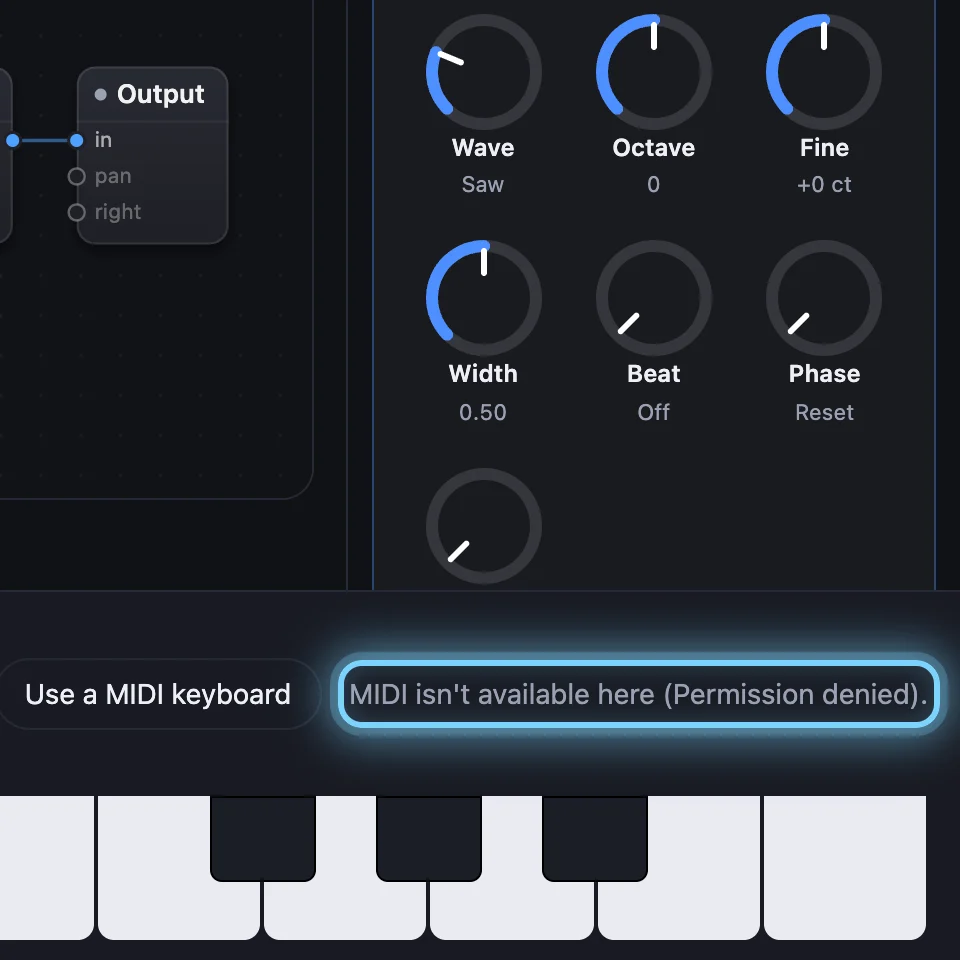
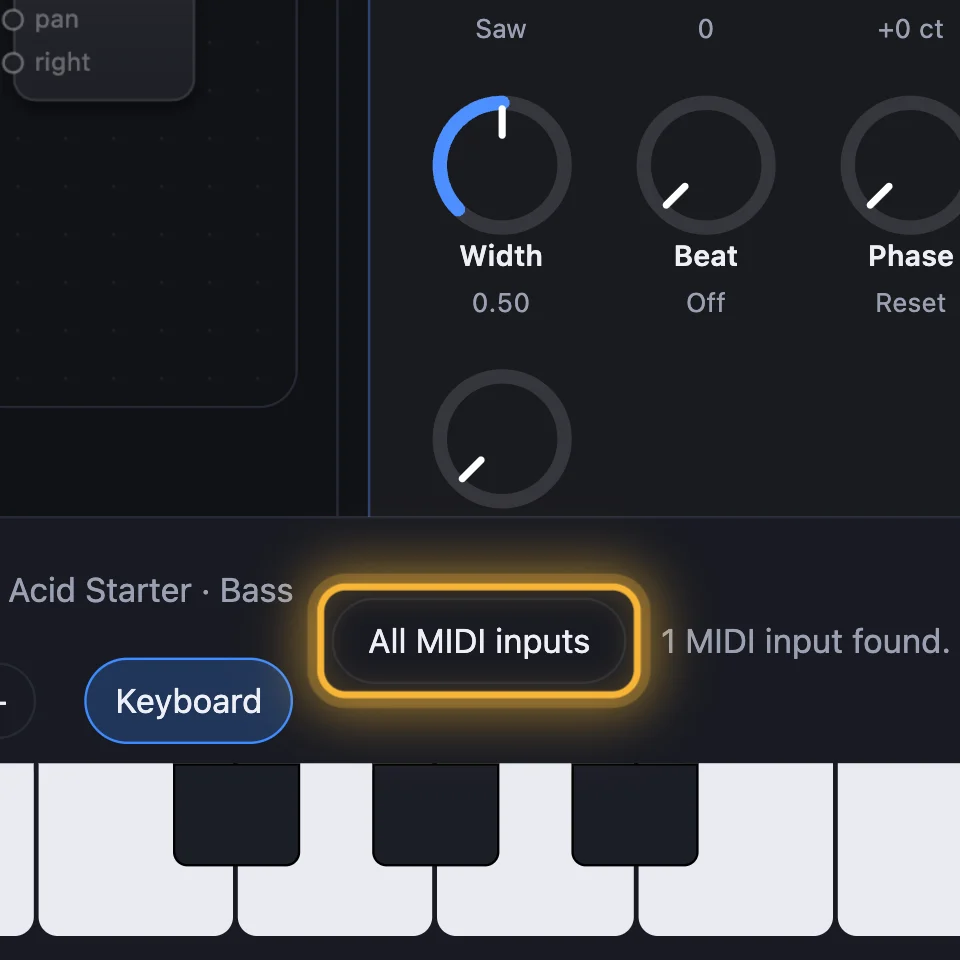
Use Chrome, Edge or Firefox: Safari doesn't support MIDI on the web. Click Use a MIDI keyboard, and allow it if your browser asks. Plug the keyboard in at any time: SynthMaker finds it. Several keyboards? Pick one, or All MIDI inputs.
5Clicks, gaps and dropouts
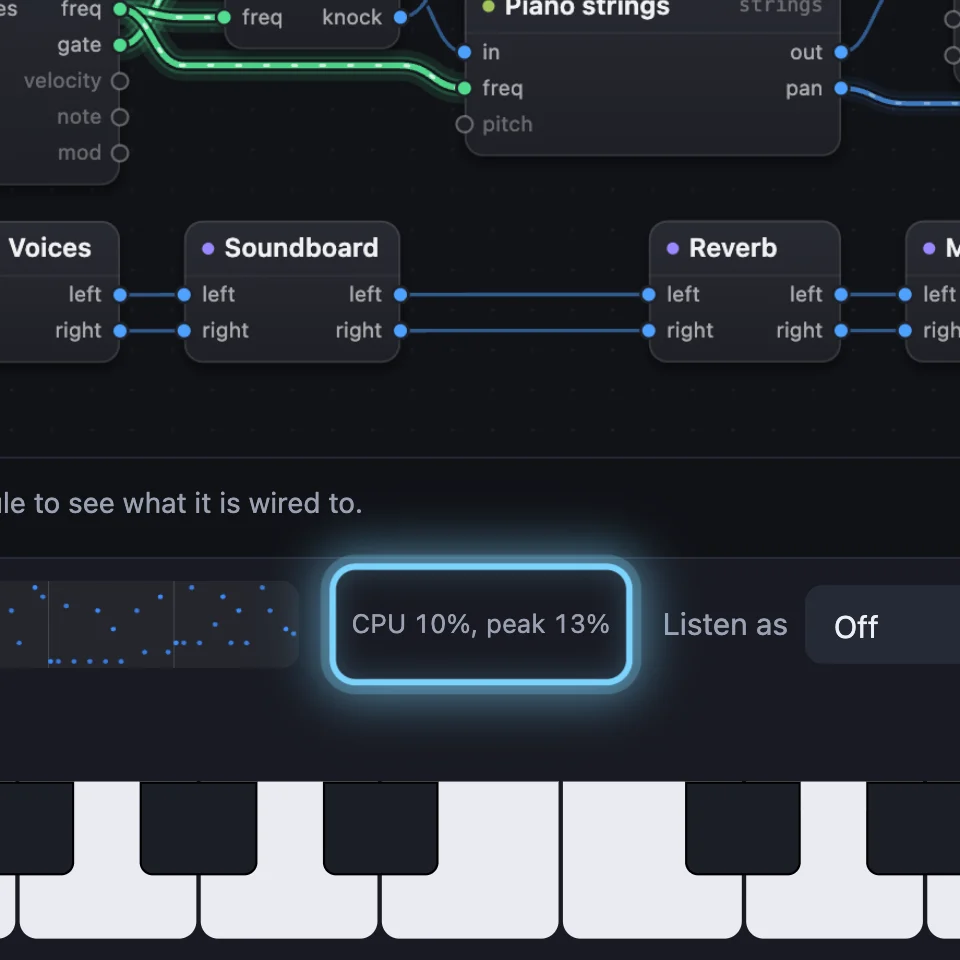
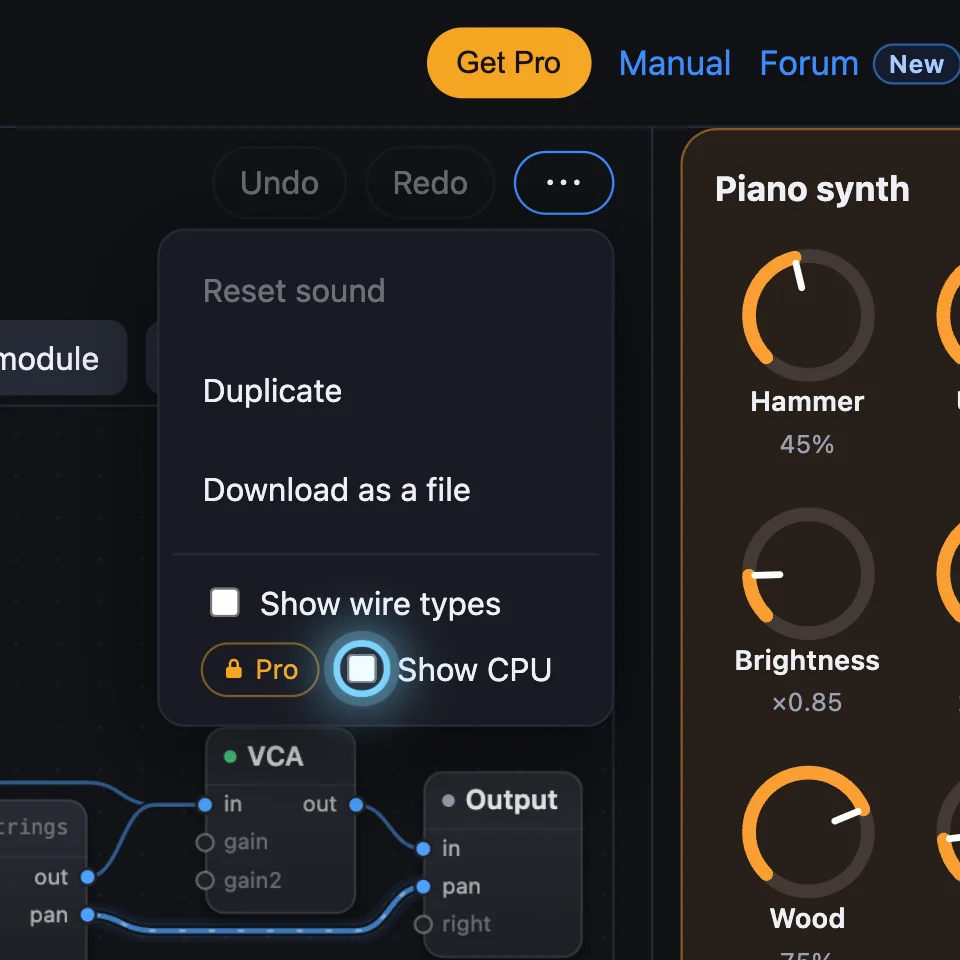
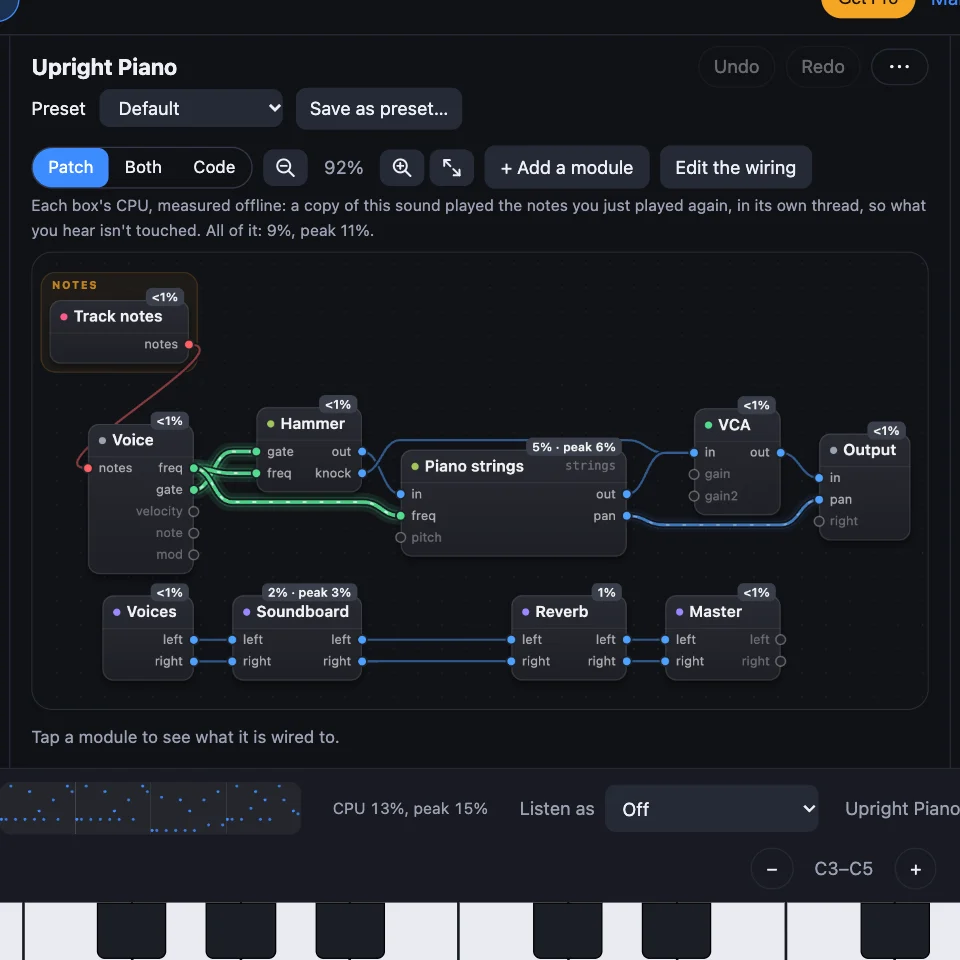
Gaps happen when a sound needs more of the computer's time than it has. The line by the transport says how much: CPU and its peak, and in Chrome and Edge, any dropouts. It turns bold orange when the peak is high or a dropout happens. Turn on Show CPU to see which module takes the most, then remove it or play fewer notes at once. Click the line to start its peak again.
6Still silent?
- A red line in the code, or in a parts list: the sound keeps its last good version, and a circuit with a mistake plays silence while the rest plays on. Fix the line, or Undo. See Your sound as code and Your first circuit.
- Audio In: every sound opens with it muted. Click Input, then Monitor. A laptop's microphone into its own speakers stays muted, because it would howl: use headphones. See Audio In and Audio Out.
- Another output device: Chrome and Edge let Audio Out choose one. Safari and Firefox play through the computer's sound output.
- Report it: open Timing details, click Copy details, and paste it into a post on the forum's Bugs board (Report a bug, at the foot of the app, opens it).
Try it
- Open SynthMaker, click a key, and open Timing details: Audio says Running.
- Set Listen as to Phone speaker and play, then back to Off: thin, then full.
- Turn on Show CPU and play a chord on Upright Piano: each box shows its share.
On the Mac, Listen As is in the View menu, a MIDI keyboard plays as soon as it's plugged in, and Help › Report a Bug opens the forum's Bugs board.
Remember
- Click a key first: your browser plays only after a click or a key press.
- Check Master, the VCA's Level, M and S, and Listen as.
- Gaps: watch the CPU line and use Show CPU to find the busy module.