 SynthMaker
Your plugins inside SynthMaker
On the Mac, the AUv3 instruments and effects you've installed can play inside a SynthMaker sound, as modules in its Patch.
New words
AUv3 is a kind of plugin, an instrument or an effect from another app on your Mac, that other music apps can open.
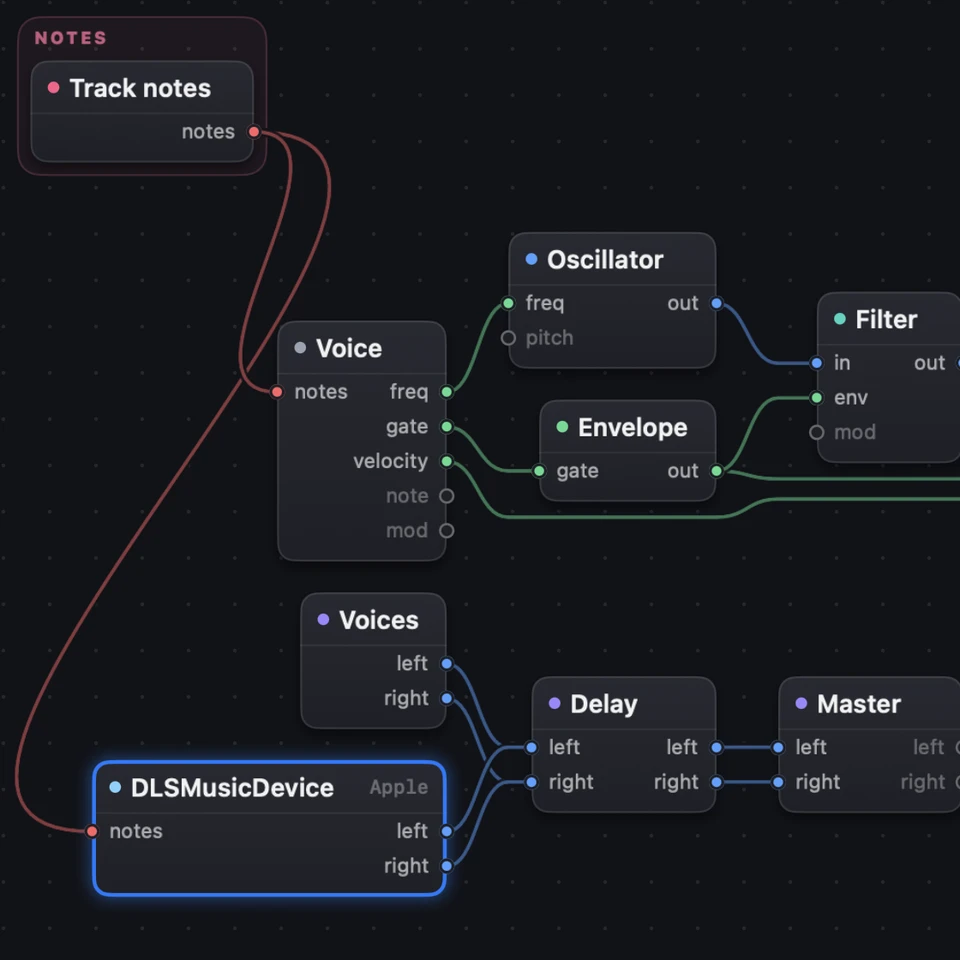
Plugin is the module that plays an AUv3 instrument with the track's notes.
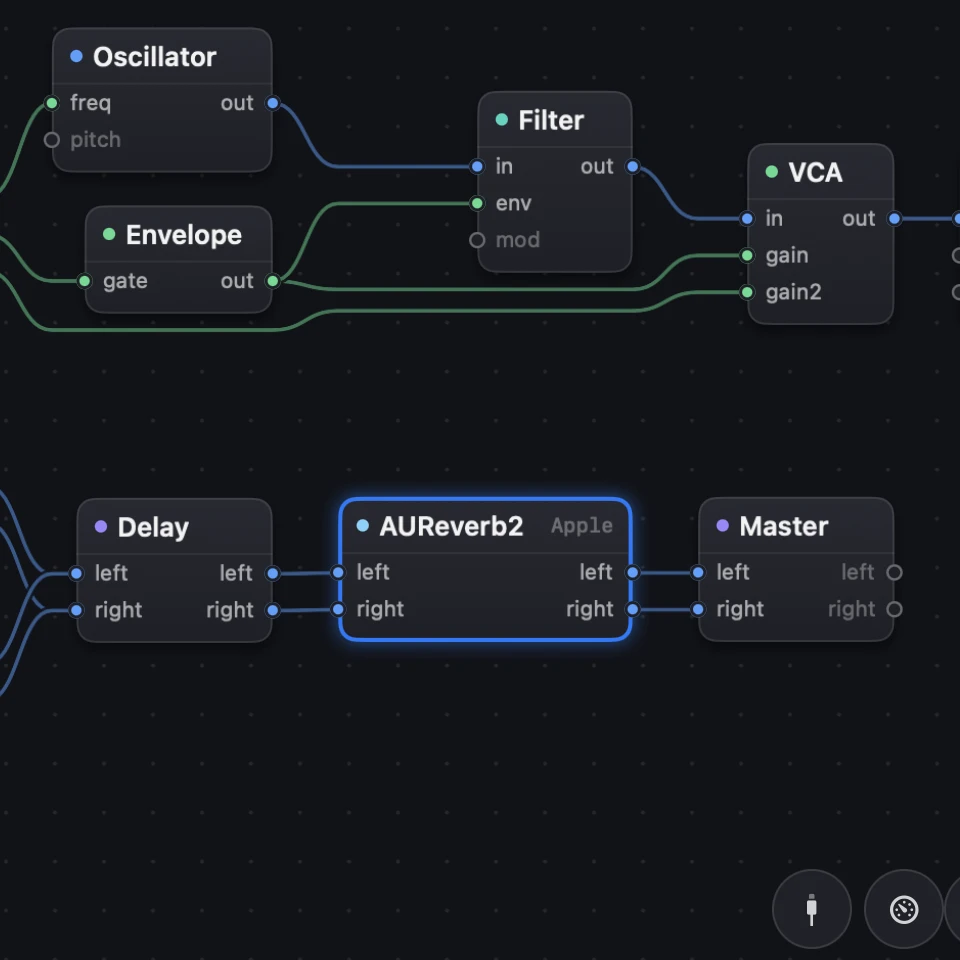
Effect plugin is the module that runs an AUv3 effect in the sound's effects.
1Add a Plugin
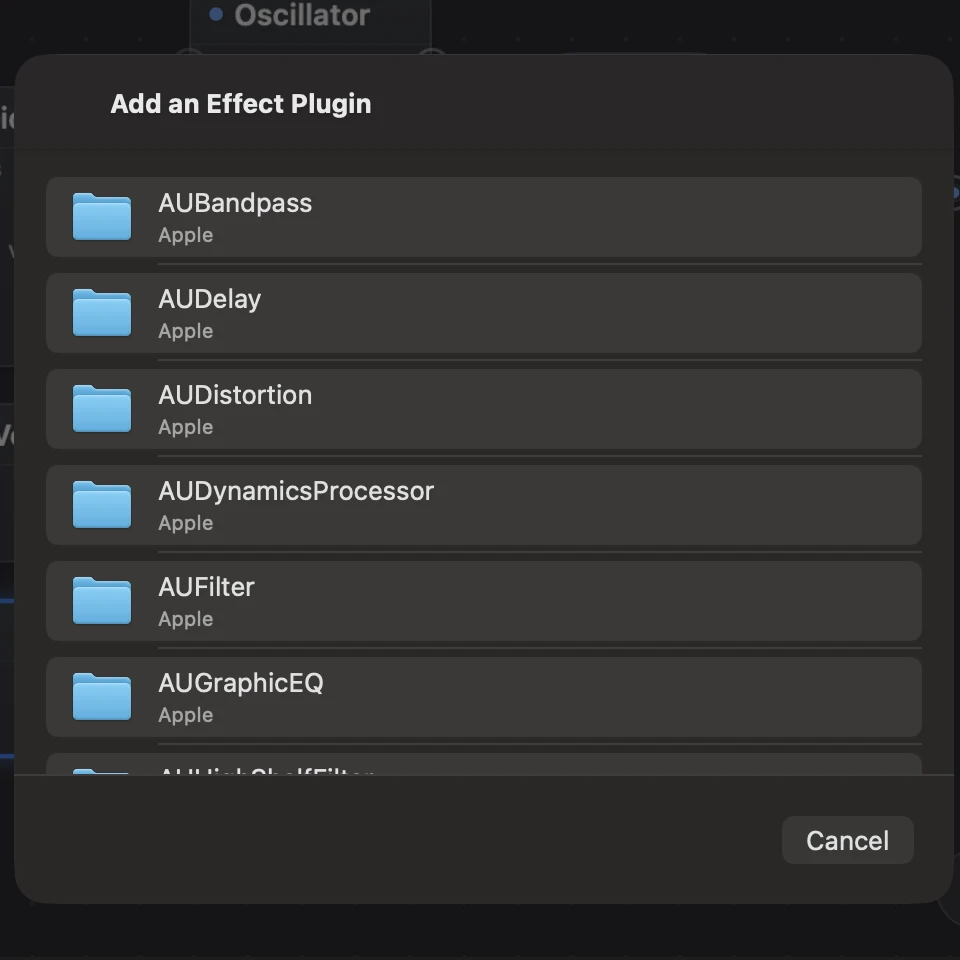
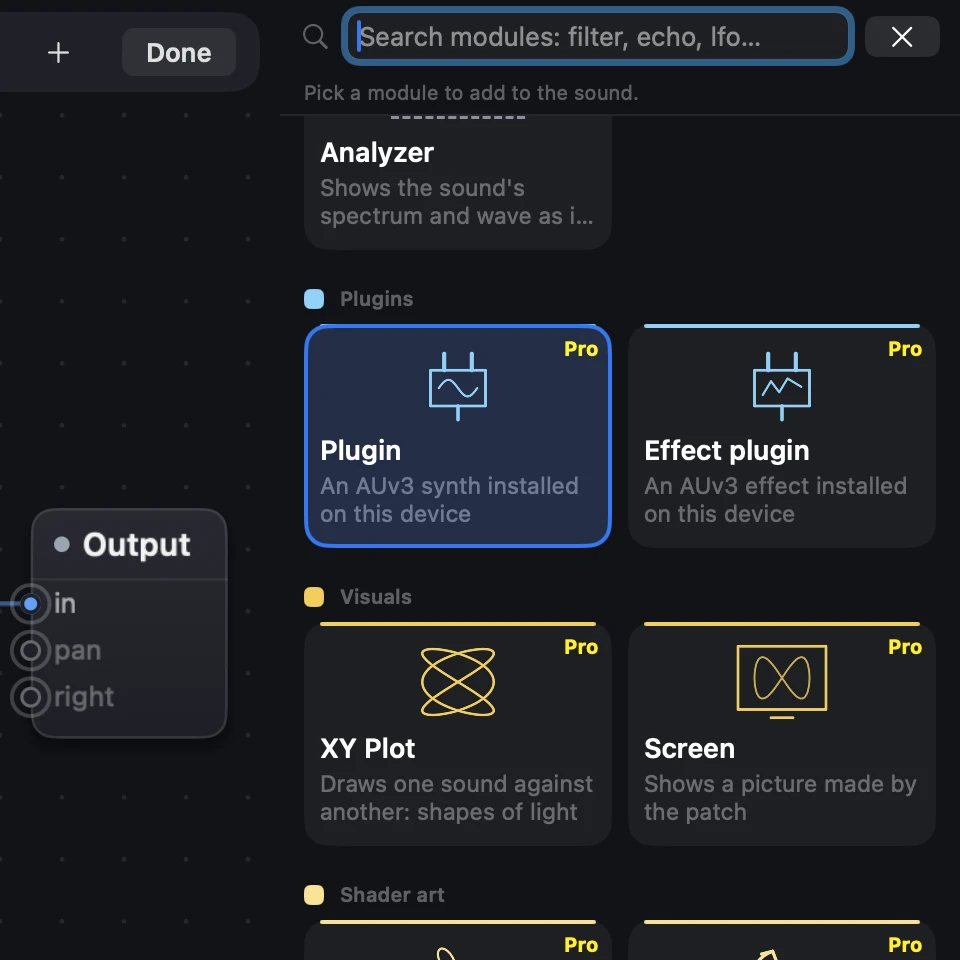
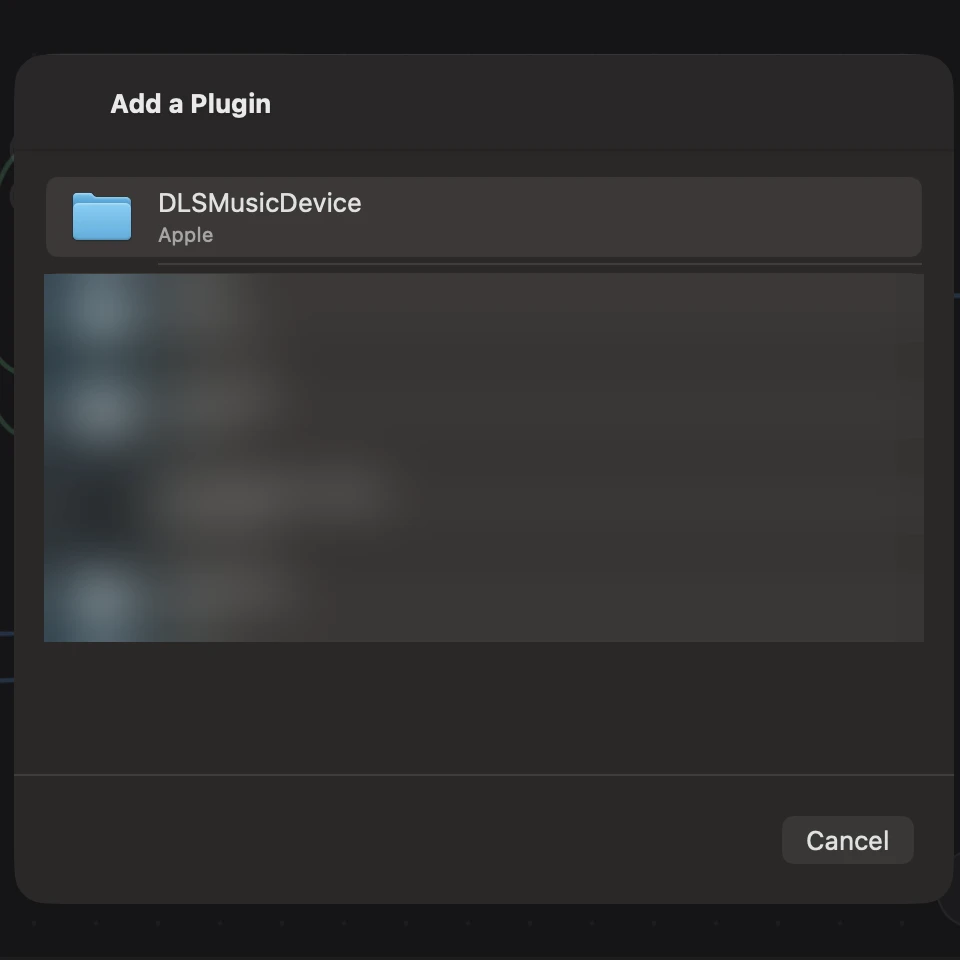
In the Patch, click the pencil (Edit the wiring), then + to add a module, and open the Plugins group. Choose Plugin for an instrument, or Effect plugin for an effect. A list of what's installed opens: pick one. Nothing listed? Install an app with an AUv3 instrument (a synth or a sampler), open it once, and it appears there.
2It plays at once
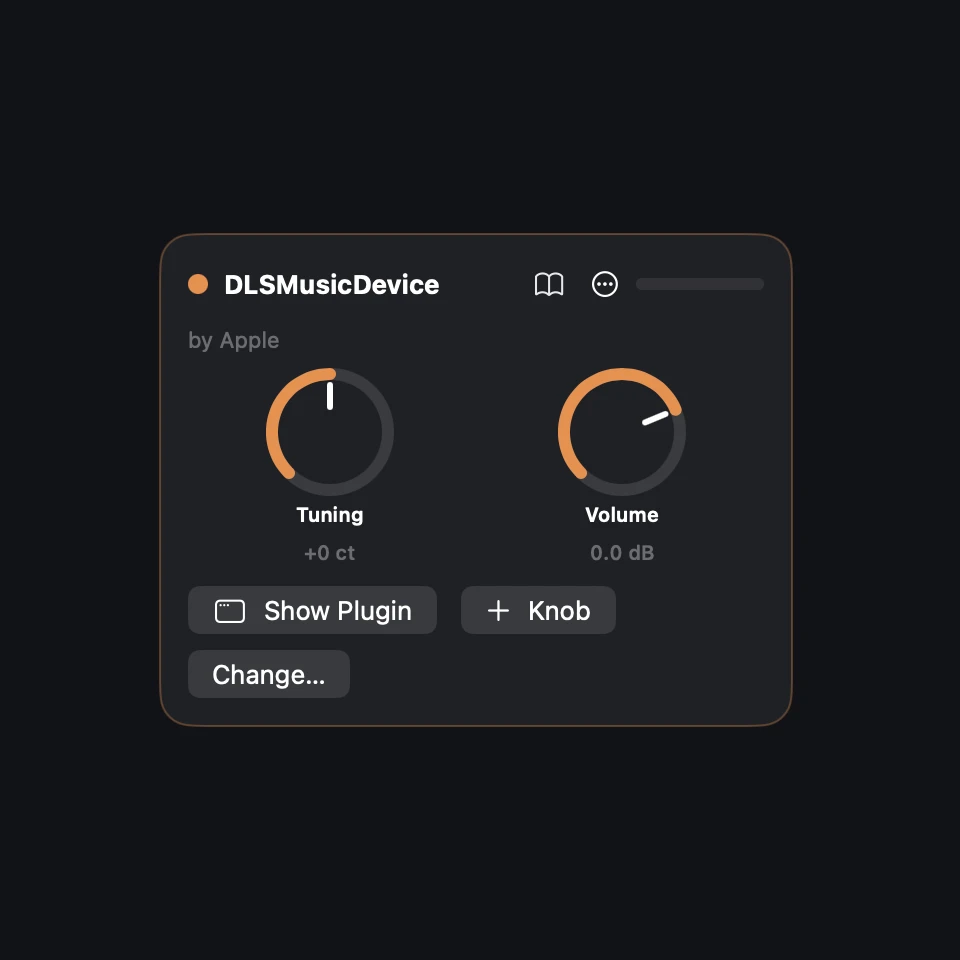
The track's notes go into the Plugin, and its sound joins the effects beside the patch's own sound. Play the keys, or a MIDI keyboard, and you hear it. Its card has the plugin's maker and three buttons: Change…, Show Plugin and + Knob.
3Its own window
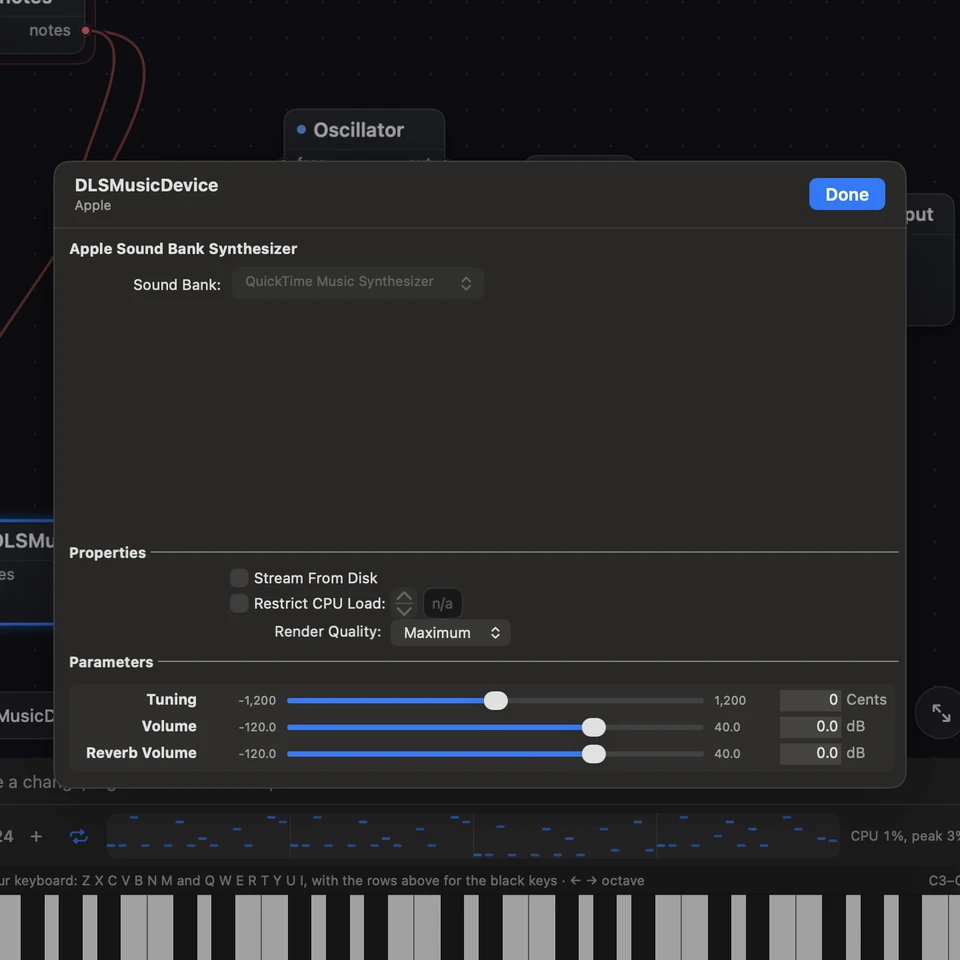
Click Show Plugin on its card. The plugin's own window opens inside SynthMaker. Change anything there, then click Done: its settings are kept in your sound.
4Its settings as knobs
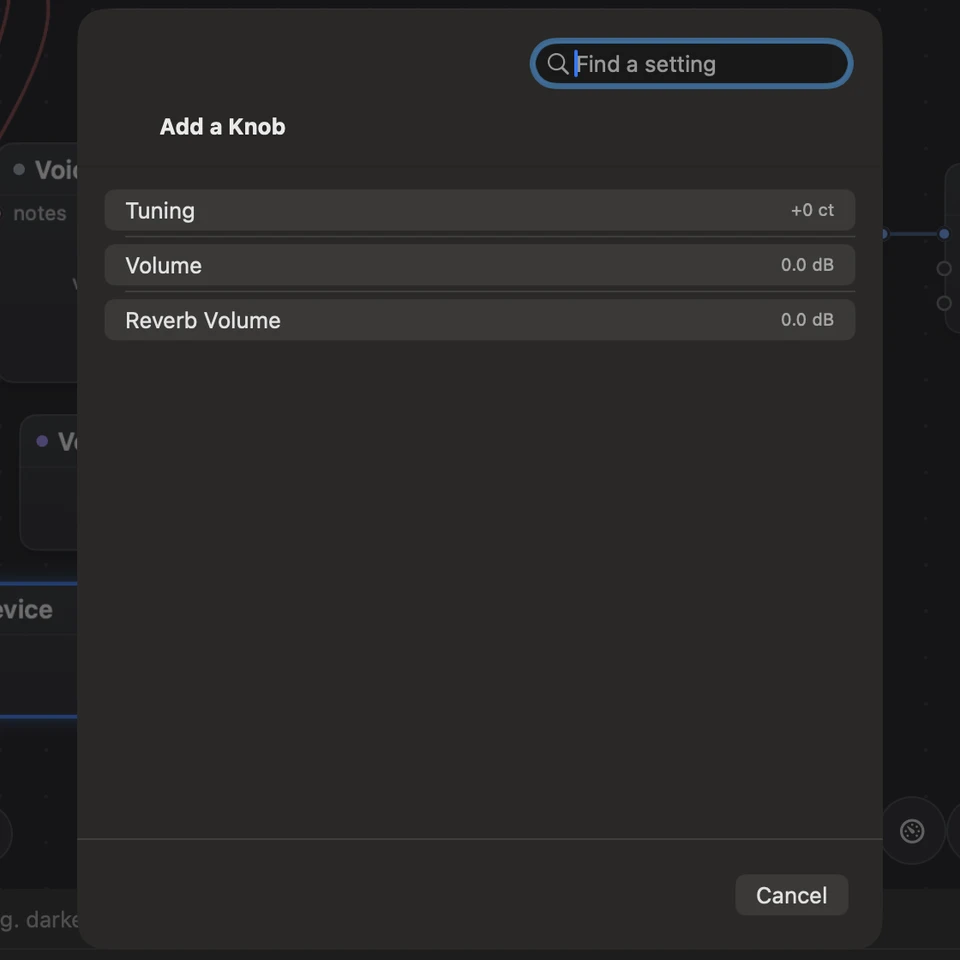
Click + Knob and pick any of the plugin's settings: it becomes a knob on the card, up to 16. These knobs save with the sound, and wires can turn them, like any other module's.
5Effects, and when a plugin is missing
An Effect plugin goes into the effects just before the Master, so you hear it at once. If a plugin delays the sound, its card says so, and the rest of the song waits for it. A sound whose plugin isn't installed still opens: the card says Not installed, and the rest of the sound plays.
Pro: anyone can open any module and read its code, parts list or patch. Writing your own, or changing one, needs SynthMaker Pro. Turning its knobs is free.
Adding a Plugin or an Effect plugin, or changing which plugin one plays, is part of SynthMaker Pro, on the Mac. A sound that already has one opens for everyone. Showing its window, putting its settings on the card and turning them are free.
Try it
- In SynthMaker for Mac, click the pencil, then +, open Plugins and choose Effect plugin.
- Pick an installed effect: play the keys and hear it on the sound.
- Click Show Plugin, change a setting in its window, then Done, and Undo: the change comes and goes.
Remember
- Plugins, in the Mac's module browser: Plugin for an instrument, Effect plugin for an effect.
- Show Plugin opens its own window; Done keeps its settings in your sound.
- + Knob puts a plugin's setting on its card, where wires can turn it.