 SynthMaker
The SynthMaker Manual
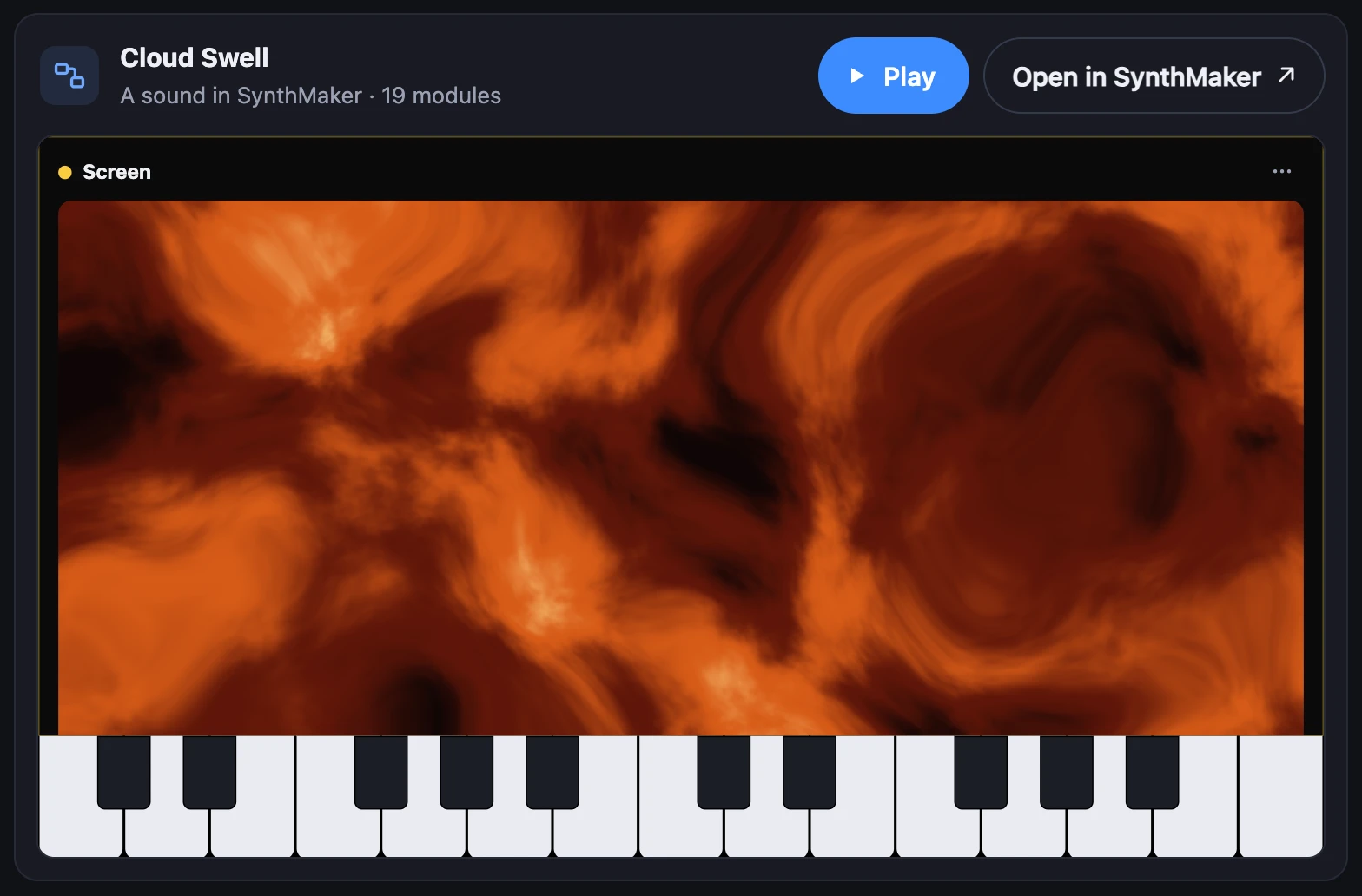
SynthMaker in plain words and real pictures. Press ▶ Play it here under a picture and it plays: the real patch, running, right on the page.
Your first minutes: play a sound, what a sound and a song are, and your first patch.
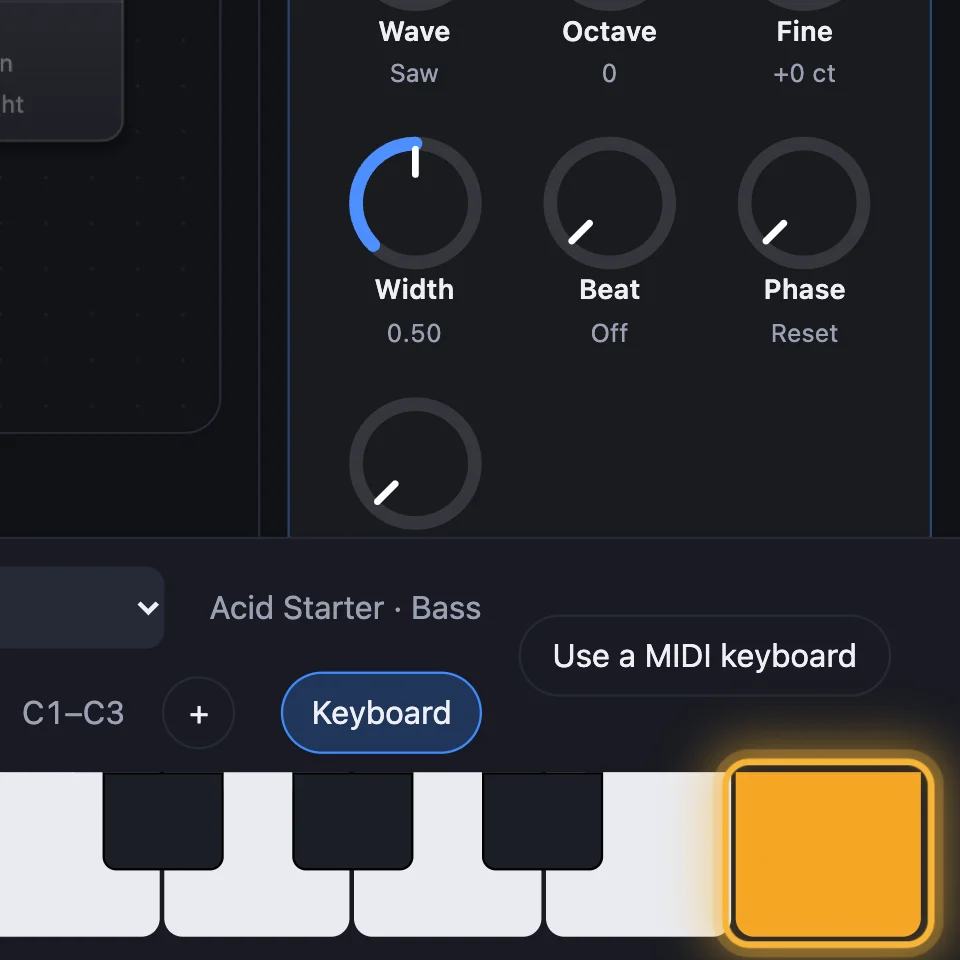
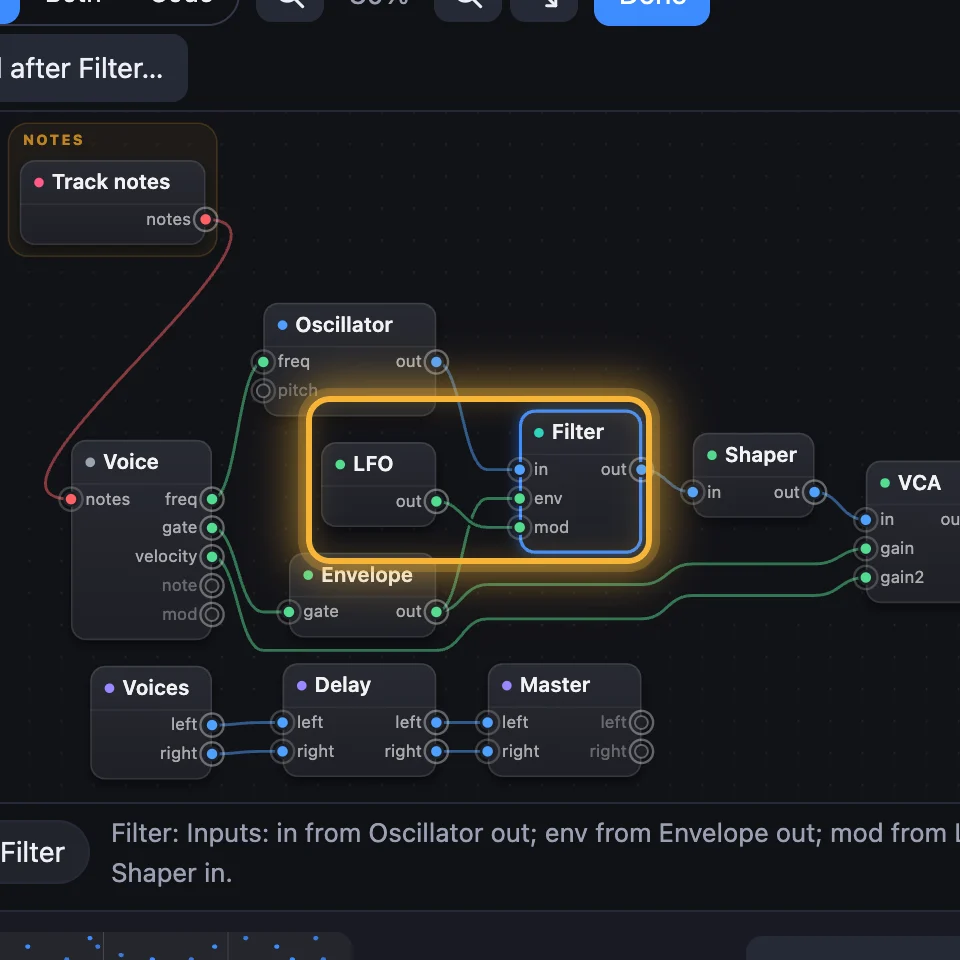
Your own beats and melodies: the step grid and the piano roll; a rhythm on any setting, and notes that glide.
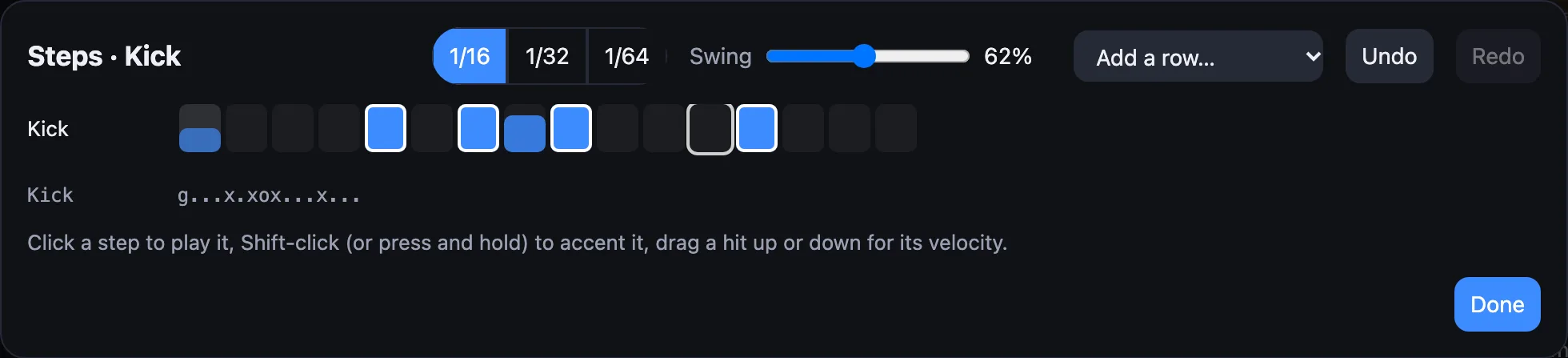
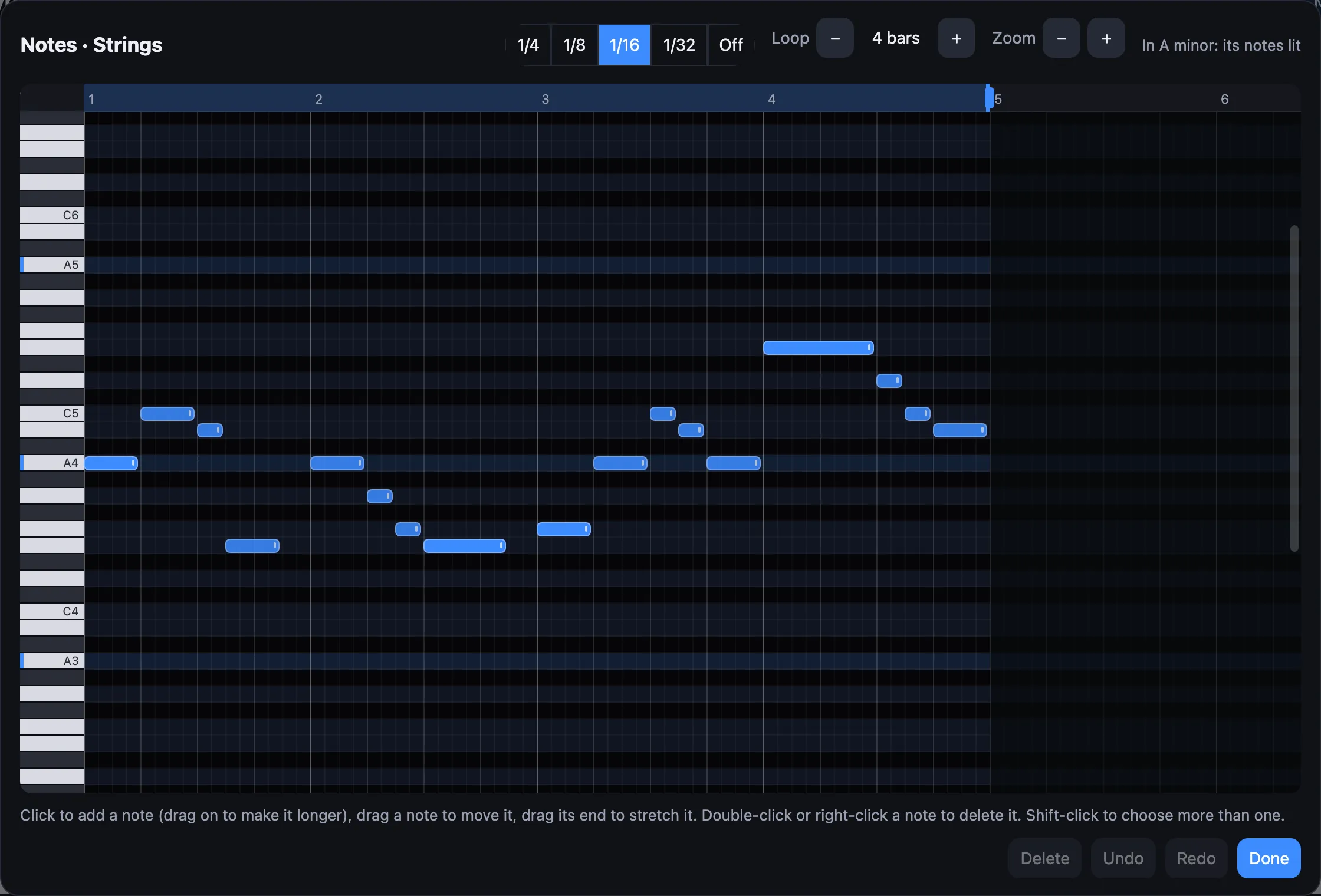
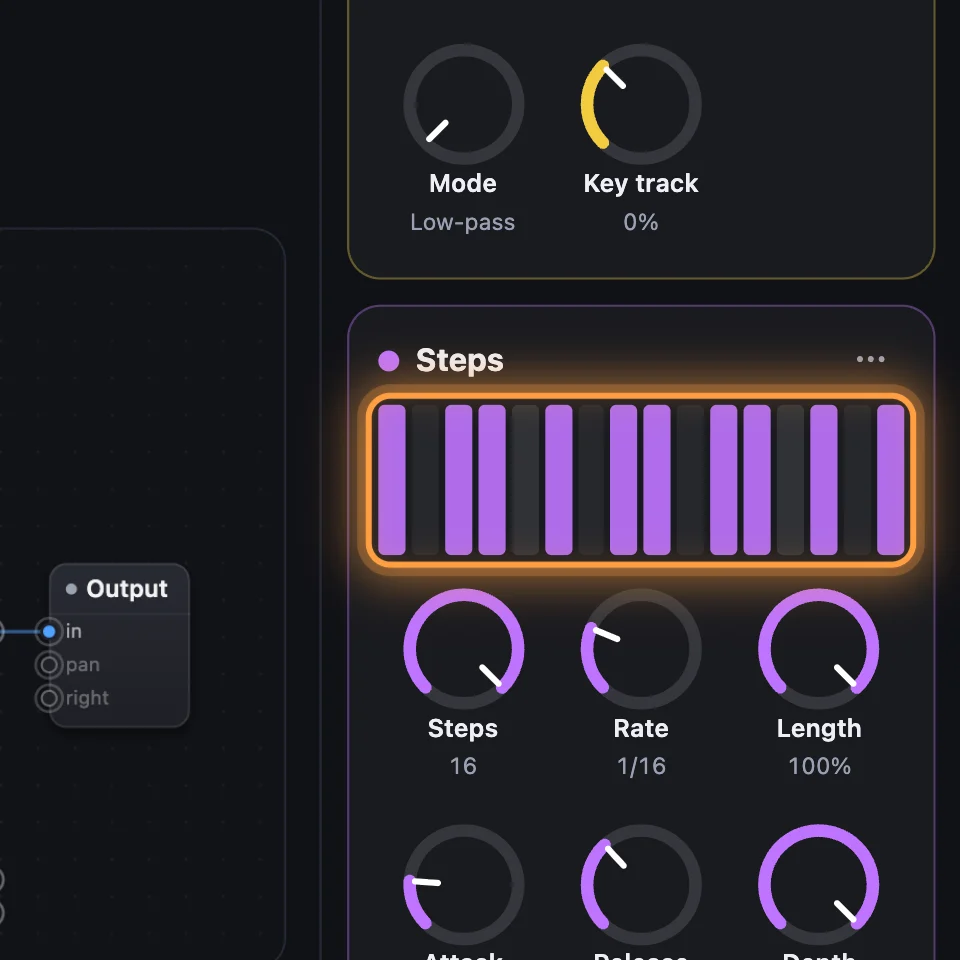
Music that writes itself: a random phrase that slowly changes, the notes of a scale, a progression of chords, a slow build, and parts that come and go.
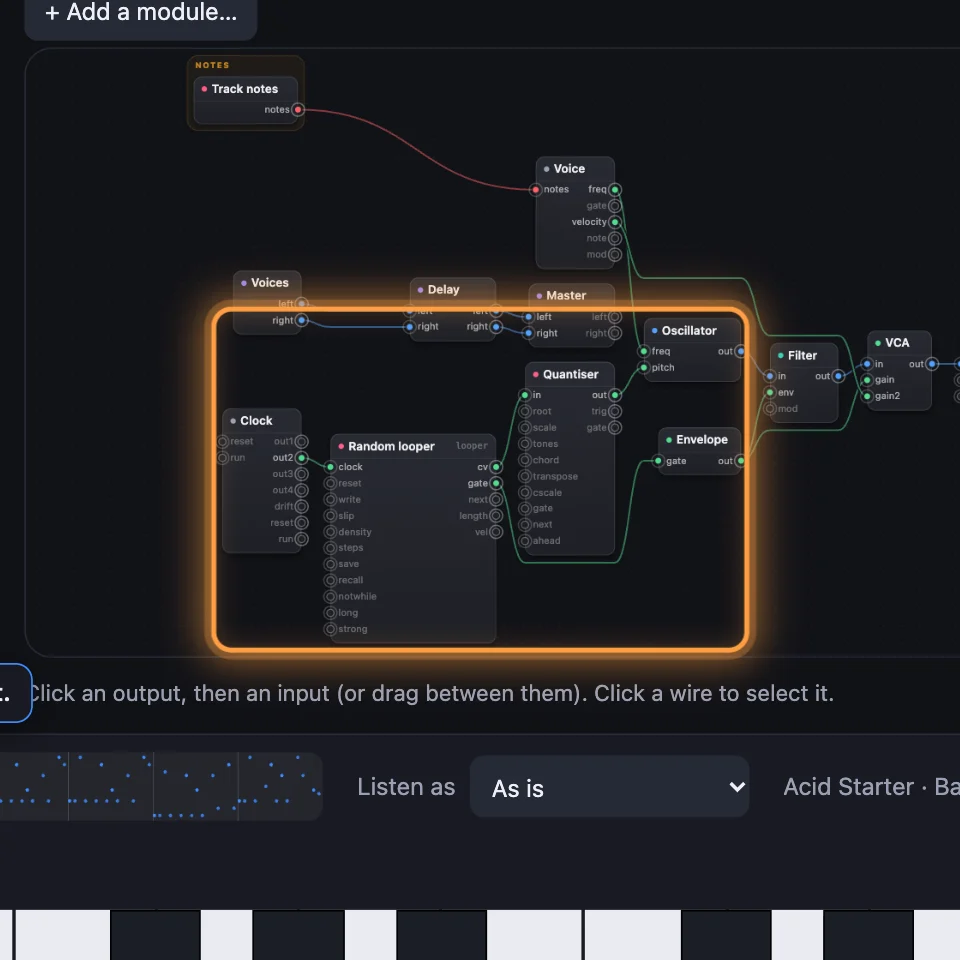
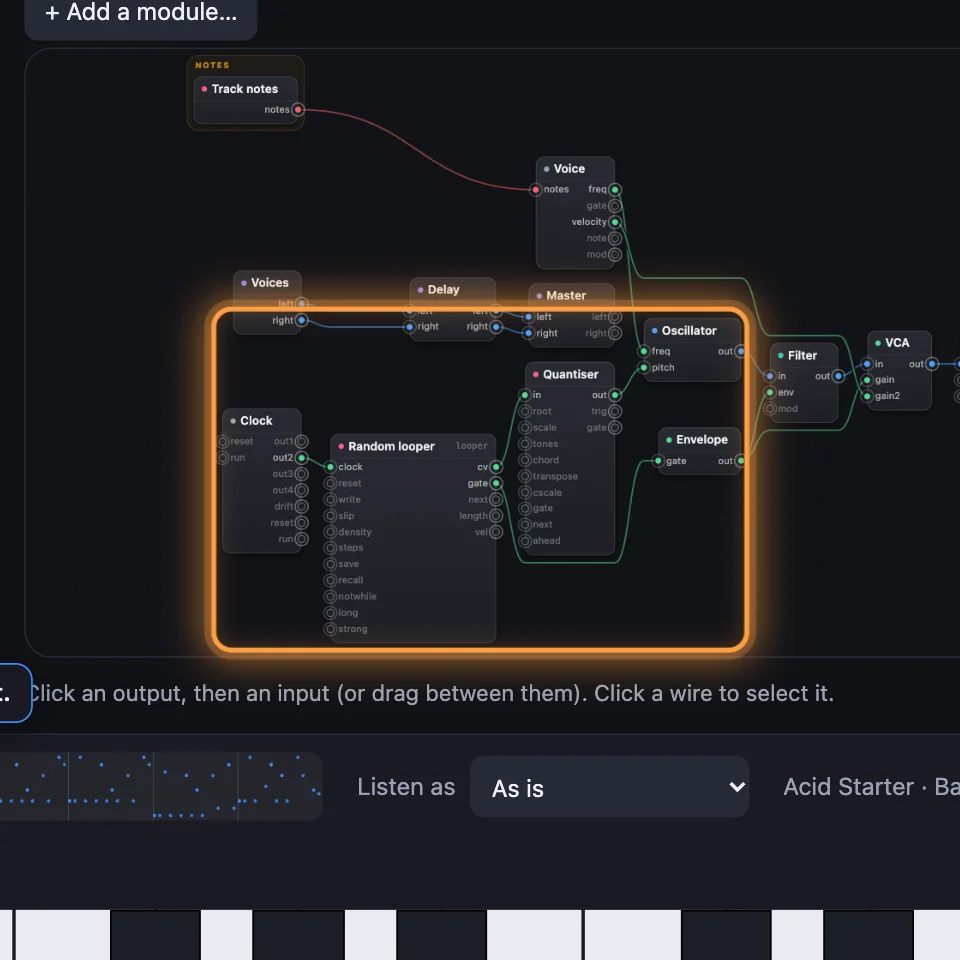
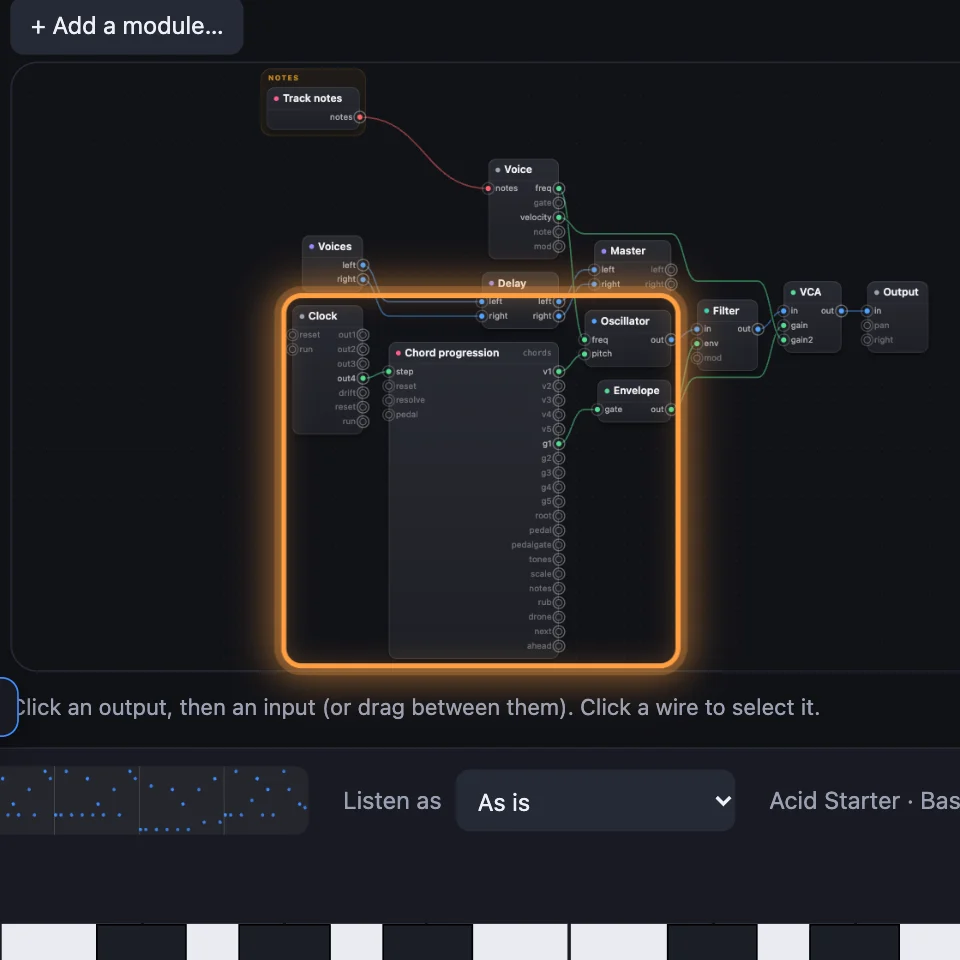
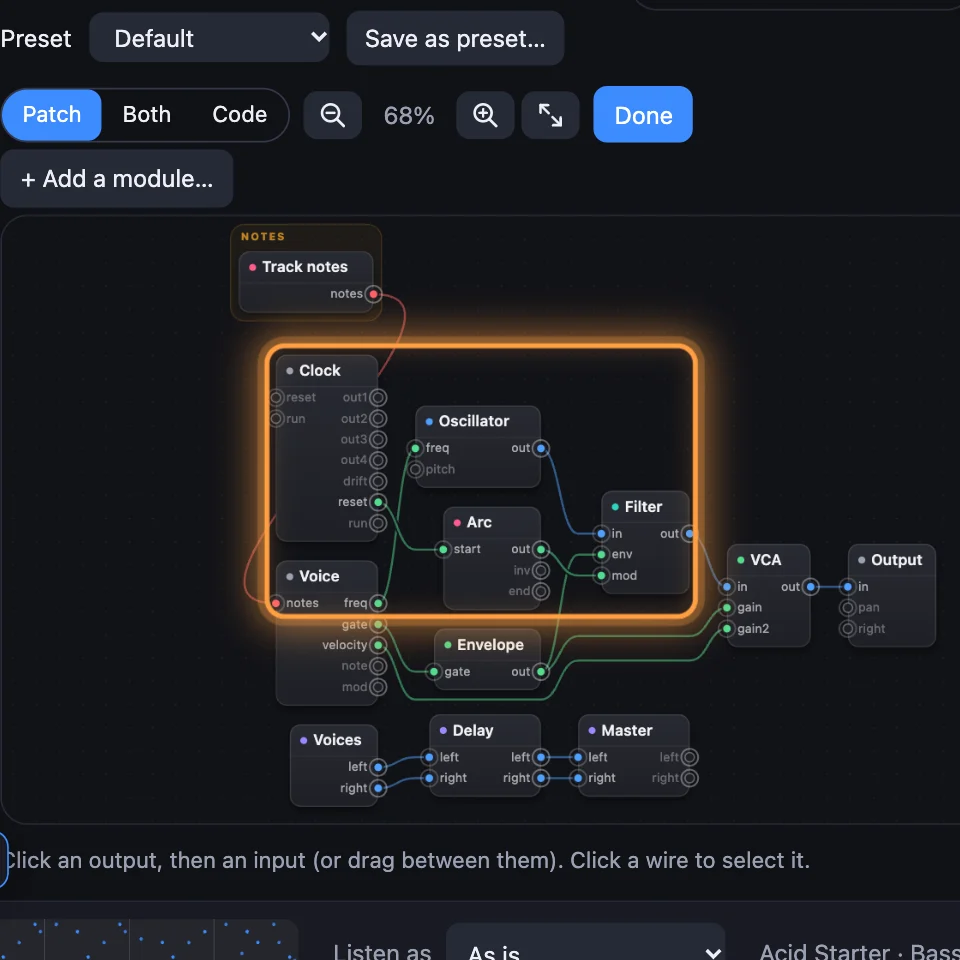
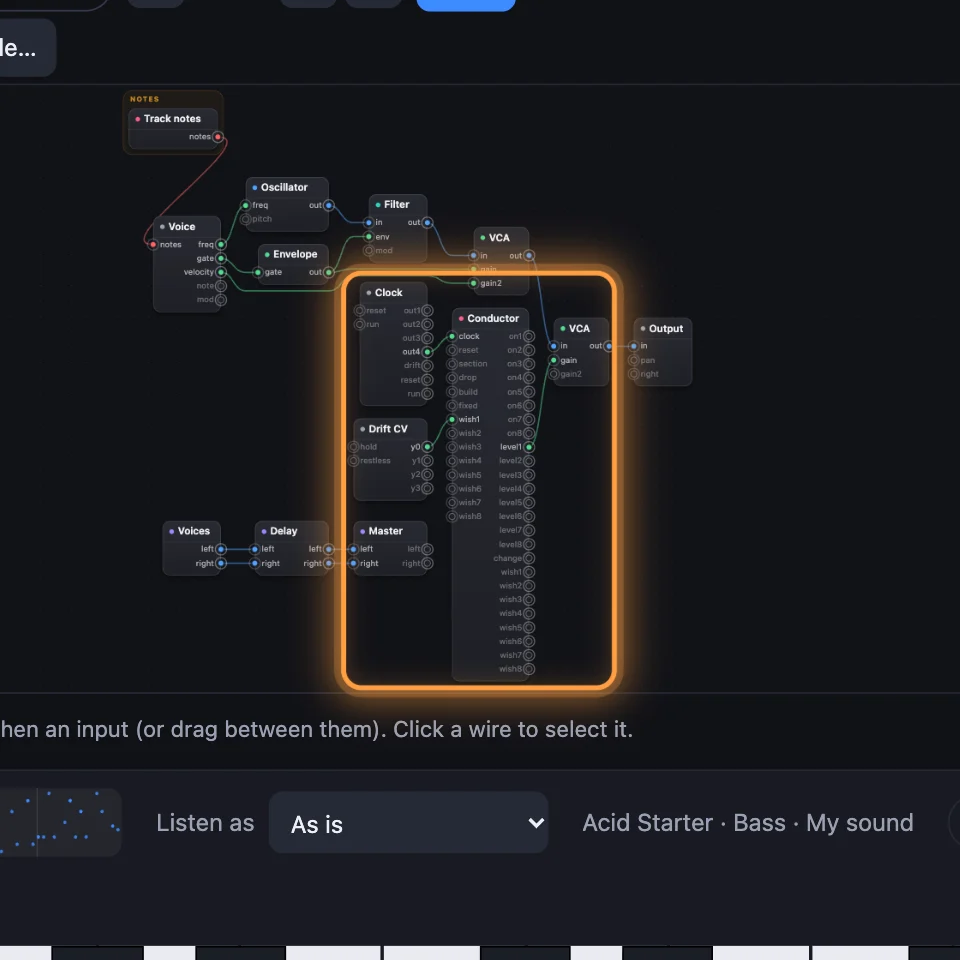
Build a song from tracks, then finish it: export it as audio, and share a link that plays it.
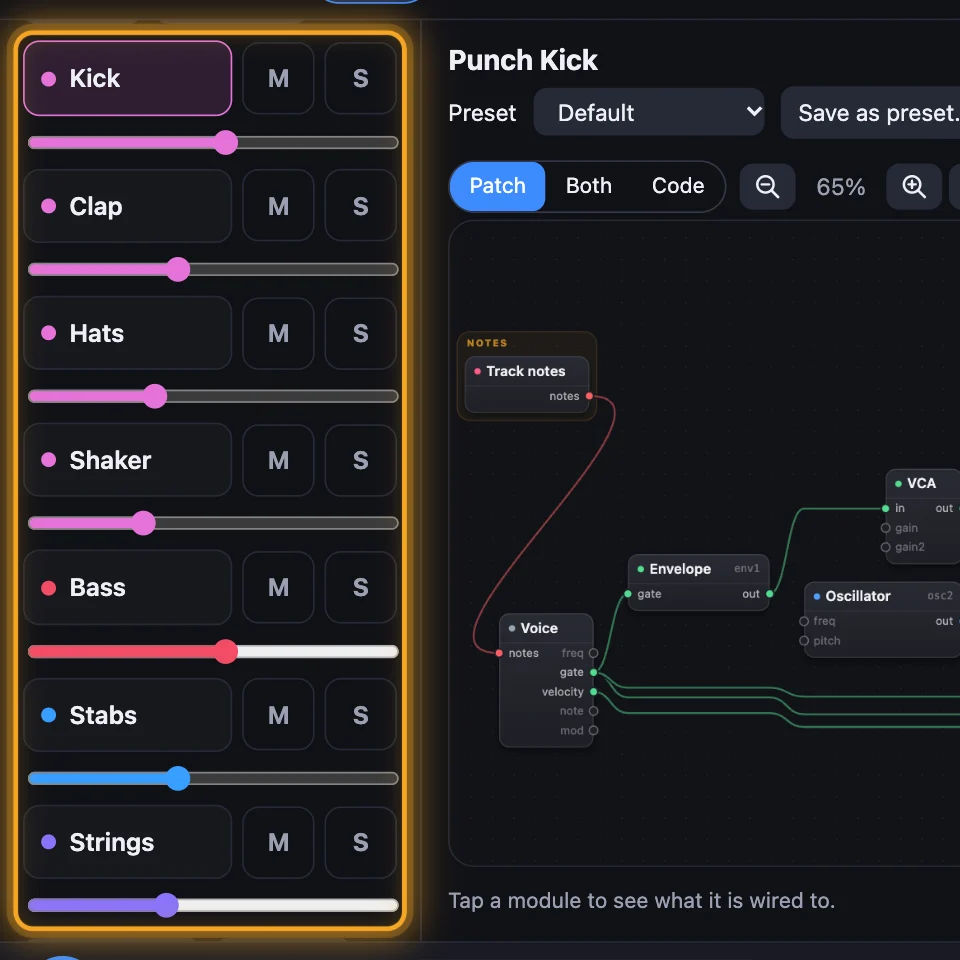
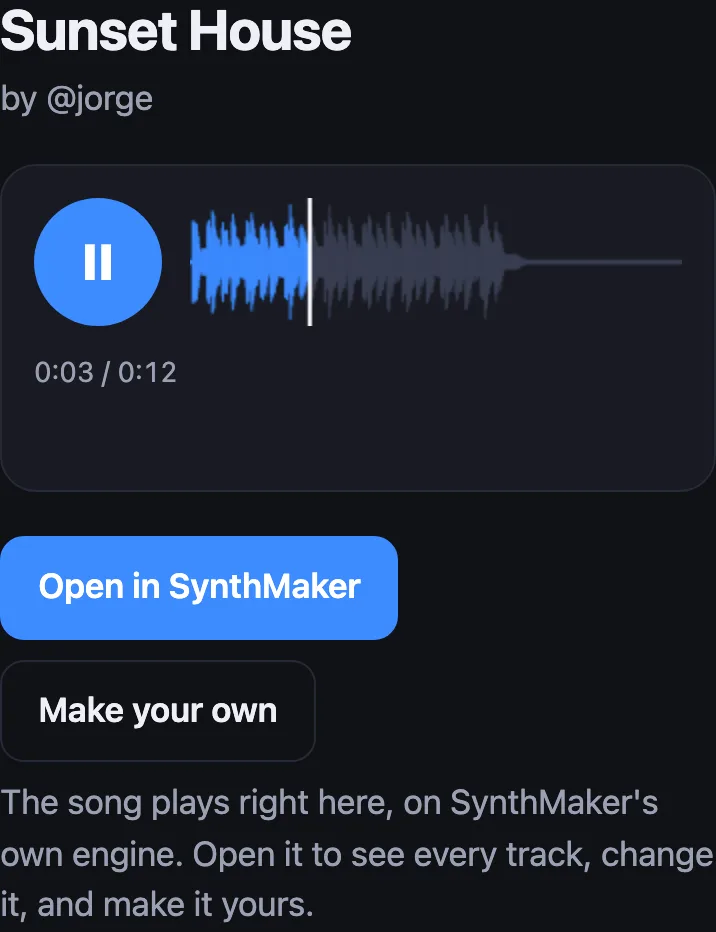
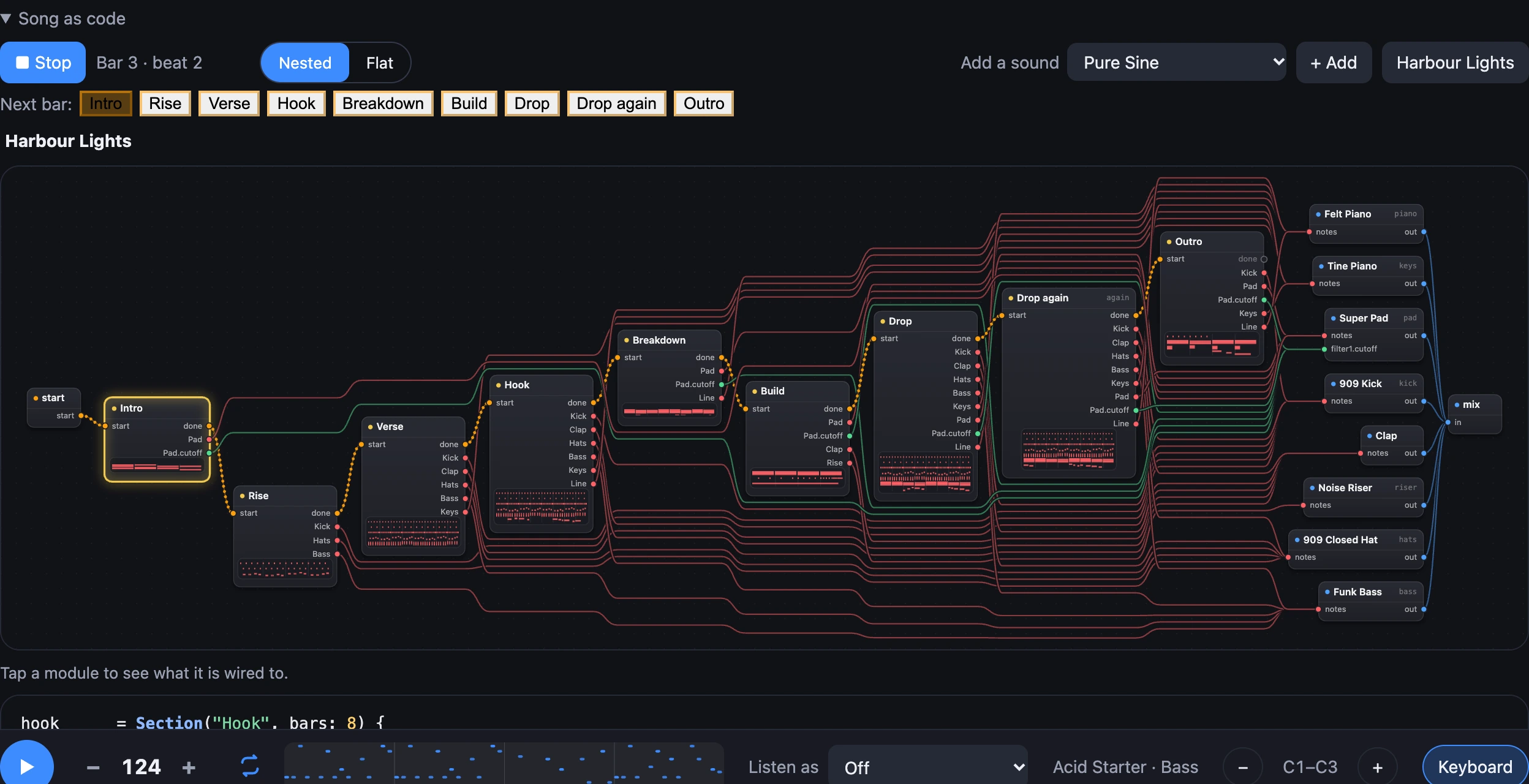
The five core modules, how much of the computer's time a sound takes, playing your guitar or microphone through a sound, and a sound's presets and macros.
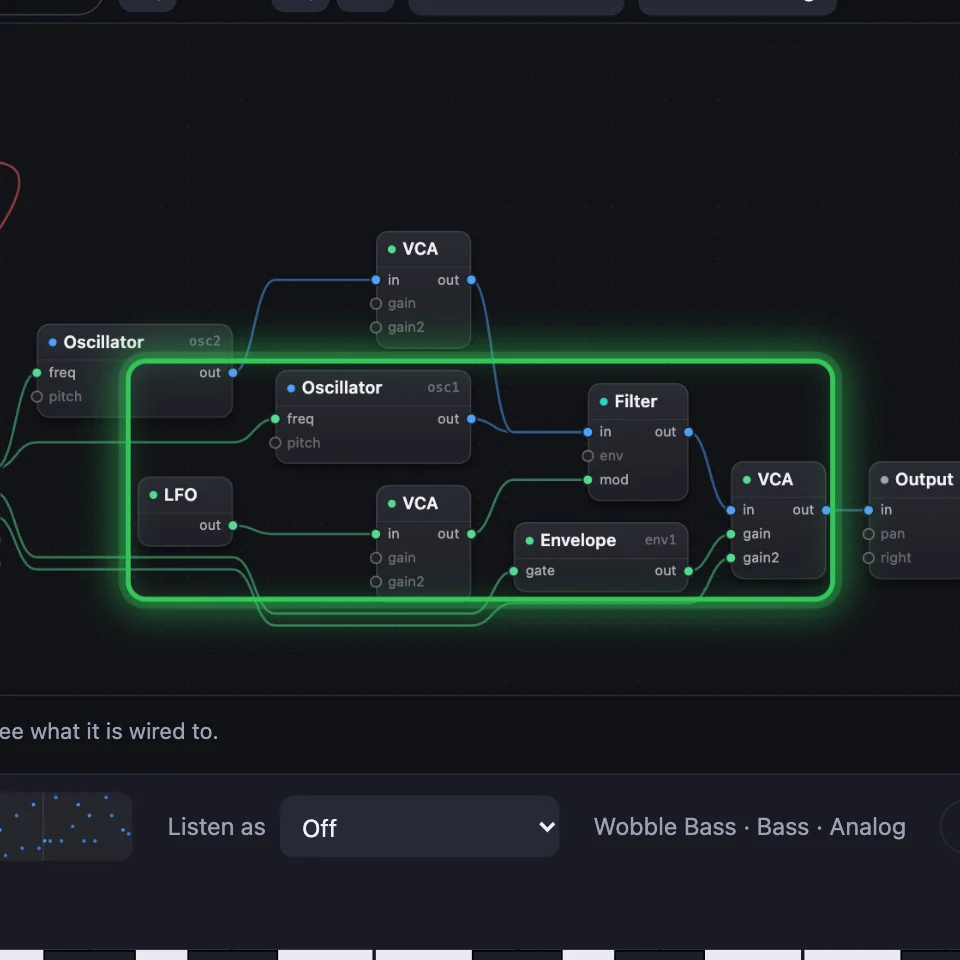
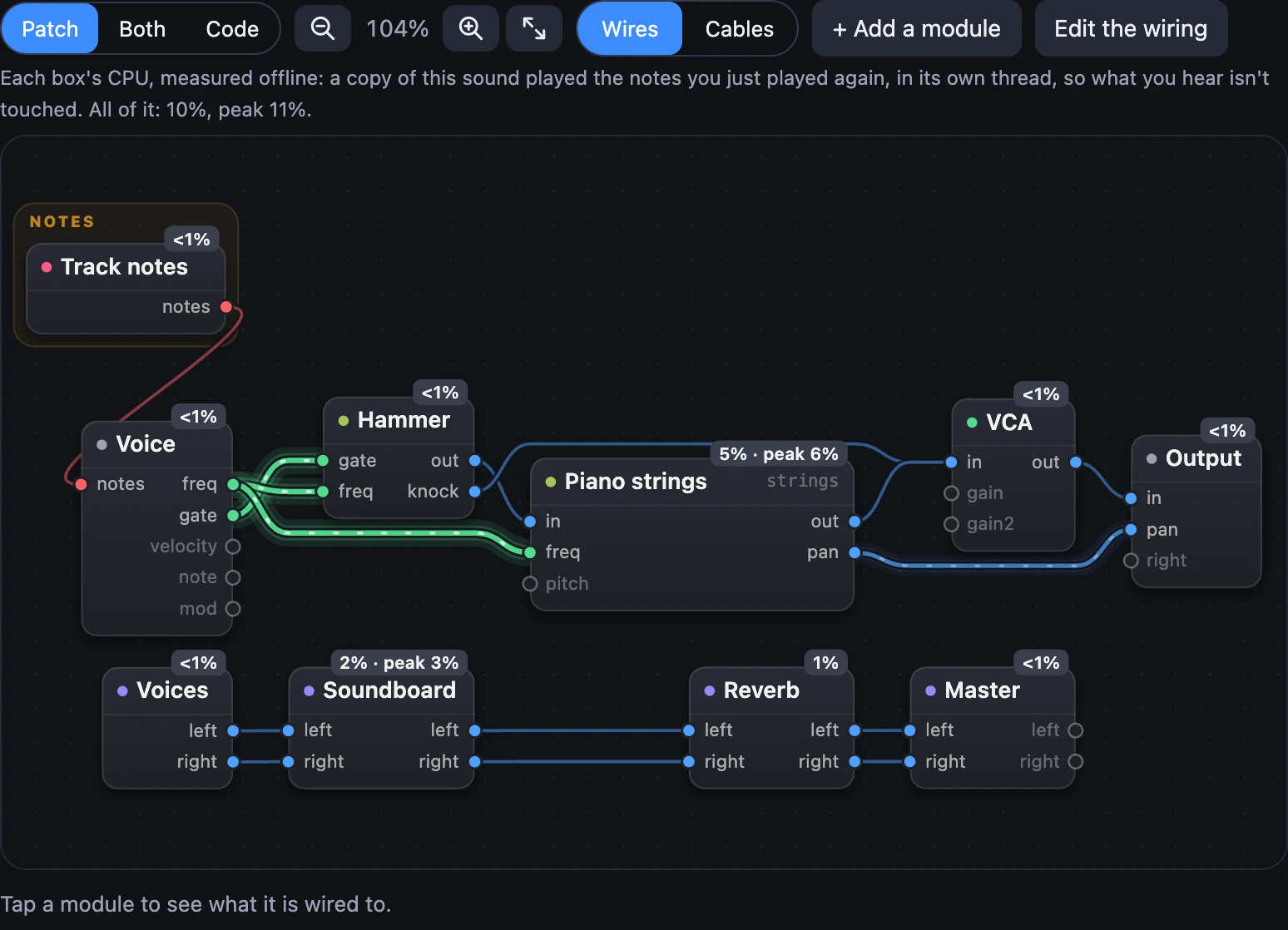
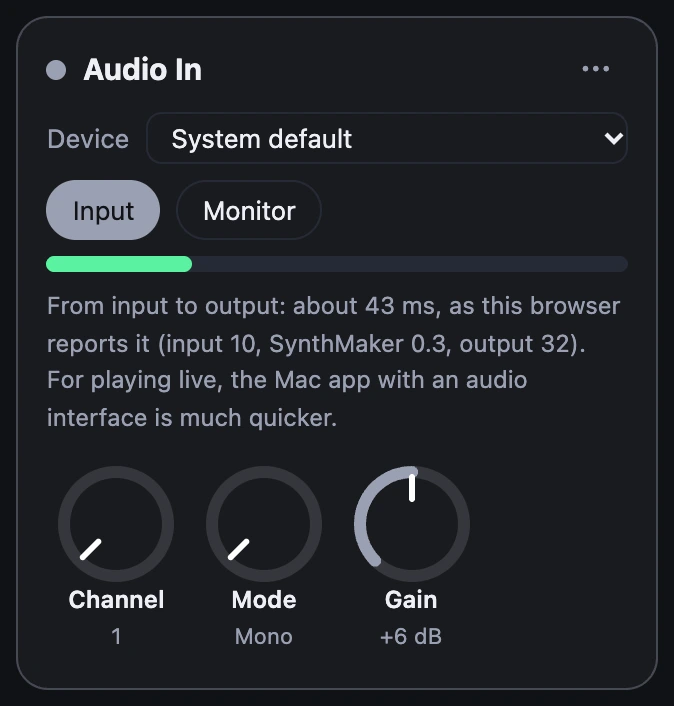

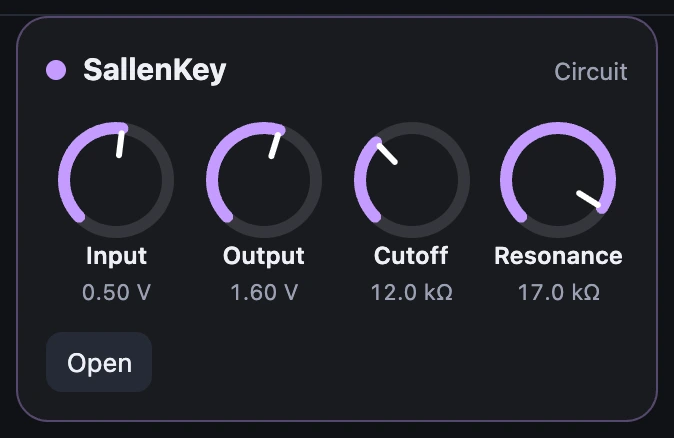
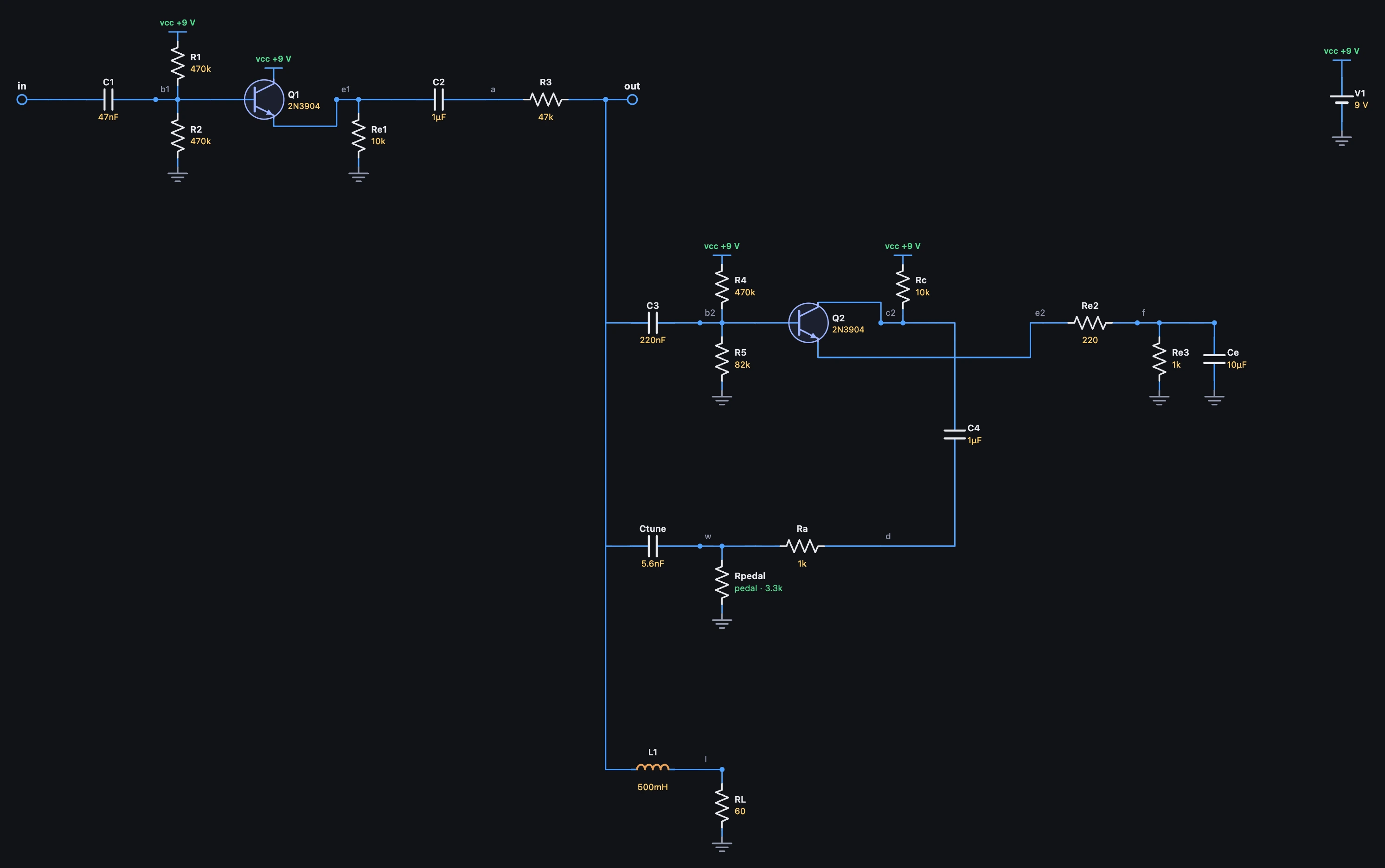
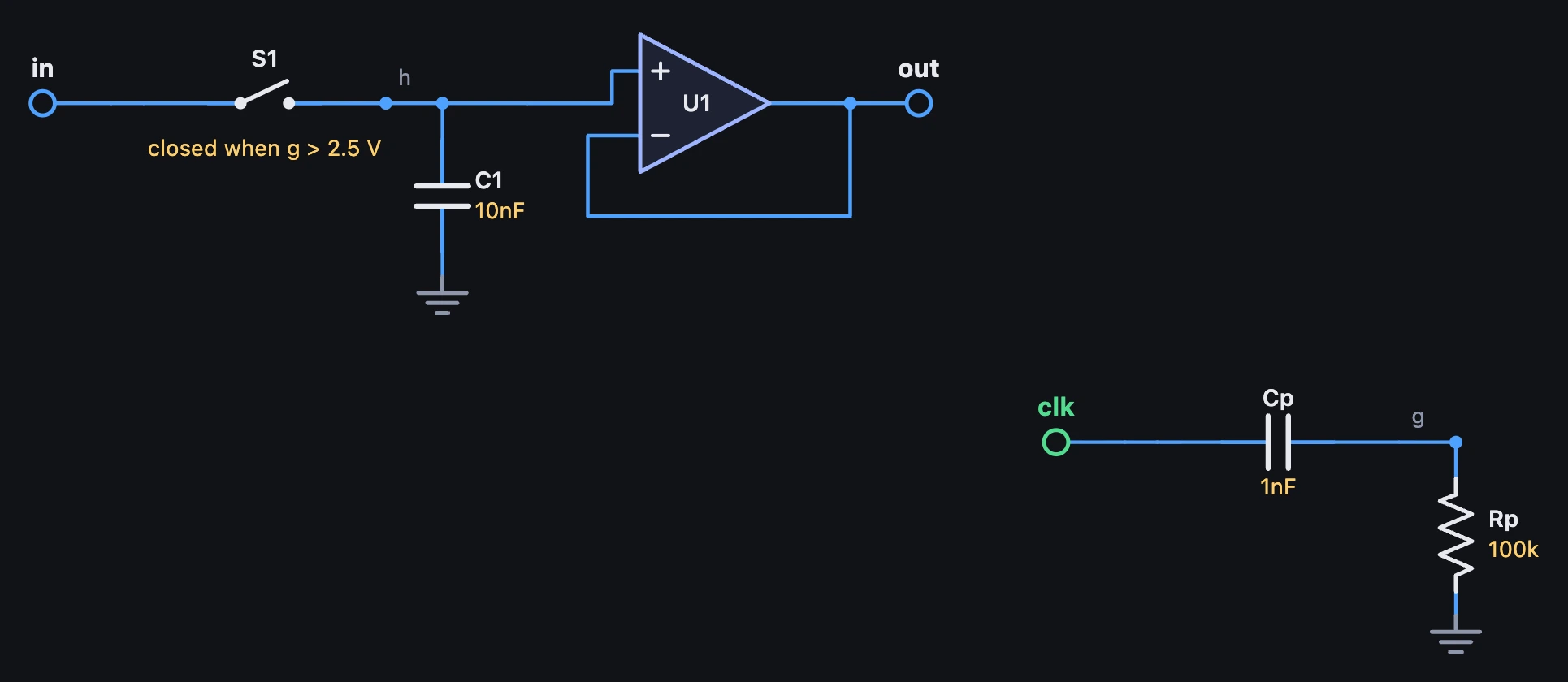
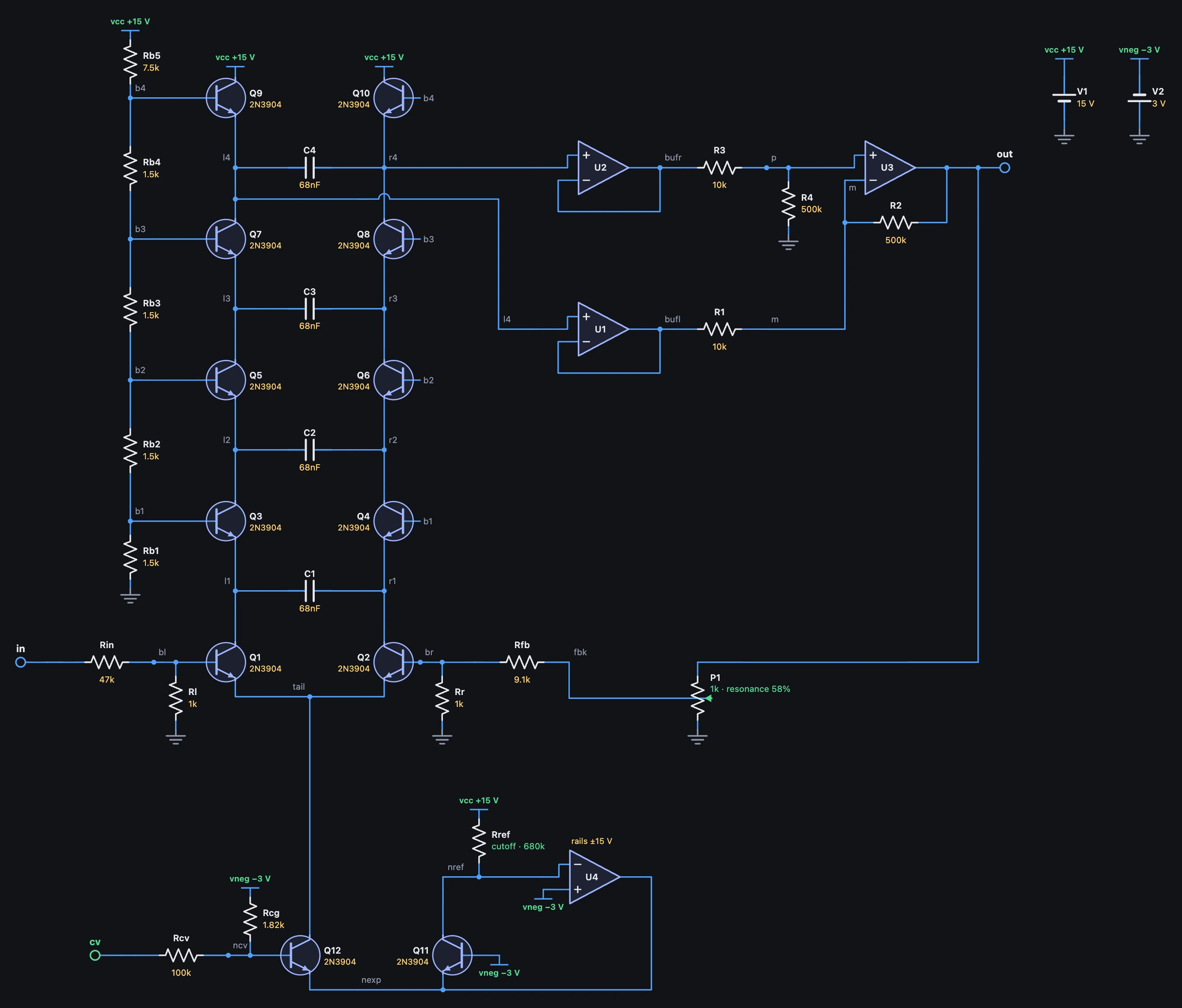
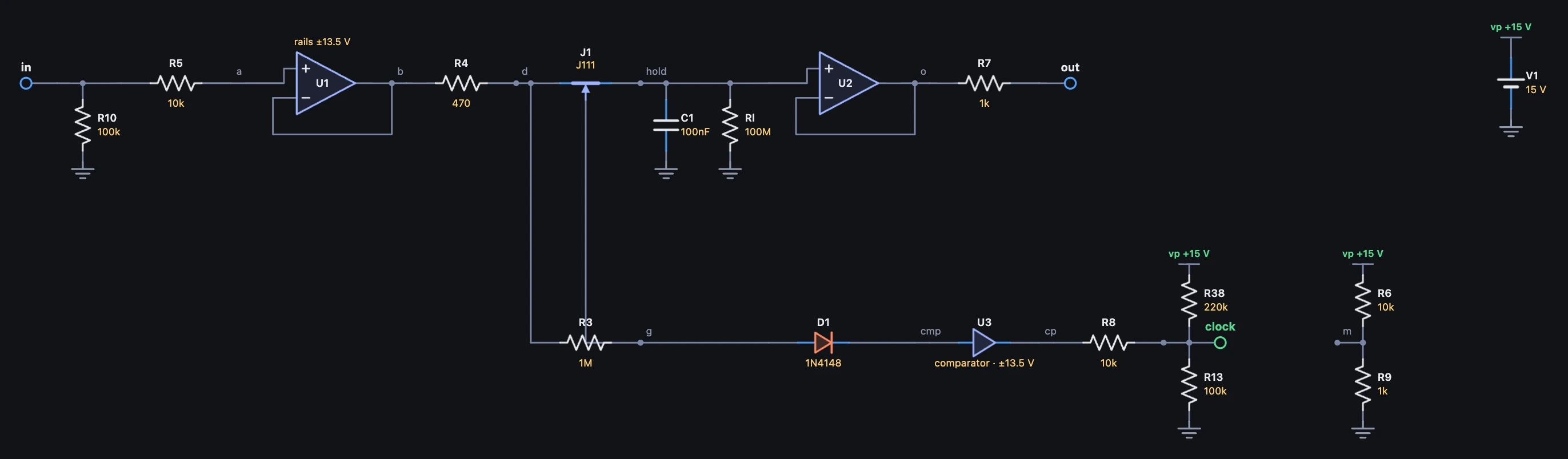
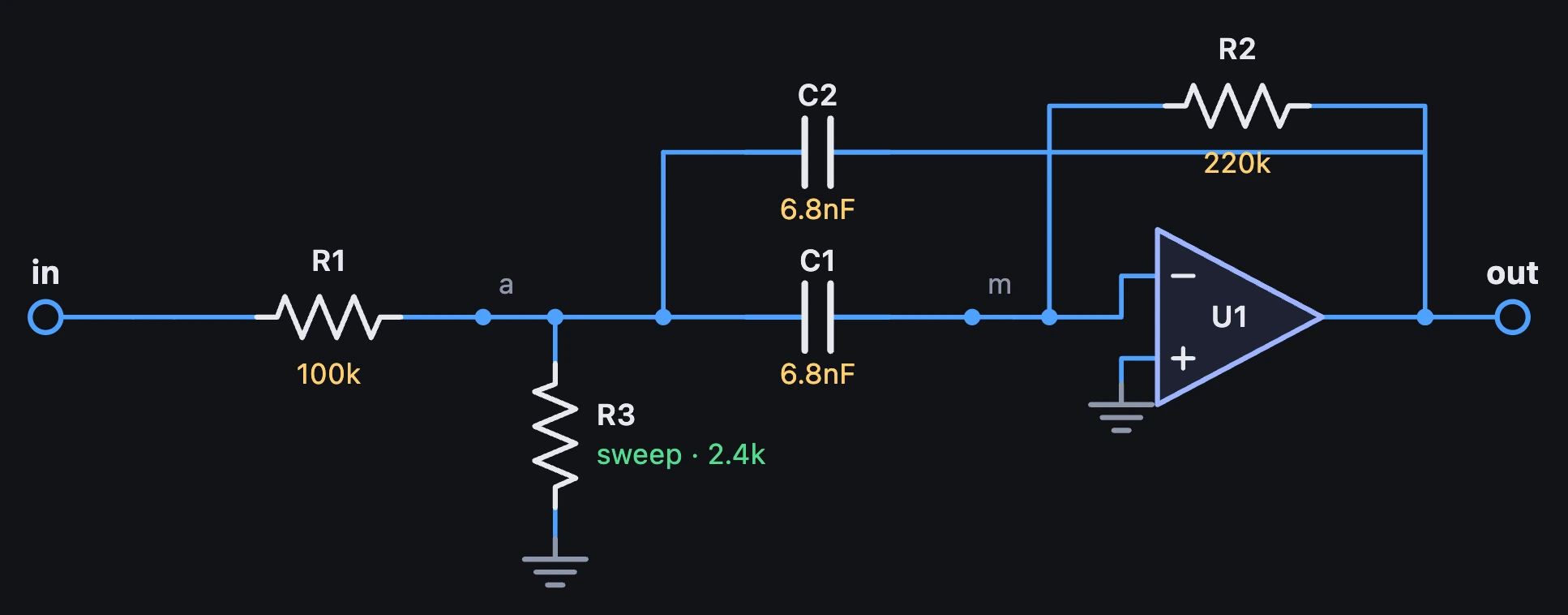
Real electronics as a module: a parts list, its schematic, and knobs for its parts.
How each circuit works, one question at a time, with the circuit playing on the page: the circuits course. The research behind the simulator: papers on sound.
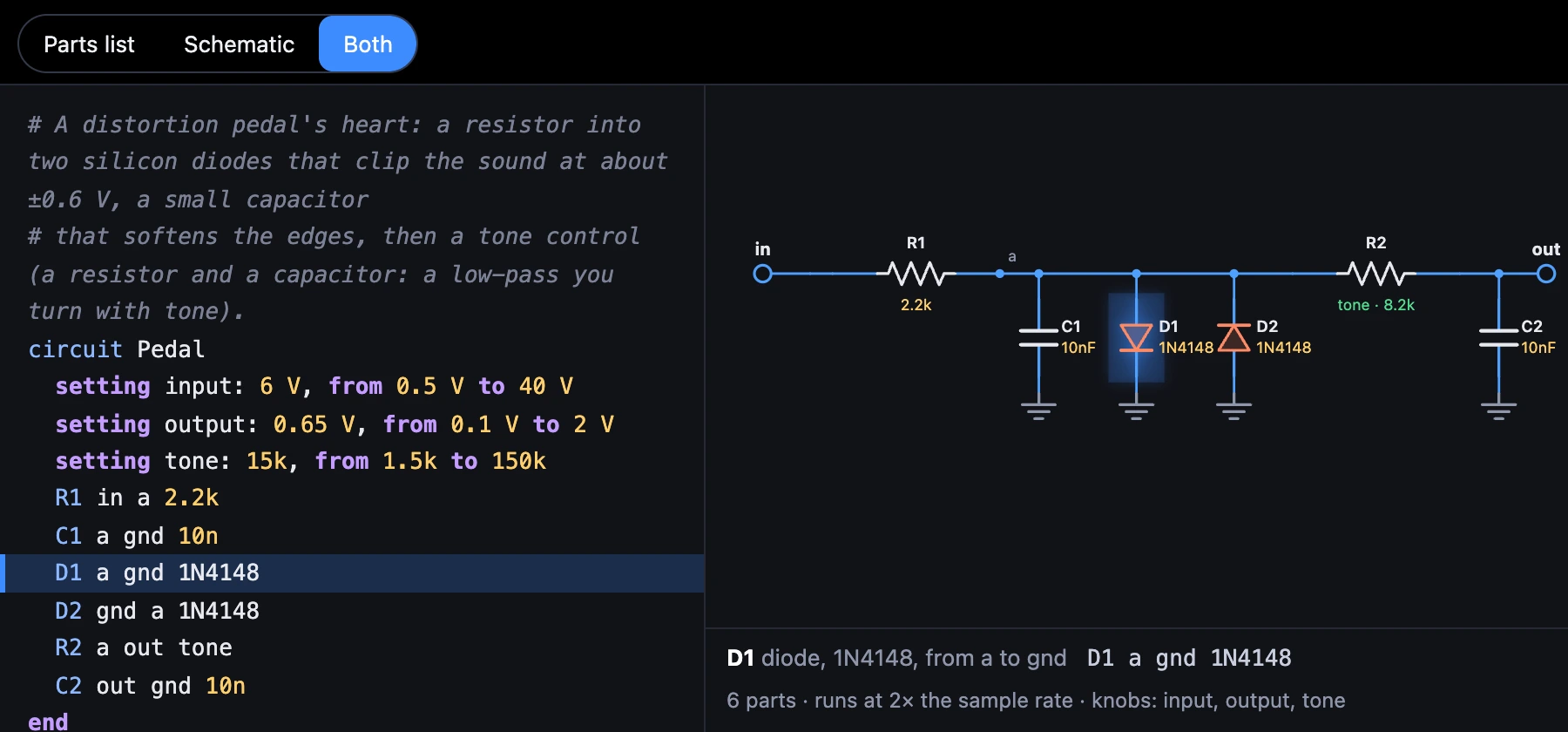
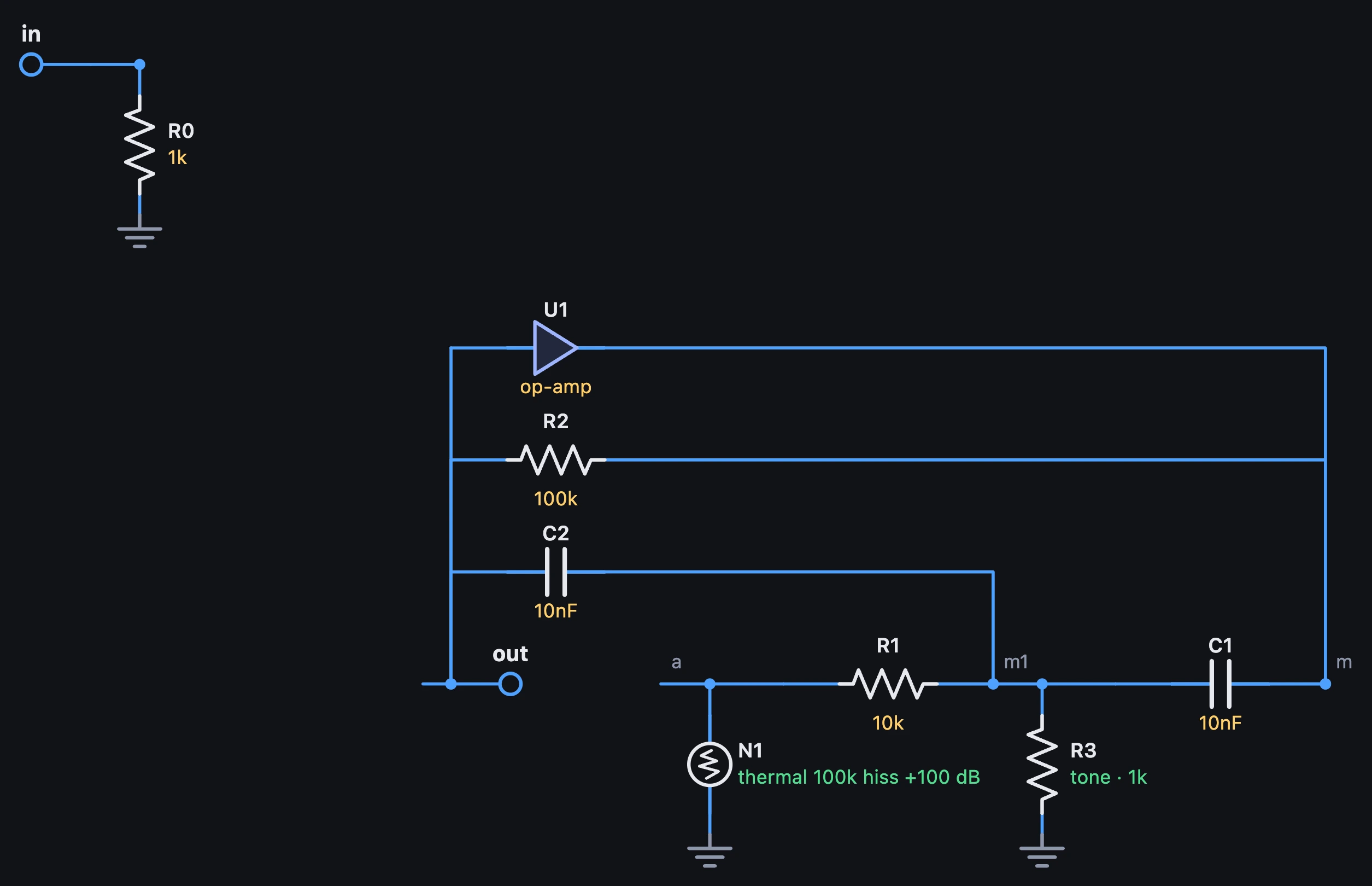
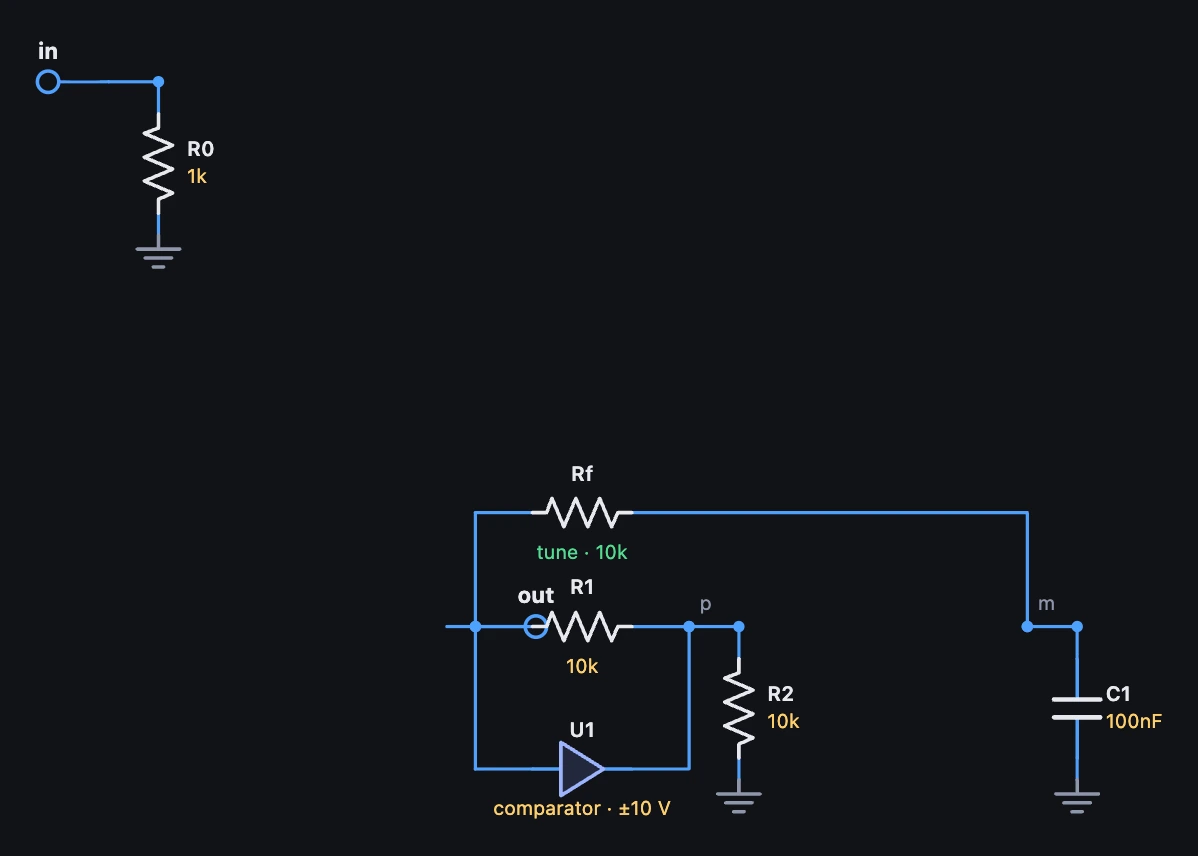
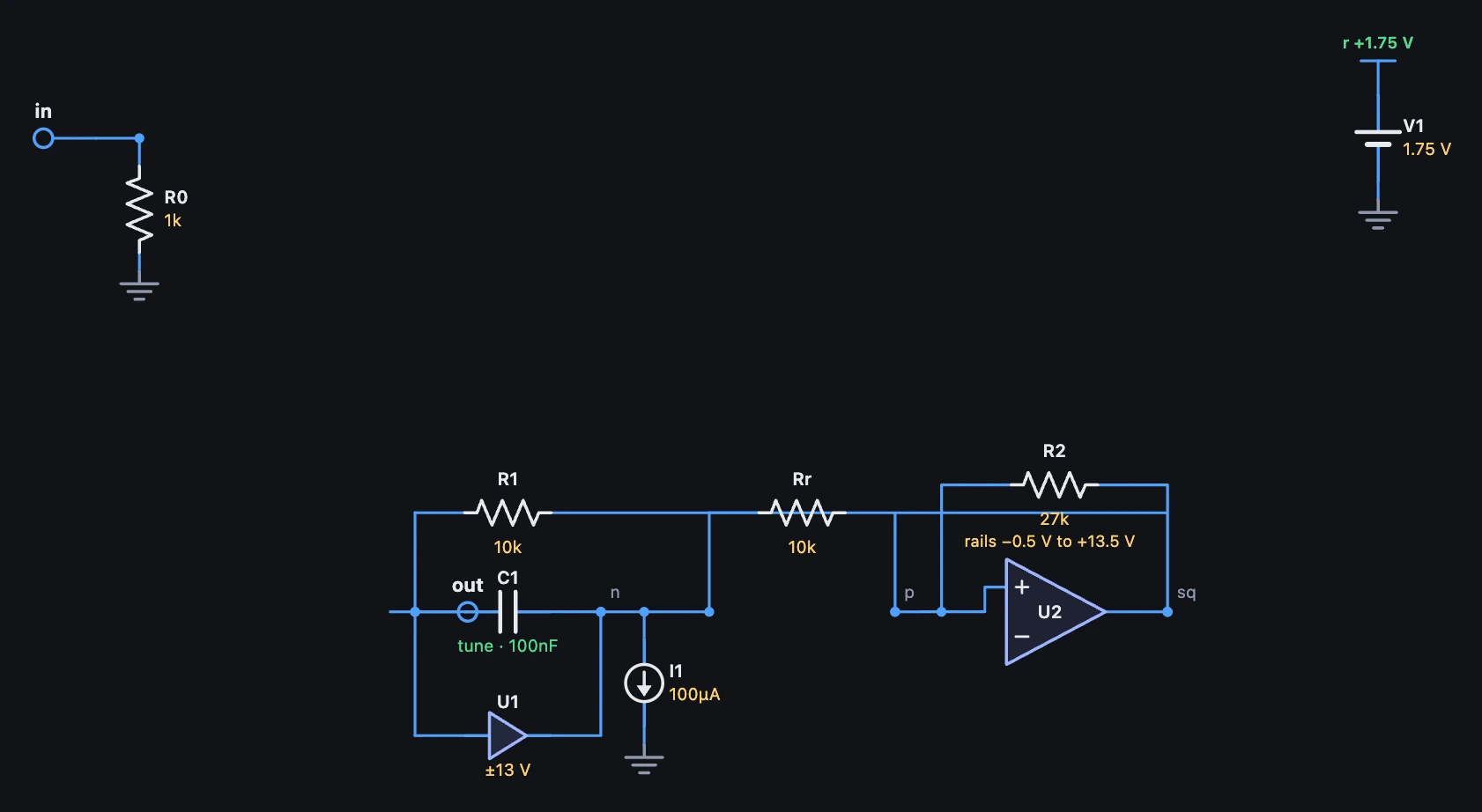
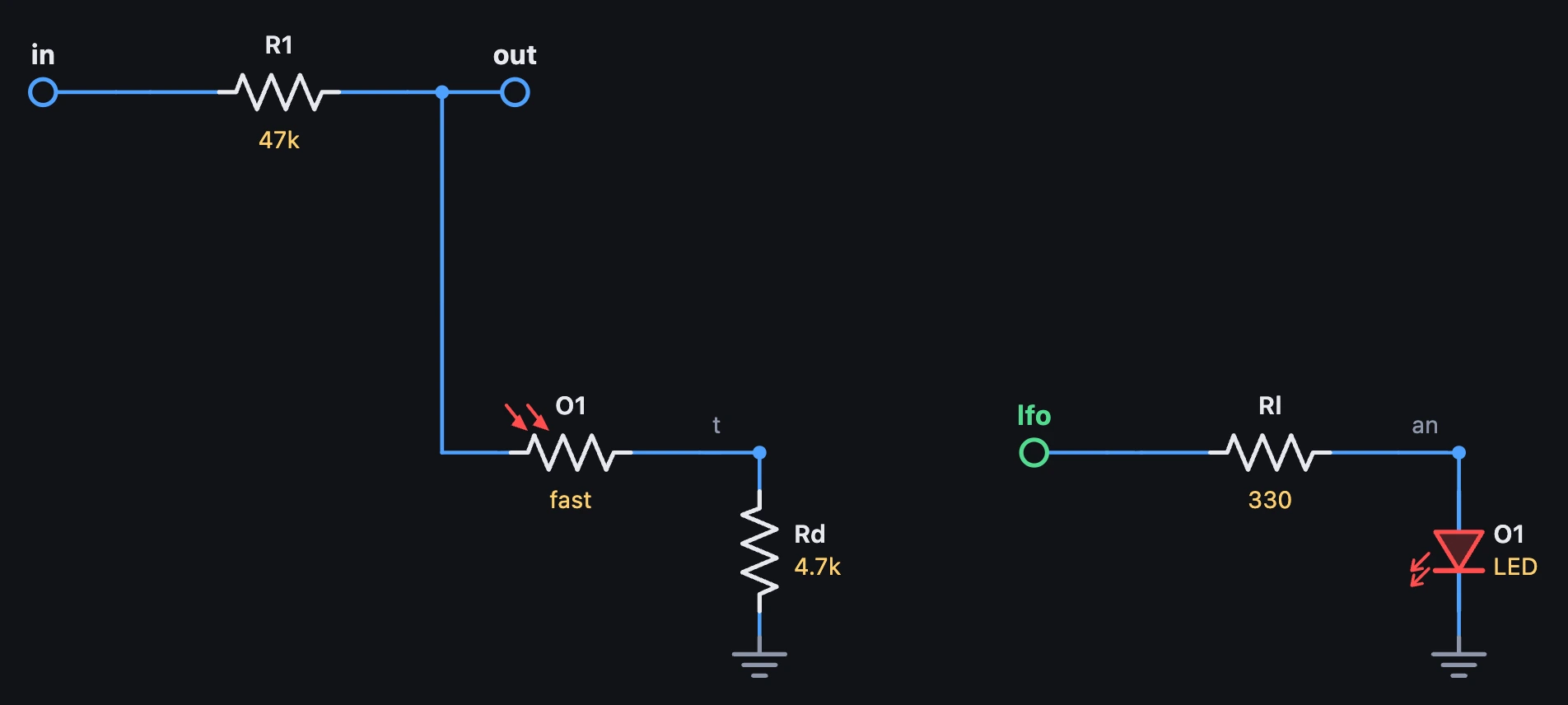
Your sound as text you can read, change and send, and modules you write yourself.
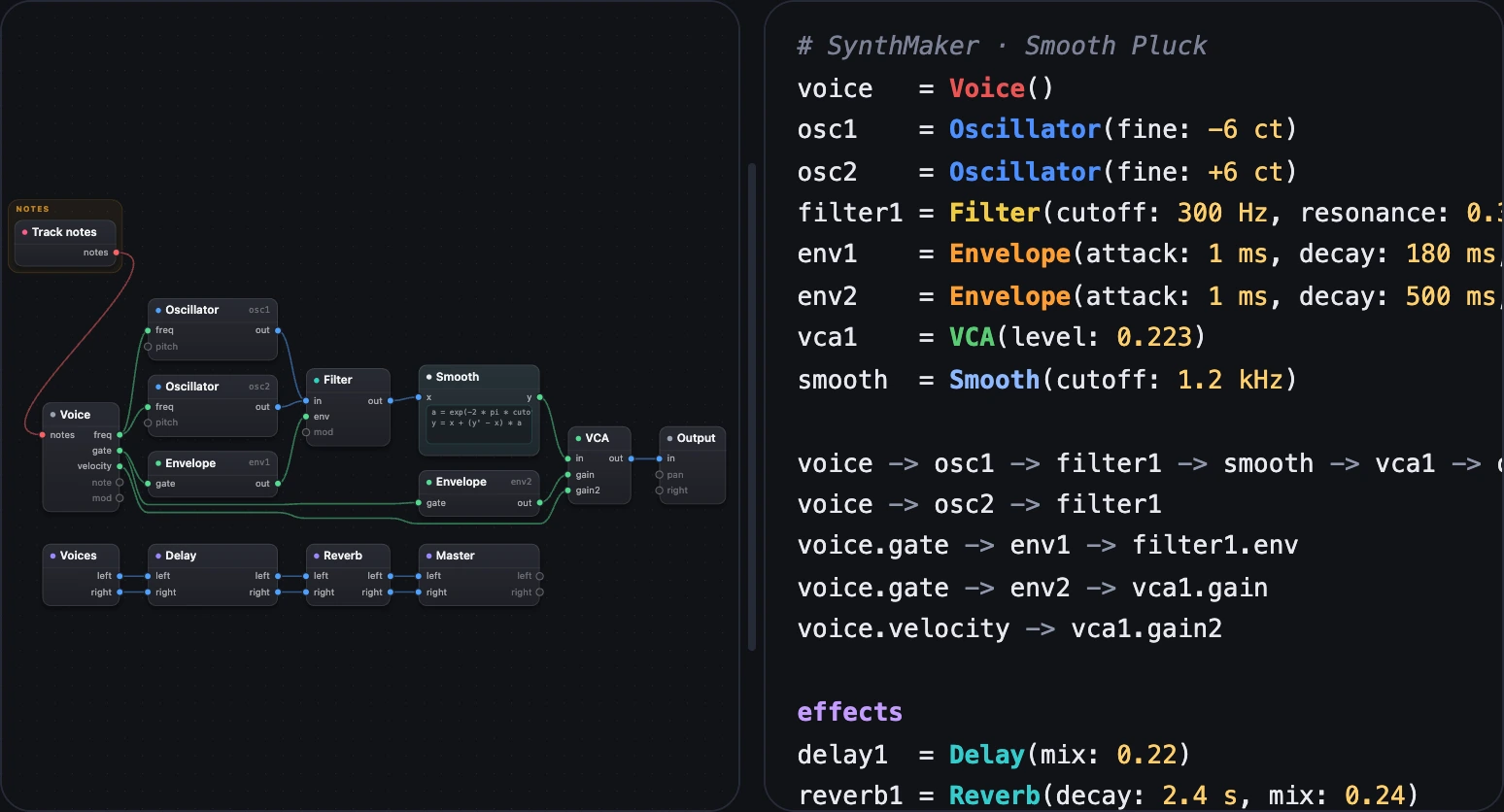
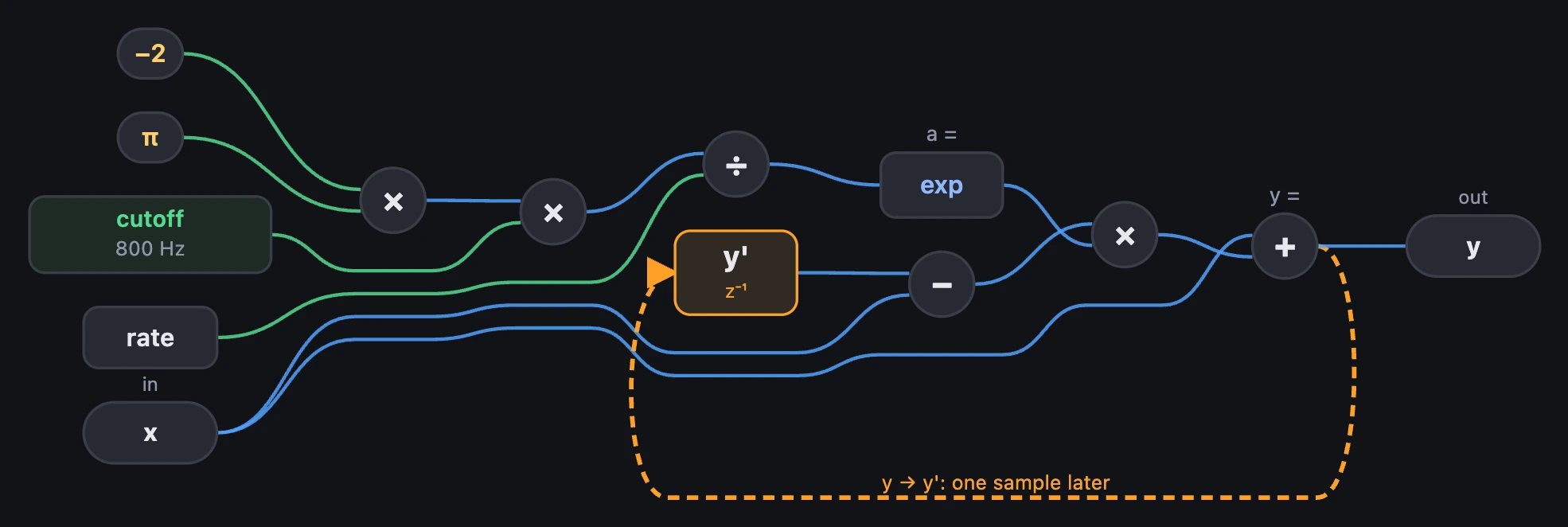
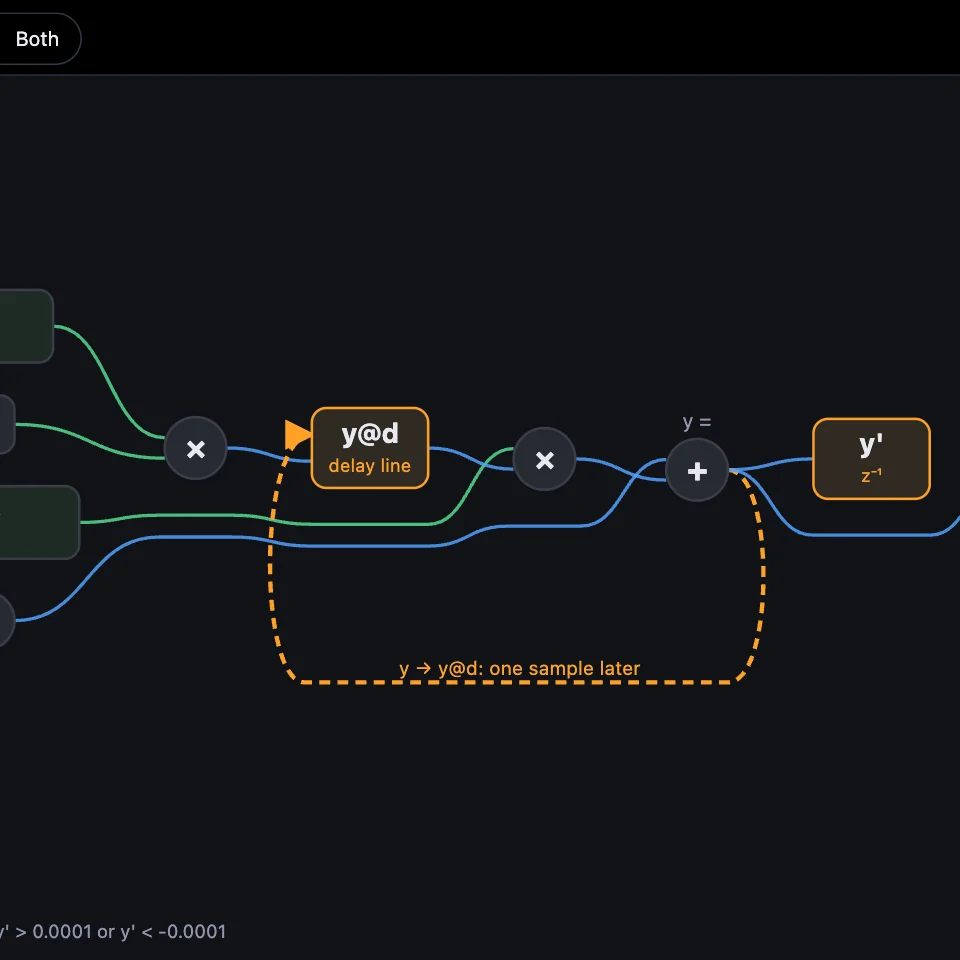
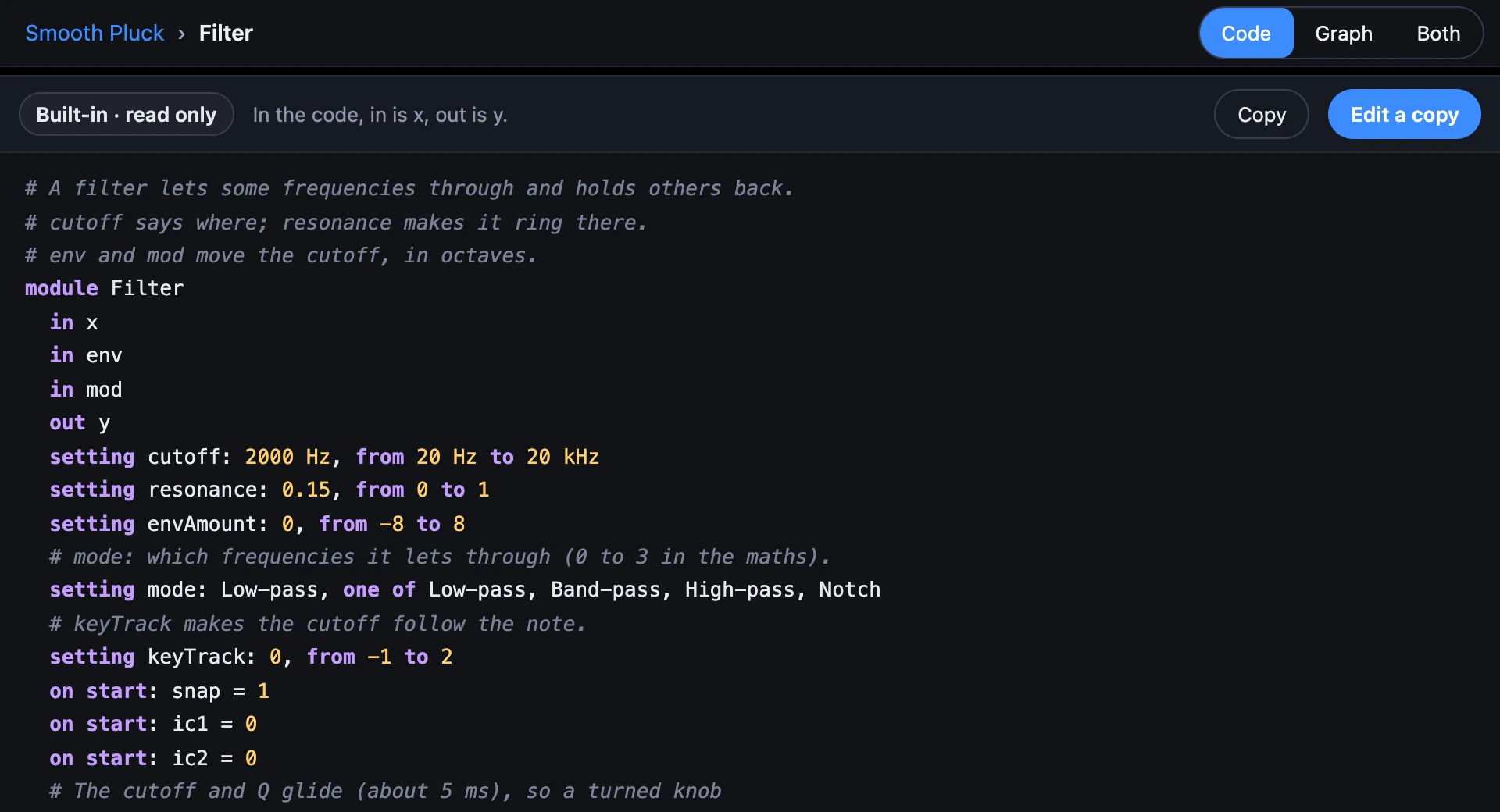
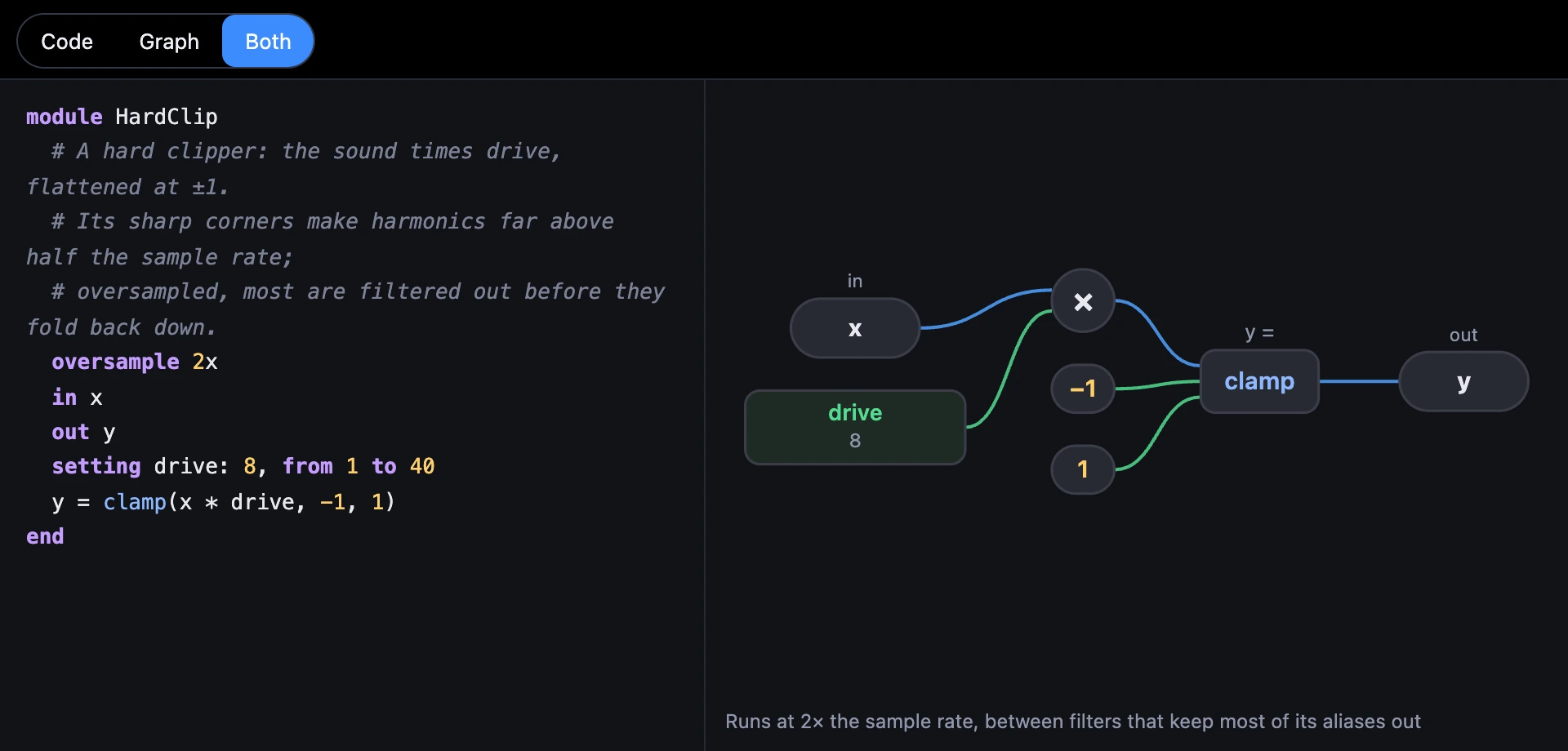
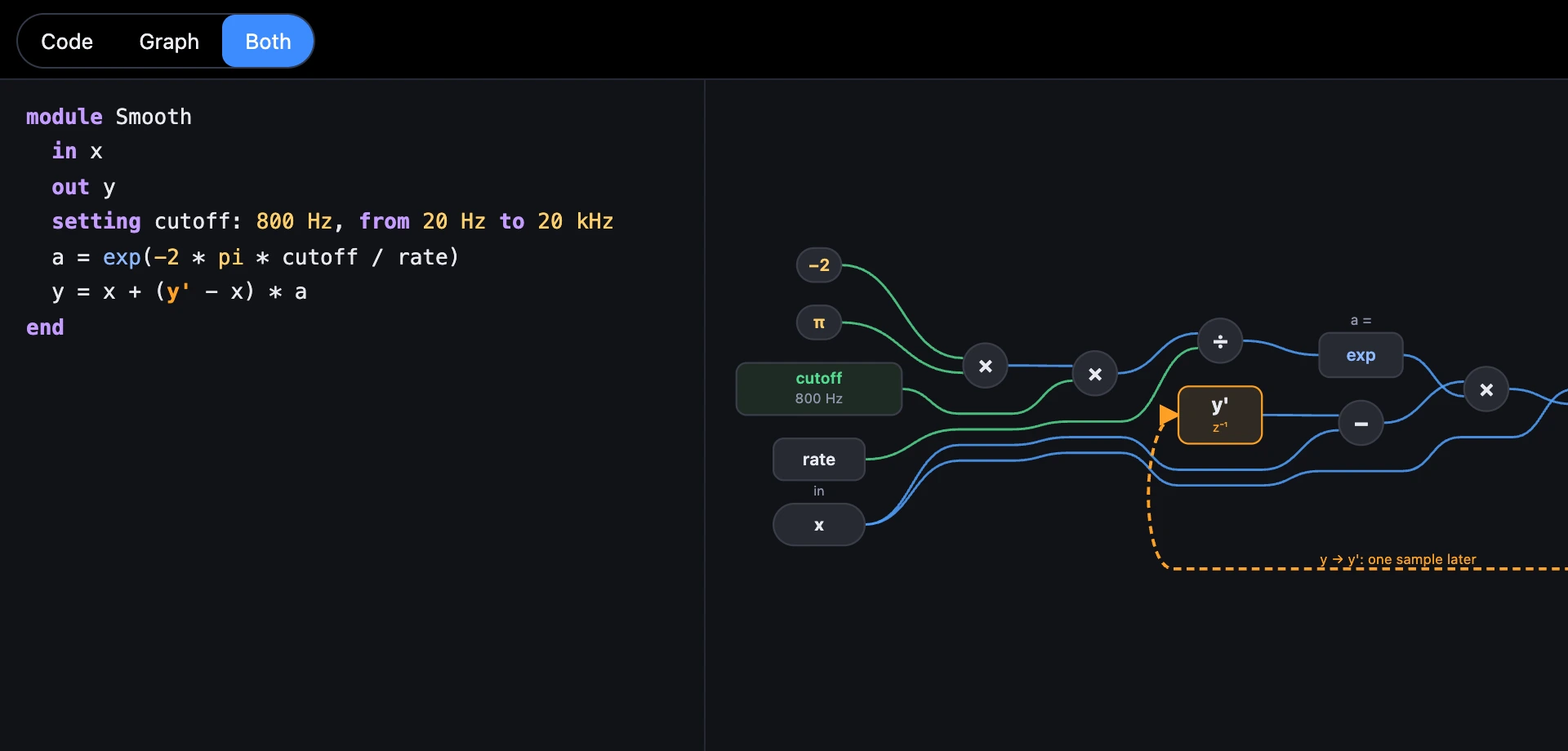
Put modules together into one of your own, copy a built-in to change it, or write one from code.
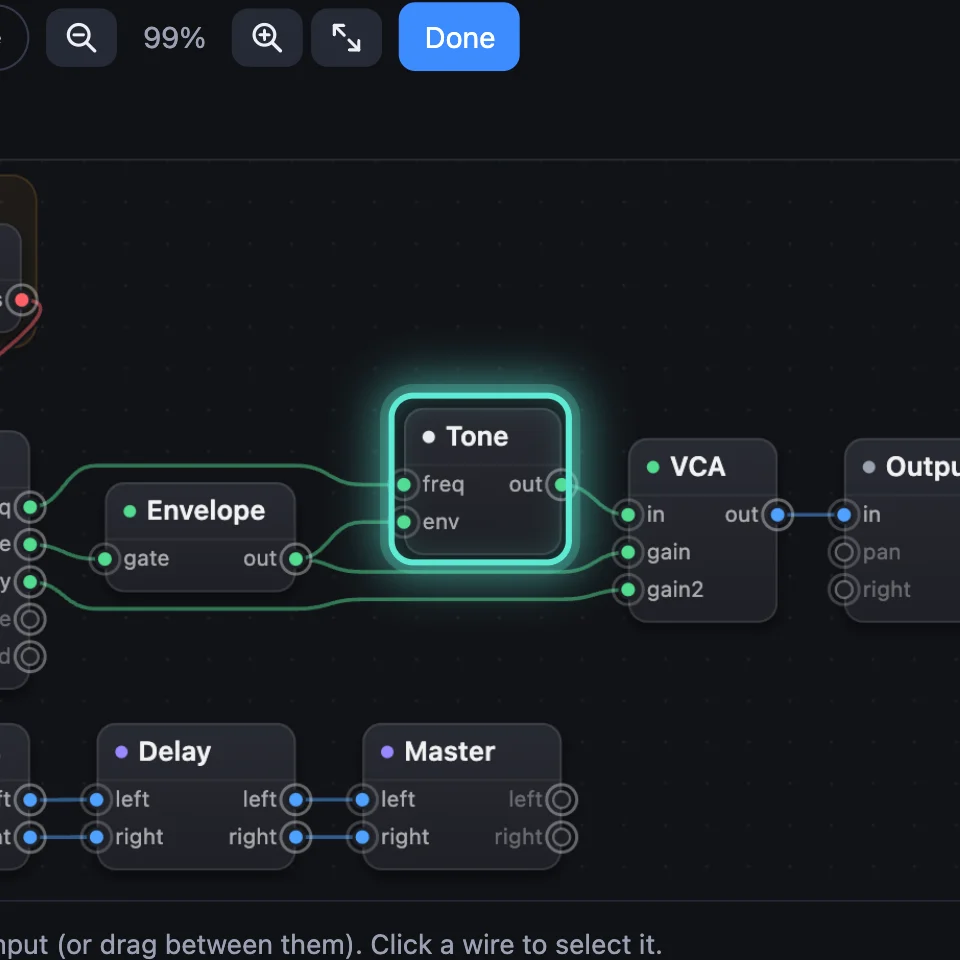
Knobs, words and buttons for a module of your own, built with SwiftUI's views as Apple writes them.
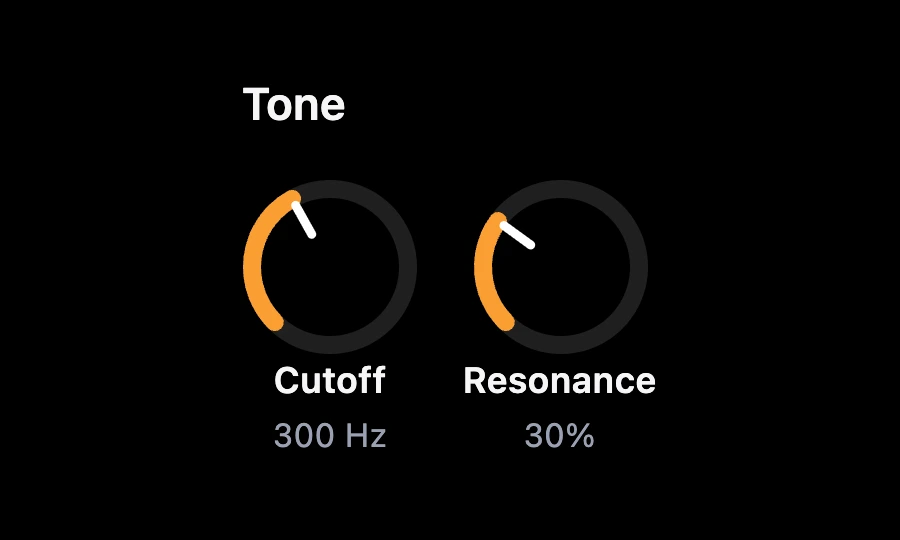
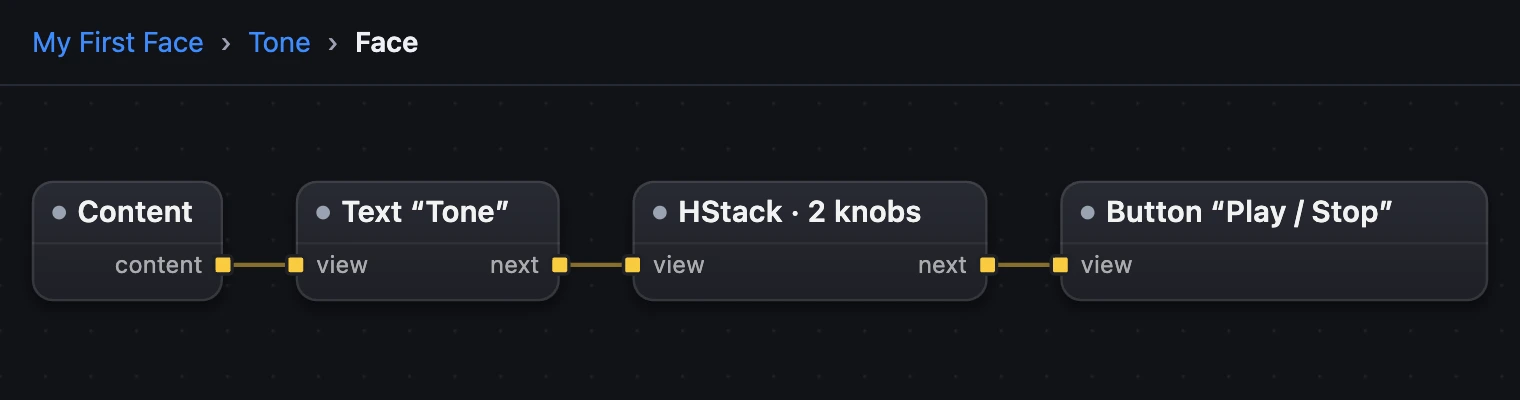
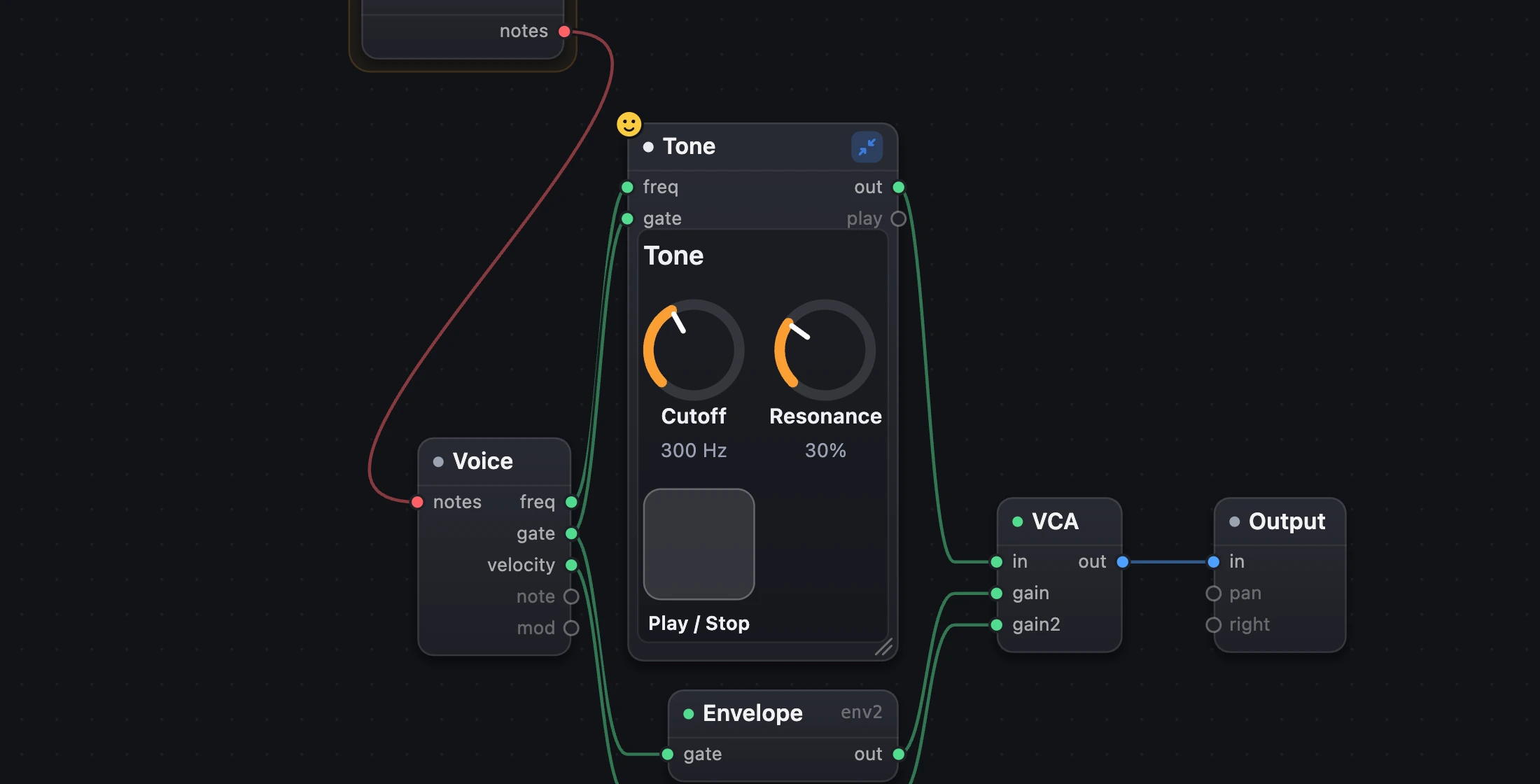
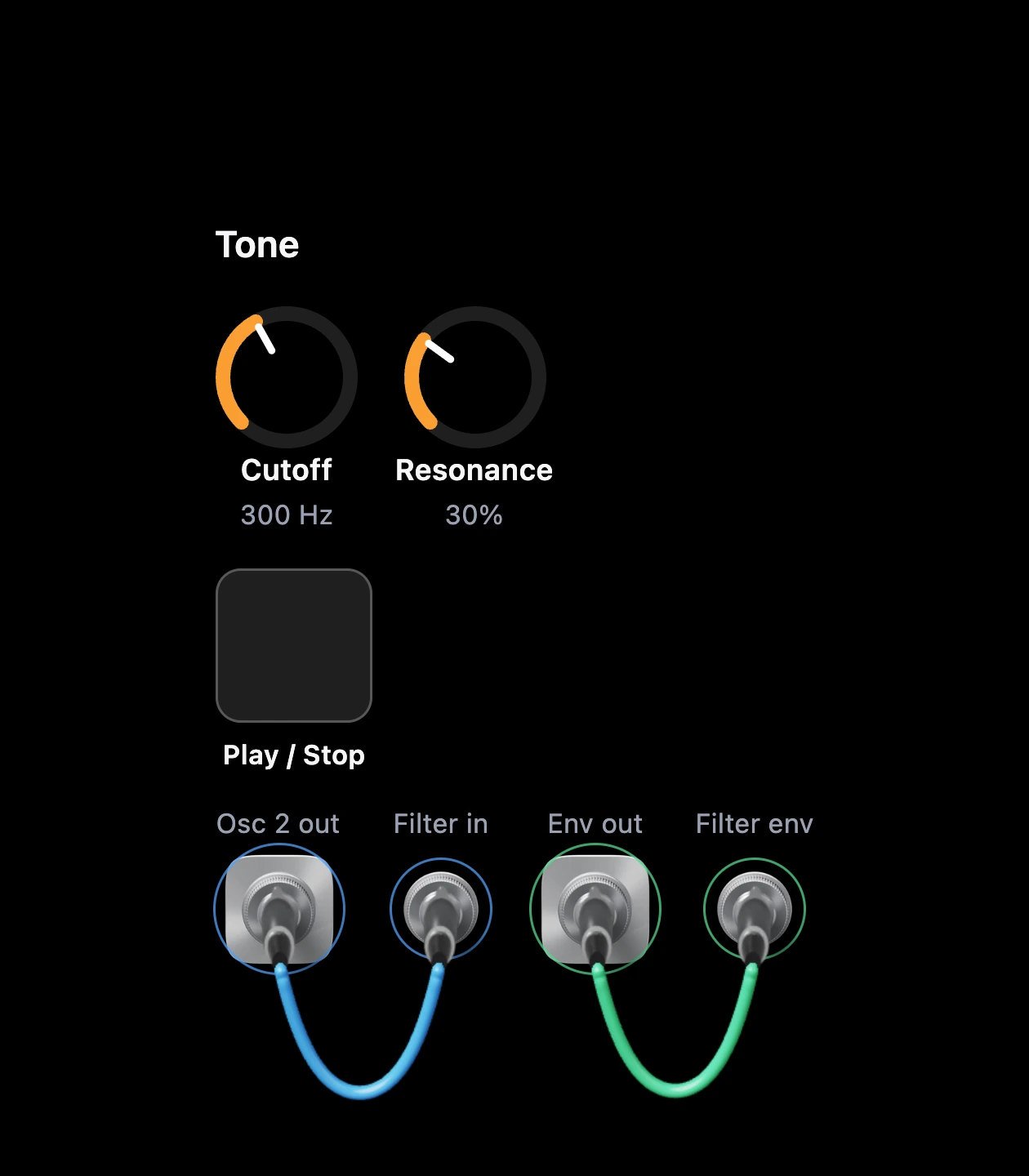
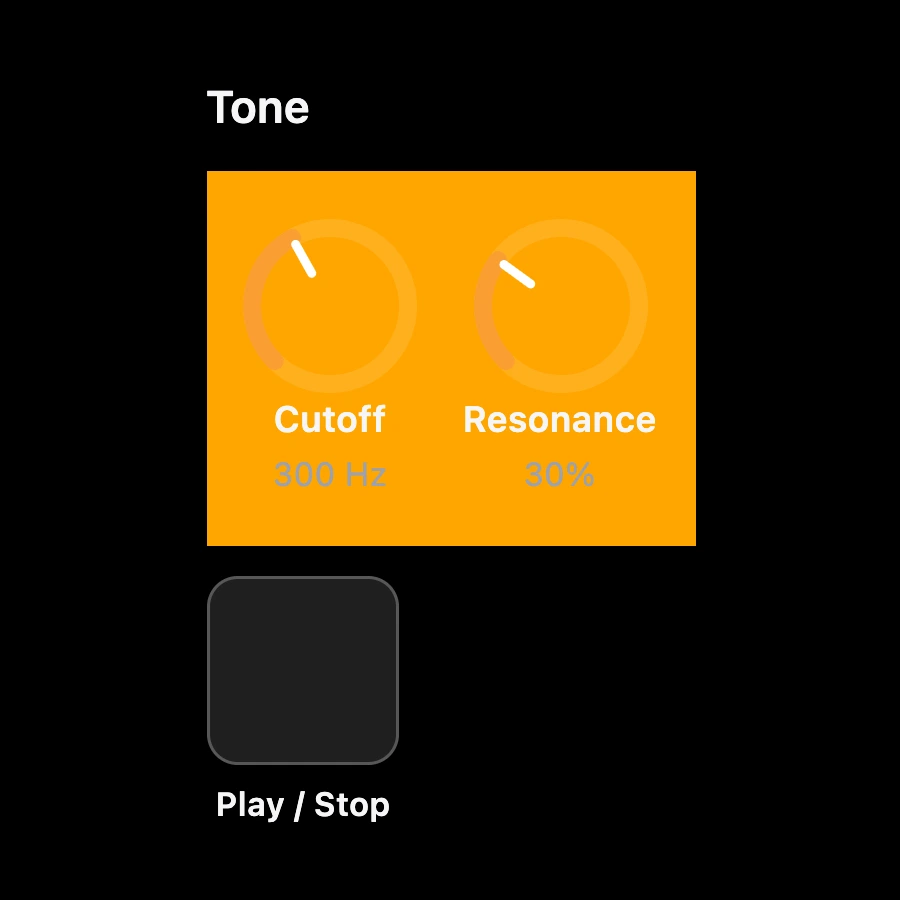
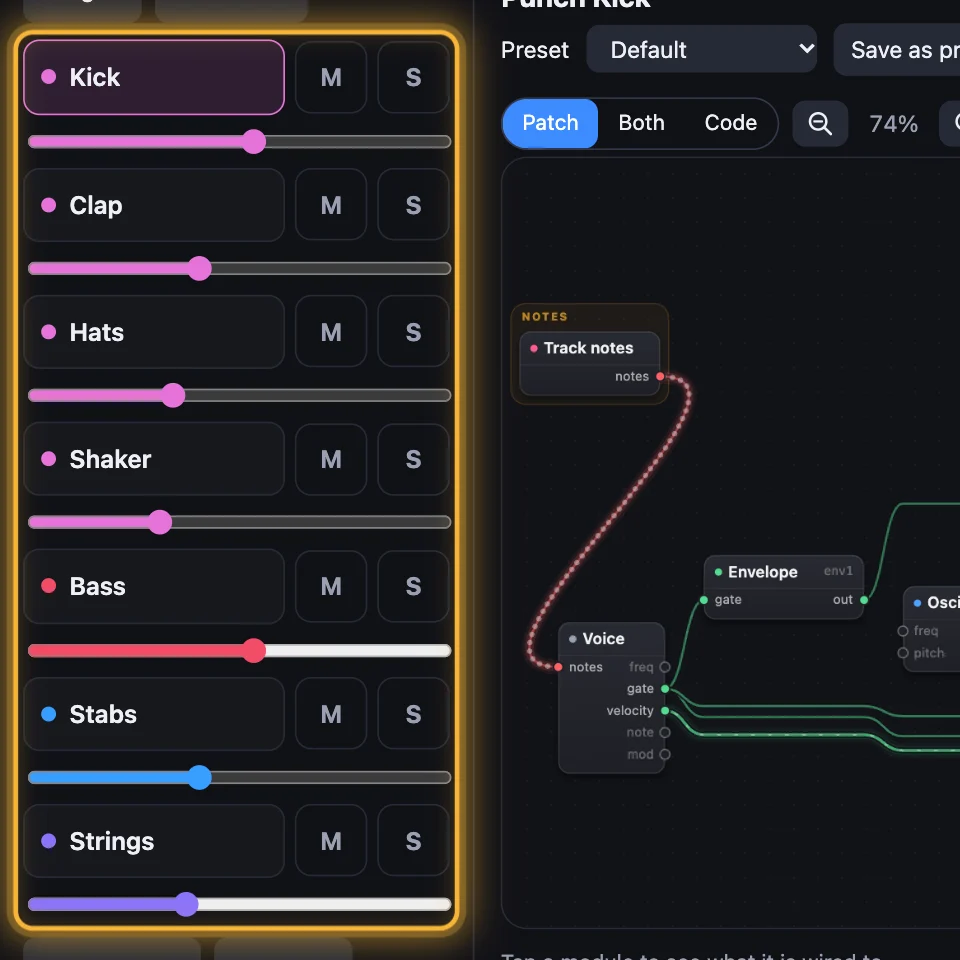
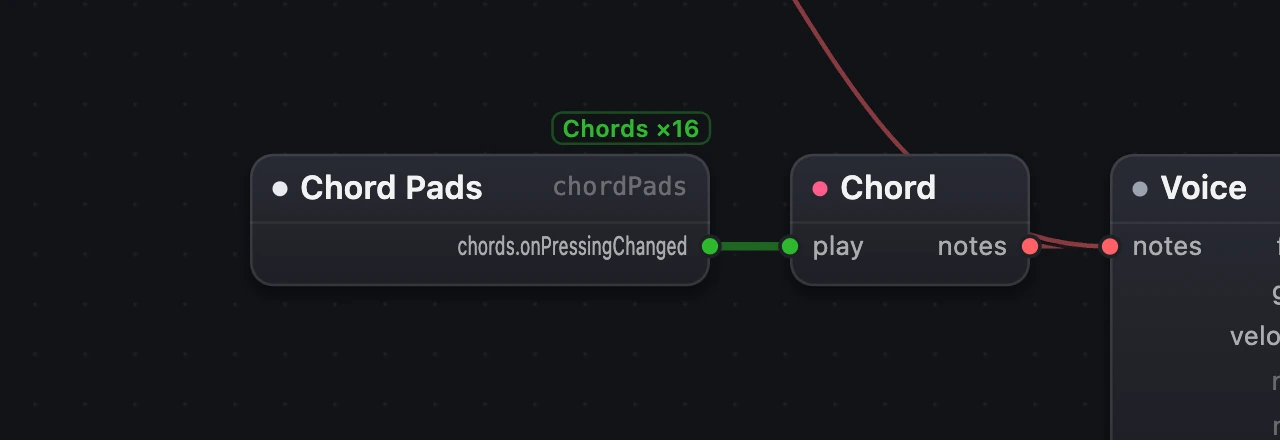
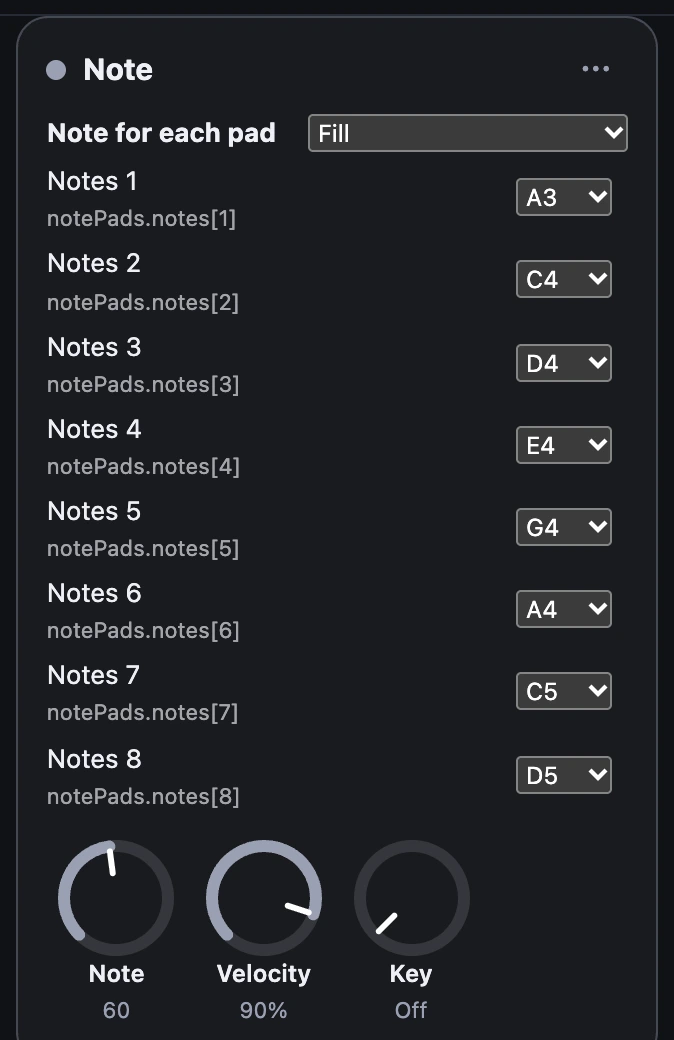
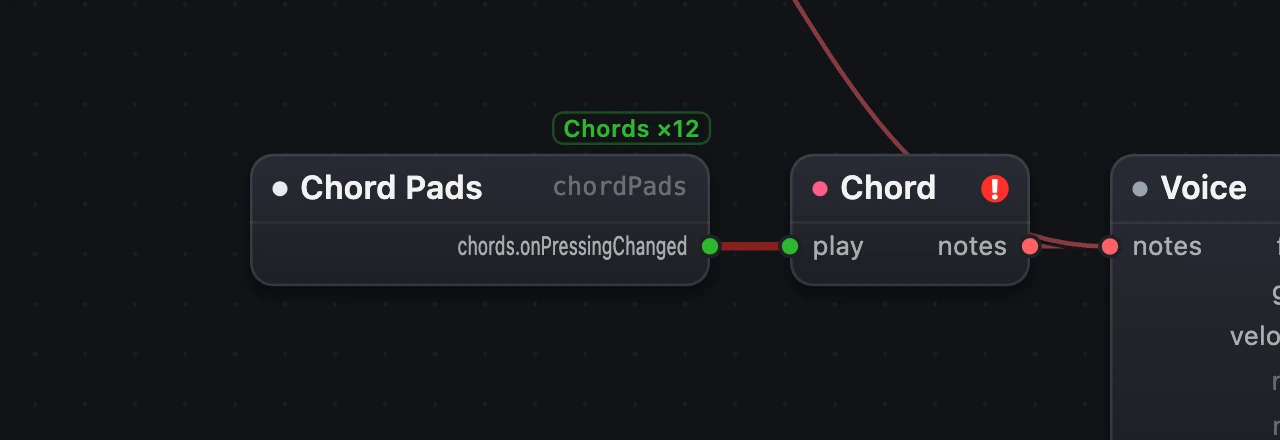
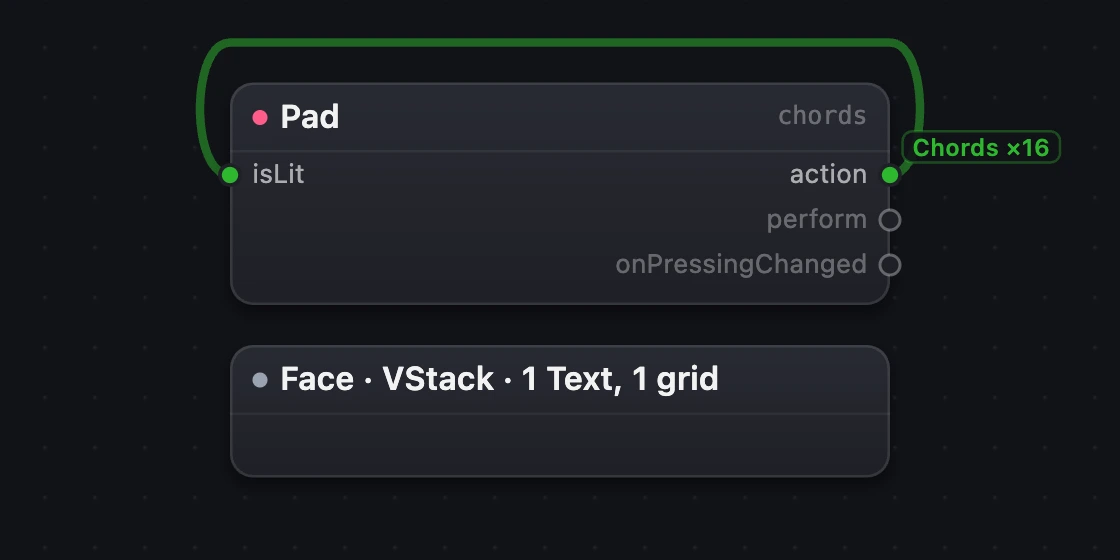
A face full of pads, one wire that carries them all, and a row for every pad in the modules it reaches.
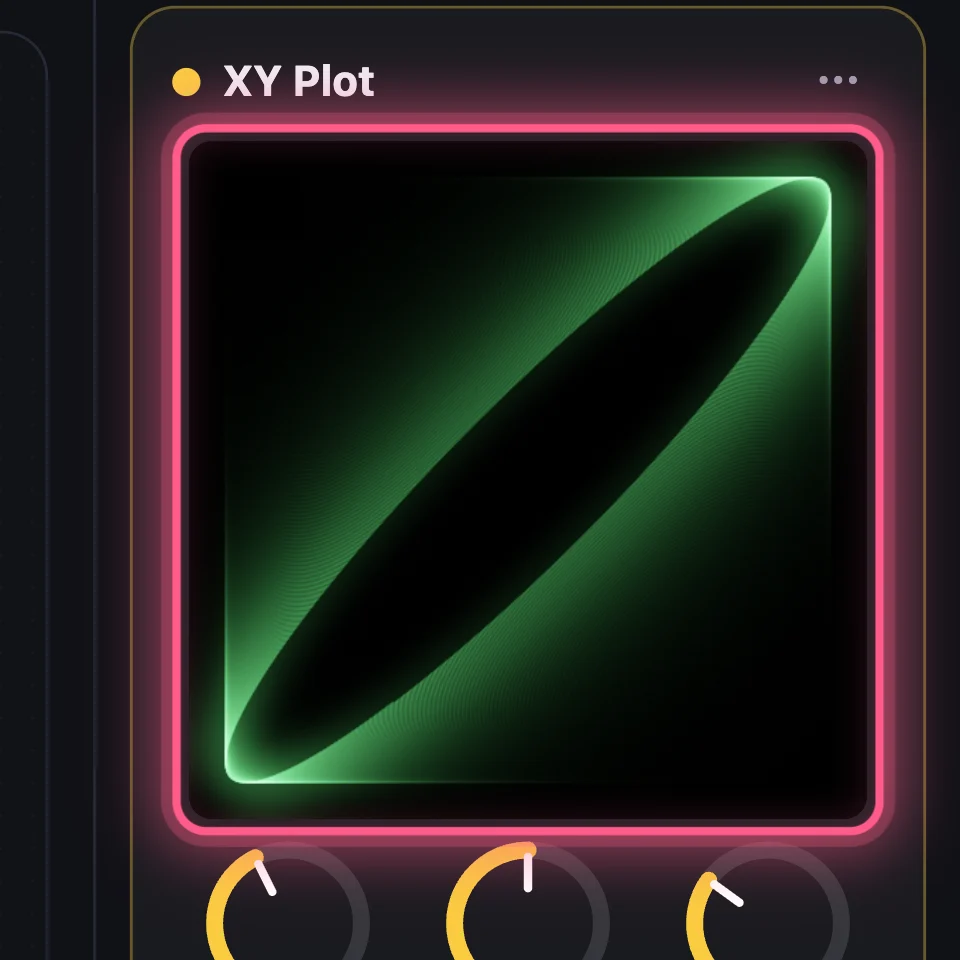
Watch your sound as light and as a wave, make pictures from a chain of steps, and write drawings that move with the music.


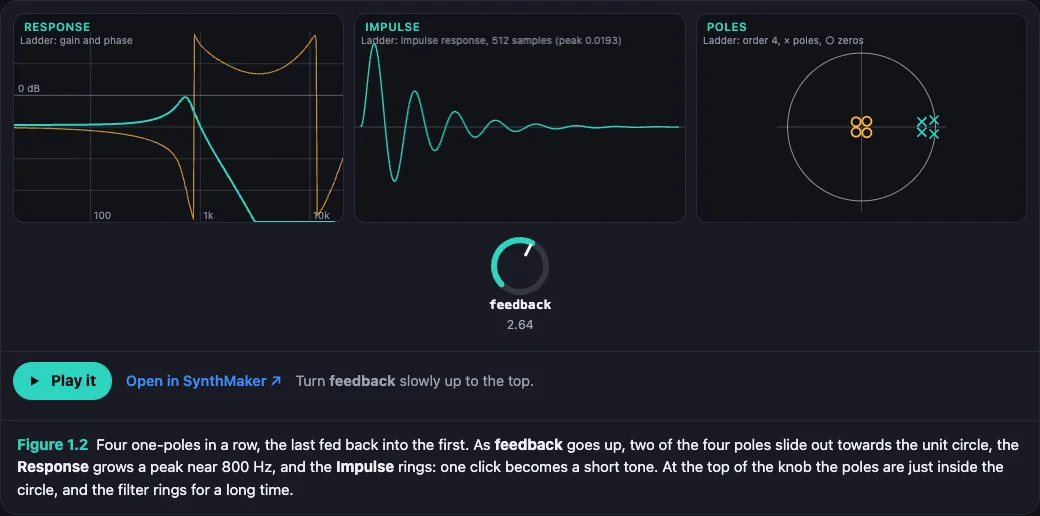
Write the maths of a sound yourself, and watch it work: figures that run on the page as you turn their knobs.
Share what you make: posts where patches and songs play, replies and reply emails.
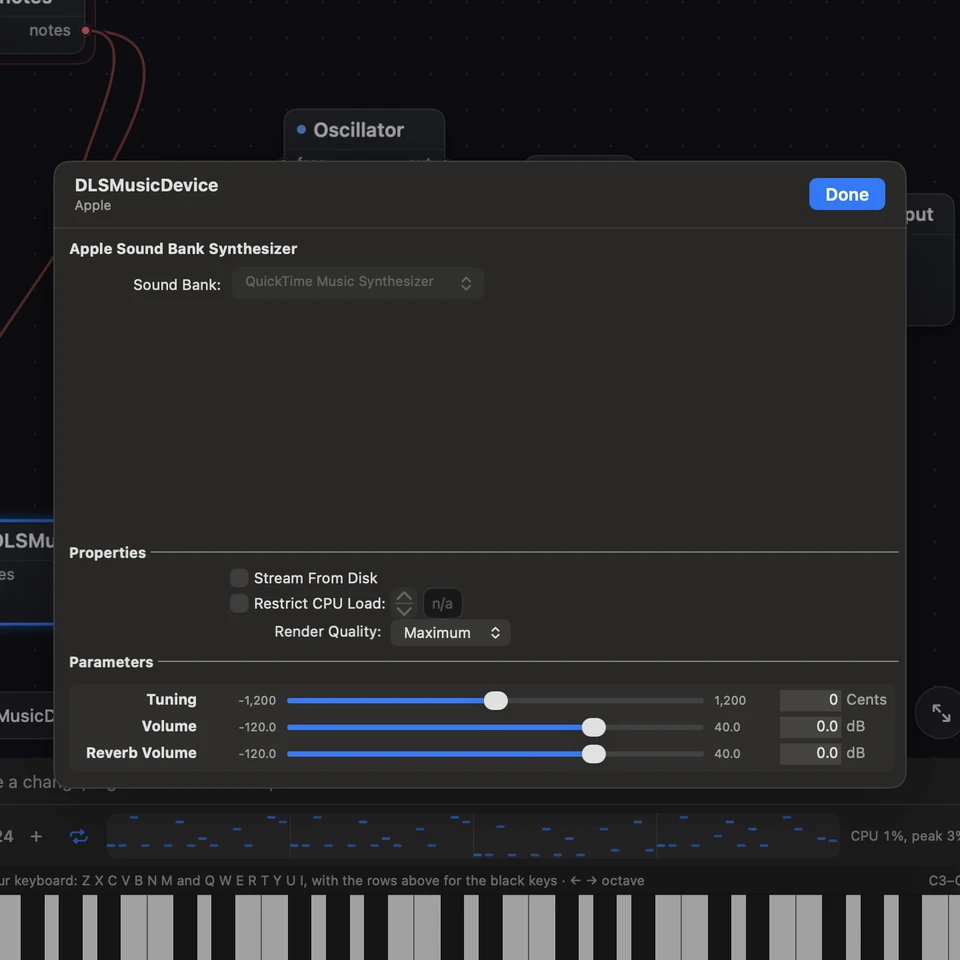
What SynthMaker for Mac adds: your own AUv3 instruments and effects inside a sound.
When something doesn't sound right: the usual causes, and what to click.