 SynthMaker
Steps, legato and glide
Two ways to make a part move. Steps plays a rhythm on any setting. The Voice's Mode and Glide decide how one note leads into the next.
New words
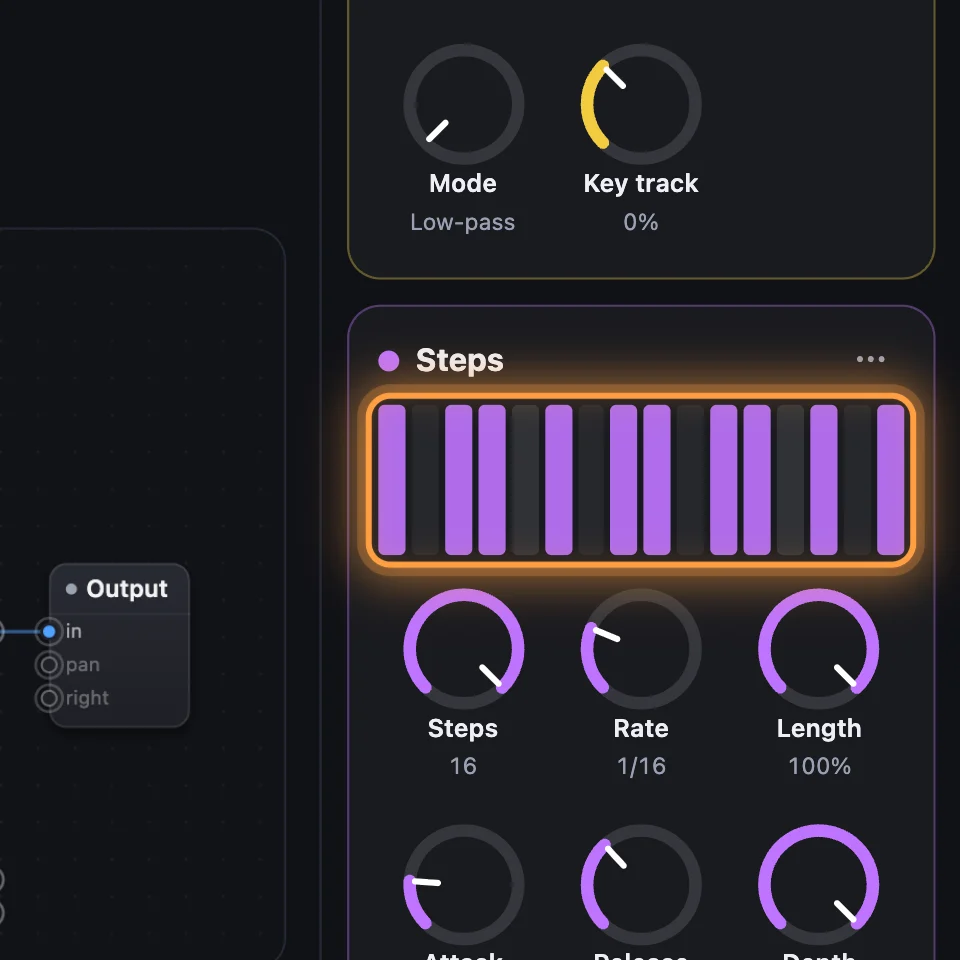
Steps is a module that plays a pattern of up to 16 levels, one per step, in time with the song.
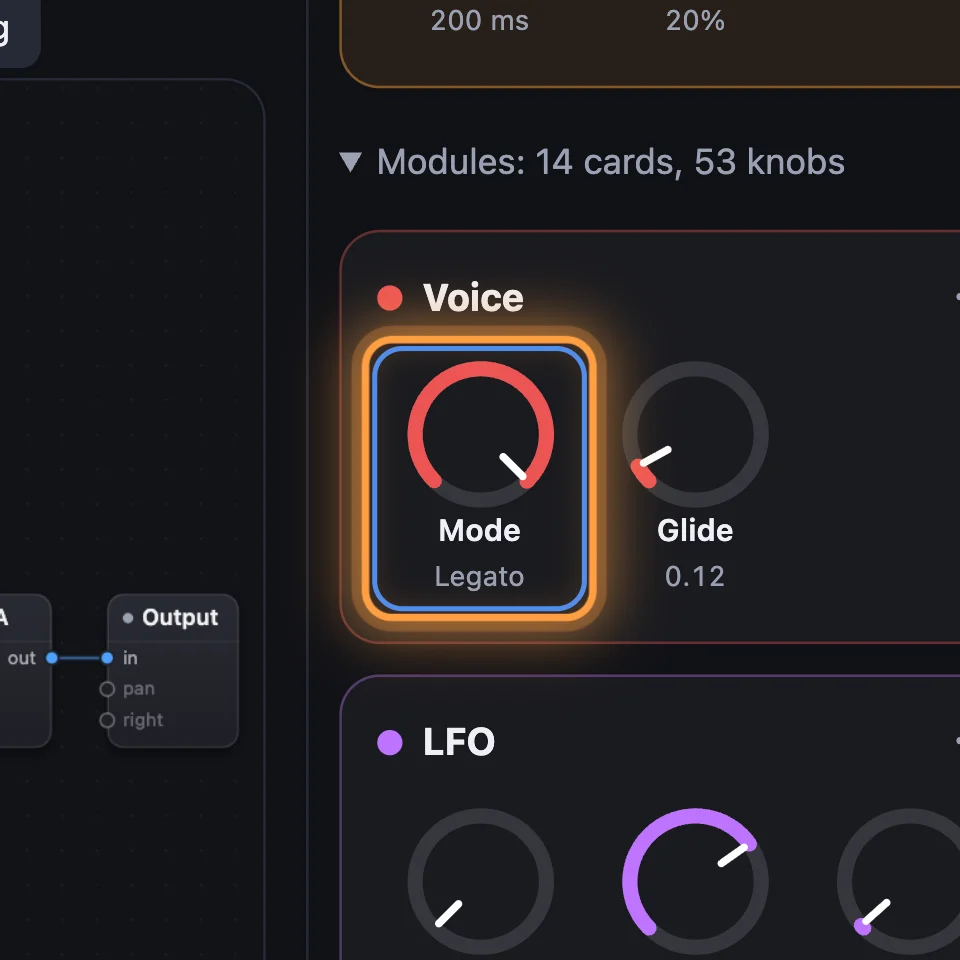
Legato: one note at a time, and a new key held over the last one doesn't start the note again: it only changes the pitch.
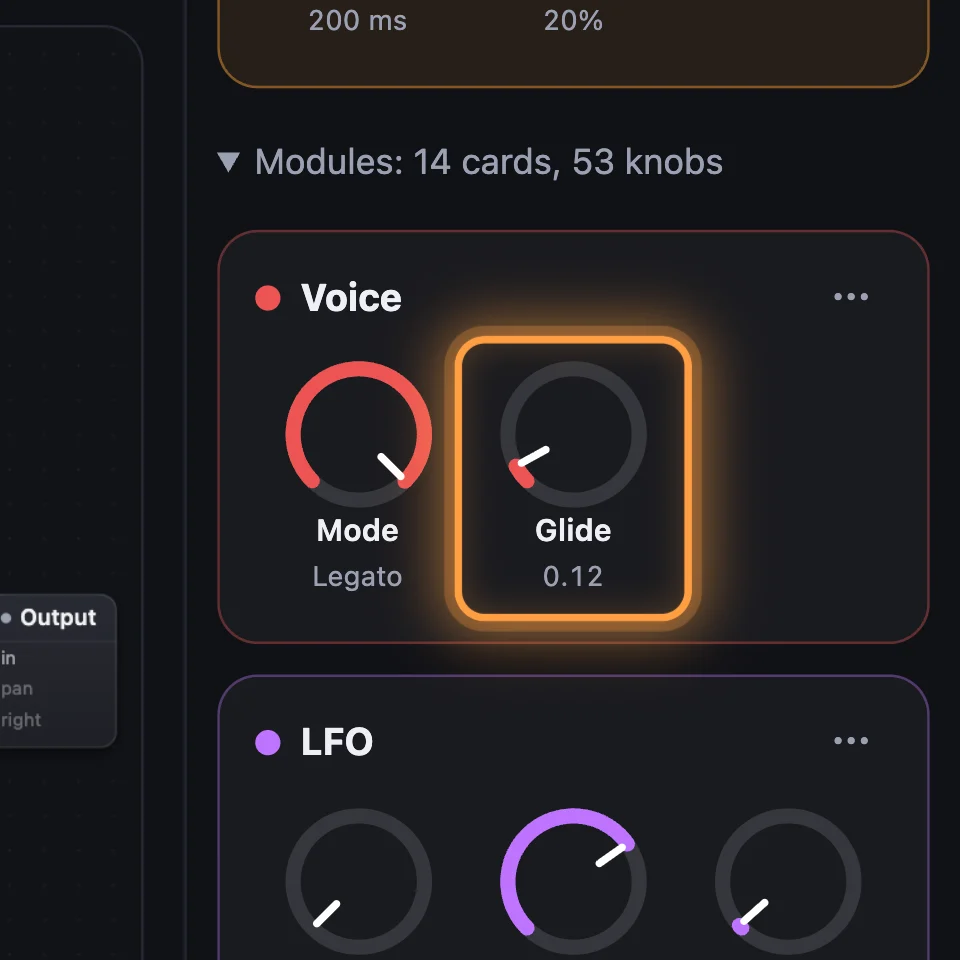
Glide: the pitch slides from one note to the next instead of jumping.
1Open the Steps example
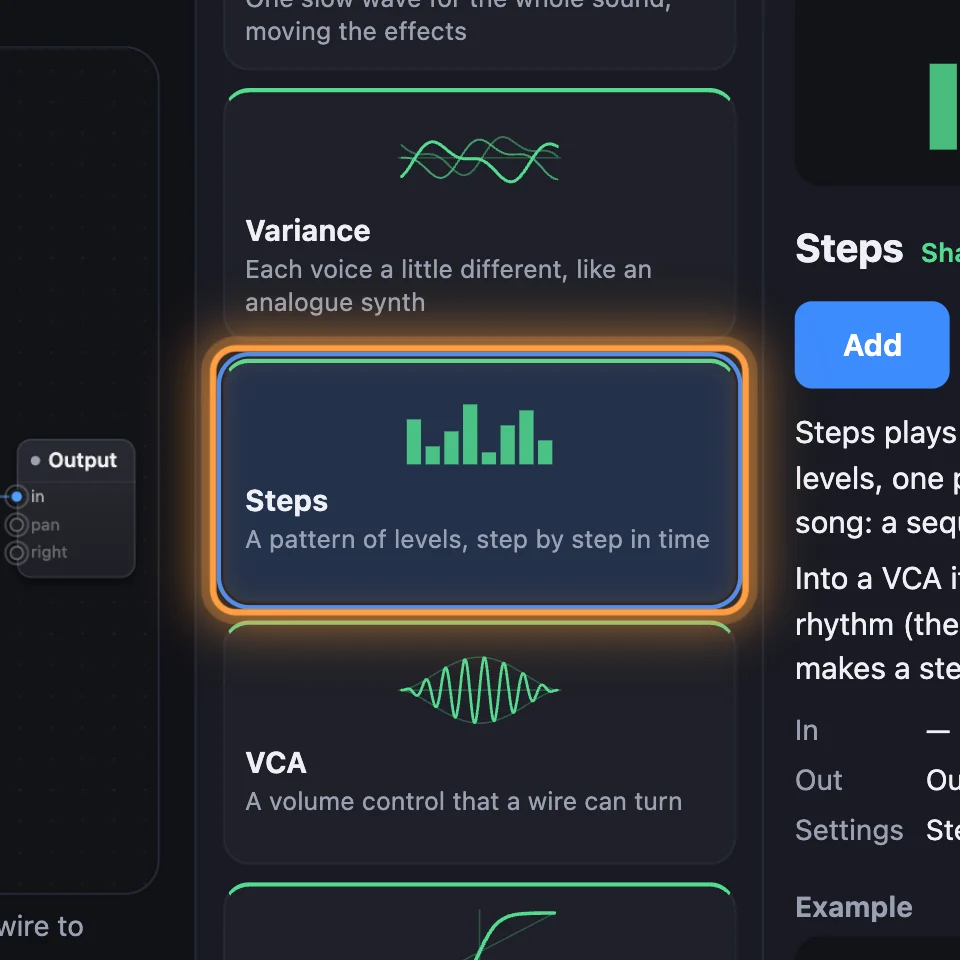
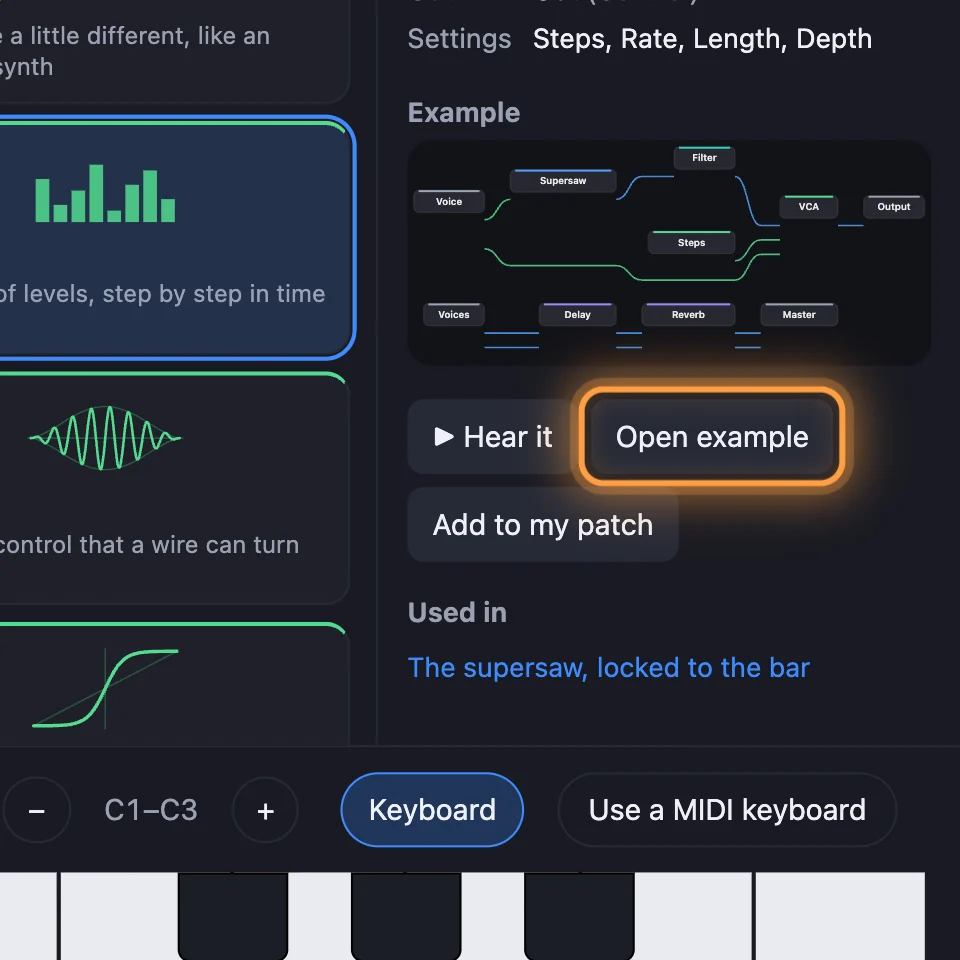
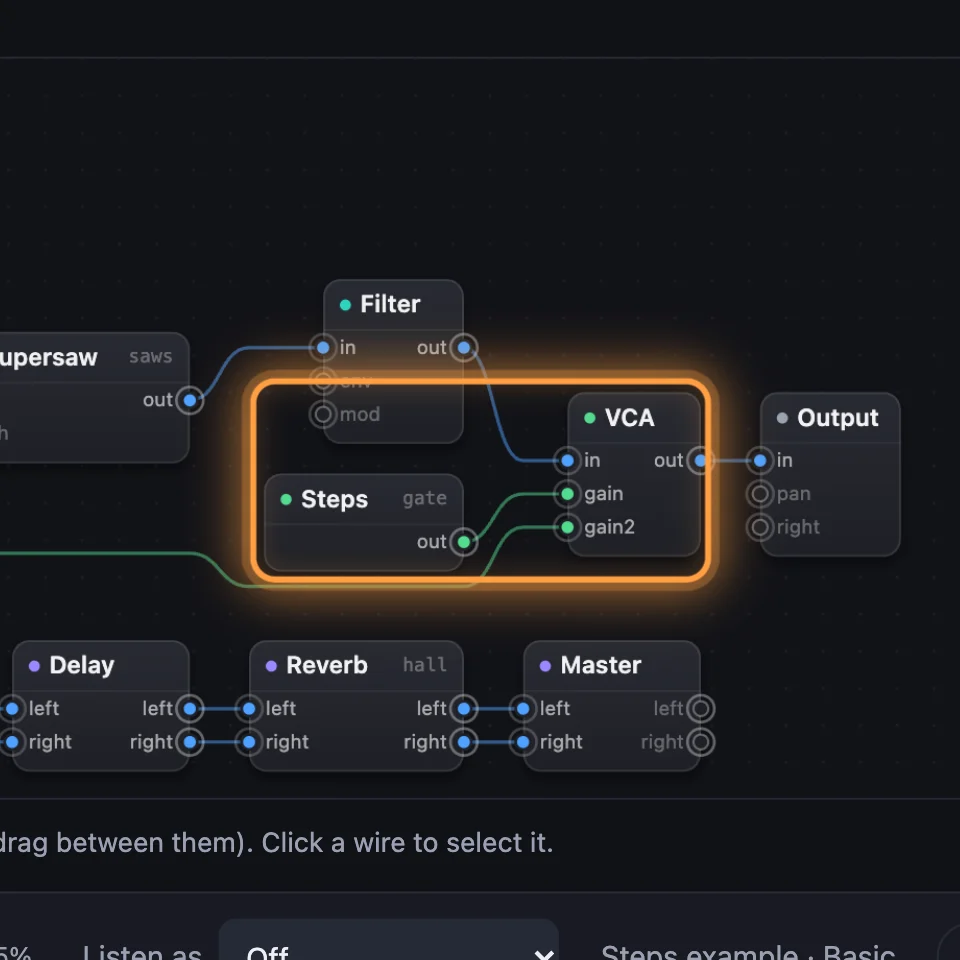
Click + Add a module and choose Steps, under Shape and move. In its details, click Open example. A chord of saws plays through Steps into a VCA, chopped into a rhythm.
2Draw the pattern
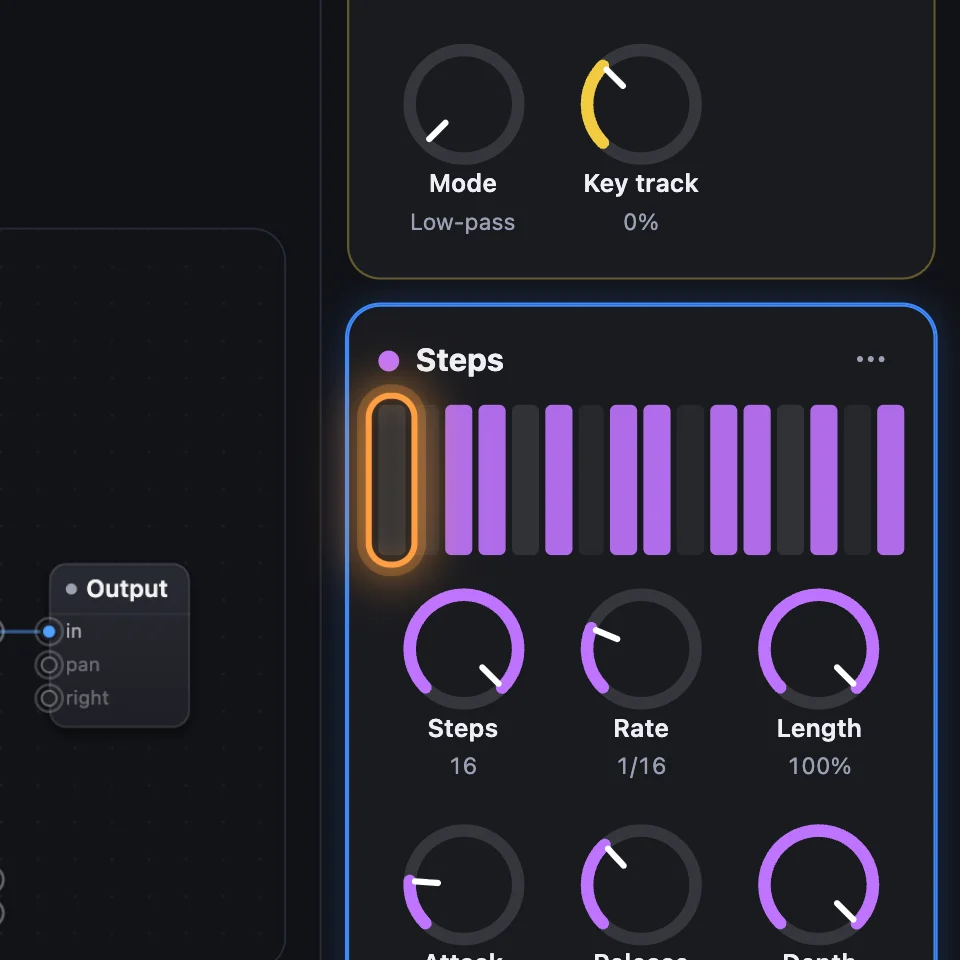
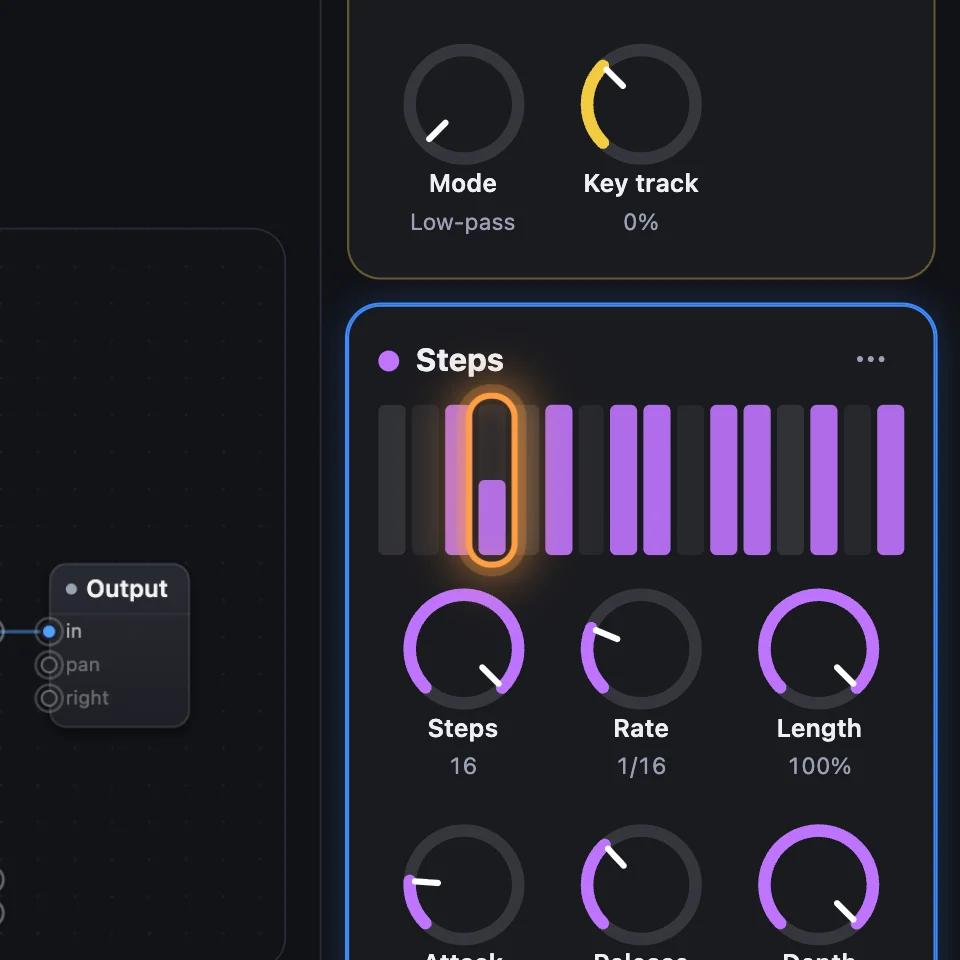
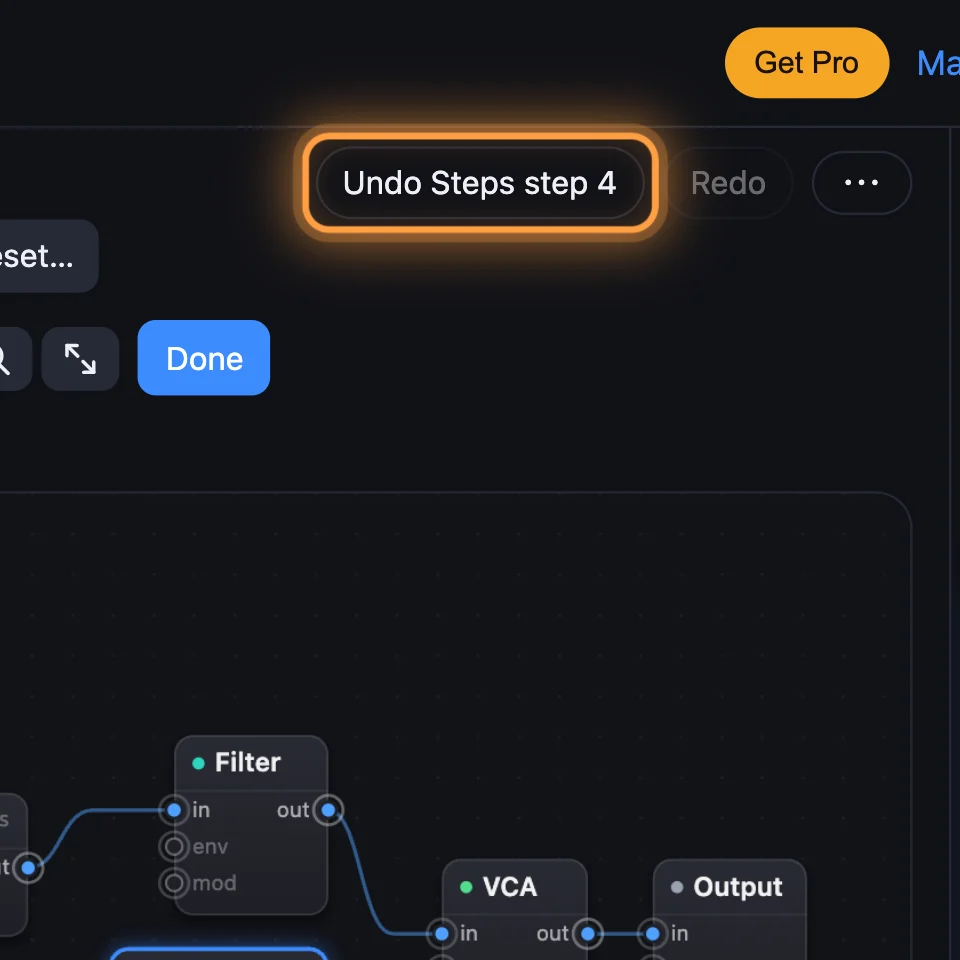
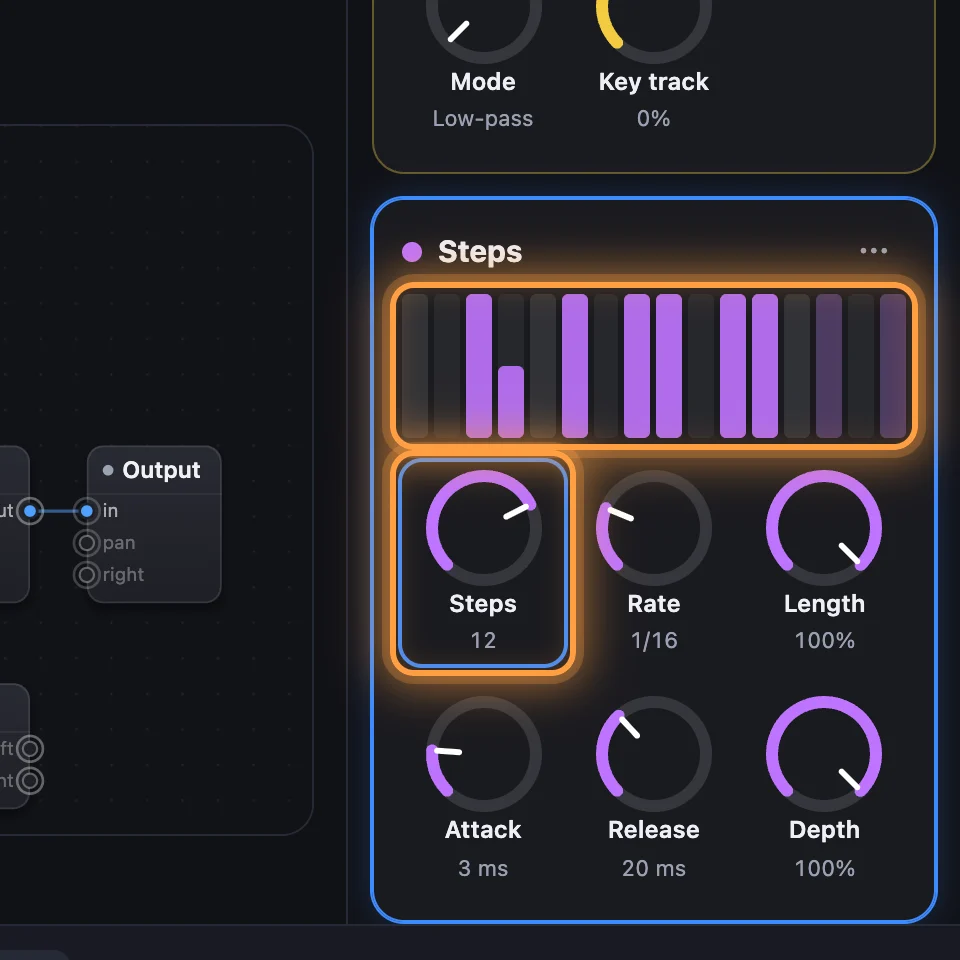
The Steps card has sixteen bars. Click a bar to turn that step on or off. Drag a bar up or down for a level in between. Each change is one Undo step.
3Its knobs
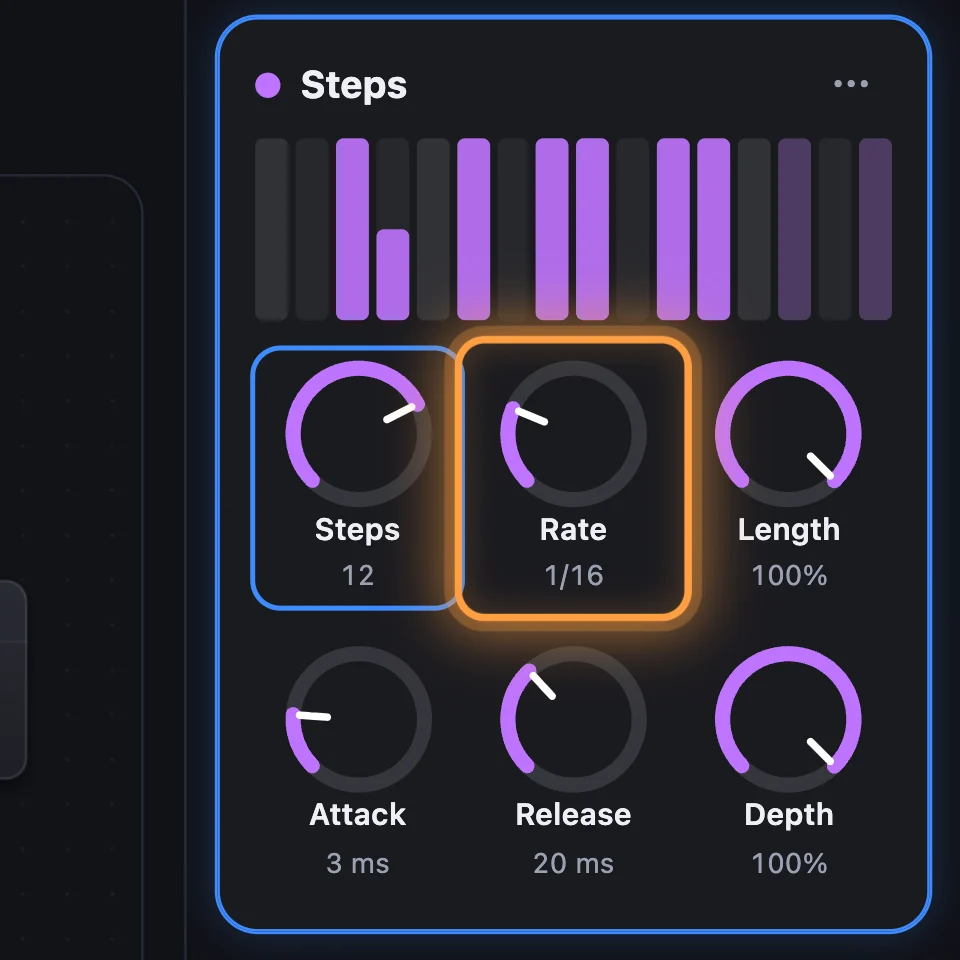
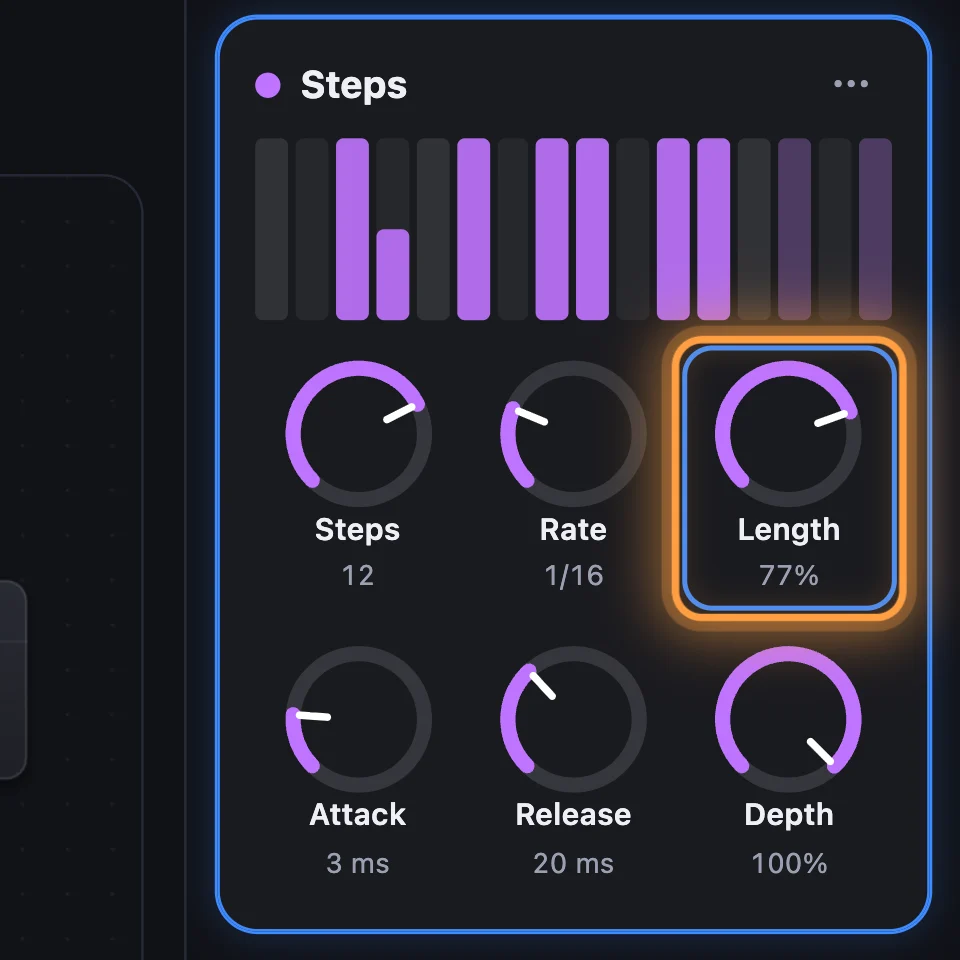
Steps sets how many steps the pattern uses: the bars after it stay, dimmed. Rate is how long each step lasts, from 1/32 to 1 bar. Length is how much of each step is on, Attack and Release soften the edges, and Depth sets how far it moves the setting.
4The Voice: Poly, Mono or Legato
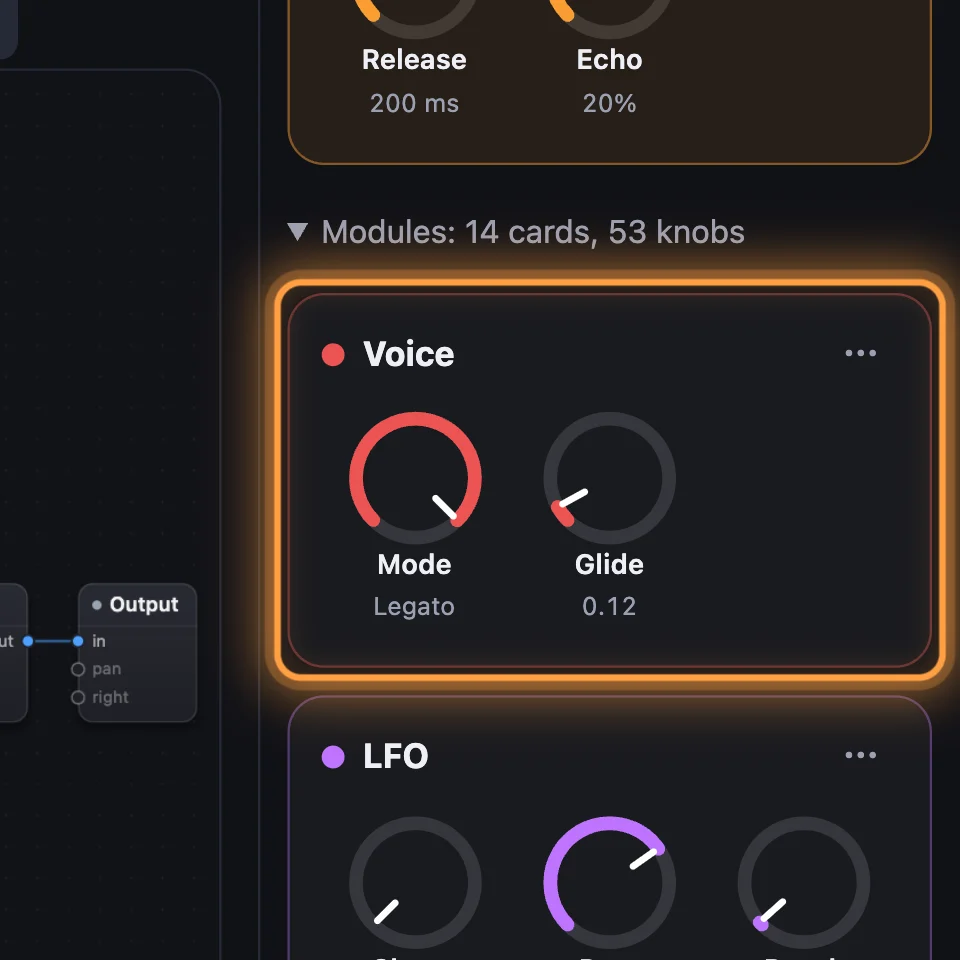
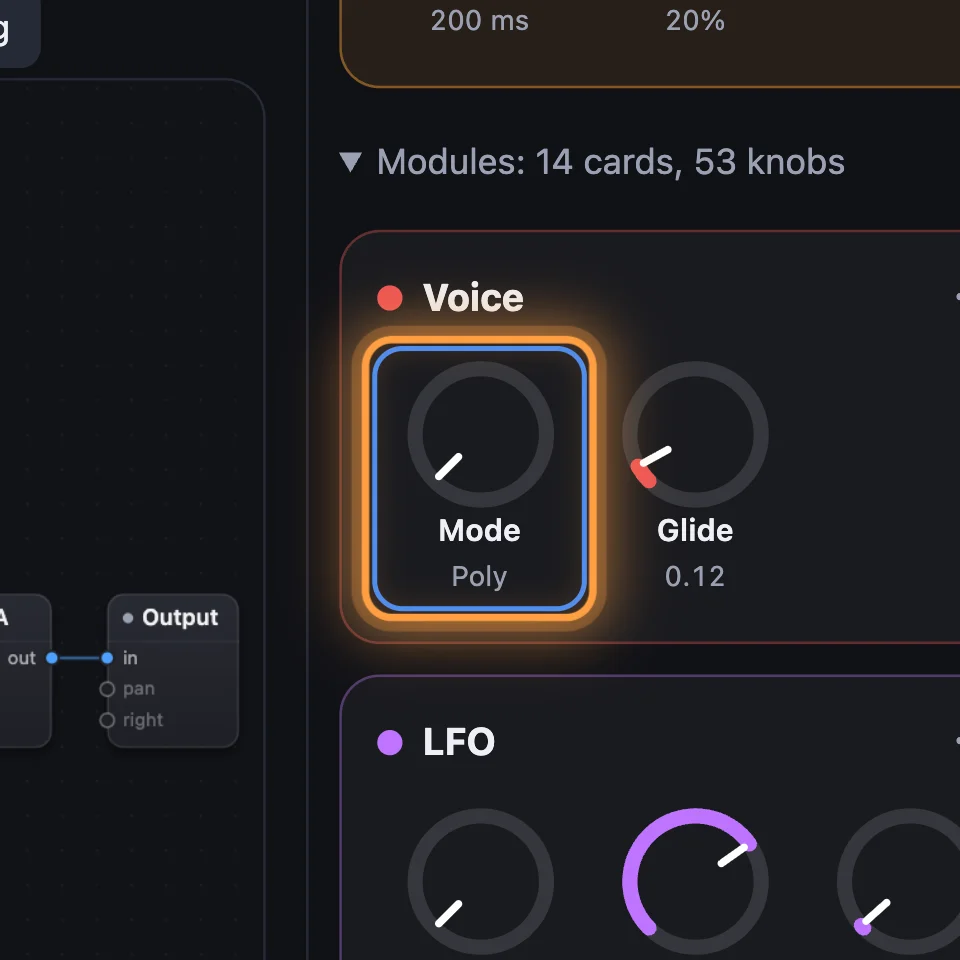
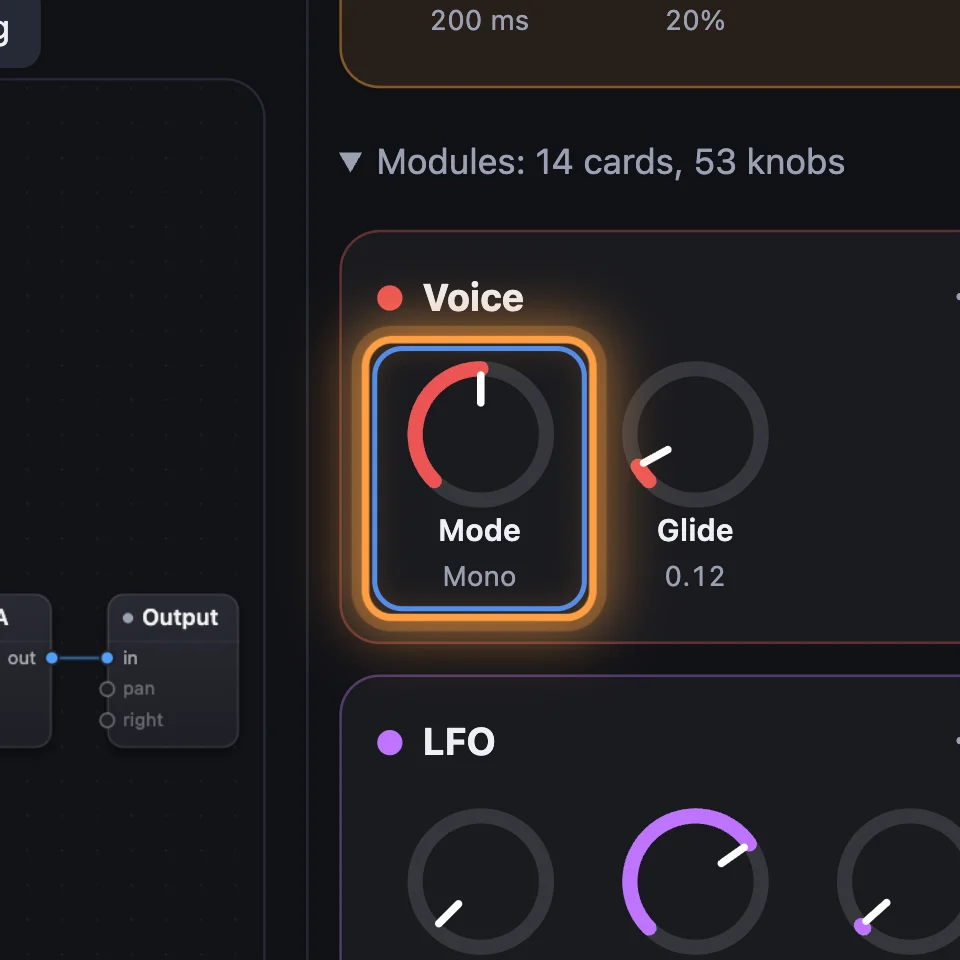
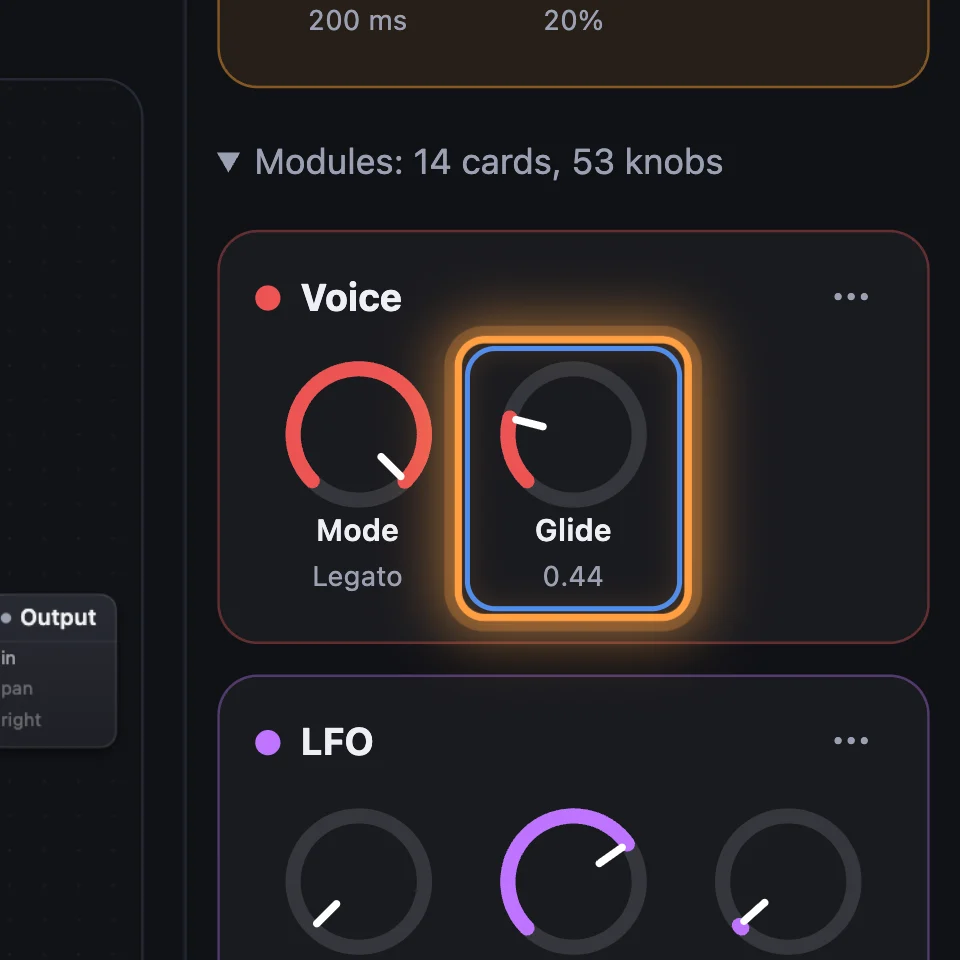
Every sound has a Voice, with Mode and Glide on its card. Poly plays chords. Mono plays one note at a time and starts each note again. Legato plays one note at a time too, but a key held over the last one only changes the pitch, so the notes join up. Let go of the newest key and the one you're still holding plays again.
5Glide
Glide is how long the pitch takes to slide to the next note, in seconds, from 0 up to 2. Hold one key and press another: the pitch slides. It's clearest in Mono or Legato.

Try it
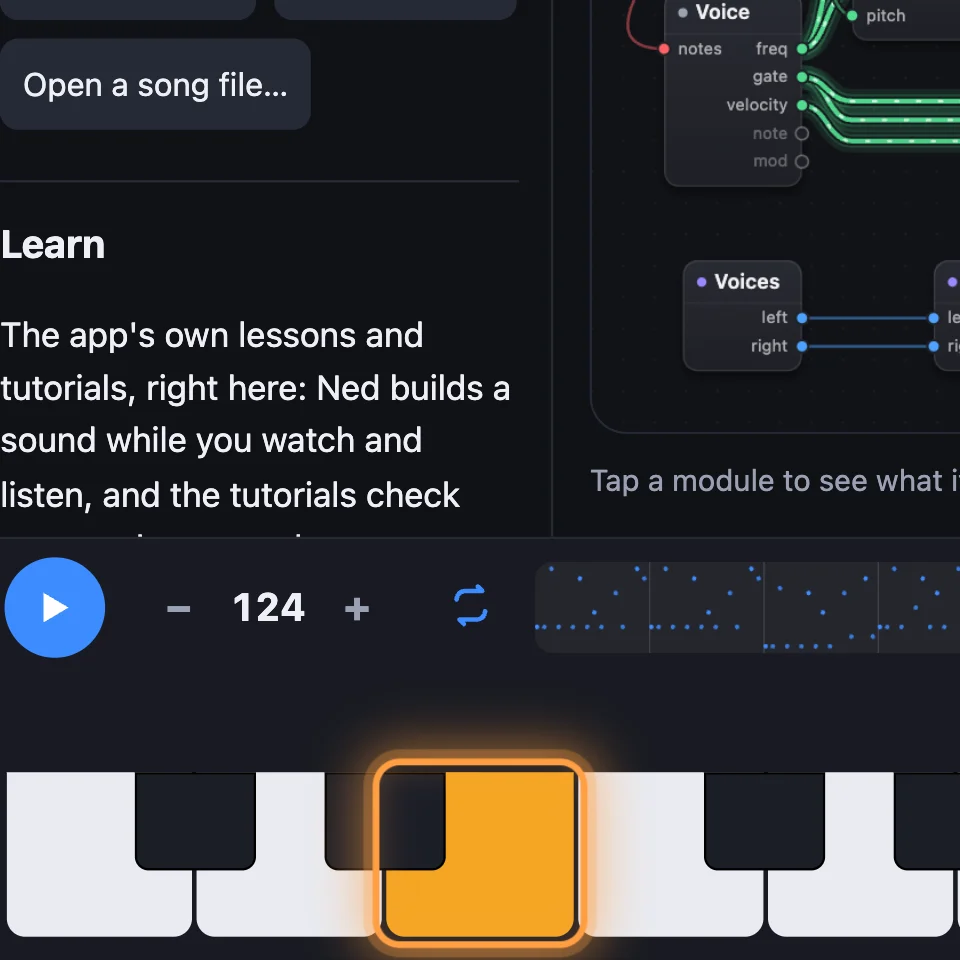
- Open Glide Lead, hold a low key, then press a higher one: the pitch slides up.
- On the Voice card, set Mode to Poly and play a chord: all the notes sound.
- Open the Steps example, click four of the bars off and play a chord: a new rhythm.
Remember
- Steps plays up to 16 levels in time: click a bar for on or off, drag it for a level.
- The Voice's Mode: Poly for chords, Mono for one note restarting each time, Legato for one note joining the next.
- Glide slides the pitch between notes; in Legato, only overlapping notes slide.