 SynthMaker
Write a melody
The piano roll: pitches up the side, time along the top. Each bar on it is a note. Put notes where you want them and the track plays them, on its own sound, in the song.
New words
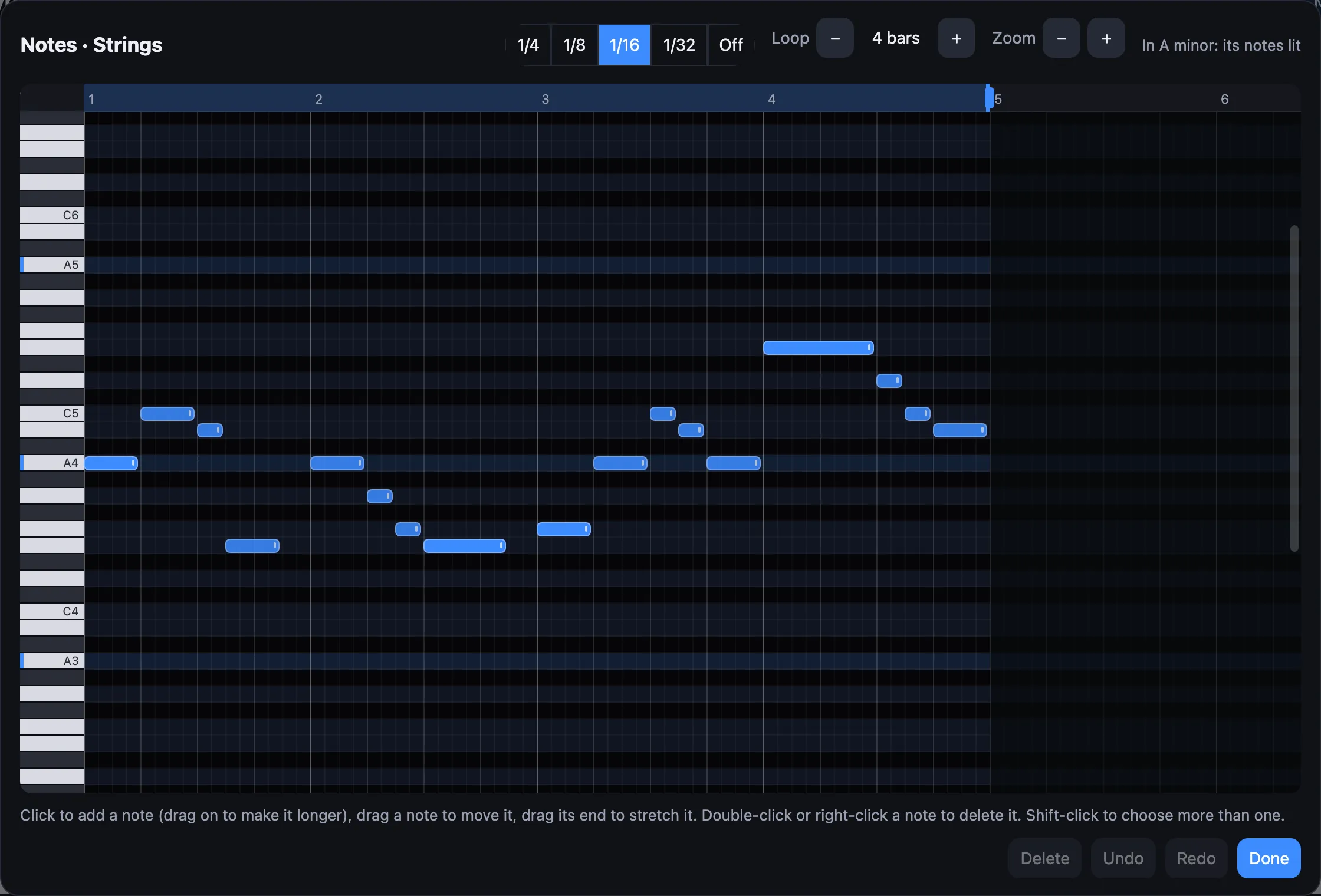
A piano roll shows a track's notes as bars: higher up is a higher note, further along is later, and longer is held longer. The snap is the grid notes land on: a 1/16 snap puts them on sixteenths.
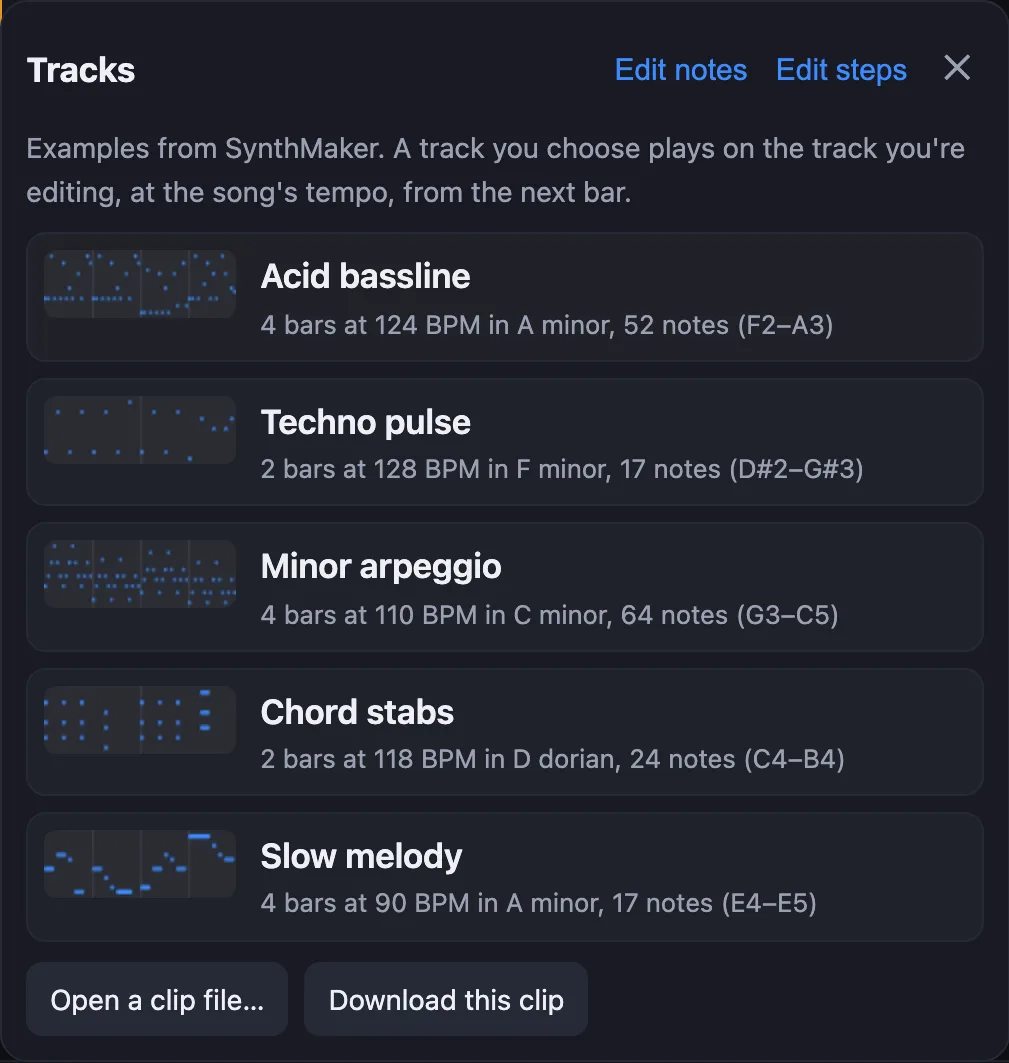
The loop is how many bars the track's notes run before they start again, 1 to 16. The song's key is the set of notes that sound at home in it, lit on the roll.
1Open the roll
Choose the track you want to write for, then tap the strip of notes over the keyboard and choose Edit notes. On the Mac it's also in the track's menu in the sidebar: Edit Notes…, or Edit notes… at the top of the Patterns list.
The keys down the left side are a piano's. Click one to hear that note on the track's sound.
2Add, move and stretch notes
- Click or tap an empty place to add a note there, and you hear it. Keep dragging to the right to make it longer.
- Drag a note to move it: sideways in time, up or down in pitch. You hear each new note as you go.
- Drag its right end to make it longer or shorter.
- Double-click a note (on a phone or tablet, double-tap) to delete it. Right-click works too, or choose it and press Delete.
- Shift-click more notes to choose them all, then drag one and they move together.
Every change is heard from the next bar, and Undo (⌘Z or Ctrl+Z) takes back one change at a time.
3Snap, key and loop
Snap: notes land on the grid you choose. 1/4 is a beat and 1/16 a sixteenth; Off lets them go anywhere. A new note is one grid step long, or as long as the last one you stretched.
The key: when the song has a key, its notes' rows are lit and its root note is marked on the keys. A note outside the key shows in purple. It still plays: notes outside the key are allowed, they just stand out.
The loop: drag the blue handle on the ruler, or use Loop − and +, to set how many bars the notes run. Notes past a shorter loop's end go (Undo brings them back).
Try it
- Open a song (Songs…, then Sunset House), choose the Bass track and Edit notes.
- Add a note on a lit row near the end of bar 2, and drag it until it's a beat long.
- Press Play, then drag the note up a row at a time and listen for the one that fits best.
Remember
- Up is higher, along is later, longer is held longer; every note plays on the track's own sound.
- Click to add (drag on to lengthen), drag to move, drag the end to stretch, double-click to delete.
- The snap sets the grid, the lit rows are the song's key, and the loop sets how many bars the notes run.