 SynthMaker
Program a beat
The step grid: a row for each drum and a box for each sixteenth. Turn boxes on and the track plays them, on its own sound, in the song.
New words
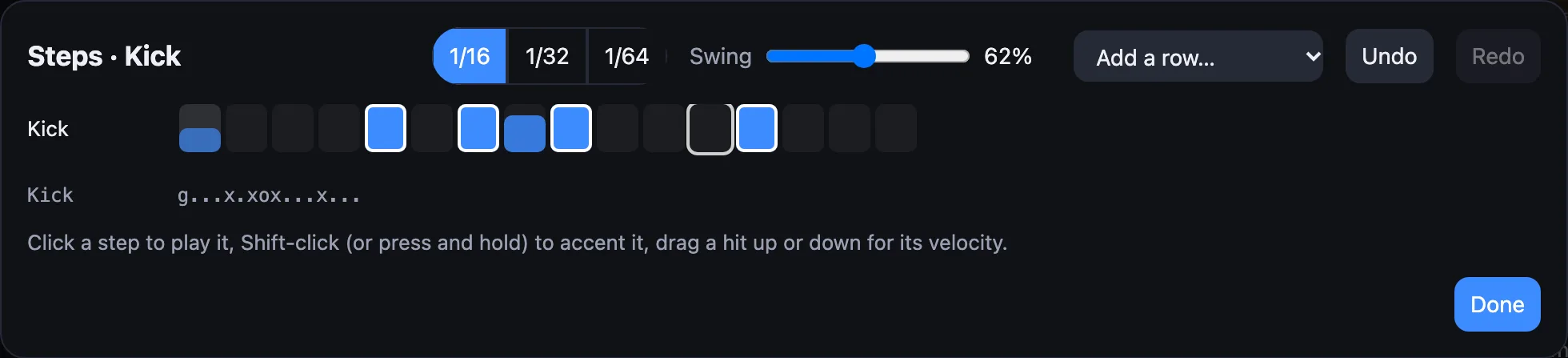
A step is one sixteenth of a bar: sixteen to a bar of four beats. A step that's on is a hit, a note on its row's drum. An accent is a hit played at full strength.
Swing plays every second sixteenth a little late, for a shuffle: 50% is straight, 66% is a triplet feel, 75% the most.
1Open the grid
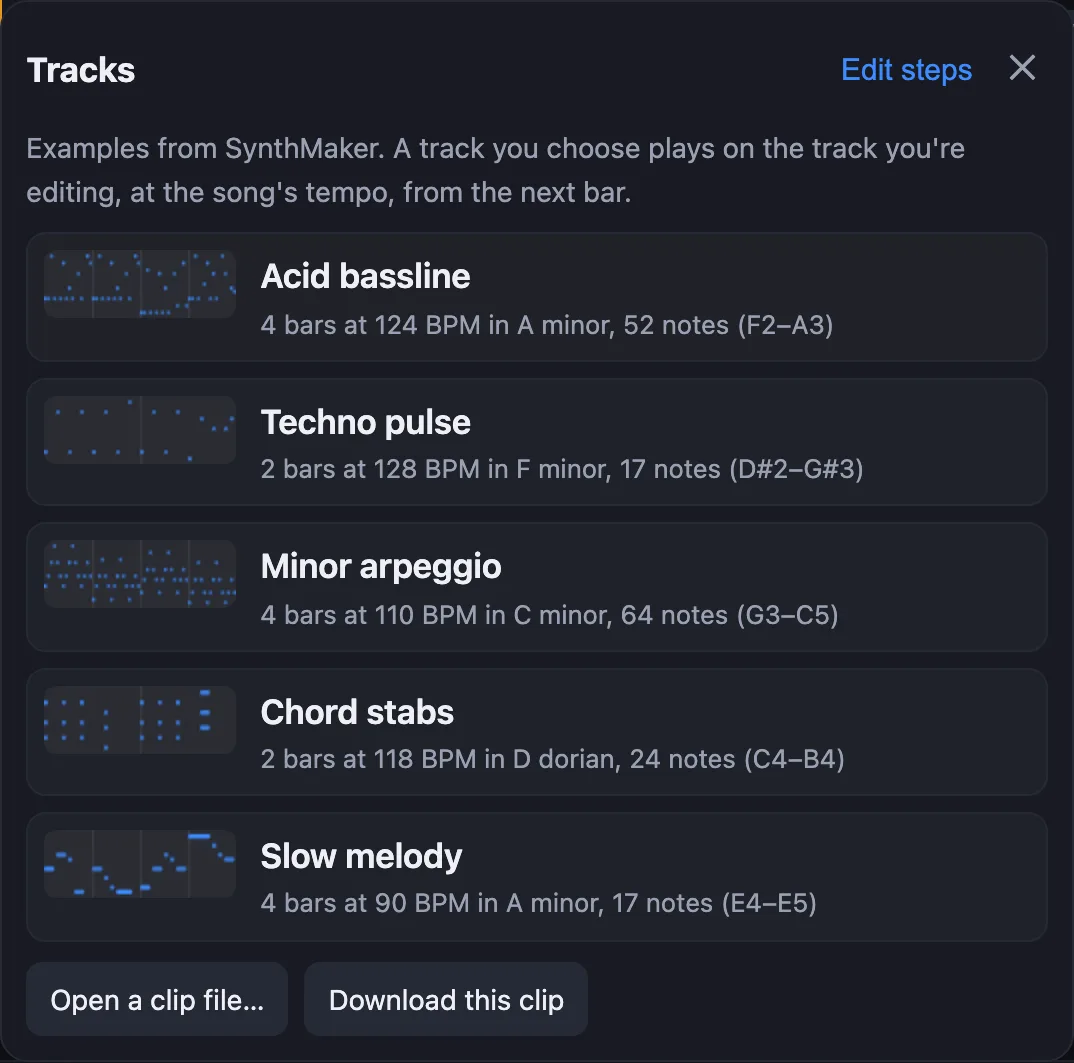
Choose the track whose beat you want, then tap the strip of notes over the keyboard and choose Edit steps. On the Mac it's also in the track's menu in the sidebar: Edit Steps…, or Edit steps… at the top of the Patterns list.
Each row is a drum. A track that plays one sound, like a Kick, has one row named after it; a kit gets a row per drum, named as General MIDI names them (Kick, Snare, Closed hat…). Add a row… adds another.
2Turn steps on
Click or tap a step to turn it on, and you hear it. Click it again to turn it off. Shift-click it (on a phone or tablet, press and hold) to accent it: an accented step has a white ring.
Drag a hit up or down to make it louder or softer: its box fills with how hard it plays. A soft hit is a ghost note, the quiet one between the main hits.
While the song plays, a frame moves along the step that's playing. Every change is heard from the next bar, and Undo takes back one change at a time.
3Swing it, and read it
Swing moves every second sixteenth later, the same for the whole track. Slide it and listen: around 55–60% gives house and hip-hop their bounce.
Under the grid each row is written as text, one character a step: x an accent, o a hit, g a ghost, . a rest, with a space between bars. It's the same beat as the boxes, the way SynthMaker's own songs are written.
Try it
- Open a song (Songs…, then Sunset House), choose the Kick track and Edit steps.
- Turn on the step just before beat 3, then drag it down until the text shows a
g. - Choose the Hats track, set Swing to 58% and press Play.
Remember
- A row is a drum, a step a sixteenth; a step that's on is a hit, played on the track's own sound.
- Click toggles, Shift-click (or press and hold) accents, dragging sets how hard it plays.
- Swing shuffles the track's off-beats; the
x o g .line is the same beat as text.