 SynthMaker
Build a song
A song is up to eight tracks playing together, each its own sound. Start from a ready song, or from one track, and build it up.
New words
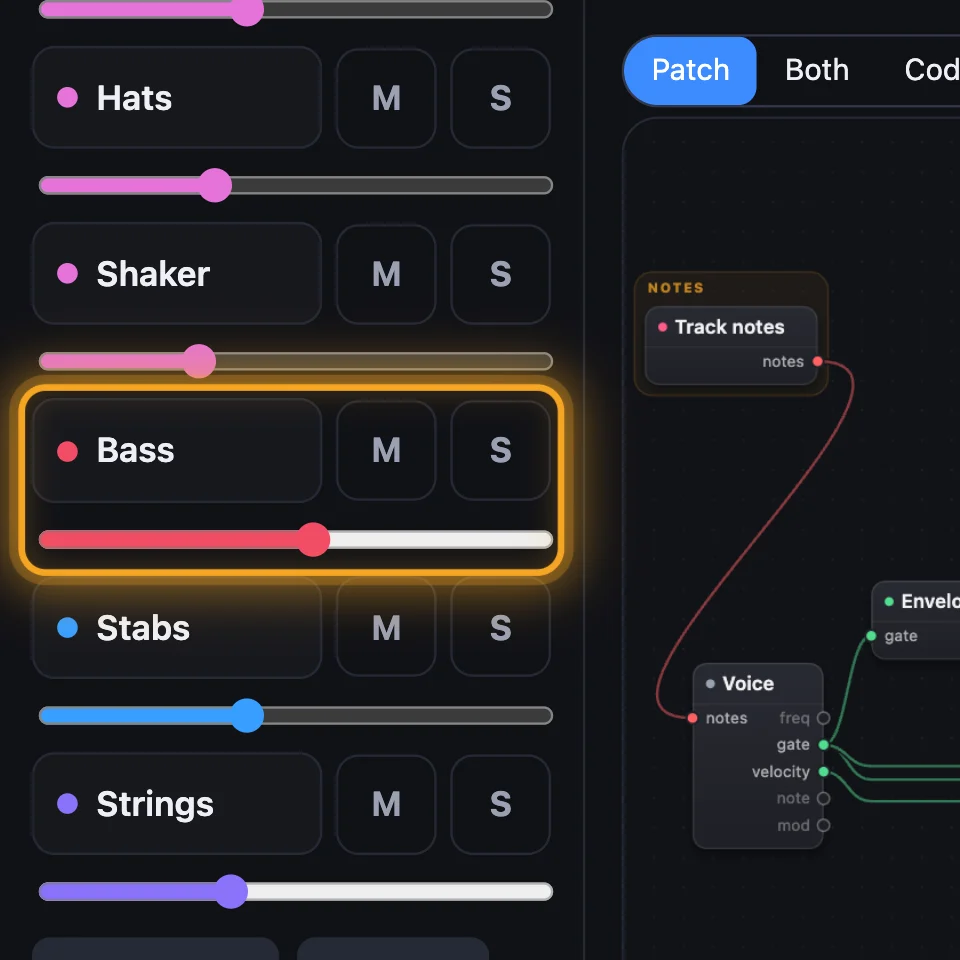
A track is one line of the song: a sound and the notes it plays.
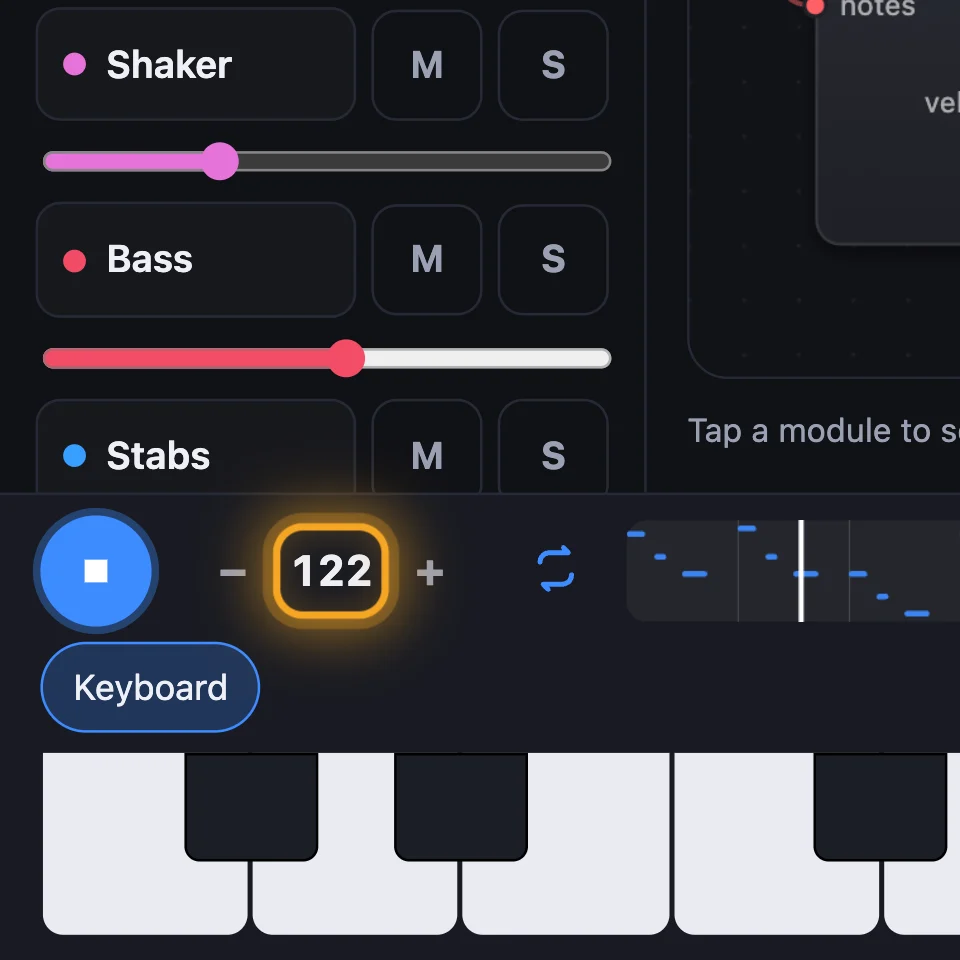
Tempo is how fast the song plays, in beats a minute (BPM).
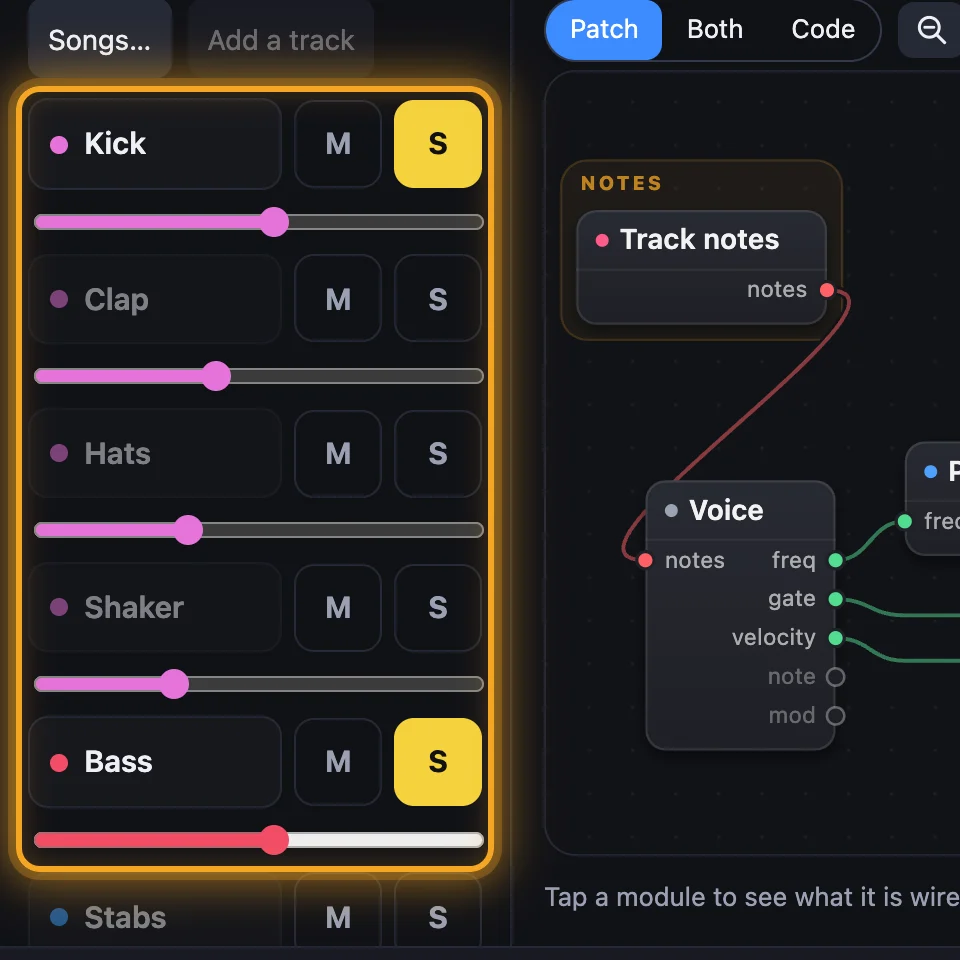
Solo plays only the soloed tracks, to hear them on their own.
1Start a song
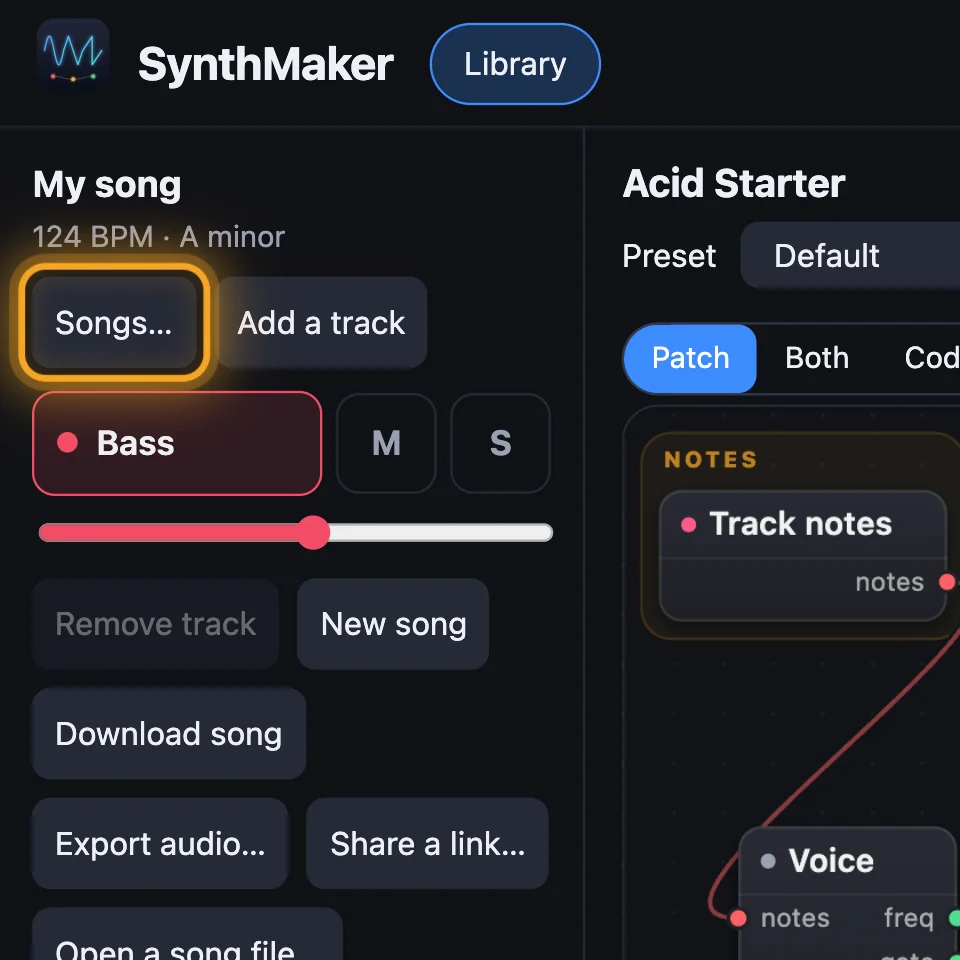
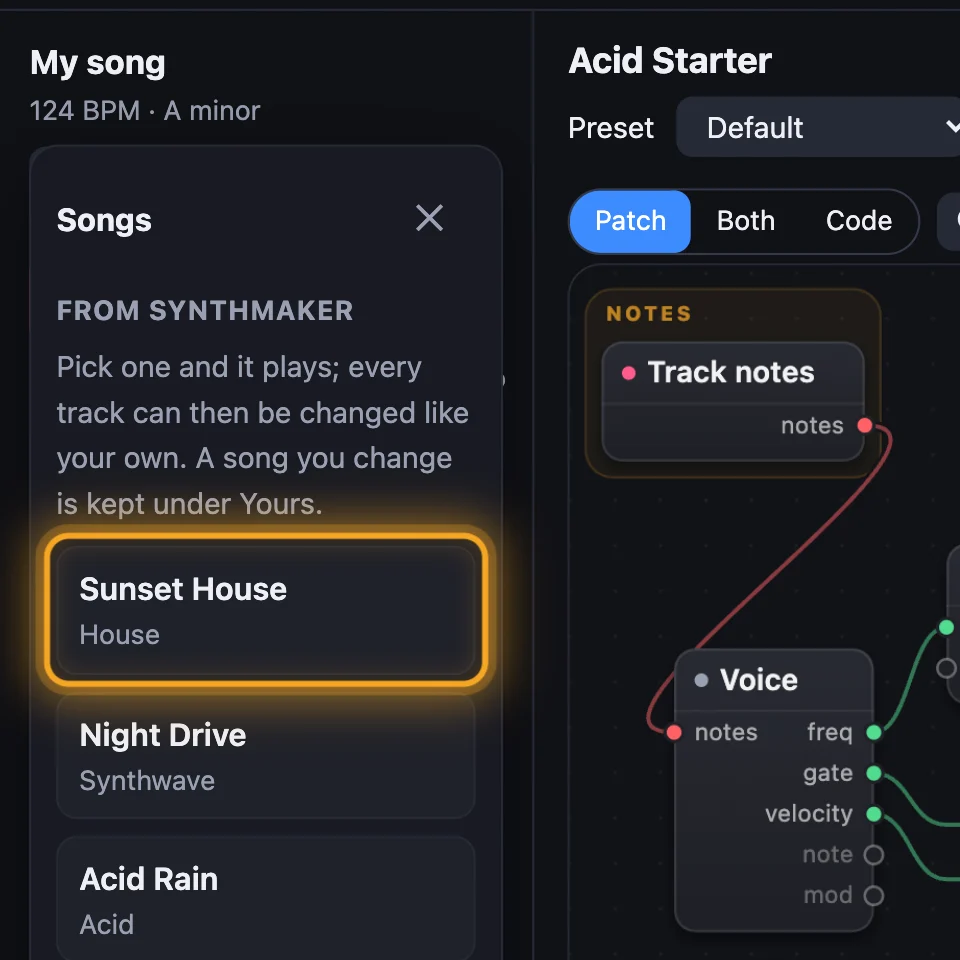
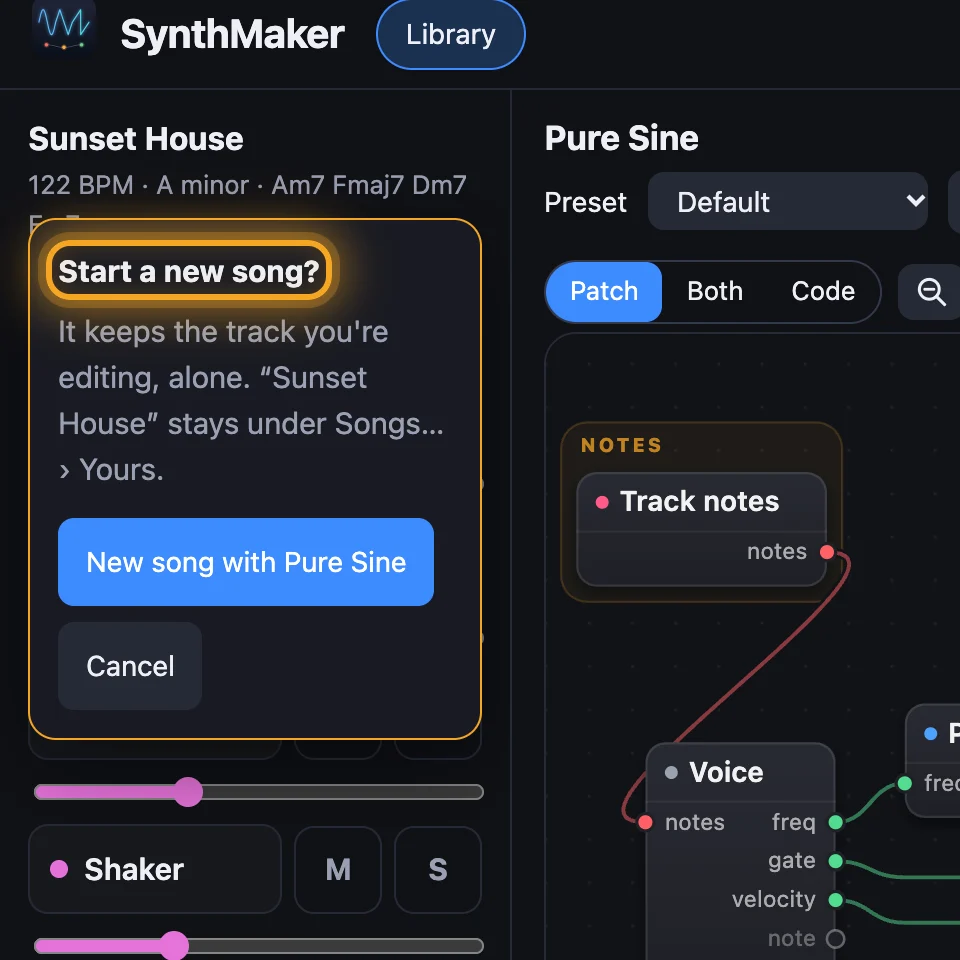
Click Songs… and pick one under From SynthMaker: it plays at once. Or click New song: it keeps the track you're editing, alone, to build on.
2The tracks
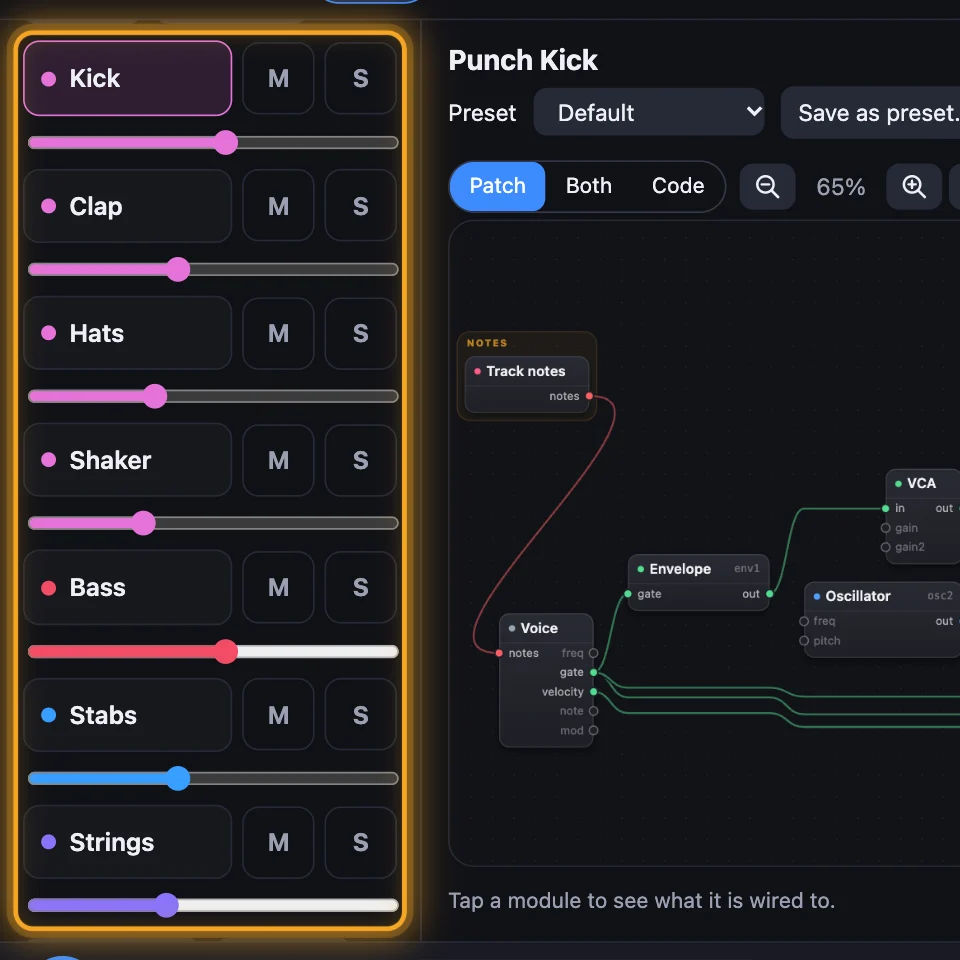
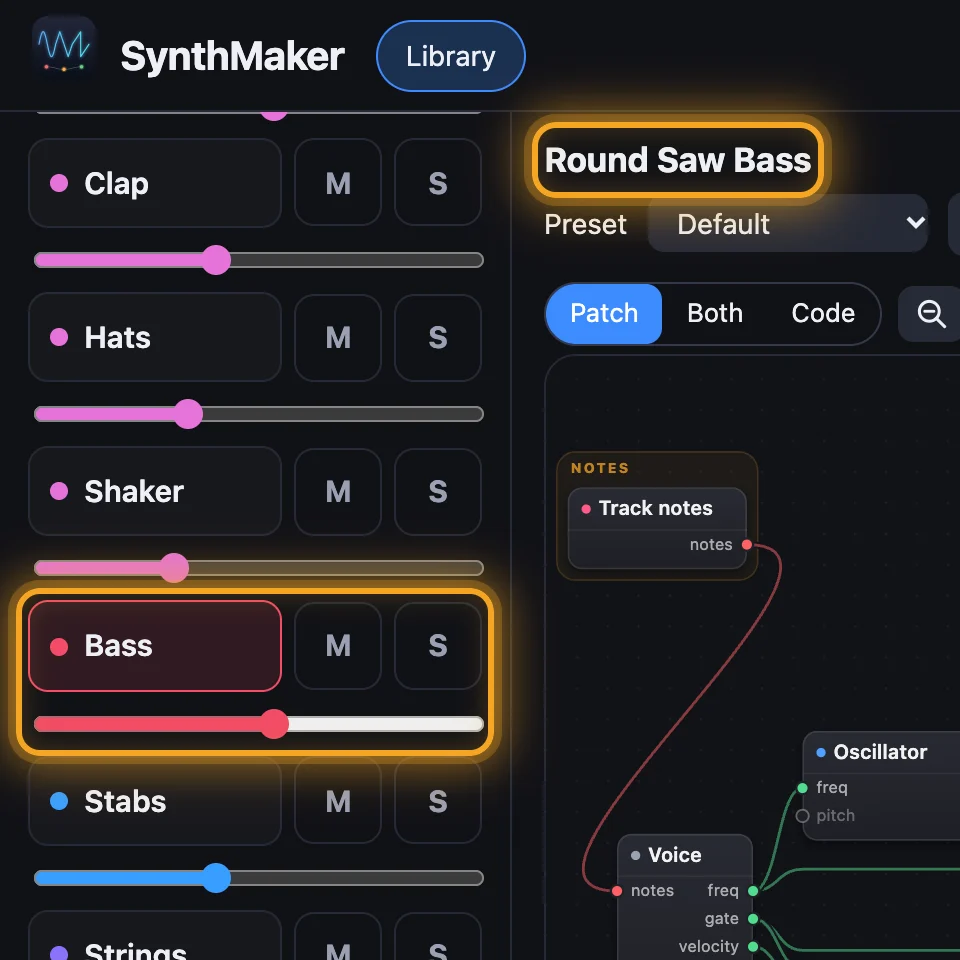
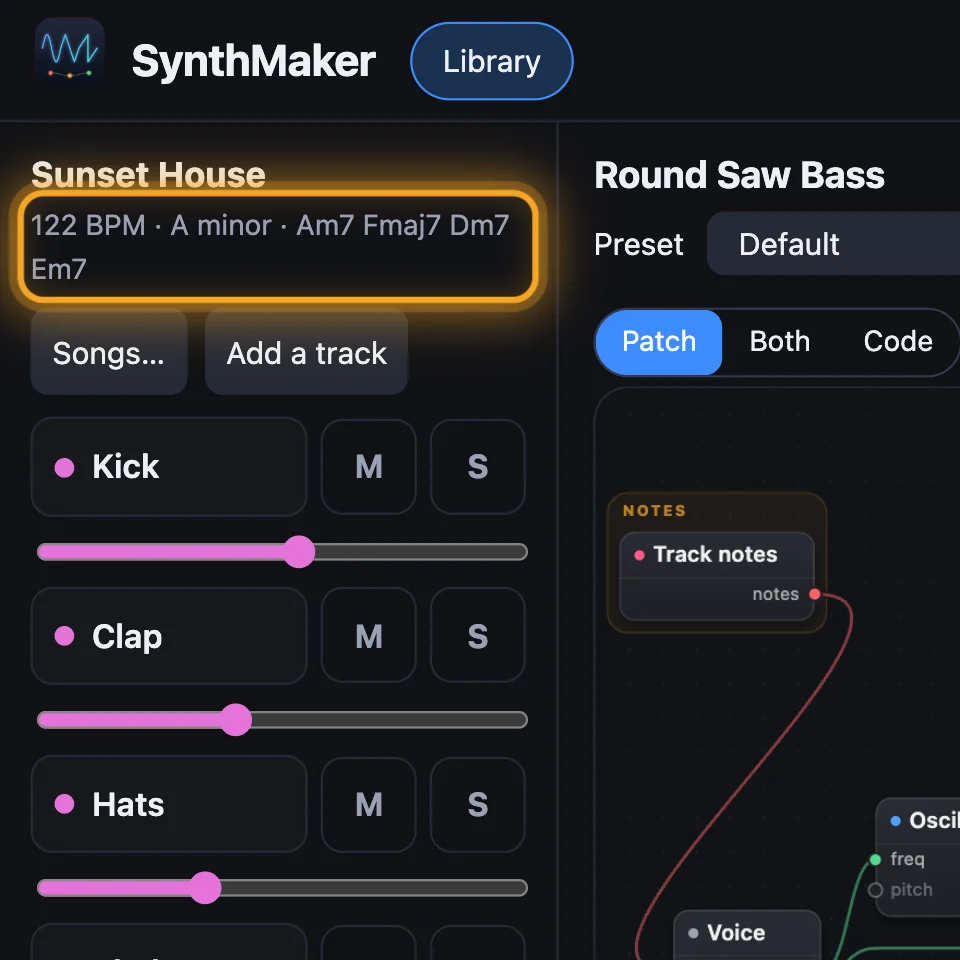
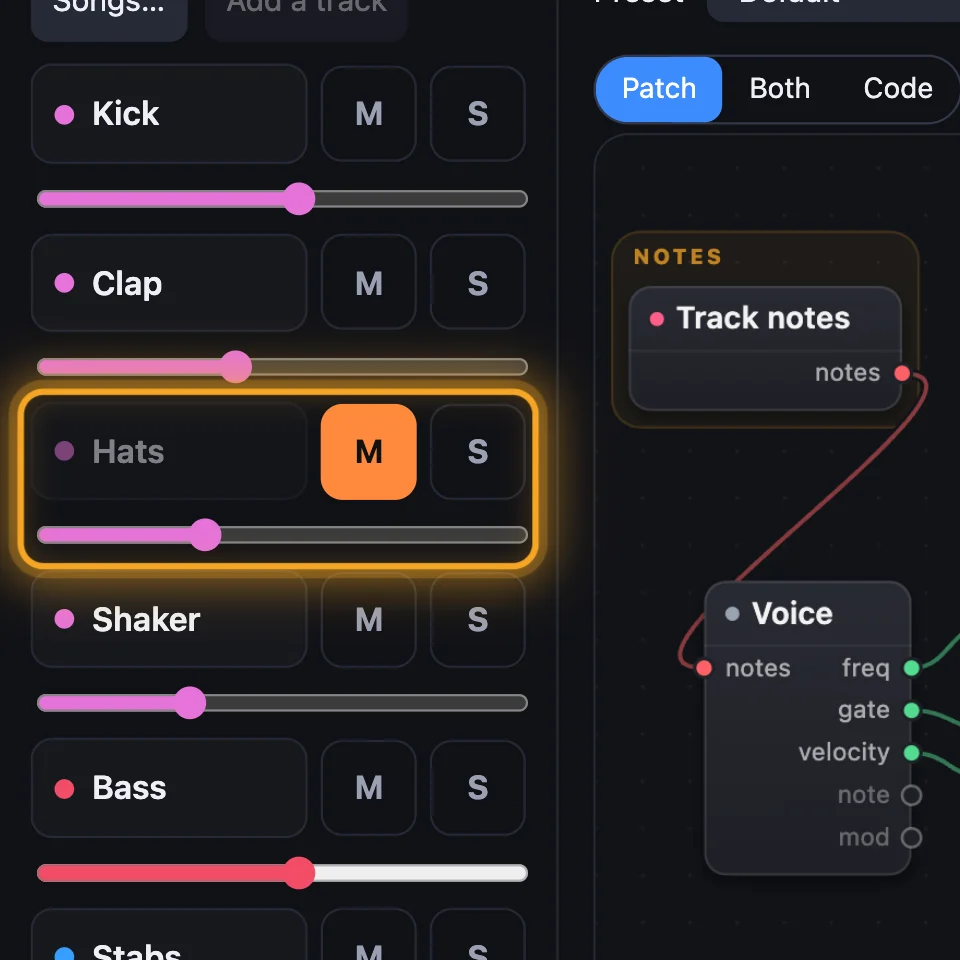
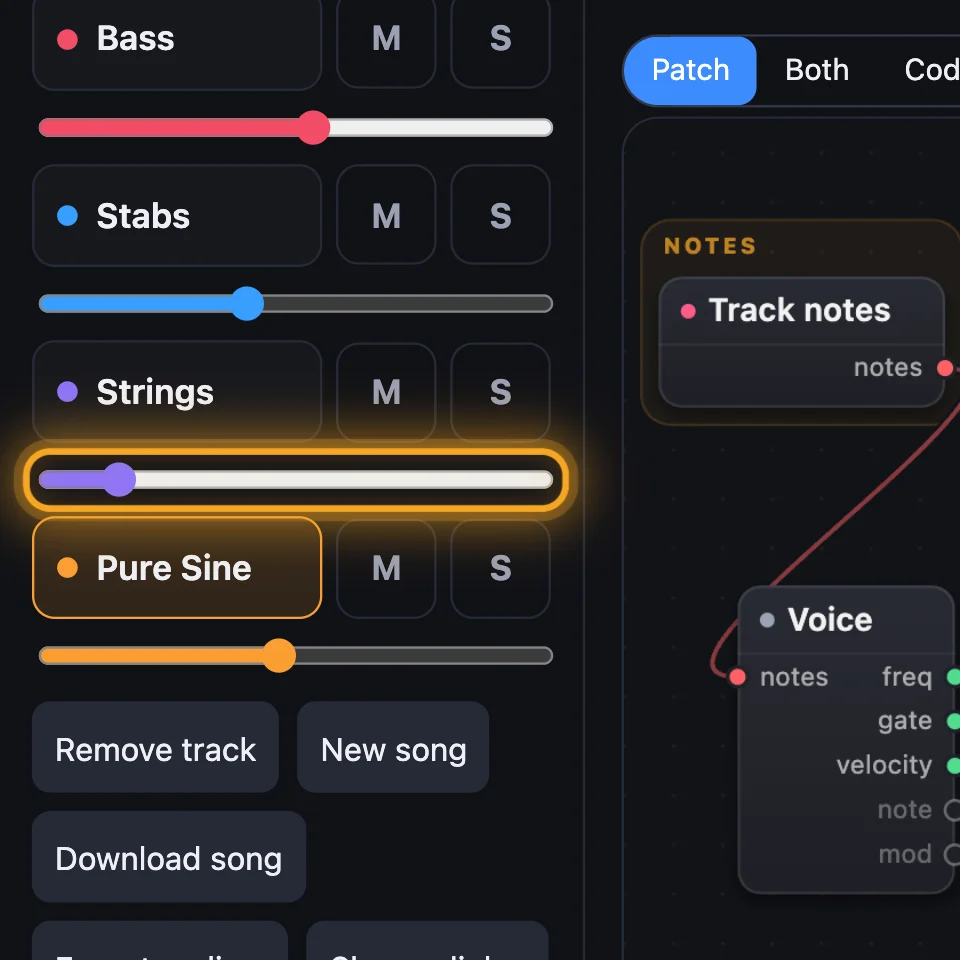
Each row is a track: its name, then the sound it plays. Click a row to edit that track: its sound is the one on the page, and the keys play it. The line by the song's name gives its tempo, key and chords.
3Add a track
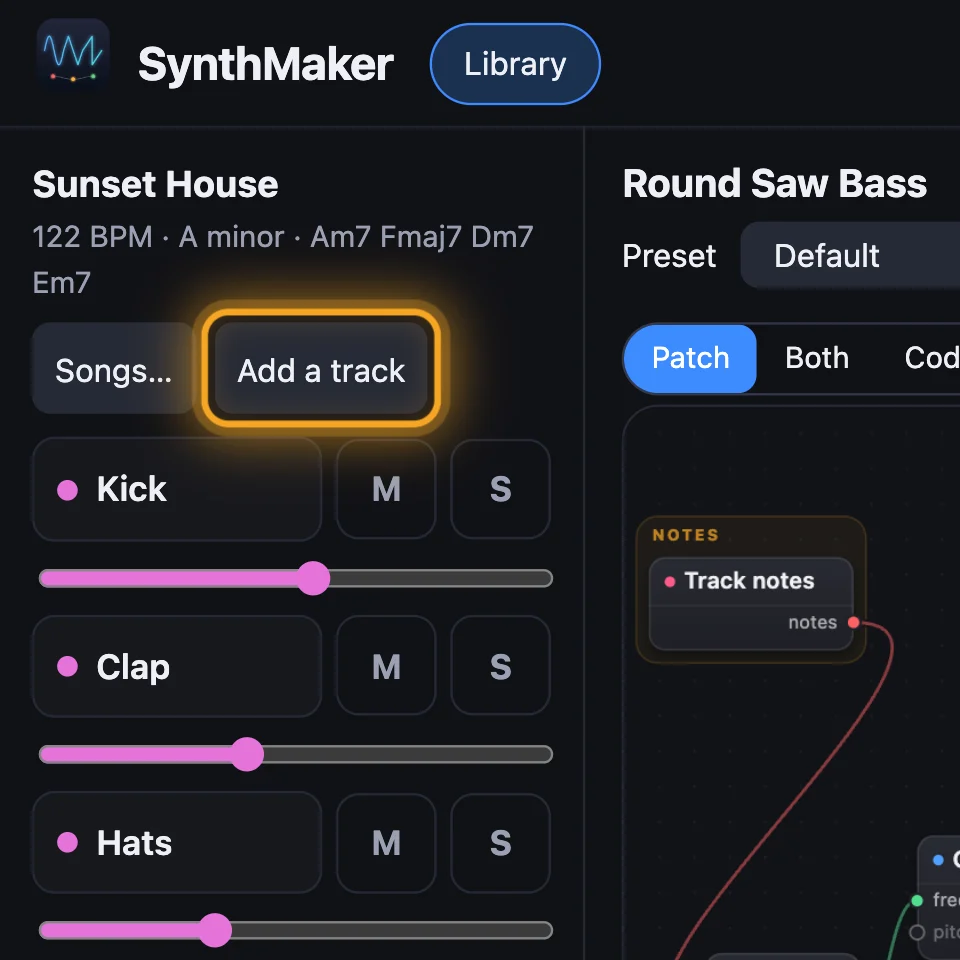
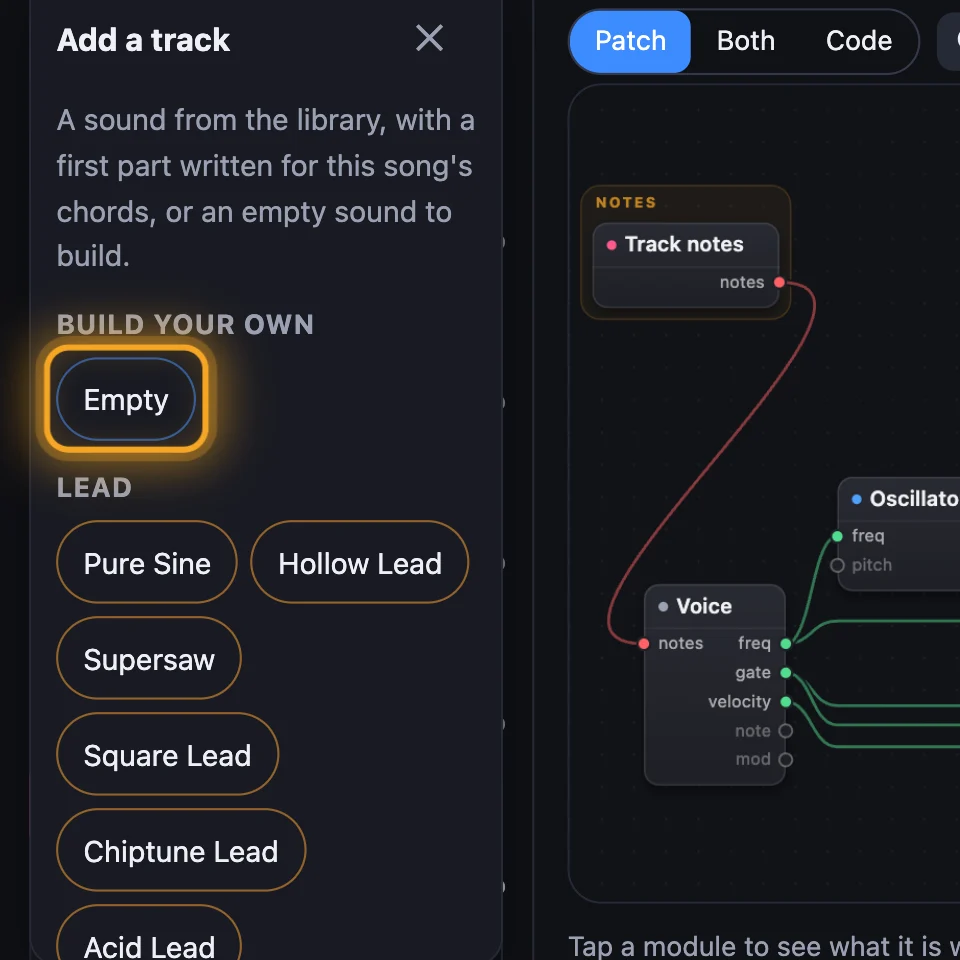
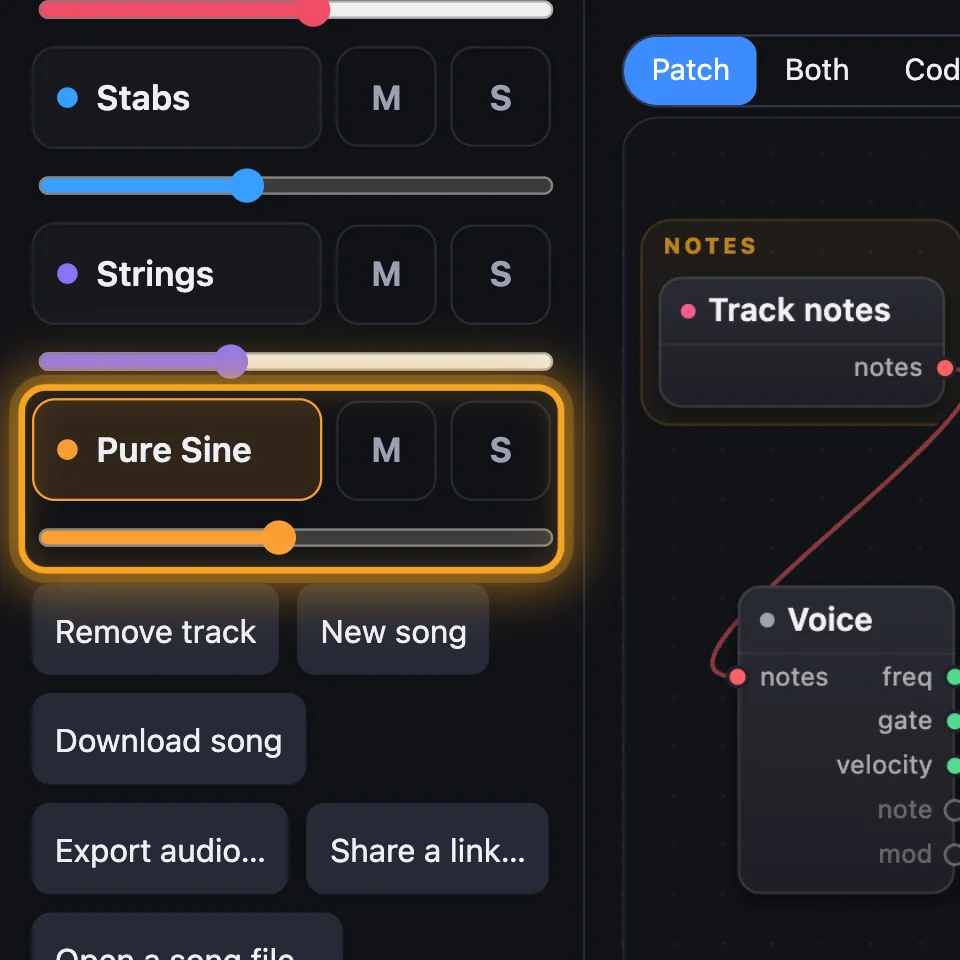
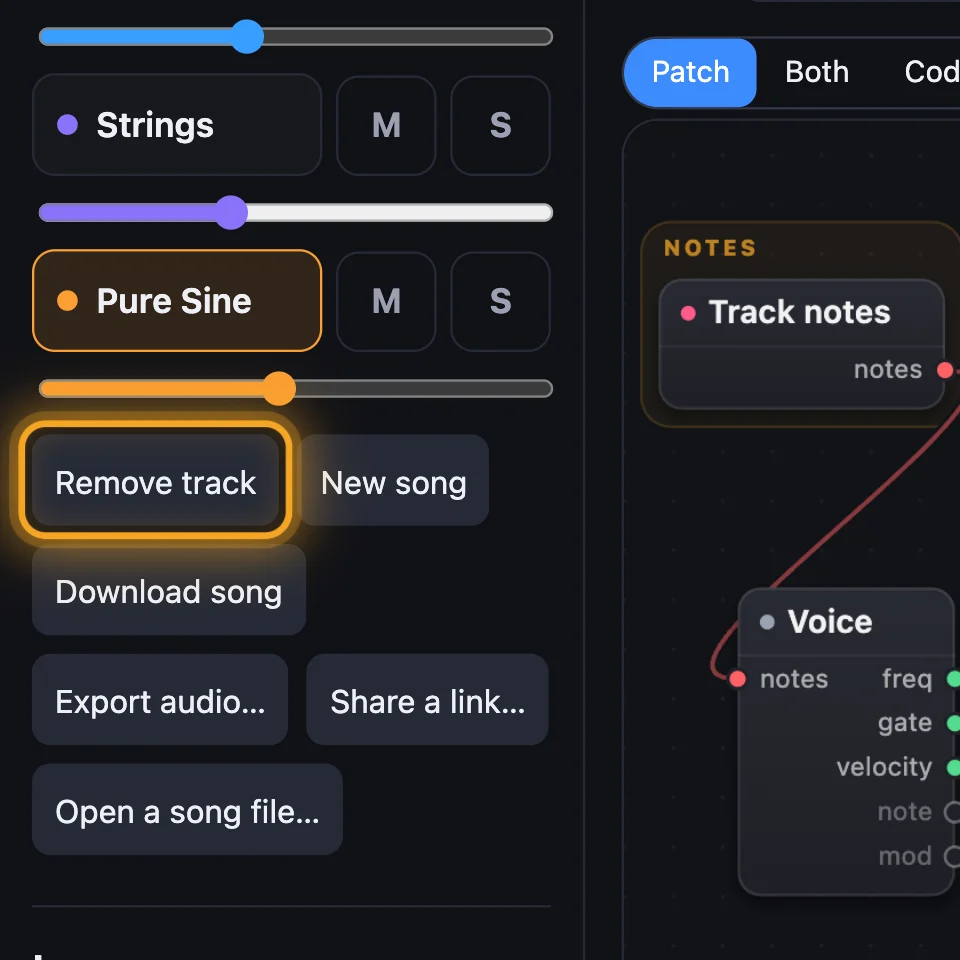
Click Add a track. Pick a sound, and it comes with a first part written for the song's chords. Or pick Empty, under Build your own, for a track that plays nothing until you give it notes. Remove track takes the chosen one away.
4Tempo, play and loop
Press ▶ to play the song and ■ to stop. − and + change the tempo a beat a minute at a time. Click the number and use the arrow keys, or Page Up and Page Down for ten at a time. The loop button plays it round and round.
5Mute, solo and volume
M mutes a track. S solos it: while any track is soloed, only the soloed tracks play. The slider is the track's volume. Silent tracks are greyed out.

Try it
- Open SynthMaker, click Songs… and pick Sunset House: it plays.
- Click S on the Bass: you hear the bass on its own. Click it again.
- Click Add a track and pick a Lead sound: a new part joins, in the song's chords.
On the Mac, the song's tracks are at the top of the sidebar, under Song, each with S to solo and a speaker to mute, and Add a track is under them. Songs to start from lists the ready songs.
Remember
- A song is up to eight tracks; click a track to edit its sound.
- Add a track writes a first part in the song's chords; Empty starts a track from nothing.
- − and + set the tempo; M mutes, S solos, the slider sets a track's volume.