 SynthMaker
Finish and share a song
Your song as a file to keep, to post or to master, and a short link that plays it in anyone's browser, with a button to open it in SynthMaker and make it theirs.
New words
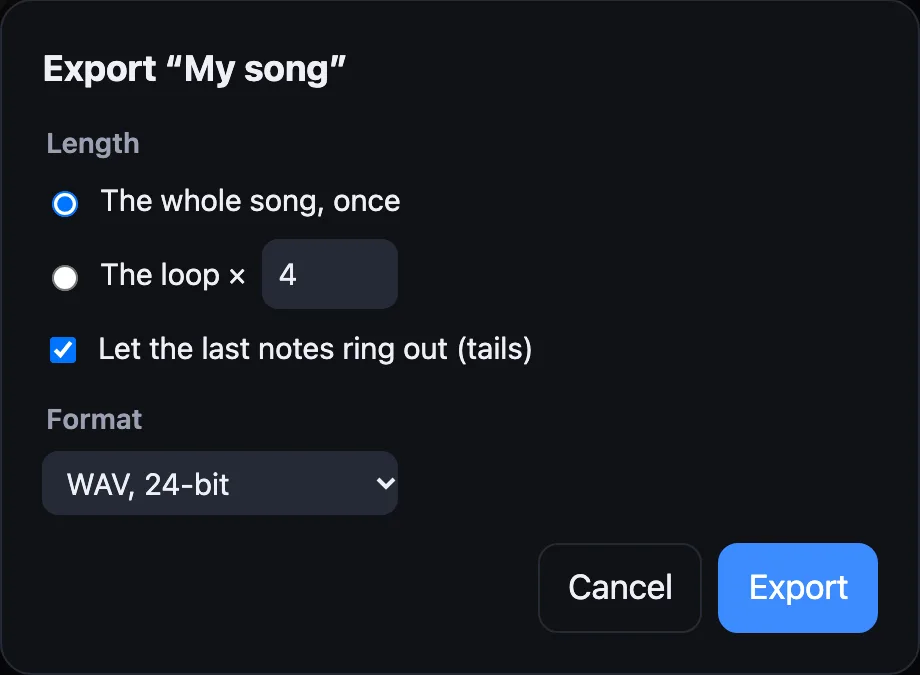
To export is to turn the song into an audio file. SynthMaker plays it offline: as fast as the computer can, not in real time, with every note on its exact sample.
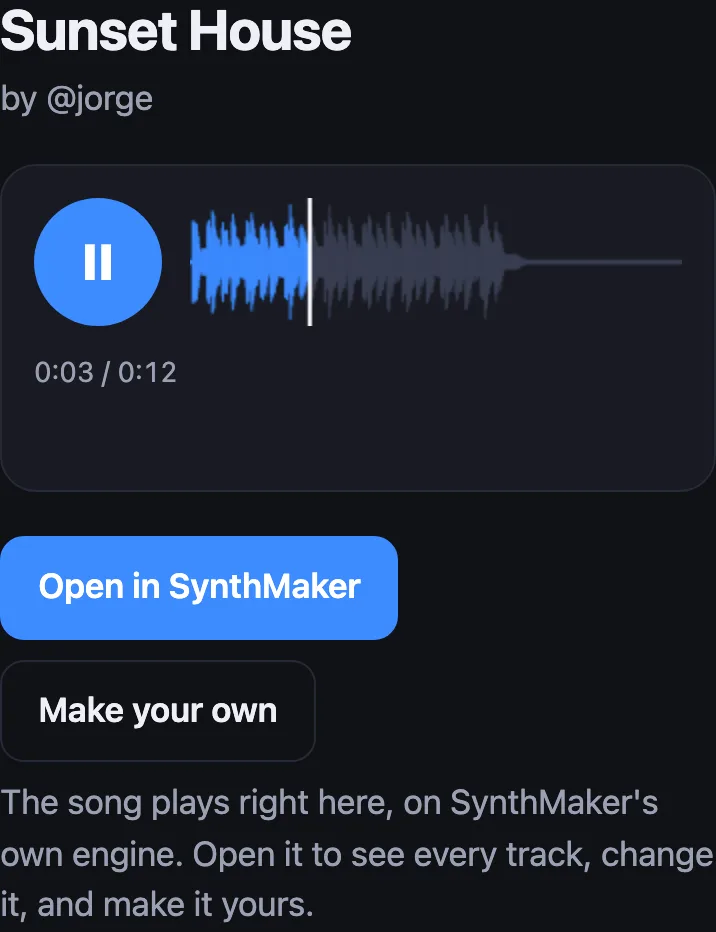
A song link is a short address, synthmaker.com/s/…, for a copy of your song. Its page plays the song right there, on SynthMaker's own engine.
1Export the song
On the web, choose Export audio… under your song's tracks, next to Download song. On the Mac, choose File › Export Song… (⇧⌘E).
Pick how long: the whole song, once, or the loop as many times as you like. Tails lets the last notes, echoes and reverb ring out after the last bar, until they're quiet; without them the file ends right on the bar line, ready to loop.
Then the format: WAV, 24-bit for keeping or mastering, WAV, 32-bit float for every bit the engine made, or M4A (AAC) for a small file to send or post. Export shows how far it has got, and Cancel stops it.
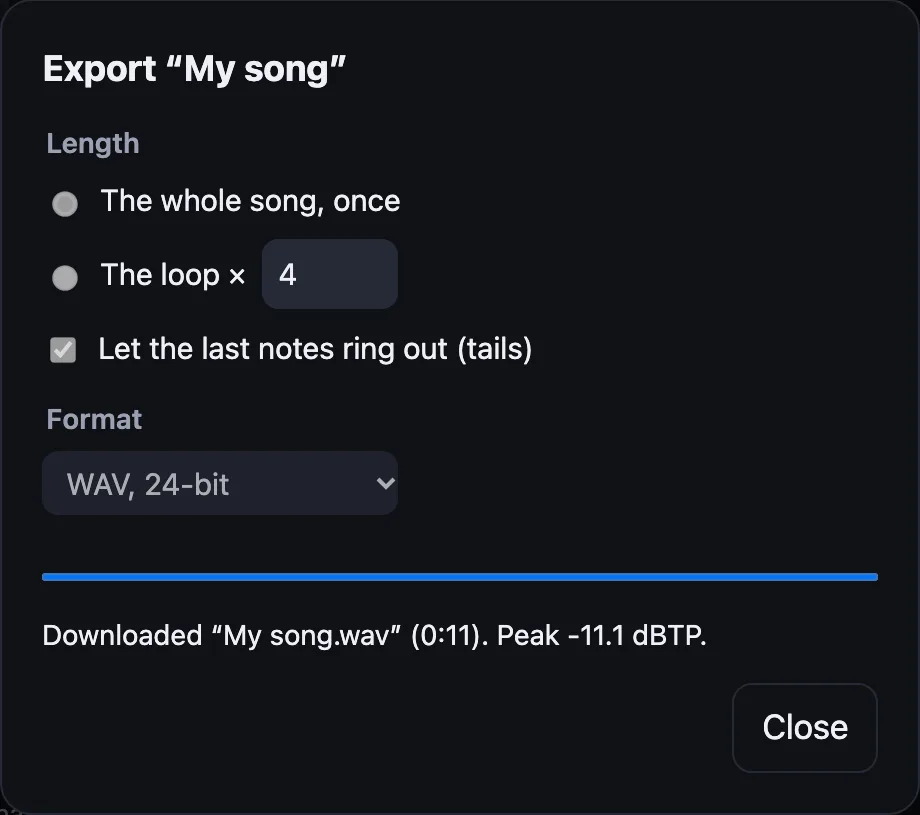
The file is exactly what you hear when you press ▶, at the left of the transport row above the keyboard (on the Mac, Space does it too): the same engine and the same notes, sample for sample. On the web the file downloads; on the Mac you choose where it goes. M4A on the web needs a browser that can write AAC (Chrome, Edge or Safari); elsewhere it offers WAV.
2Share a link
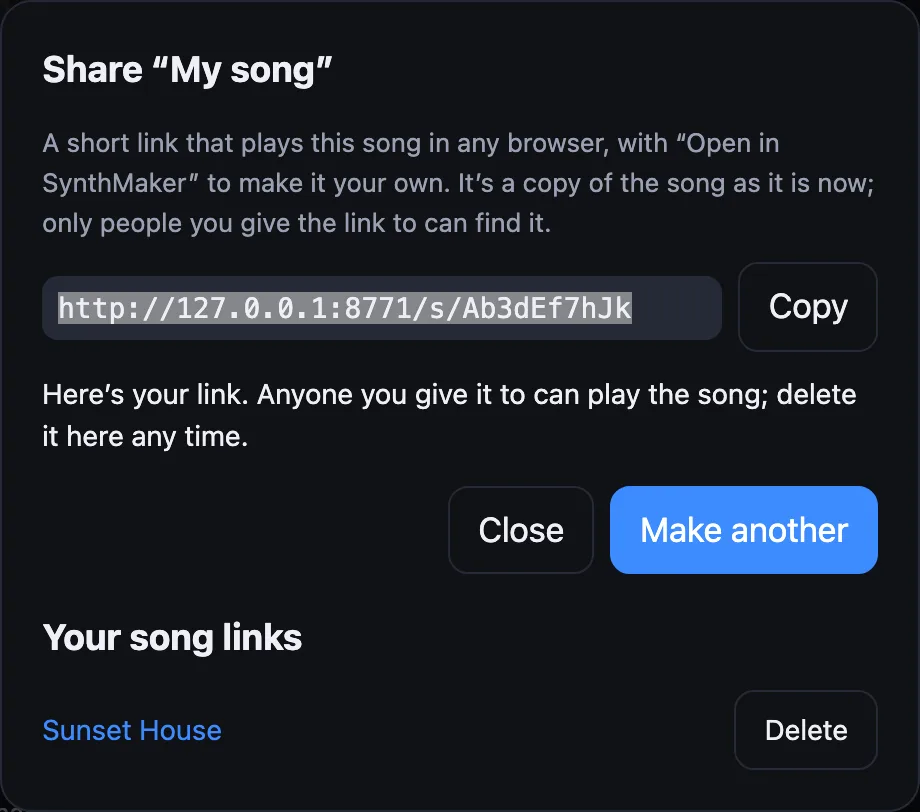
On the web, choose Share a link… under your song's tracks; on the Mac, File › Share Song Link…. Then choose Make a link, and Copy it into a message or a post. Making links needs a free account, so you can delete them later (on the Mac, sign in under Settings › Account). The Mac also opens a link in your browser with Open in Browser.
A link is a copy of the song as it is when you make it: change the song afterwards and the link still plays the old one, so make a new link for the new version.
A link holds a song of up to 1 MB, with its sounds; most songs are under 100 KB. A bigger one (many large sounds of your own) still downloads whole with Download song.
Your song links, under the button, lists every link you've made. Delete takes one away for good: it plays nothing after that.
3The song's page
Whoever opens the link sees the song's name and your @name, and taps ▶ to hear it. The waveform shows where it is; tap it to jump.
Open in SynthMaker opens the whole song in the web app, every track and every sound, to change and keep. Make your own starts SynthMaker fresh.
Try it
- Open a song (Songs…, then Sunset House), choose Export audio…, keep The whole song, once and choose Export.
- Export again as The loop × 4 with tails off: the file loops cleanly in any audio app.
- Signed in, choose Share a link… and Make a link, then open it on your phone.
Remember
- Export audio… (on the Mac, File › Export Song…) makes a WAV or M4A of the song, the whole song or the loop × N, with or without tails.
- The file is the song exactly as it plays, and a WAV 24-bit or M4A file is never clipped.
- Share a link… (on the Mac, File › Share Song Link…) makes a short link that plays a copy of the song in any browser; delete it any time under Your song links.