 SynthMaker
Shader patterns
Patterns that move with the music
Time keeps a pattern moving, Music makes it follow the song, and a few small maths steps (Add, Multiply, Mix, Point, Warp) combine fields into smoke, marble and swirls.

Play the keys: the swirls bend further as the sound swells, and the colours step on each beat.
Open the example sound: Warped ↗ (opens in a new tab)
1Time and Music
- Time counts up, Speed seconds every second. Into a Noise's
morphthe picture moves on its own. A wire into itsspeedpushes it on without making it jump. - Music gives what the song is doing: its
level, anonseton each new note, where it is in thebeat, and apulsethat flashes on every beat. Its Amount sets how strong.

2Add, Multiply and Mix
| Module | What it gives |
|---|---|
| Add | a + b plus its offset. Two Noises added are a new field. |
| Multiply | a × b × gain; nothing wired counts as 1. Music's level times a field makes it swell with the song. |
| Mix | From a to b by its amount plus what's wired into by: two ramps mixed by a Noise paint one palette into another. |
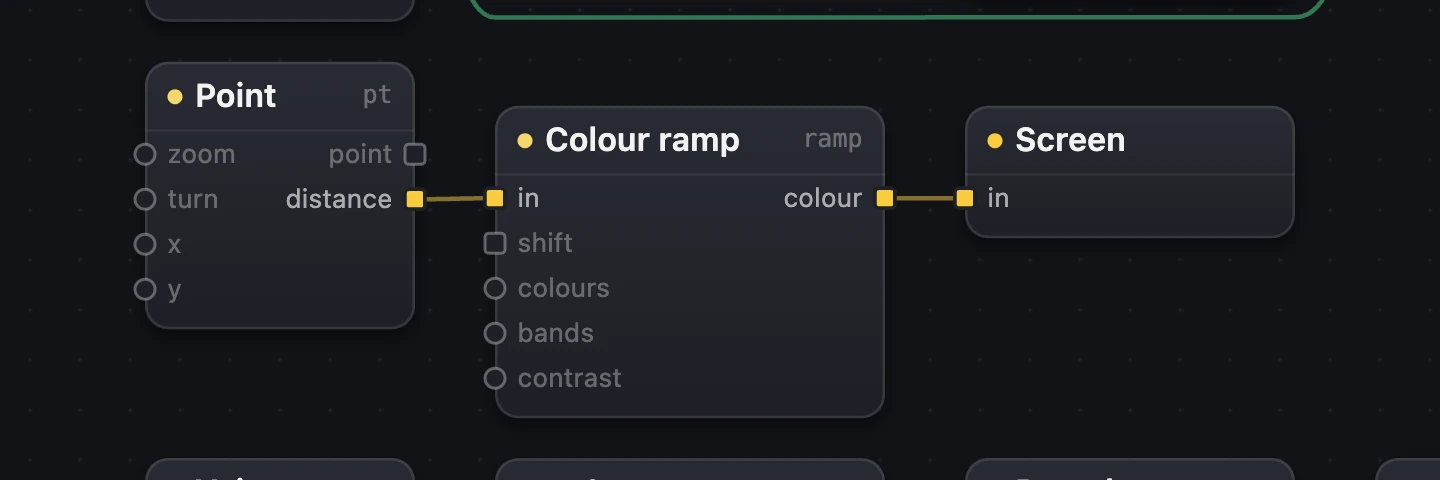
| Point | The point each pixel is worked out at; Zoom, Turn, X and Y move the picture under it. Its distance from the middle into a ramp makes rings. |
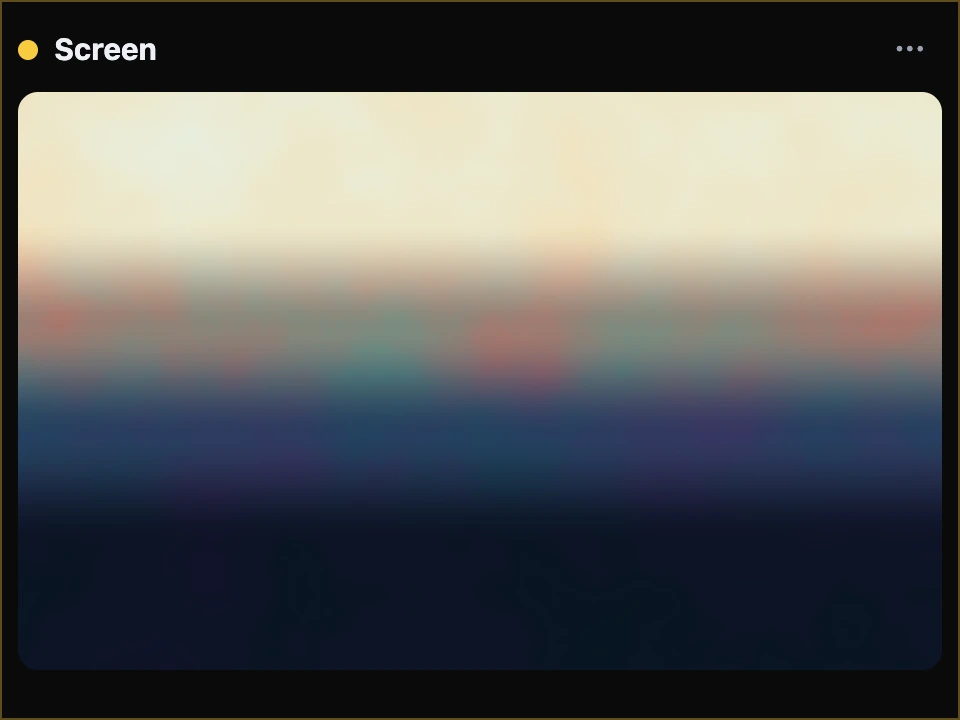
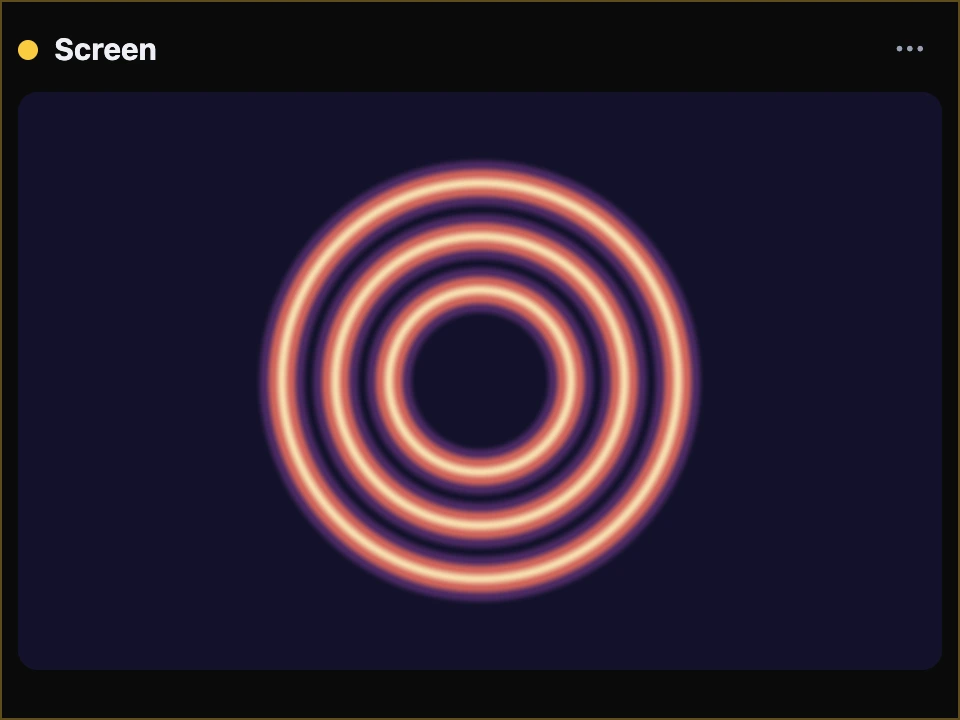
distance into a Colour ramp with 6 bands: rings.
3Warp: smoke and flowing paint
Warp asks the field wired into field at a point pushed sideways by the field wired into by, so its shapes bend and swirl. Amount, plus what's wired into push, is how far they move. Octaves warped by a slower Octaves looks like smoke; Music's level into push bends it further as the song swells.

- Warp.
- The field that pushes.
- Music pushes it further.
- Music.
4A pattern of your own
Shader modules can go inside a module of your own. Give it an Input named p and an Output: it becomes a field you can wire like Noise, asked at whatever point arrives at p, with the knobs inside it turned by their paths.
p.
Try it
- Open Warped and play a few chords: the swirls bend with the sound.
- Turn Warp's Amount up for wilder smoke, down to 0 for plain clouds.
- Turn Time's Speed up: it flows faster.
Remember
- Time keeps a pattern moving; Music gives it the song's level, onsets, beat and pulse.
- Add, Multiply and Mix combine fields; Point moves the picture under them.
- Warp bends a field by another: smoke, marble, flowing paint.