 SynthMaker
Conductor
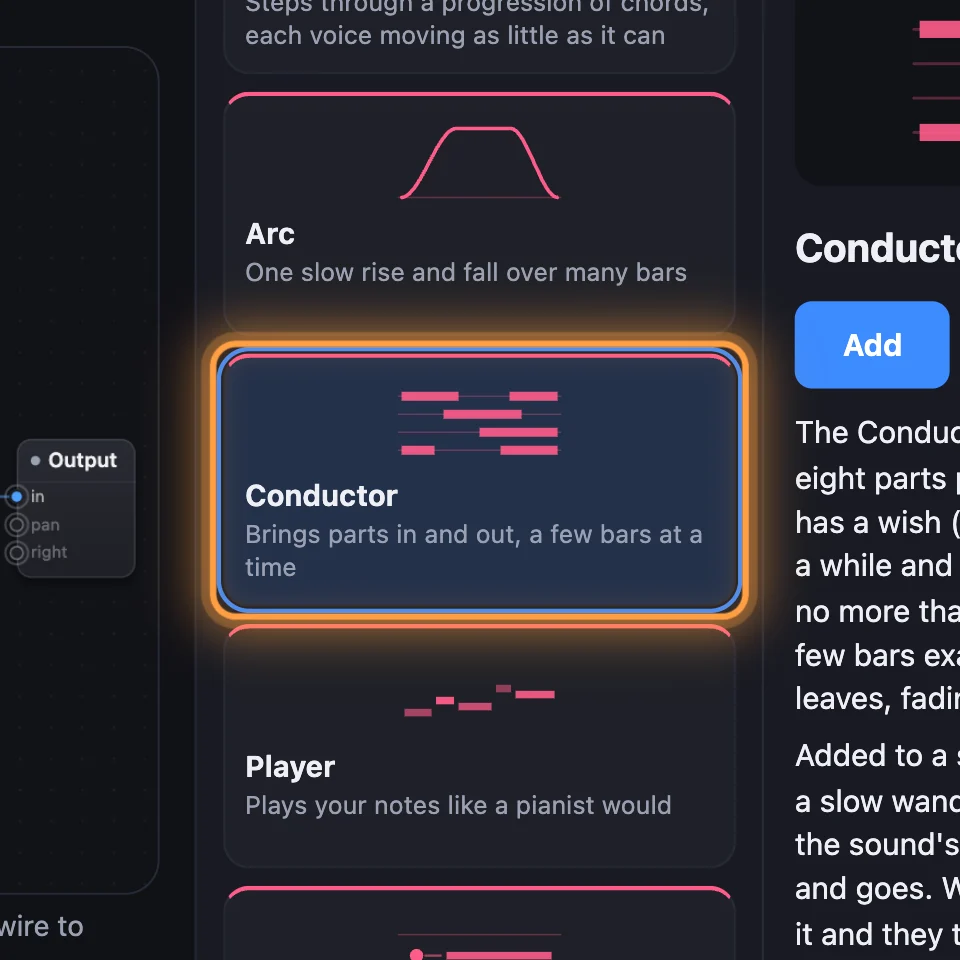
It decides which parts play, a few bars at a time, by rules, so a song keeps changing and never has everything playing at once.
1Add it
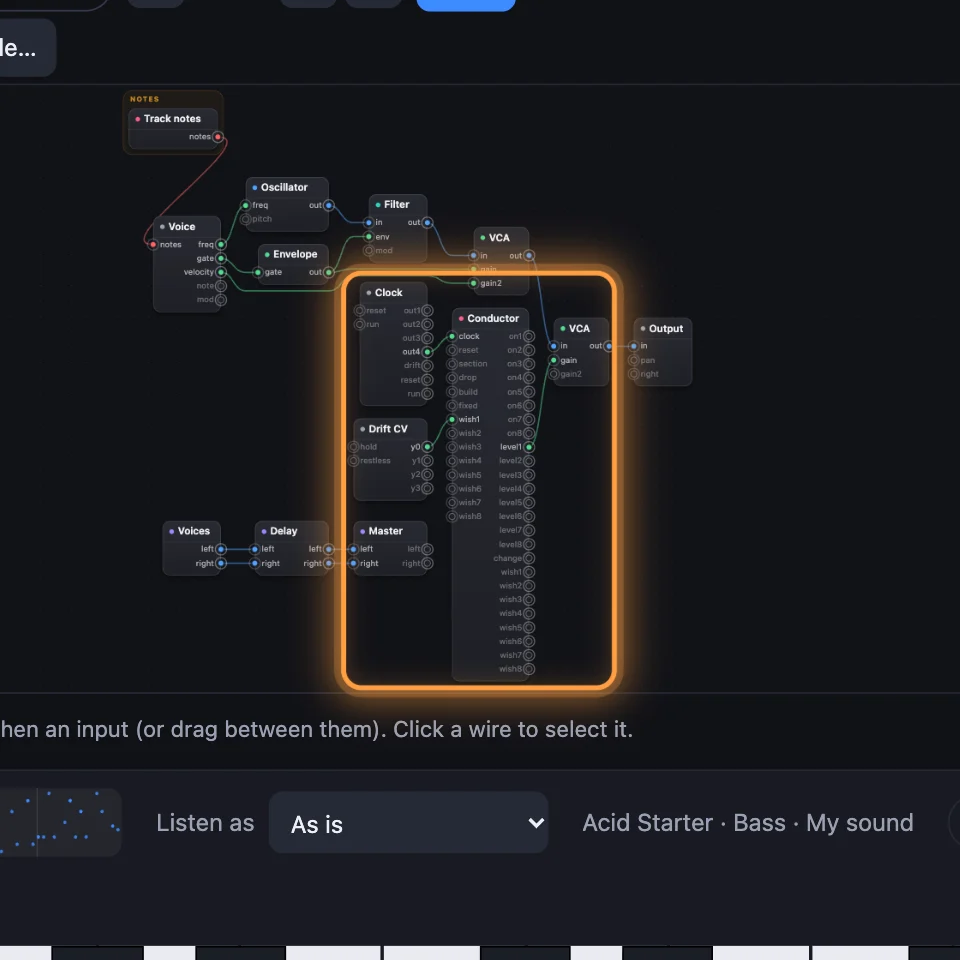
Choose Conductor under Notes. It brings a Clock (a bar each), a Drift CV (a slow wander, for its first part’s wish) and a VCA before the Output, its first level into the VCA’s gain. The sound becomes the Conductor’s first part: it fades in over its first bars, and every few bars it may leave and come back. The Voice switches to Mono, so the Conductor keeps counting through the song. It all comes in as one Undo step.
2Parts that come and go
Each part has a wish: over 0.5 it wants to play. The Conductor adds to it: after a while playing a part tires (Fatigue after, Fatigue), after a while resting it longs to come back (Longing after, Longing), and a Link makes one part want to play while another does (Amount; −Away while it doesn’t).
Every Min bars to Max bars bars, by chance, exactly one part changes: parts outside the Pool leave, a part over the Cap leaves, else the part whose wish disagrees most with what it’s doing comes in or leaves. It’s never static. A part fades in over Fade in and out over Fade out; one that leaves on a drop stops dead.
3Its knobs
Min bars and Max bars (4 to 6 as it comes) space the changes. Cap is the most parts at once. Fade in, Fade out, Knee and Knee time shape the fades. Seed picks another take of the same rules.
Pool and Held say which parts it may use and which the song holds on (one bit a part). Min run stops a part coming in just before a change. Build and Section bars are for songs: while Build is on and the build input is under 0.5, waiting parts want to play more.
4Its ports
Its levels are 0 to 1 on a wire, straight into a VCA’s gain.
| In | What it carries |
|---|---|
clock | A rising edge each bar (the Clock’s bars, as it arrives). |
reset | Starts again: every part leaves, the next clock is bar 0. |
section | A new value: a change now (a song’s section). |
drop | A trigger: the parts leaving at the next change stop dead. |
build | A build’s energy (an Arc), with the Build knob on. |
fixed | Parts that always play, a gate each, so the Cap counts them. |
wish1 … wish8 | Each part’s wish: over 0.5 it wants to play. |
| Out | What it carries |
|---|---|
on1 … on8 | High while that part plays. |
level1 … level8 | Its level, fading in and out: into its VCA’s gain. |
change | A short trigger at every change. |
wish1 … wish8 | Each wish as the last change weighed it. |
Try it
- Open the example and press ▶: a bass and a bell take turns, the Conductor changing a part every beat (its clock is the beat here, to hear it quickly).
- Turn Cap to 2: both may play at once.
- Change Seed: another order, the same rules.
Remember
- Up to eight parts, each with a wish; every few bars exactly one comes in or leaves.
- Added to a sound it brings a Clock, a Drift CV and a VCA: the sound comes and goes.
- Wire more levels and wishes for more parts.