SynthMaker Manual Help Open SynthMaker (opens in a new tab)
Getting started

Sounds and songs

A sound is one instrument. A song is several tracks playing together, each with its own sound and its own notes.
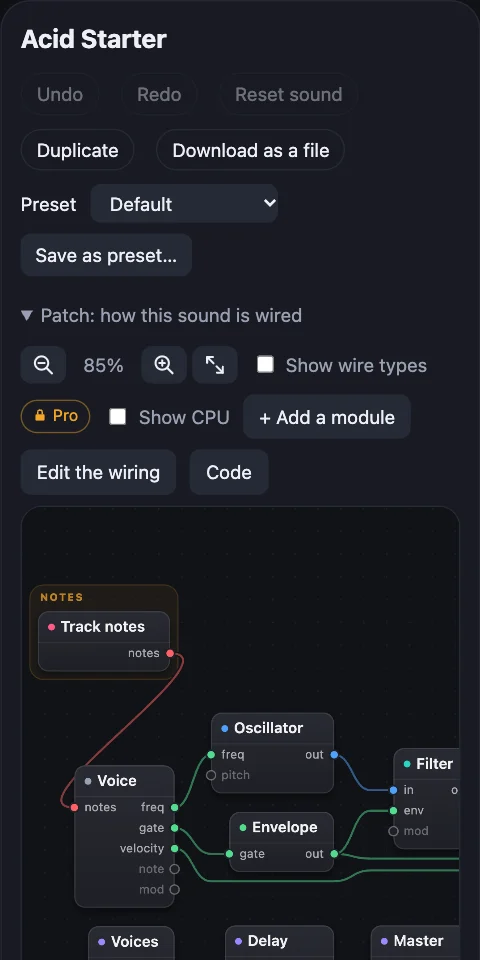
The sound Acid Starter: its name, its knobs and its Patch.
A soundOne instrument: Acid Starter
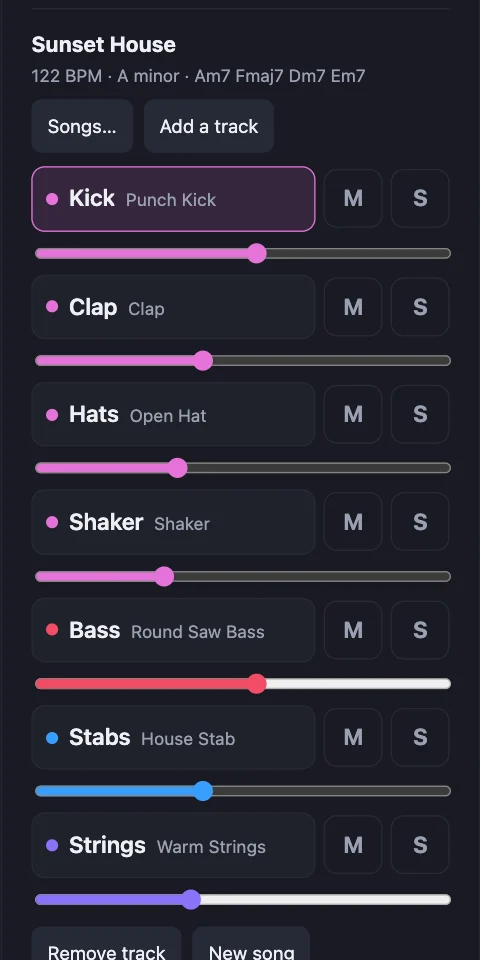
The song Sunset House: its name and its seven tracks.
A songTracks, each playing a sound

1What a sound is

One instrument, with its own knobs and its own Patch: how it's wired. The keys play it, and the library has many more.
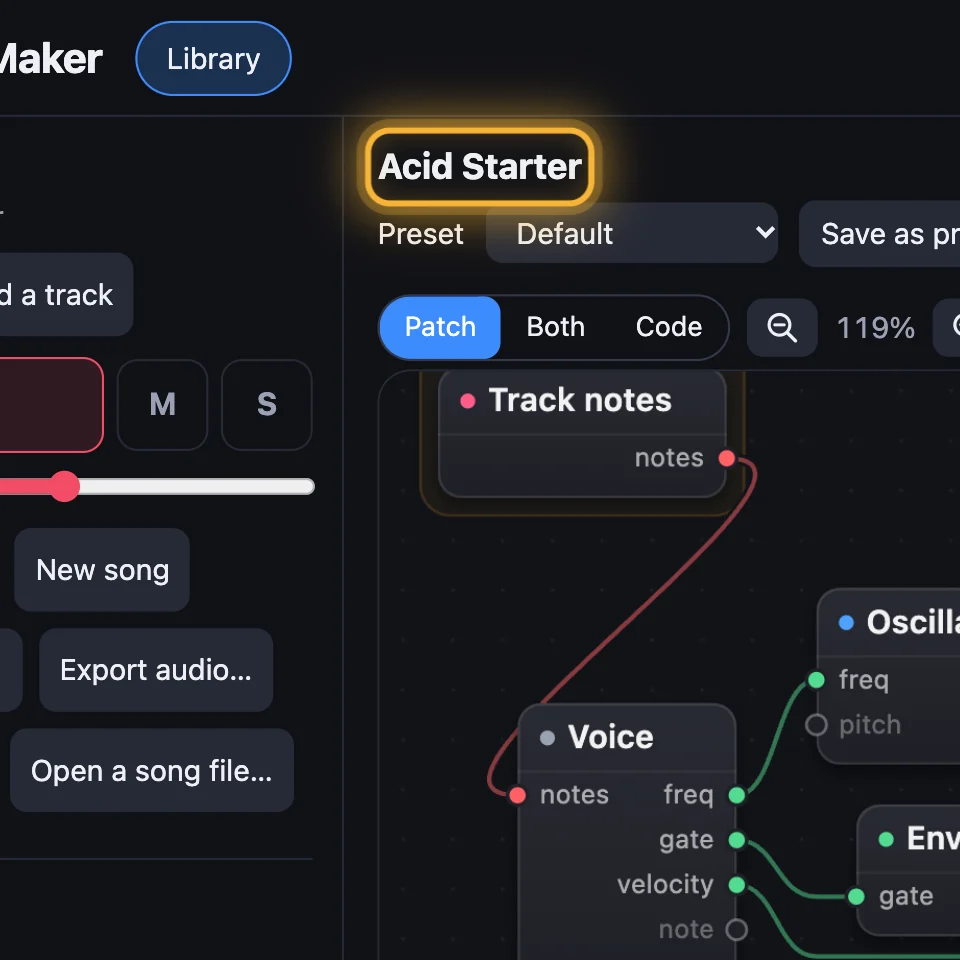
  1. Step 1: Acid Starter is a sound. Its name sits above its Patch. A first visit opens with it. (larger)
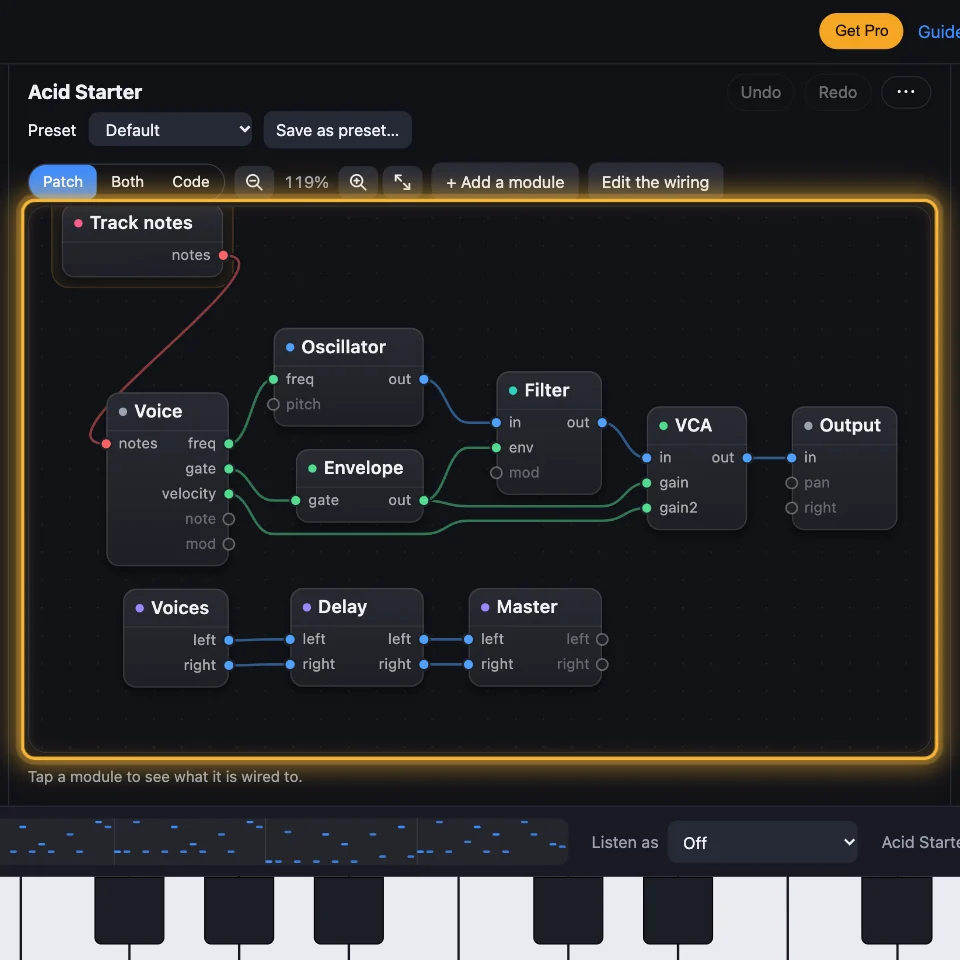
  2. Step 2: Its Patch: how it's wired. Acid Starter's modules and wires: Oscillator, Filter, Envelope, VCA and more. (larger)
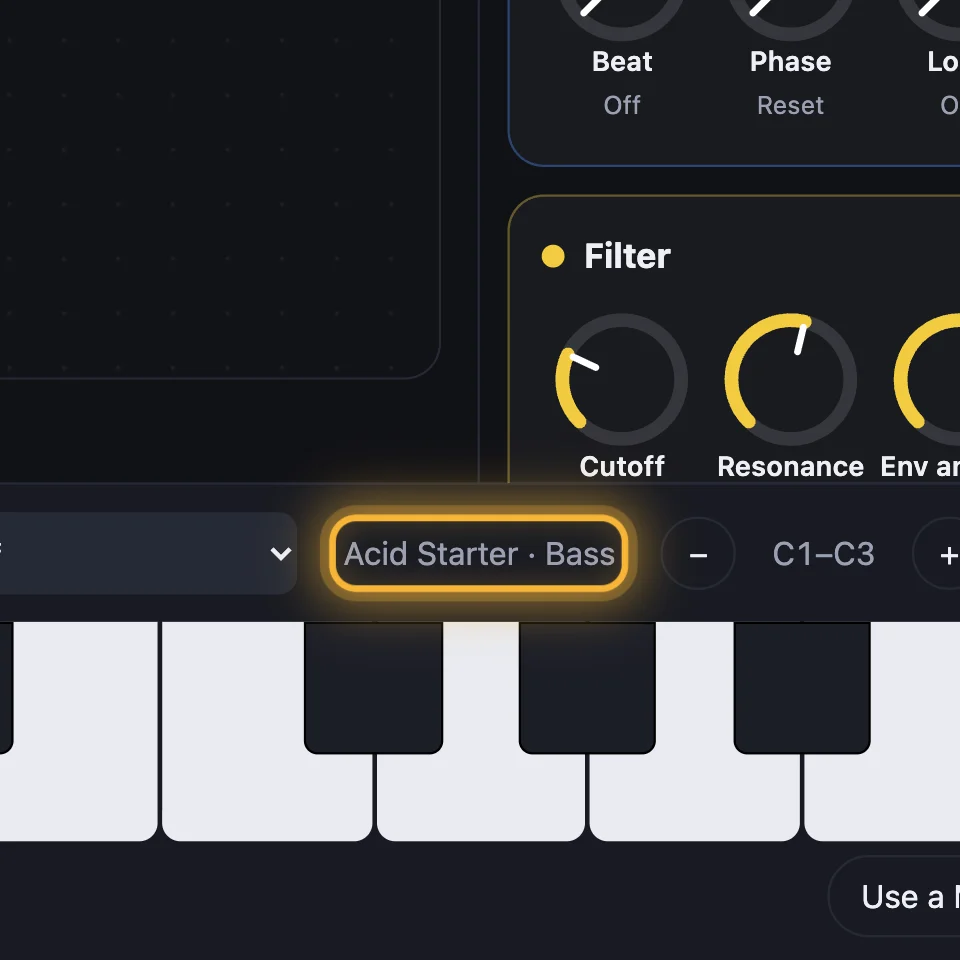
  3. Step 3: The keys play it. Beside the keyboard: Acid Starter · Bass, the sound the keys play. (larger)
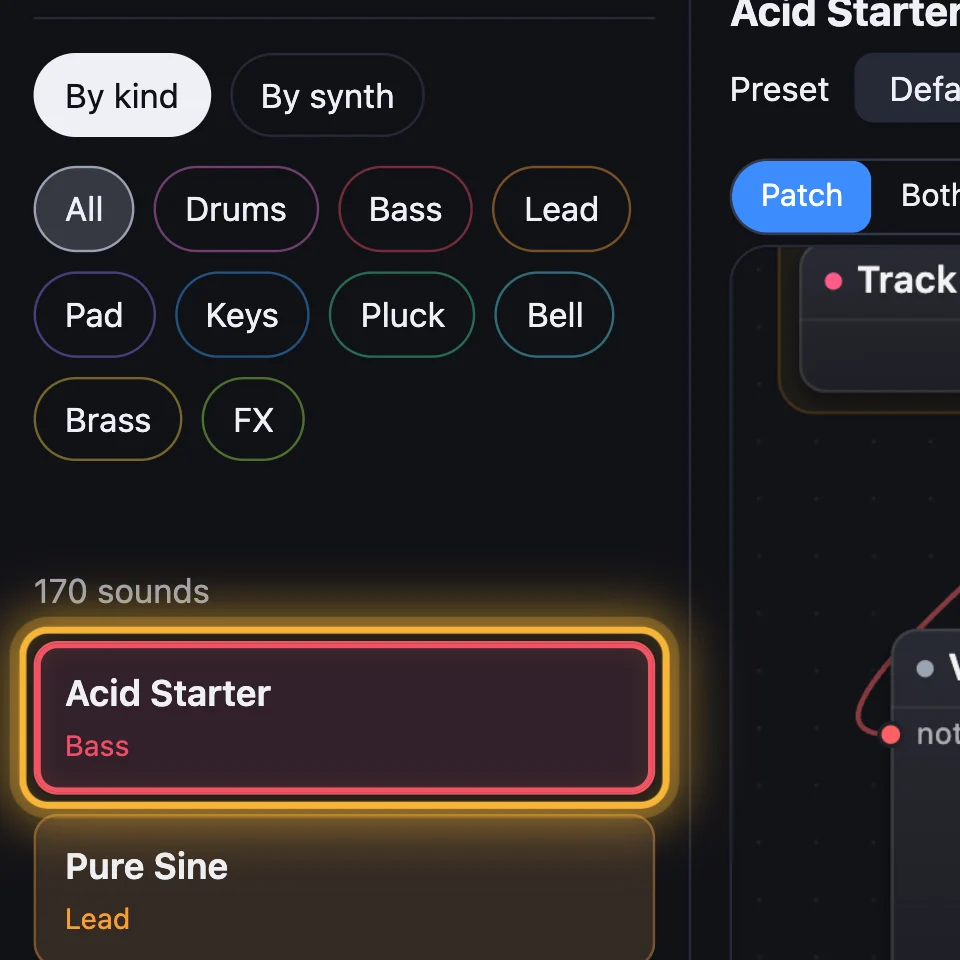
  4. Step 4: More sounds in the library. Acid Starter in the sound library, under its kind, Bass. (larger)

2What a song is

Several tracks playing together. Each track plays its own sound and its own notes, going round in a loop. Songs… lists songs ready to play and change.
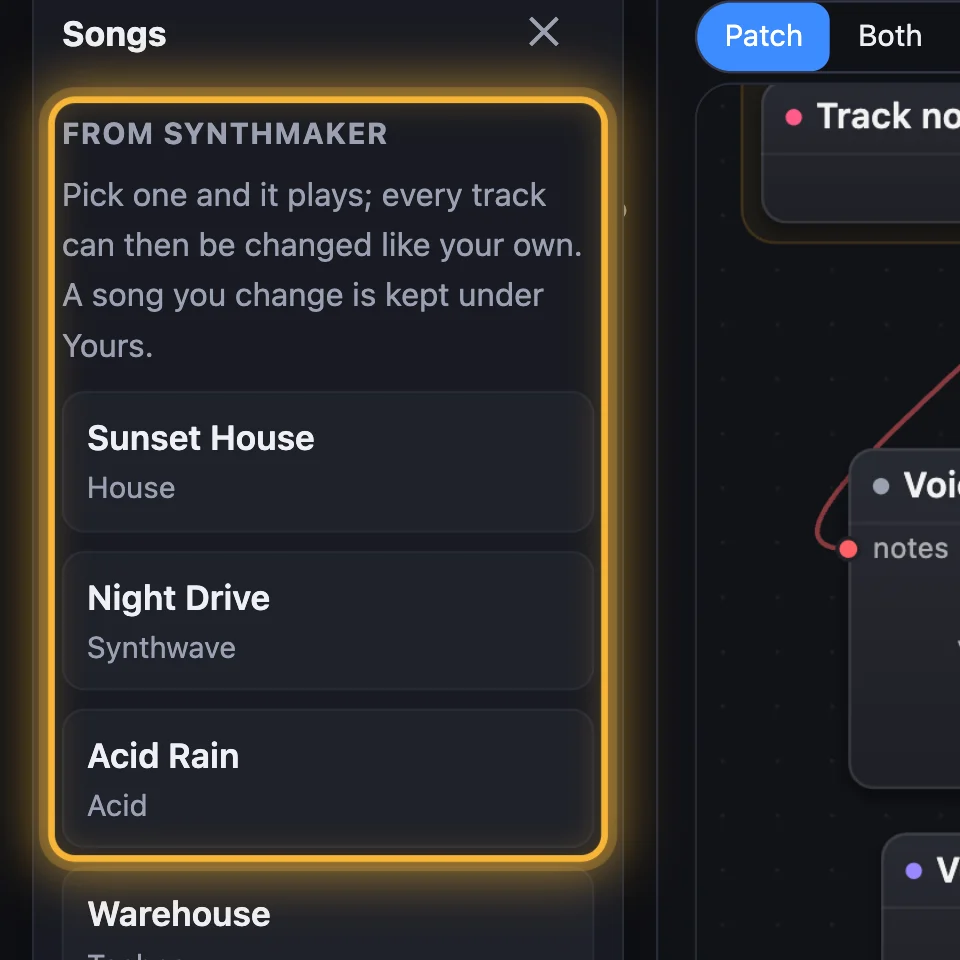
  1. Step 1: Songs… lists ready songs. Songs… › From SynthMaker: Sunset House, Night Drive, Acid Rain and more, ready to play and change. (larger)
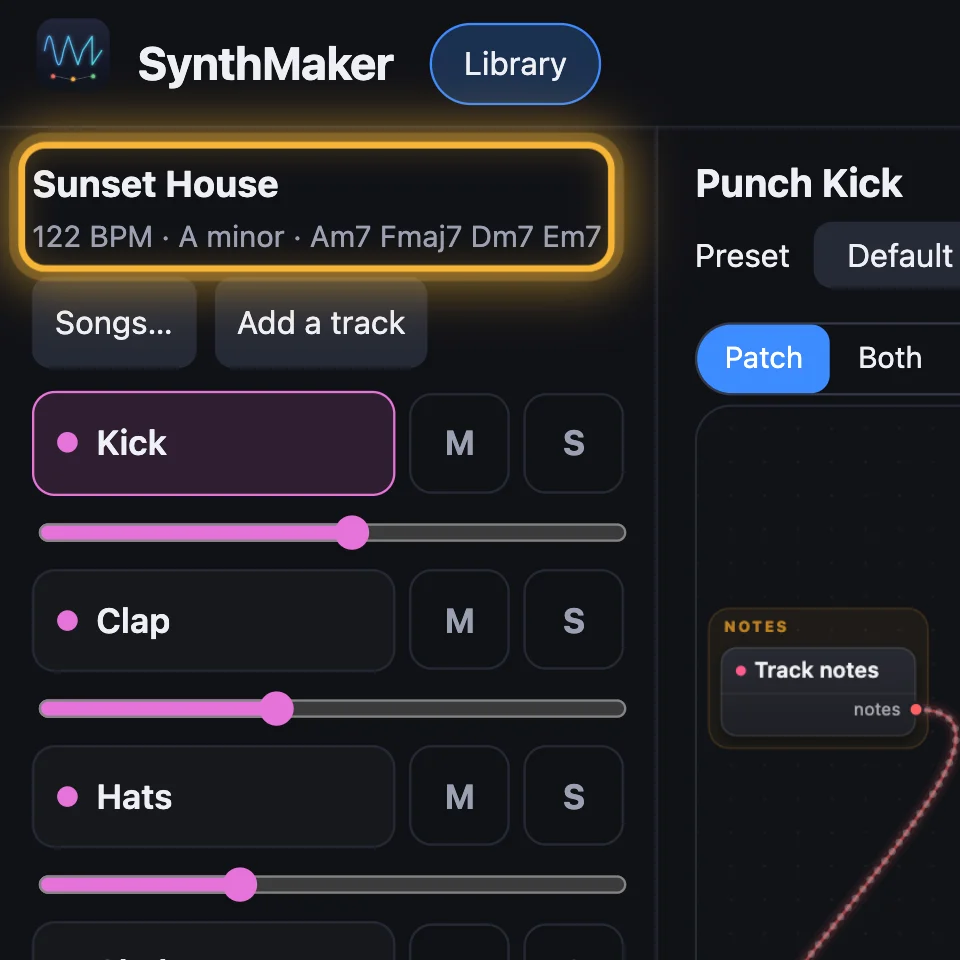
  2. Step 2: A song: Sunset House. The song's name, with its tempo, key and chords. (larger)
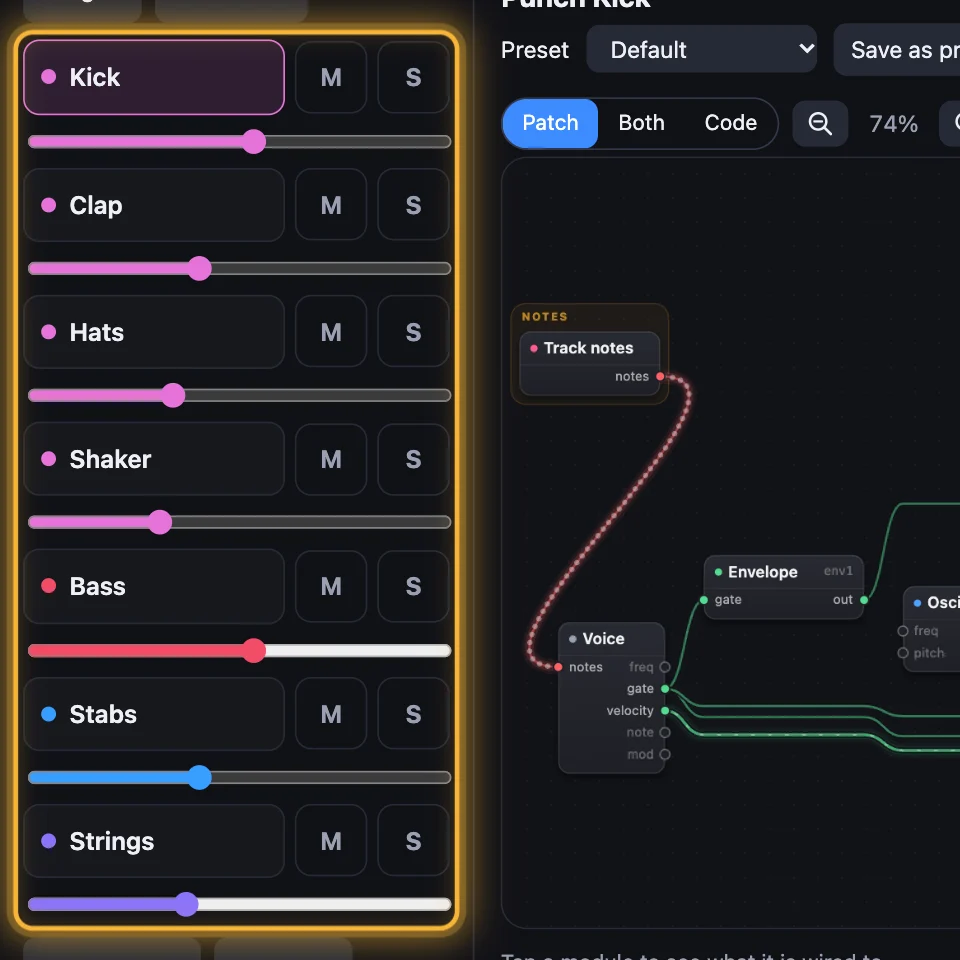
  3. Step 3: Tracks, each a sound. Sunset House has seven tracks: Kick, Clap, Hats, Shaker, Bass, Stabs and Strings. Each plays its own sound. (larger)
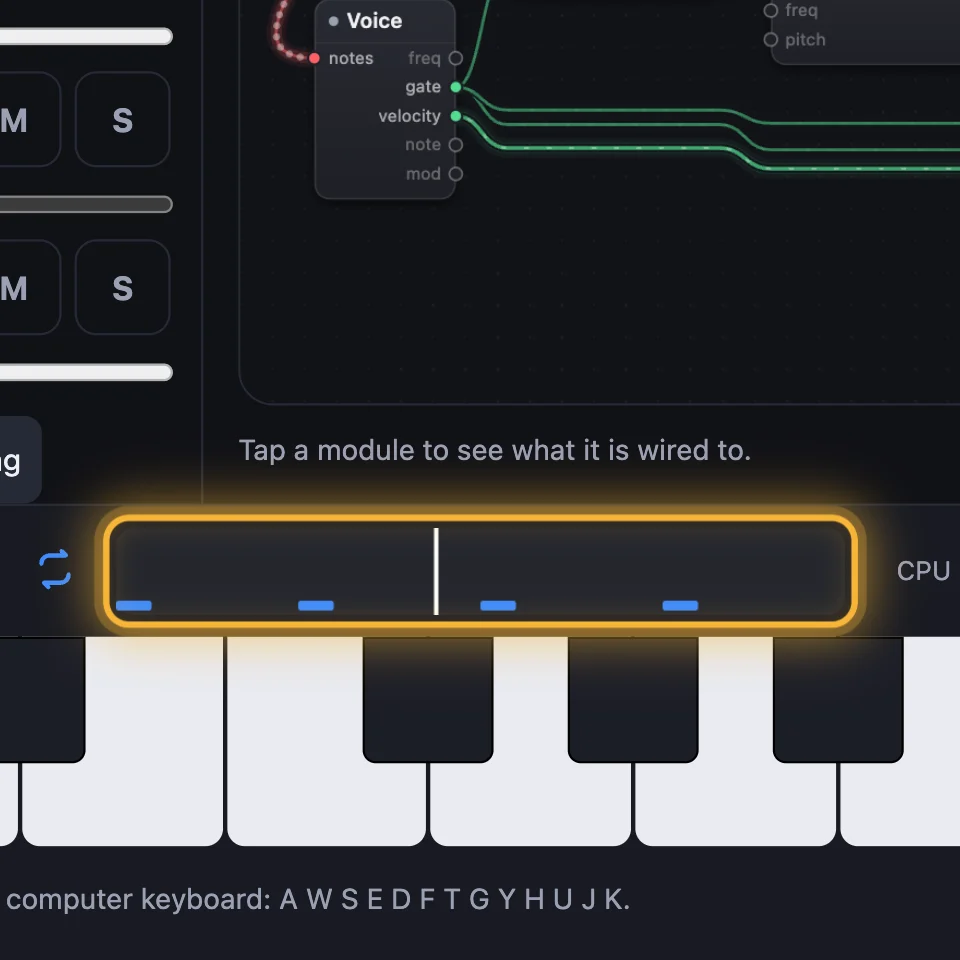
  4. Step 4: Each track's notes loop. The clip in the bar along the bottom: the notes of the track you're editing, going round. (larger)

3Switching and loading

Songs… opens another song, all its tracks at once. The sound you see is the track you're editing: tap a track to edit it, and a sound you pick in the library goes on that track. The other tracks keep theirs.
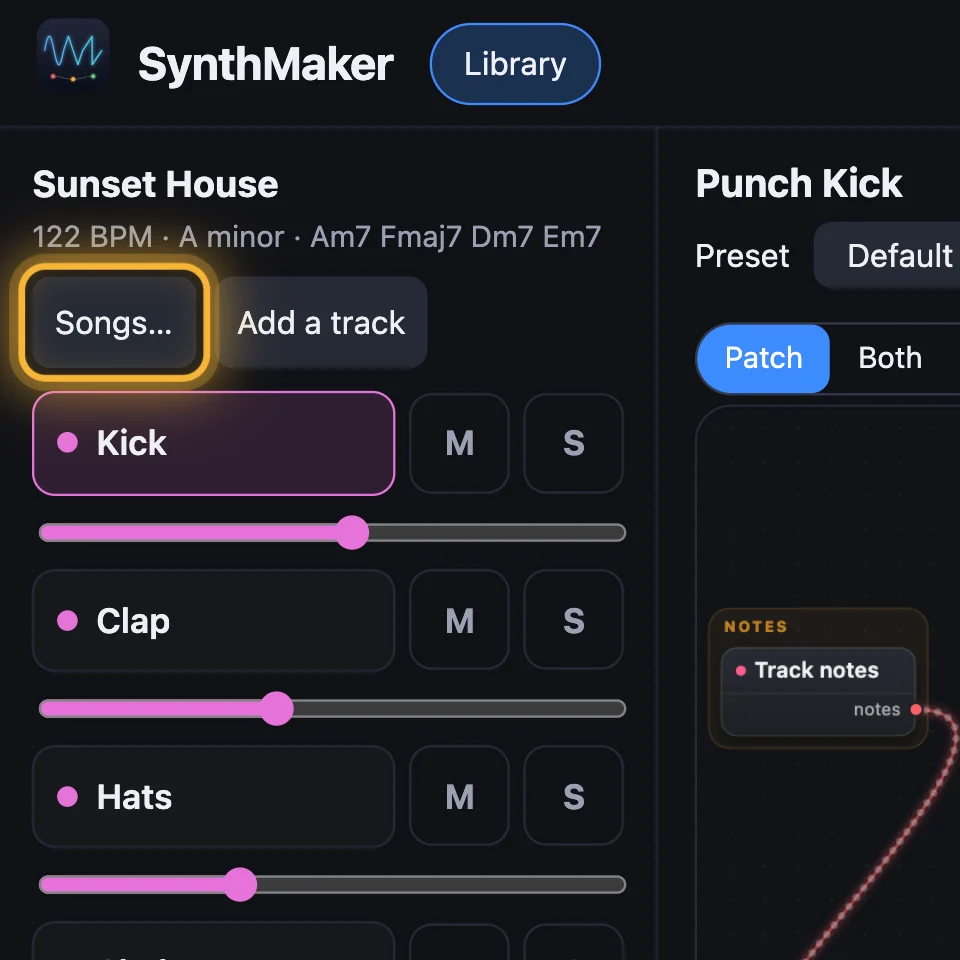
  1. Step 1: Songs… opens another song. Picking a song loads all its tracks and plays it. (larger)
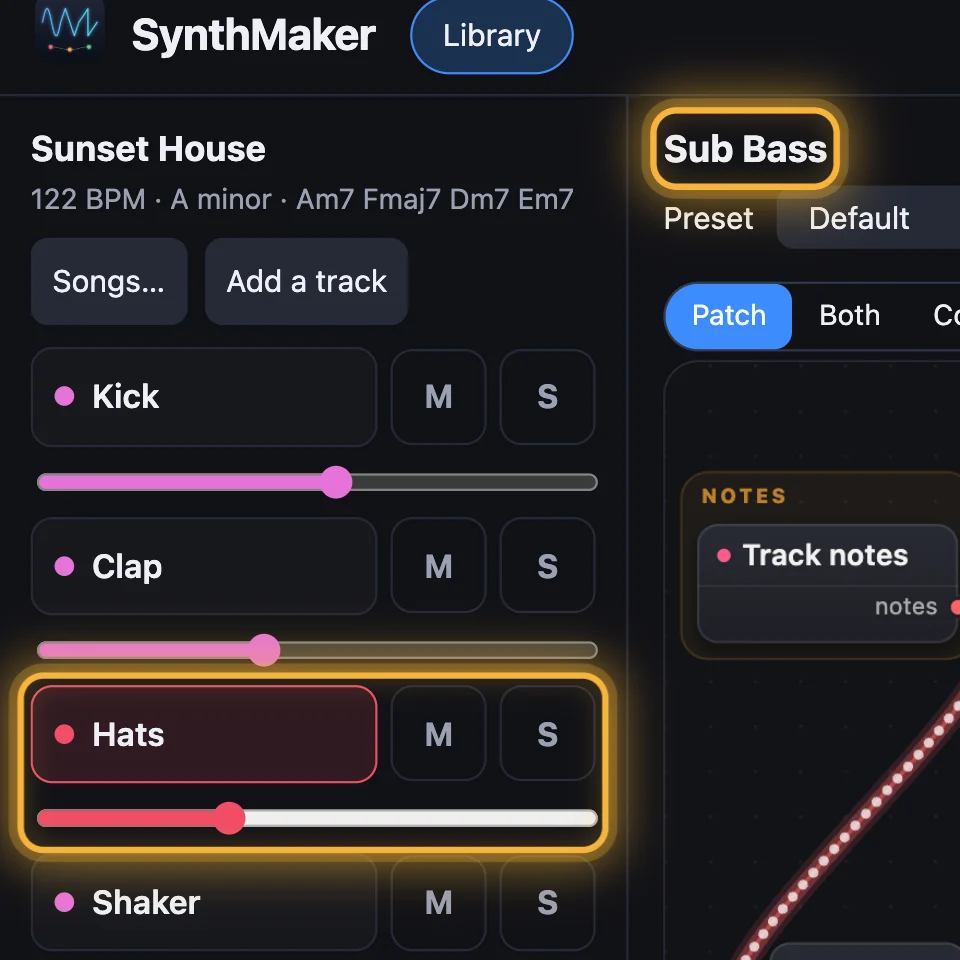
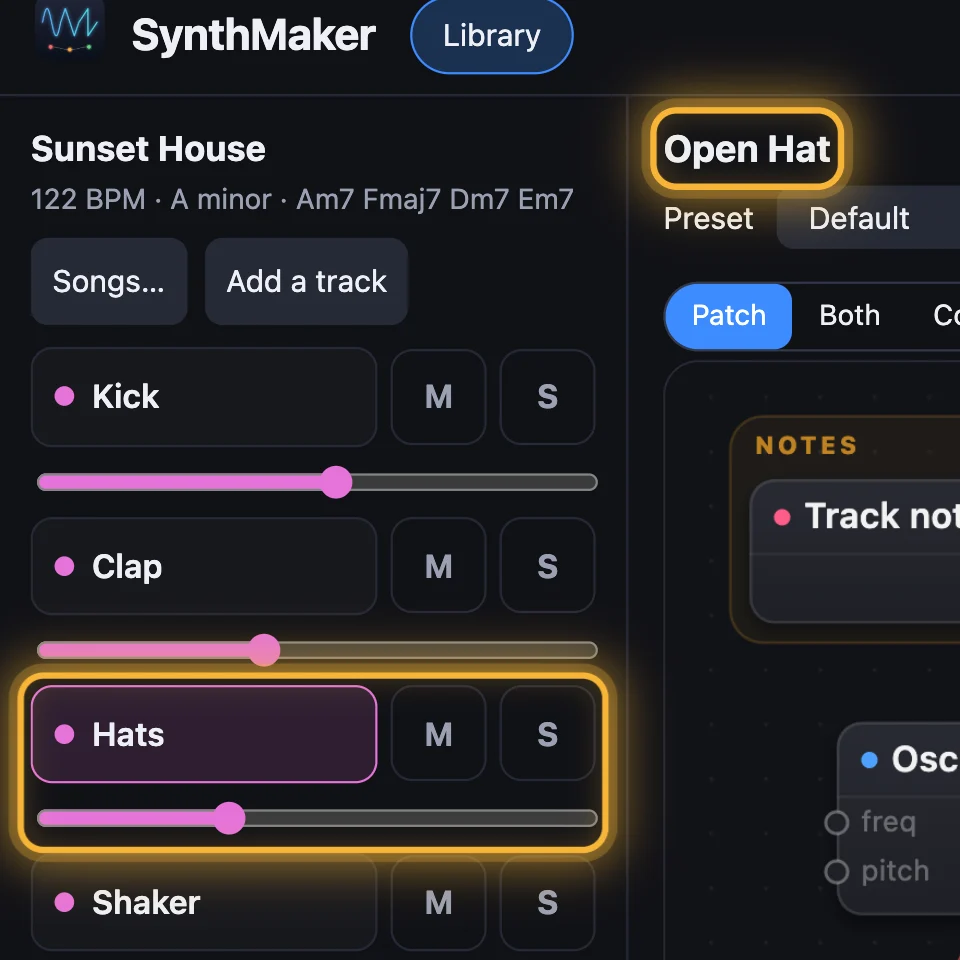
  2. Step 2: Tap a track to edit it. Hats is chosen, and its sound, Open Hat, opens above the Patch: the sound you see is the track you're editing. (larger)
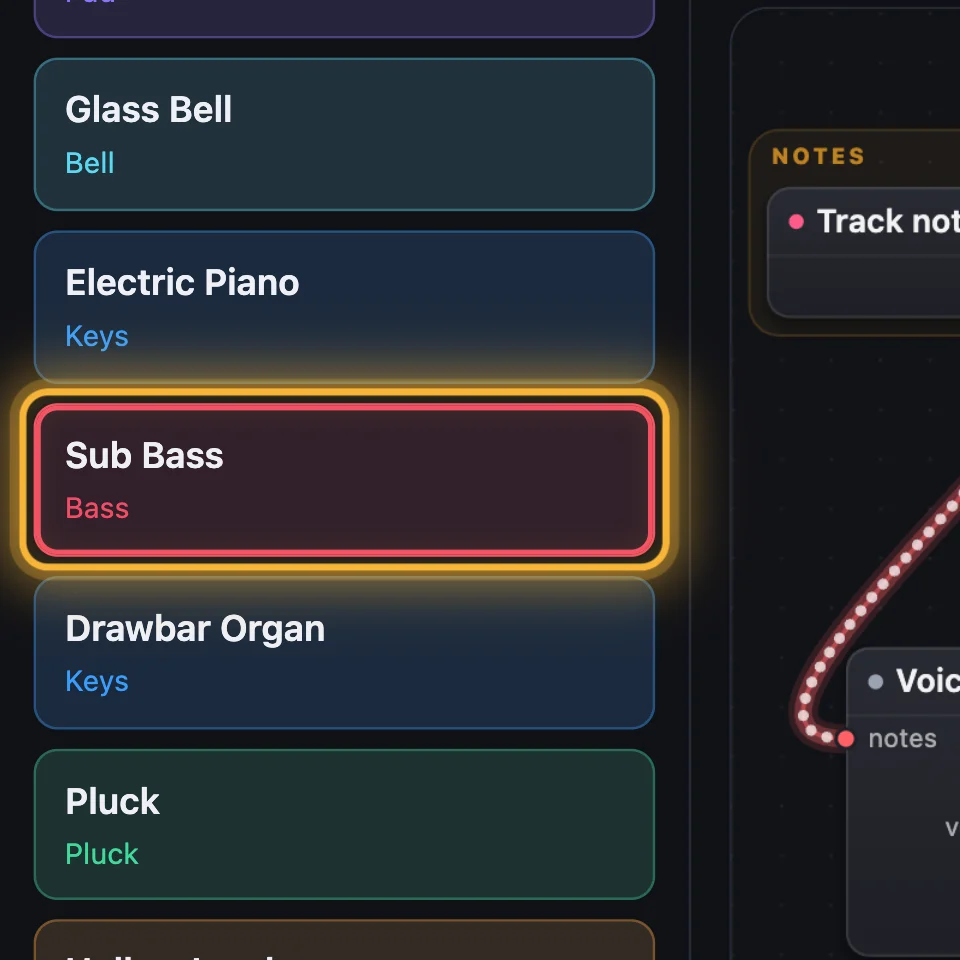
  3. Step 3: Pick a sound for it. Sub Bass chosen in the sound library: it goes on the track you're editing. (larger)
  4. Step 4: Hats now plays Sub Bass. The other tracks keep their sounds. (larger)

4Where they're saved

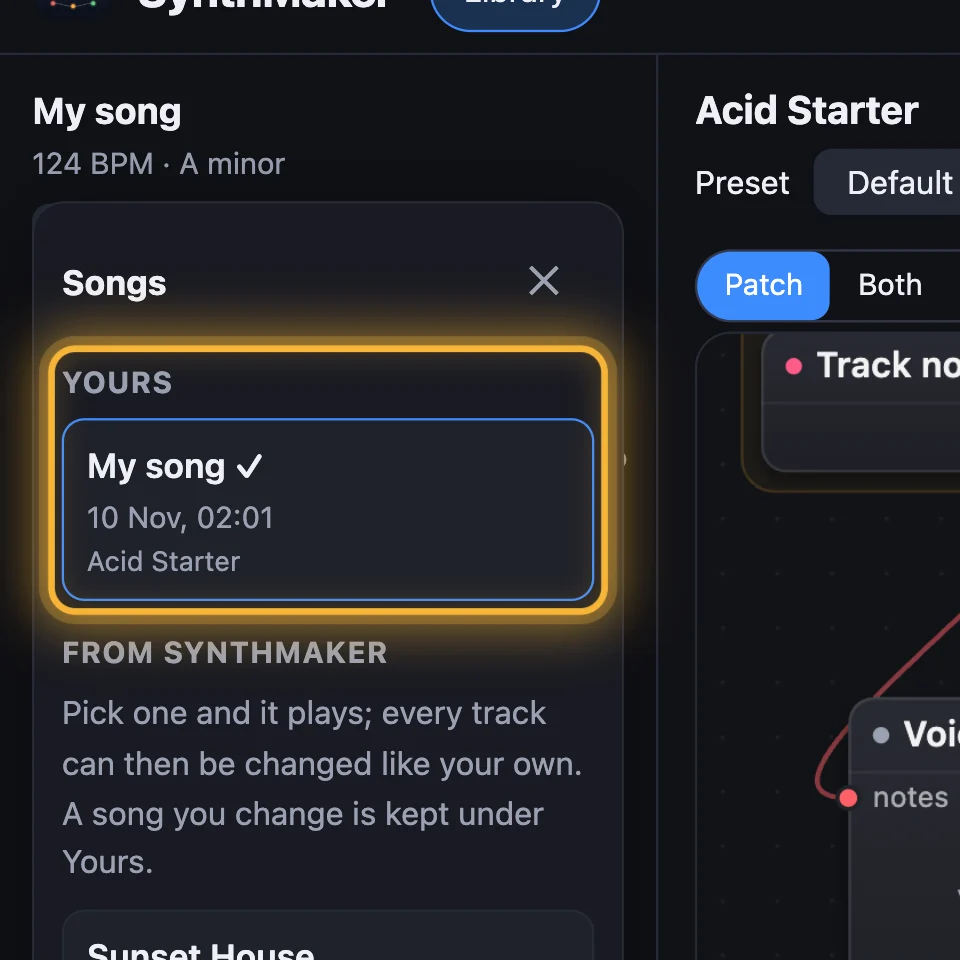
Change a sound or a song and your copy is kept: changed sounds under My sounds, changed songs under Songs… › Yours. Download song saves a song as a file, to open again with Open a song file…
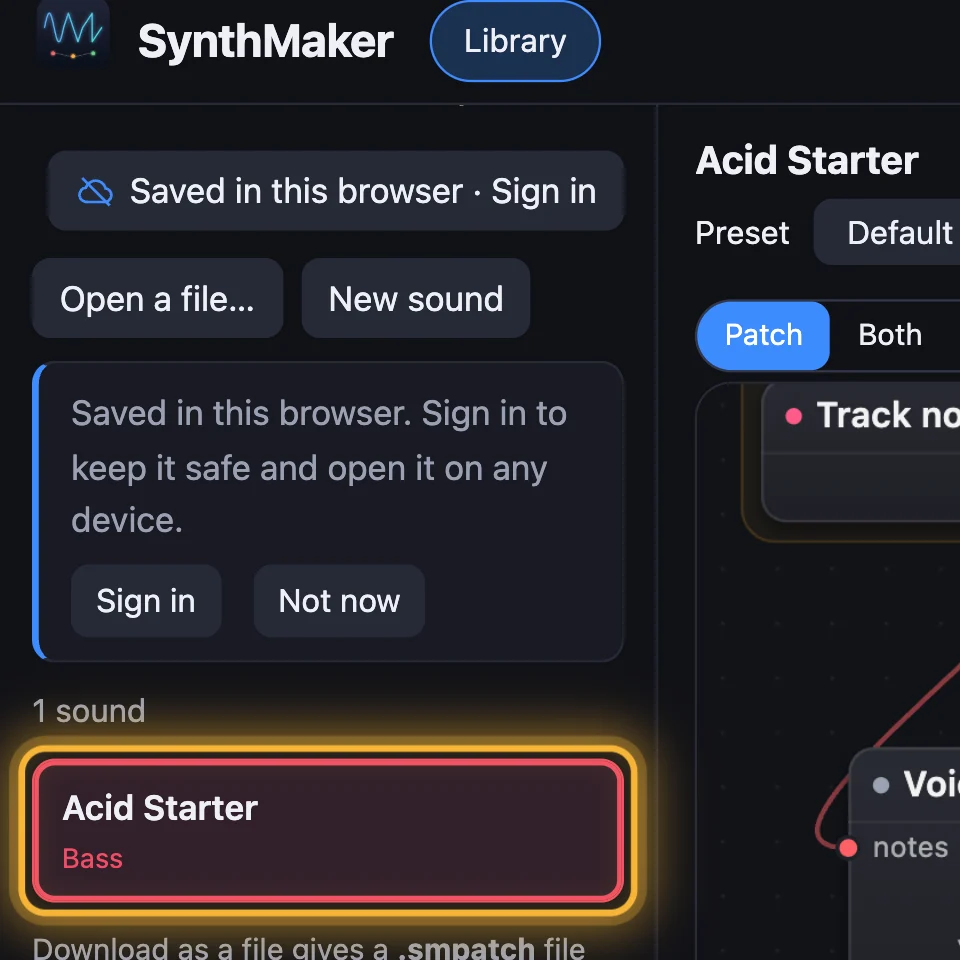
  1. Step 1: Changed sounds: My sounds. A knob turned on Acid Starter: your own copy of it is listed under My sounds. (larger)
  2. Step 2: Changed songs: Songs… › Yours. A song you've changed is listed under Songs… › Yours, to open again. (larger)
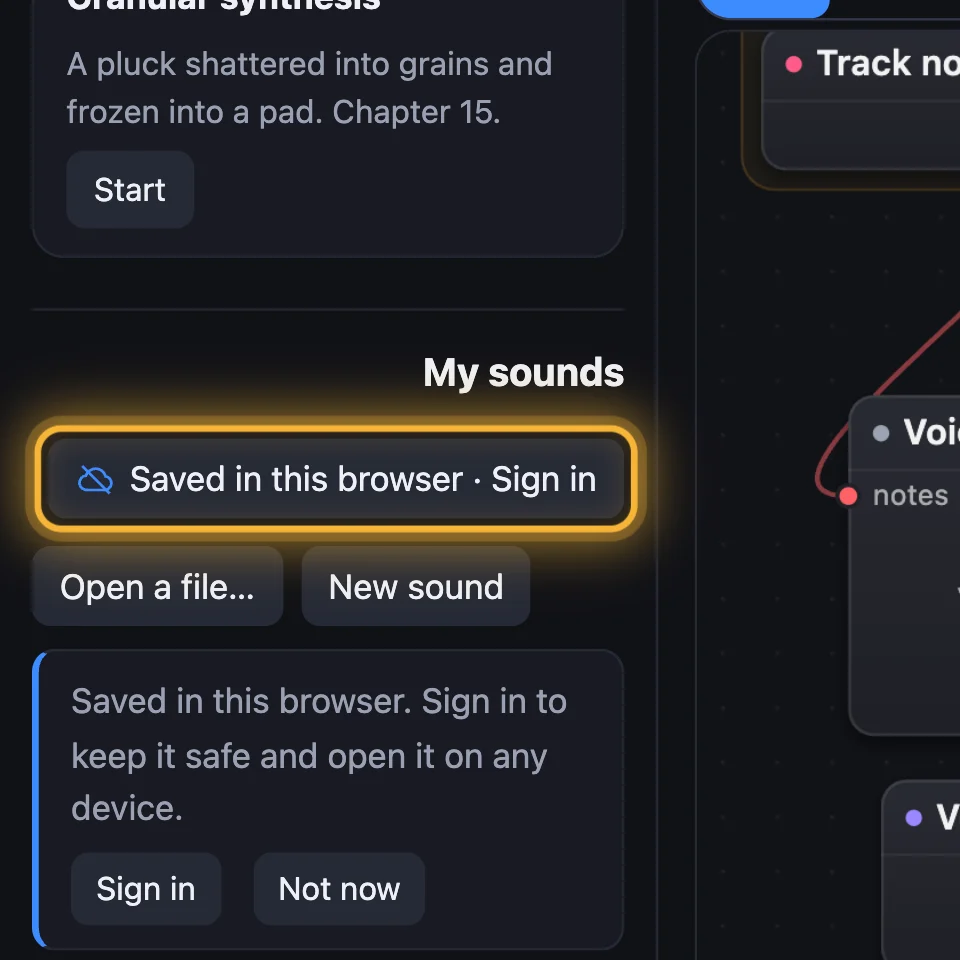
  3. Step 3: Sign in to keep them. Under My sounds: Saved in this browser · Sign in. Signed in, they're kept in your account too. (larger)
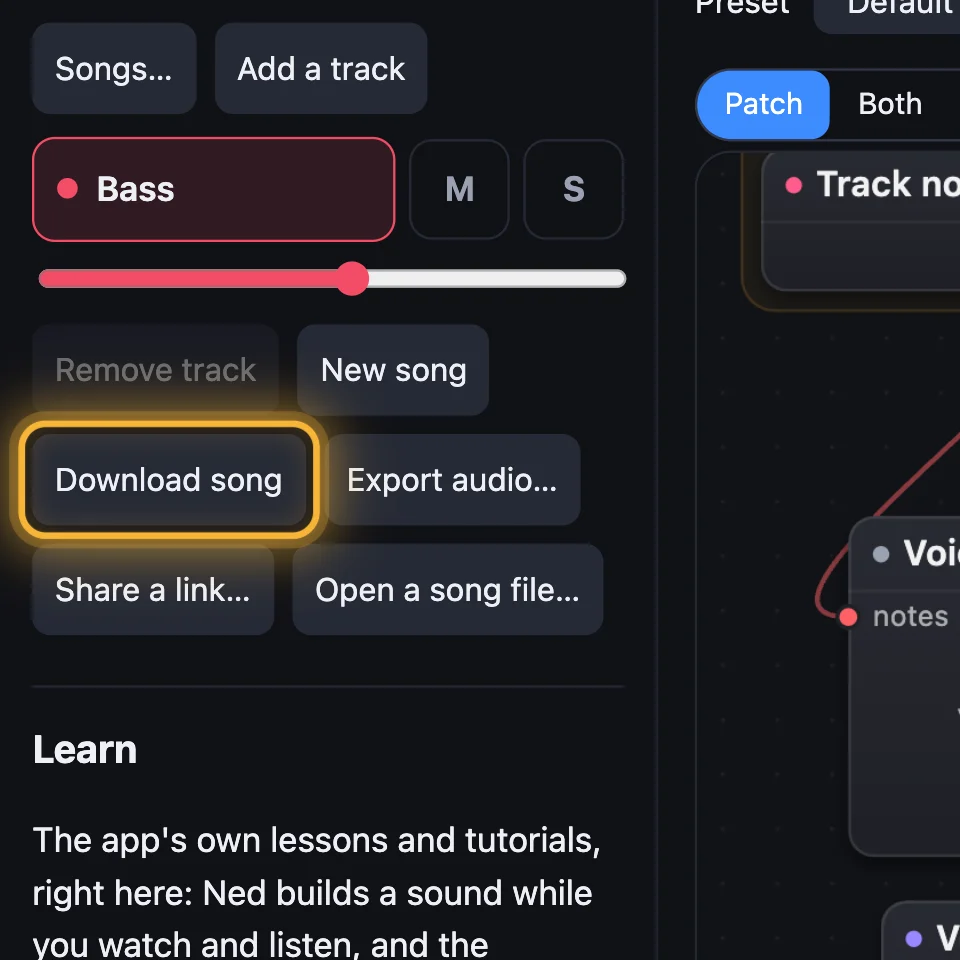
  4. Step 4: Download song keeps a file. Download song saves the song as a file you can open again with Open a song file… (larger)

Try it

  1. Open SynthMaker and choose Songs…, then Sunset House.
  2. Tap the Hats track, then pick Sub Bass in the sound library, then press play.
  3. Look under Songs… › Yours: your changed Sunset House is there.
Open SynthMaker ↗ (opens in a new tab)

In SynthMaker for Mac, the sidebar has the same parts: the song's tracks, Songs to start from, My sounds and the sound library, and Earlier songs keeps a song you replaced.

Remember