 SynthMaker
Your first patch
The Patch shows how a sound is wired. Add a module, wire it, and you hear the change at once.
New words
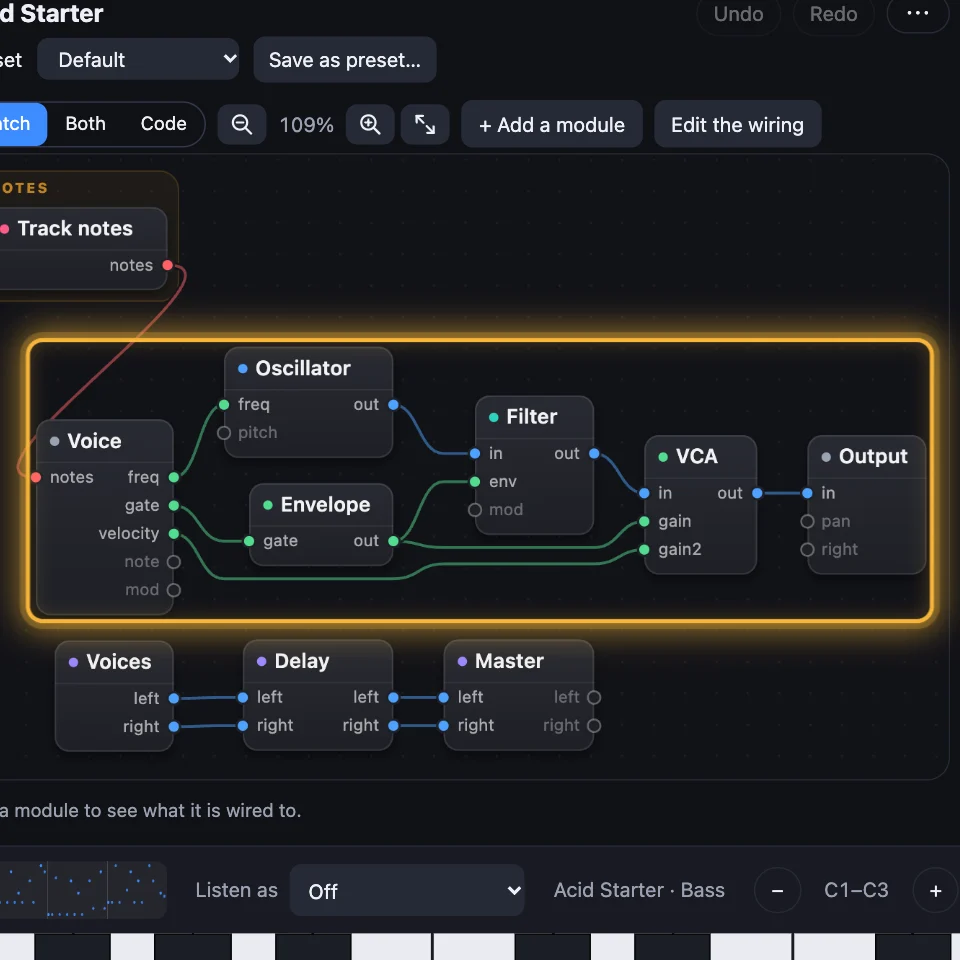
The Patch is the sound's modules and the wires between them.
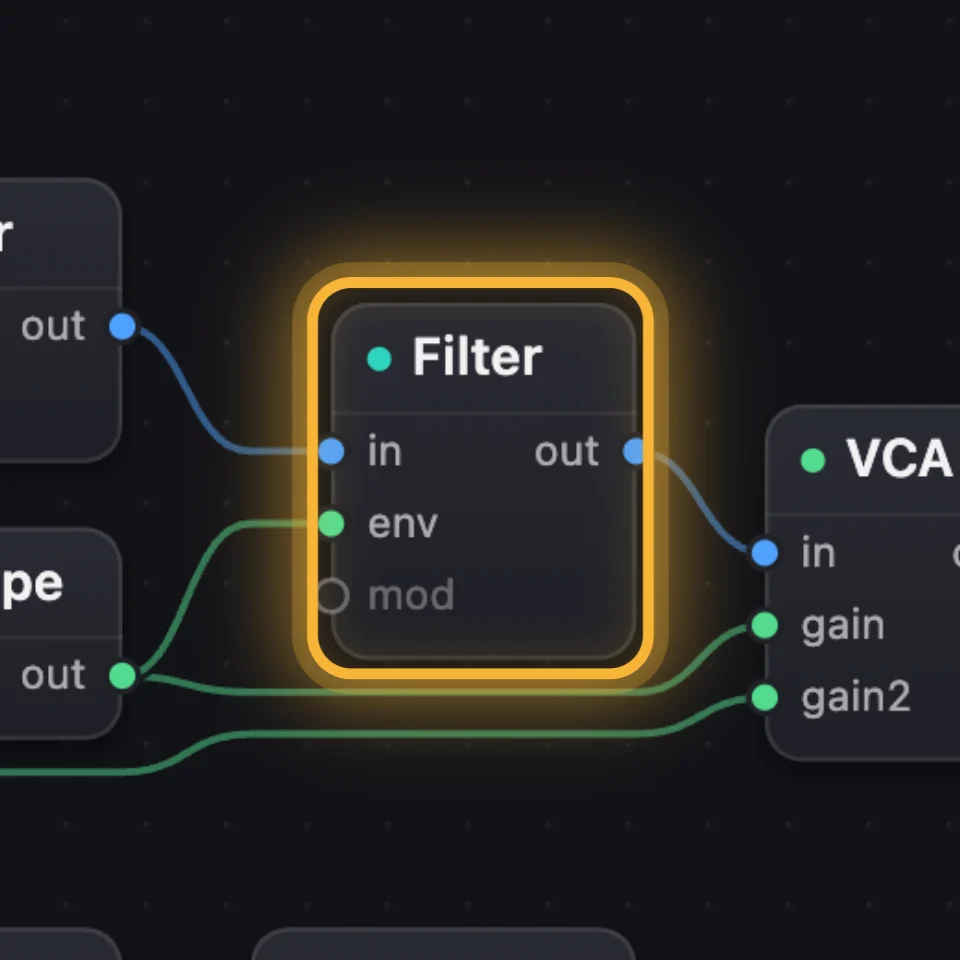
A module is one box in the Patch, such as an Oscillator, a Filter or an LFO.
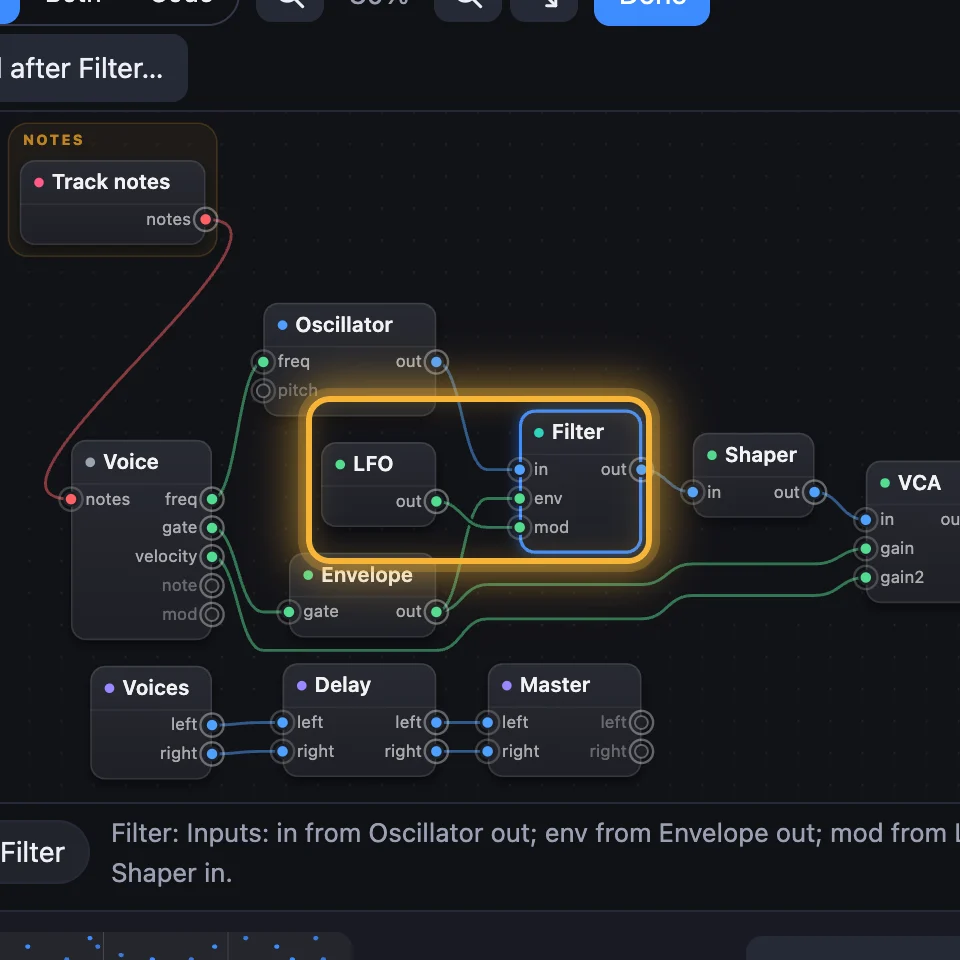
A wire is a line from one module's output to another module's input.
1Read the Patch
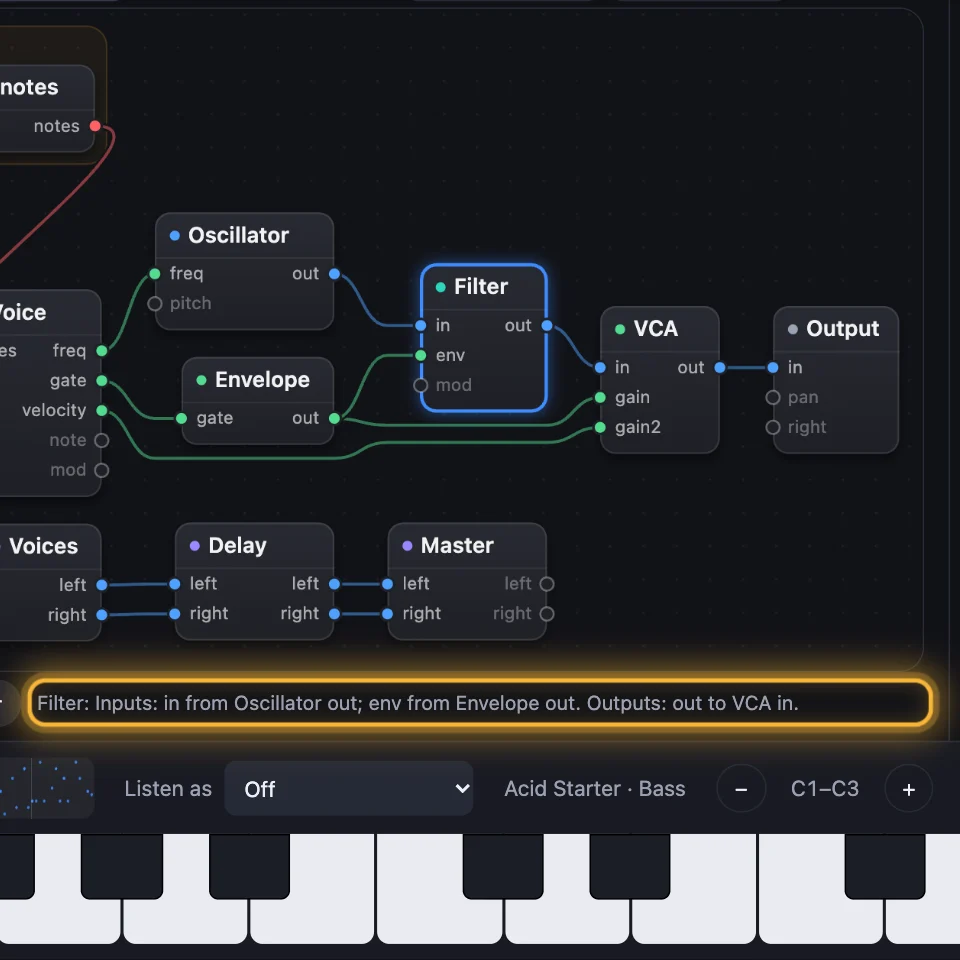
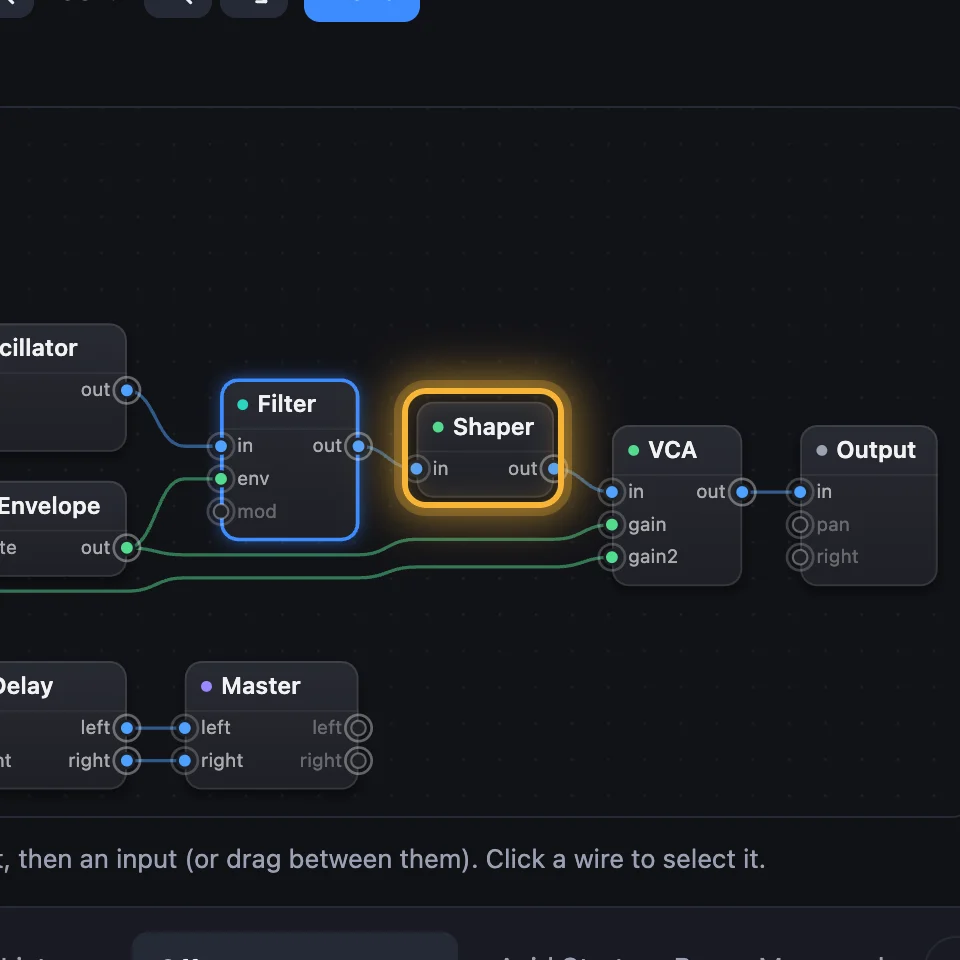
Open Acid Starter. Each box is a module. The sound runs left to right: Voice, Oscillator, Filter, VCA, Output. Click a module and the line under the Patch says what it's wired to.
2Add a module
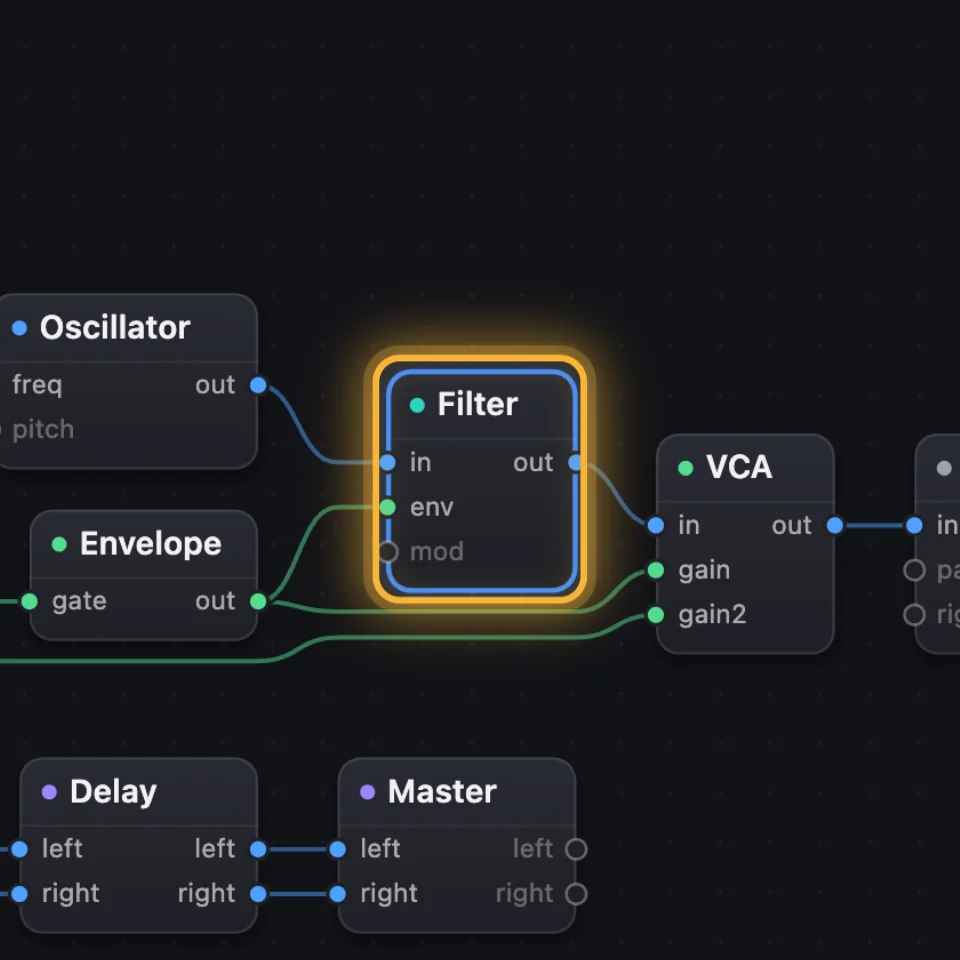
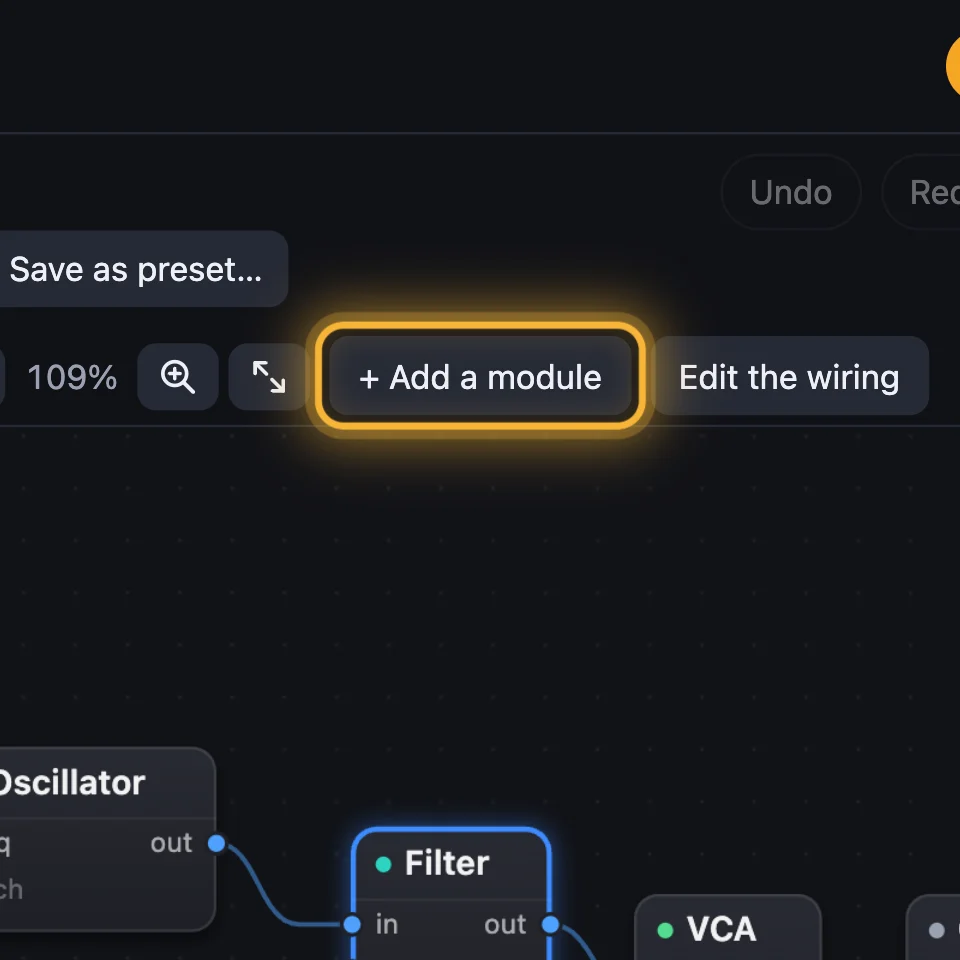
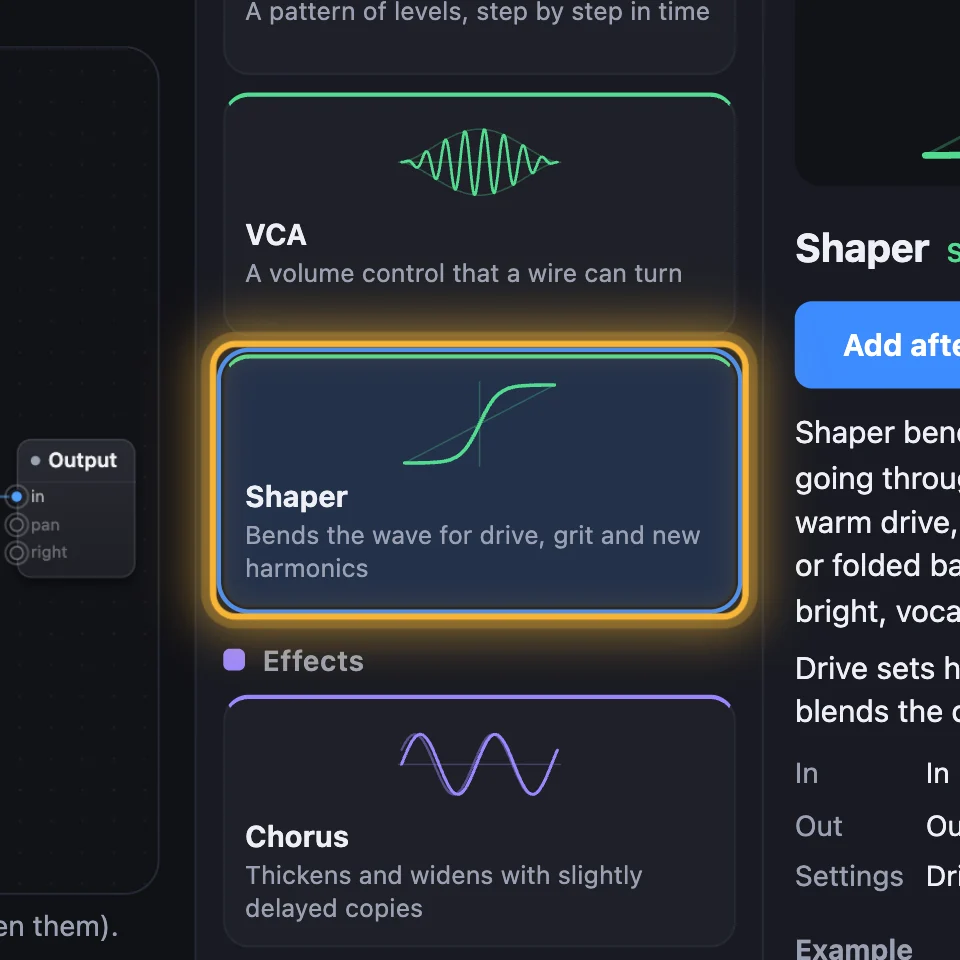
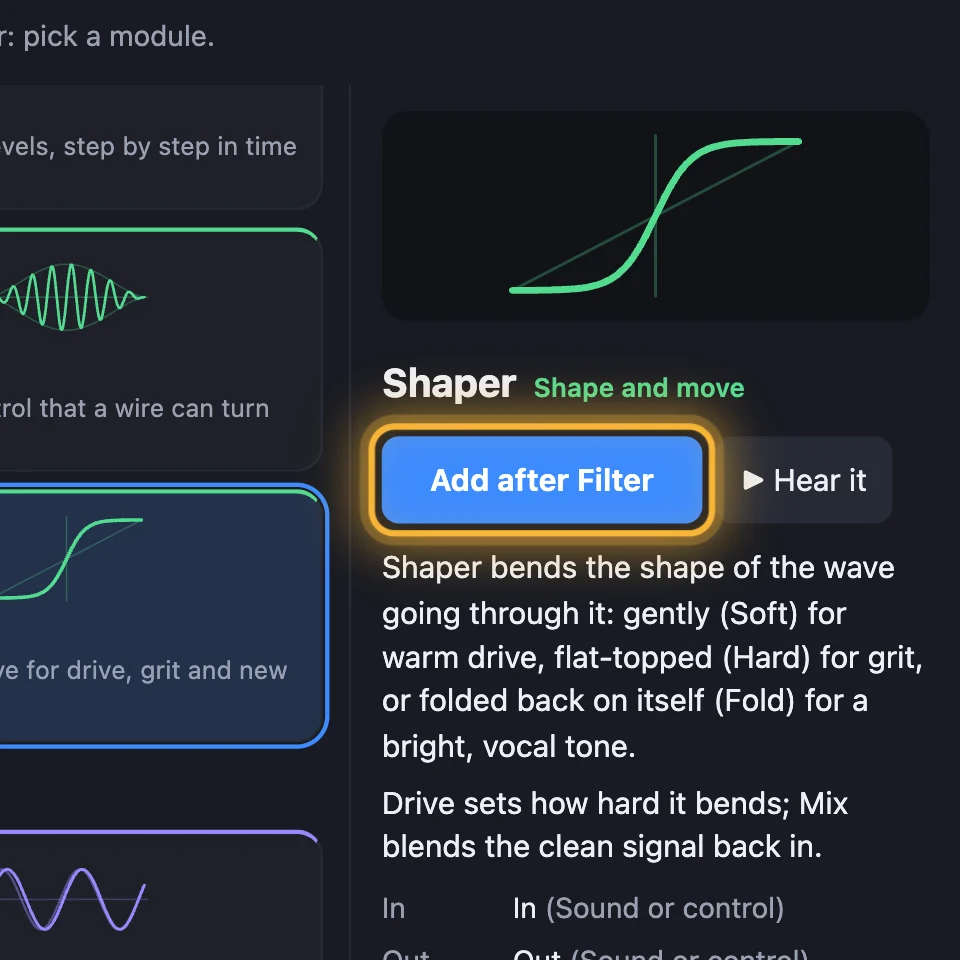
Keep the Filter chosen and click + Add a module. Pick Shaper, then Add after Filter. It goes into the wire after the Filter, so you hear it at once.
3Turn it up
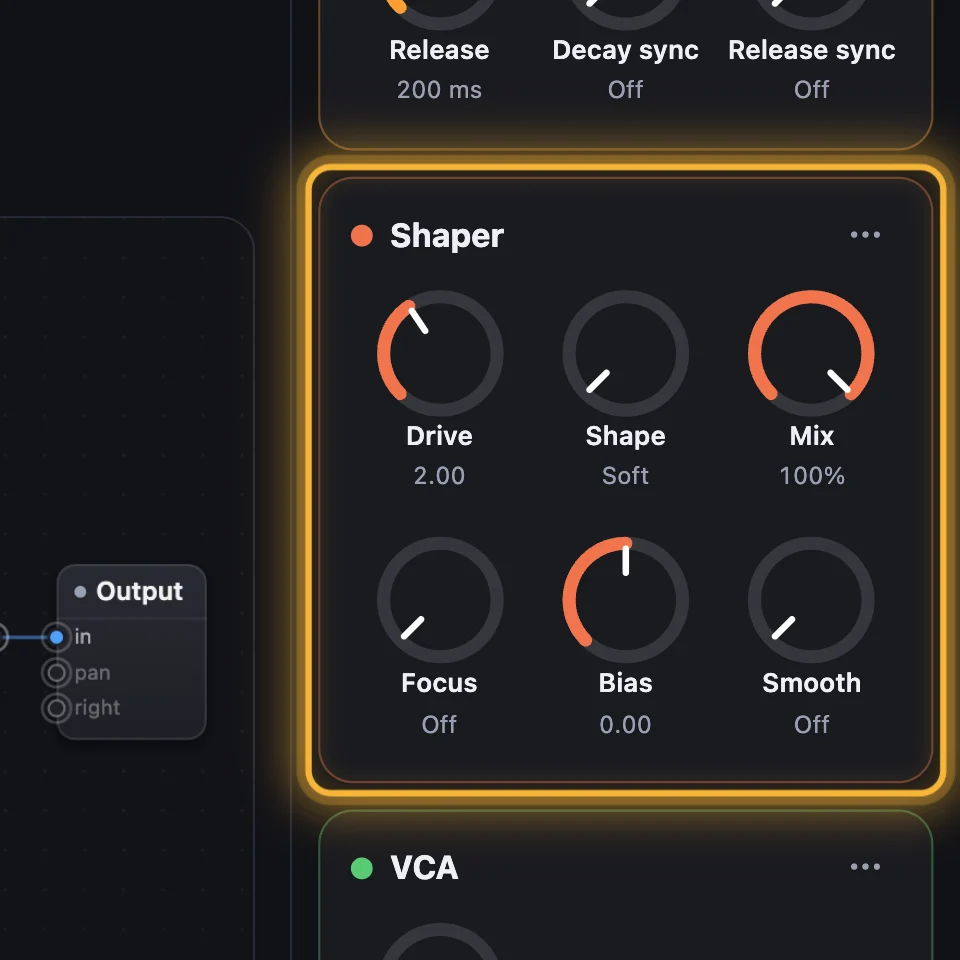
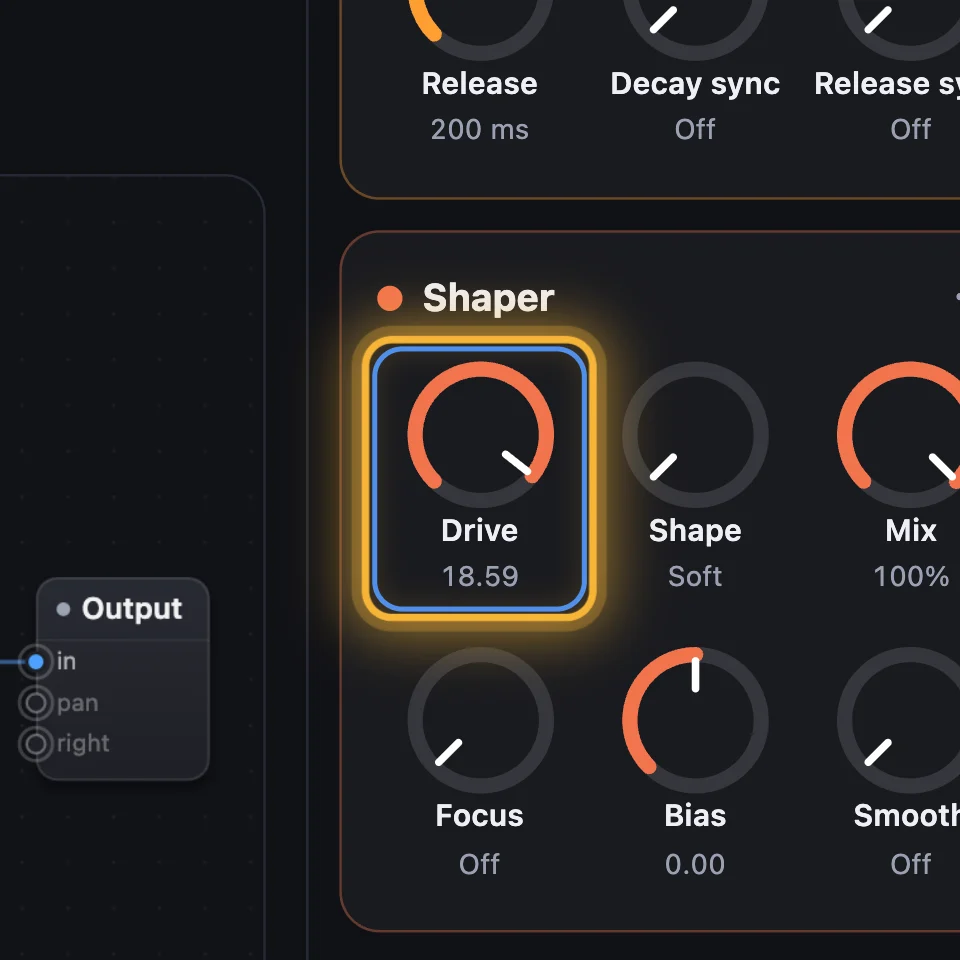
The Shaper has its own card with knobs. Turn Drive up and play: the sound gets grittier.
4Wire it by hand
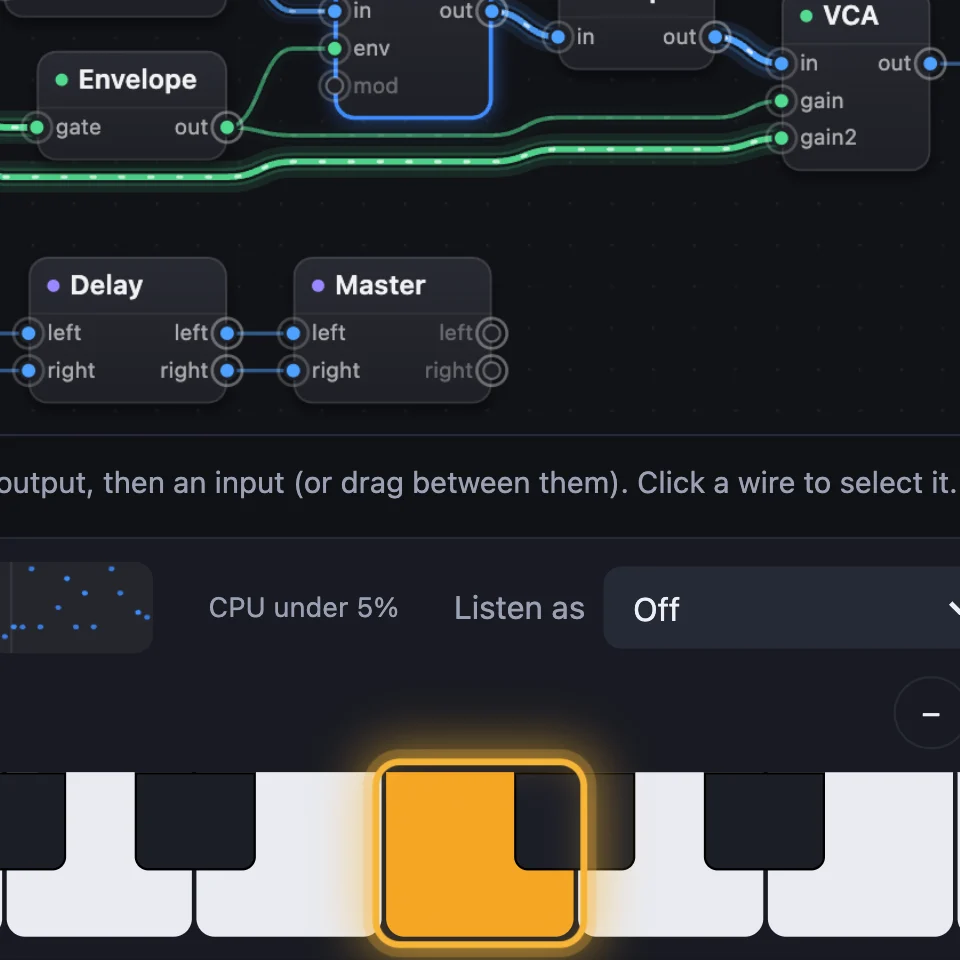
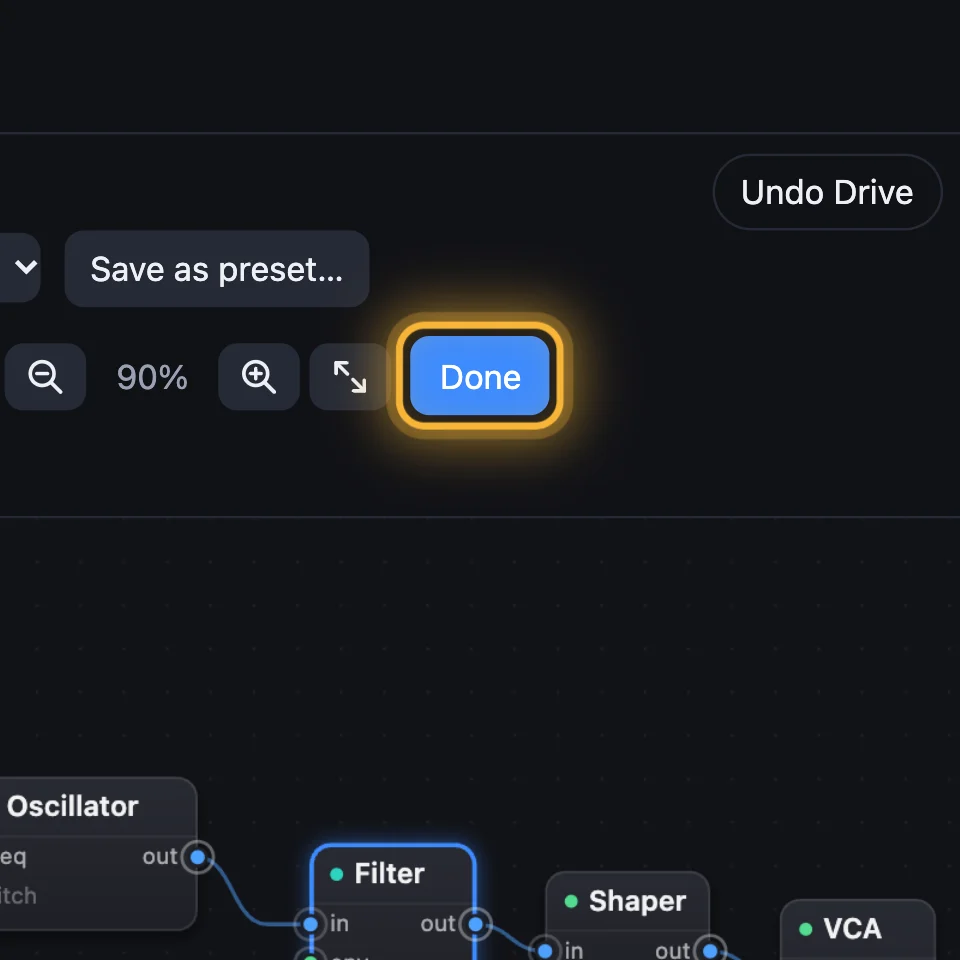
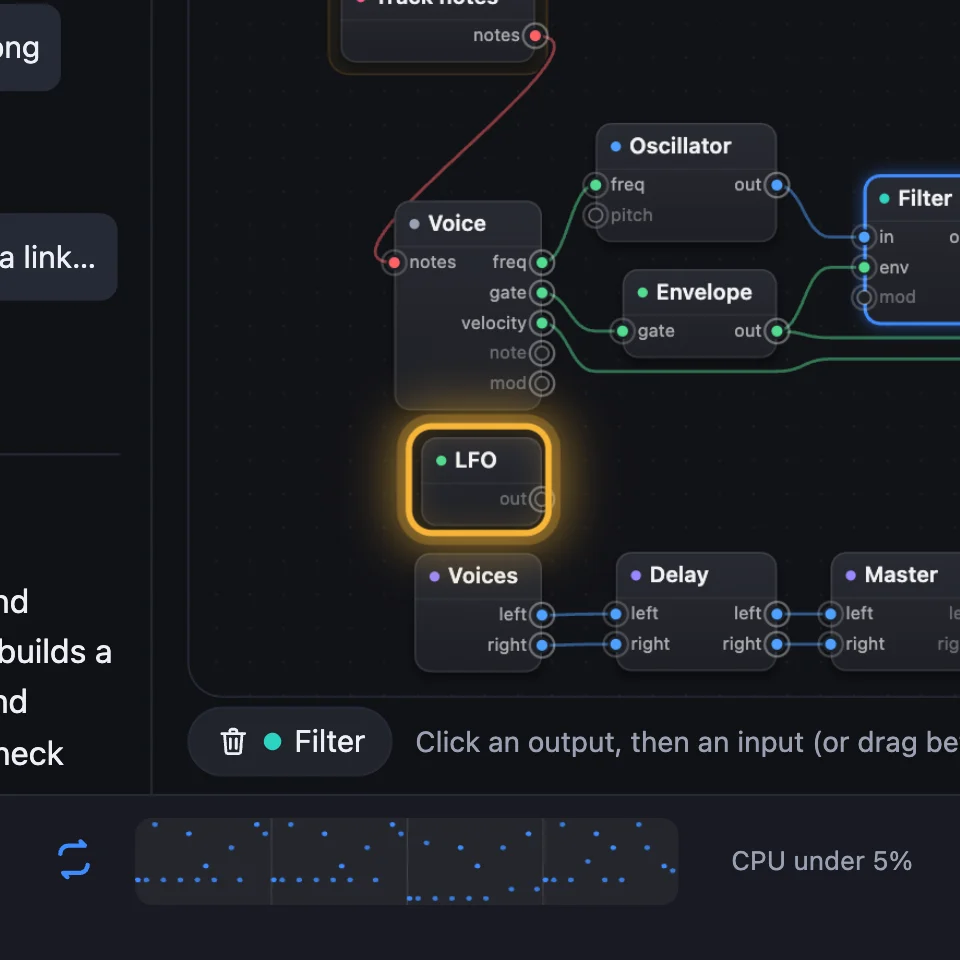
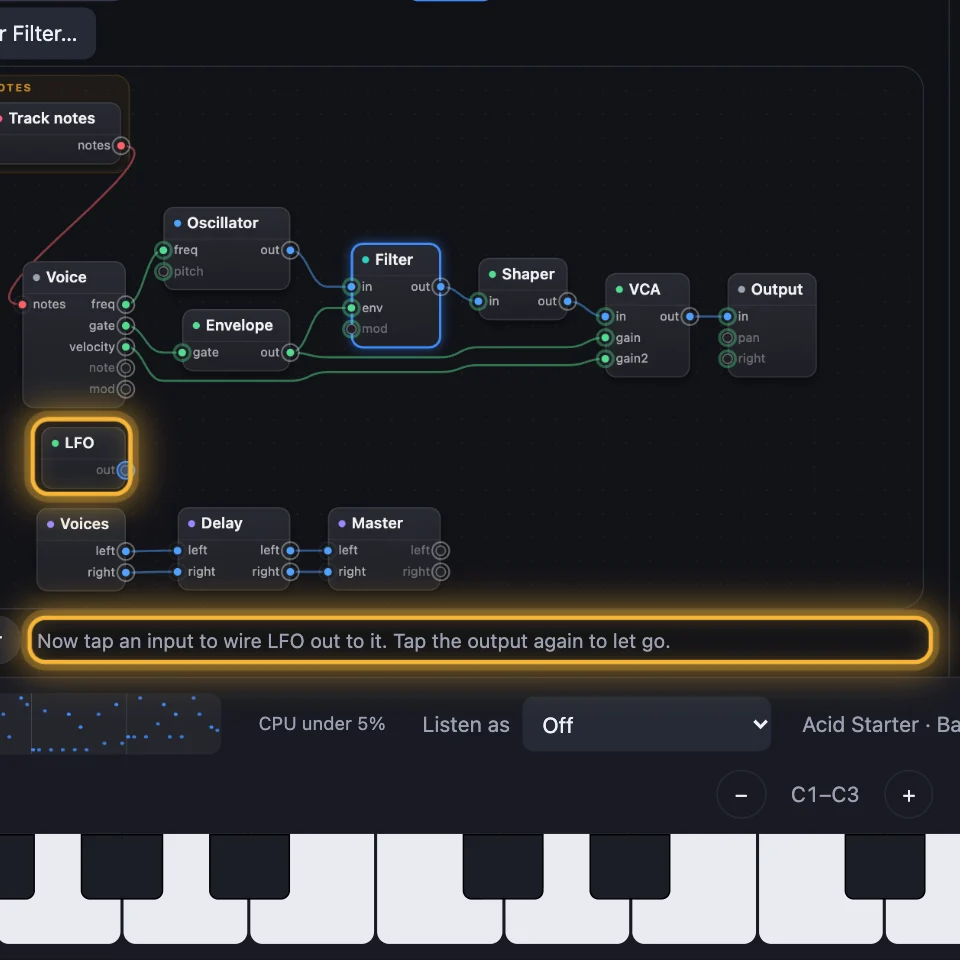
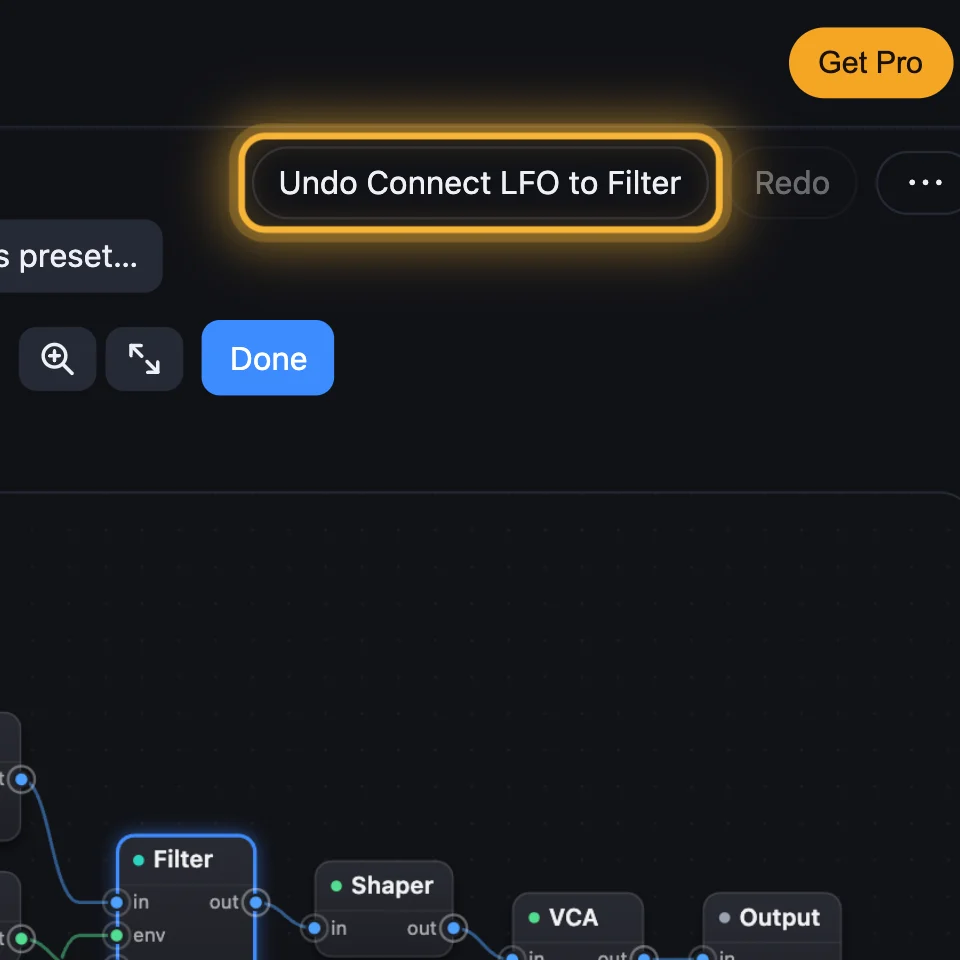
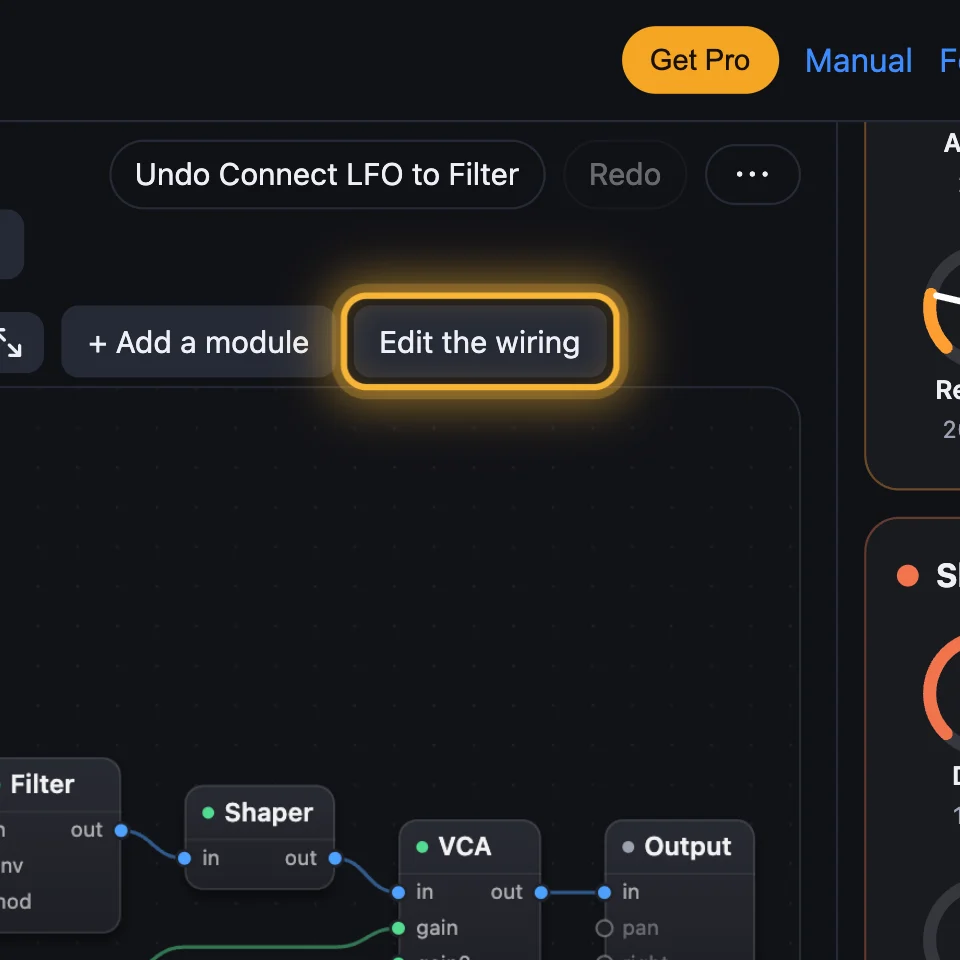
Adding a module leaves the Patch in editing: Edit the wiring now reads Done (if it doesn't, click it). Click + Add a module… and add an LFO: it arrives on its own, with no wires. Click the LFO's out, then the Filter's mod. The Filter's cutoff now wobbles with the LFO.
5Take things out
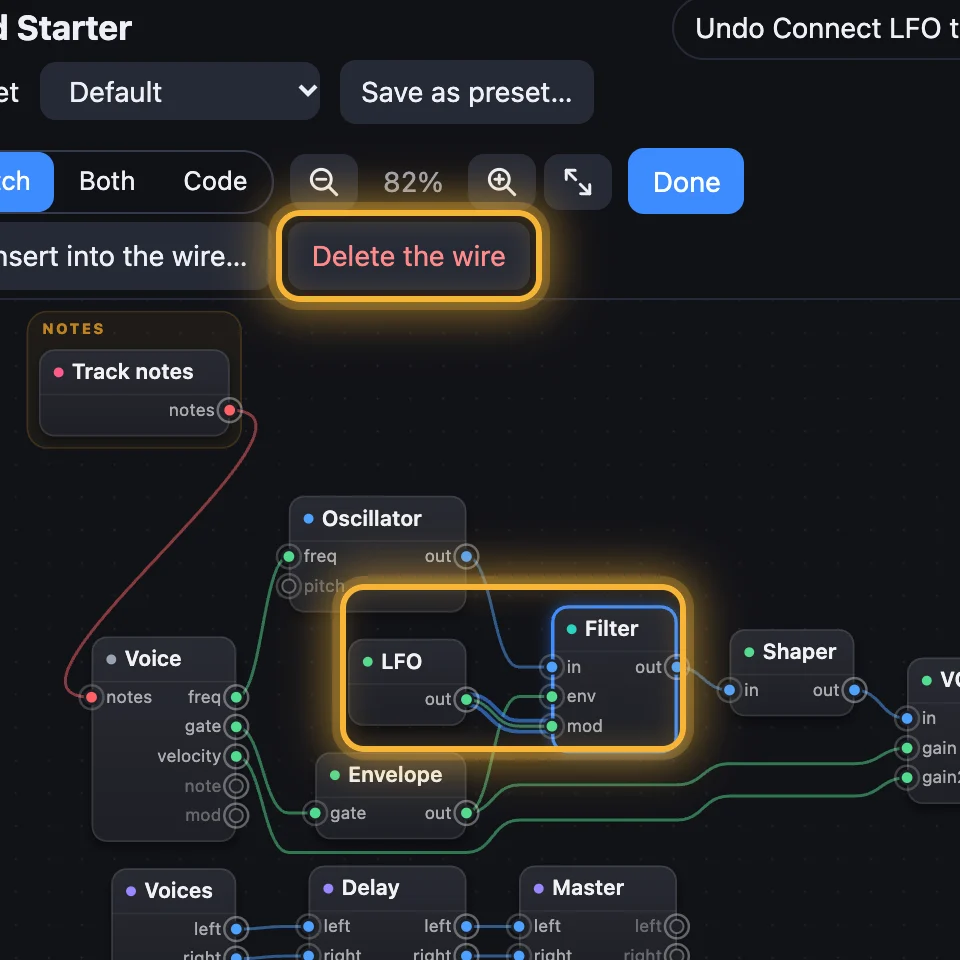
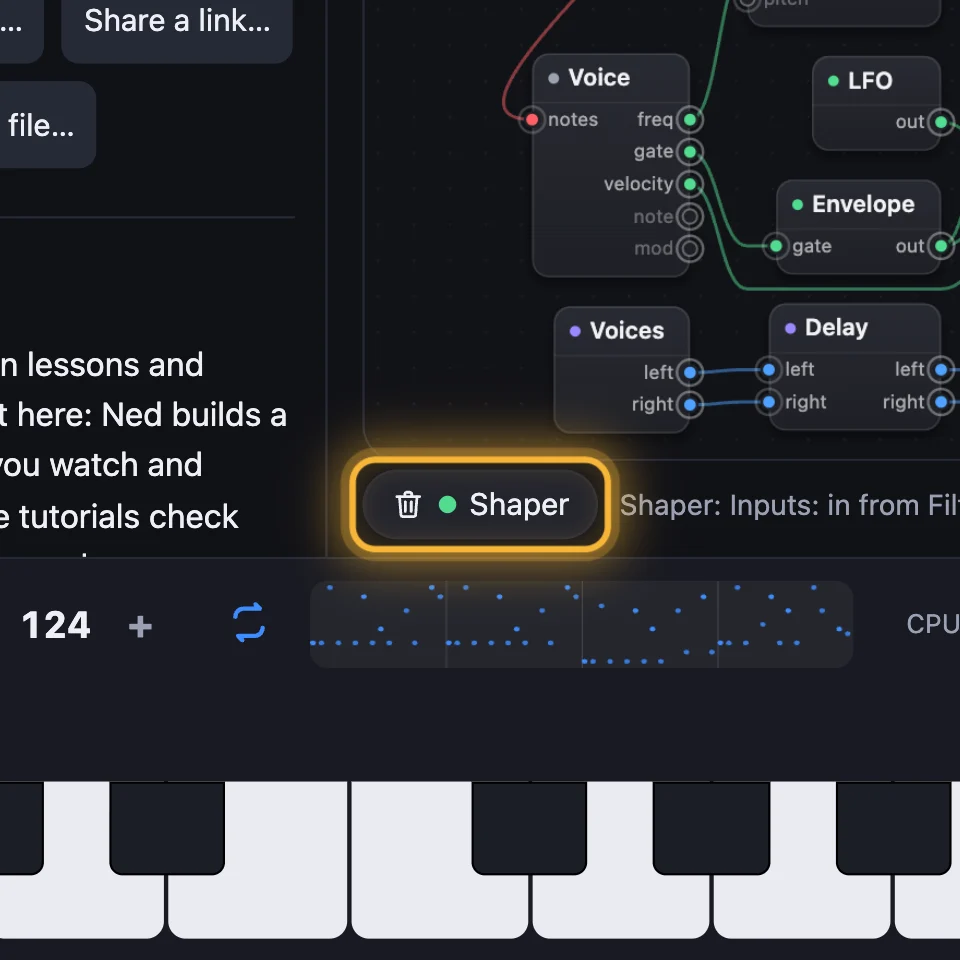
Click a wire, then Delete the wire. Click a module, then Remove under the Patch, or press Delete. Undo brings either back. Click Done when you've finished.
Adding the built-in modules, wiring, removing and turning knobs are all free. A tile marked Pro in the browser (visuals, circuits, Code modules and modules of your own) needs SynthMaker Pro.

Try it
- Open Acid Starter, click the Filter, then + Add a module, Shaper and Add after Filter.
- Click + Add a module…, add an LFO, then click its out and the Filter's mod.
- Play a long low note: the sound wobbles. Turn the LFO's Rate to hear it speed up.
On the Mac, the pencil button on the Patch is Edit the wiring. While you edit, + adds a module, the bin deletes the wire you've chosen, and Done finishes.
Remember
- A module is one box; a wire runs from an output, on the right, to an input, on the left.
- + Add a module puts a module after the one you've chosen, or into the wire you've chosen.
- Edit the wiring: click an output, then an input. Undo takes back any step.