 SynthMaker
Drawings moved by sound
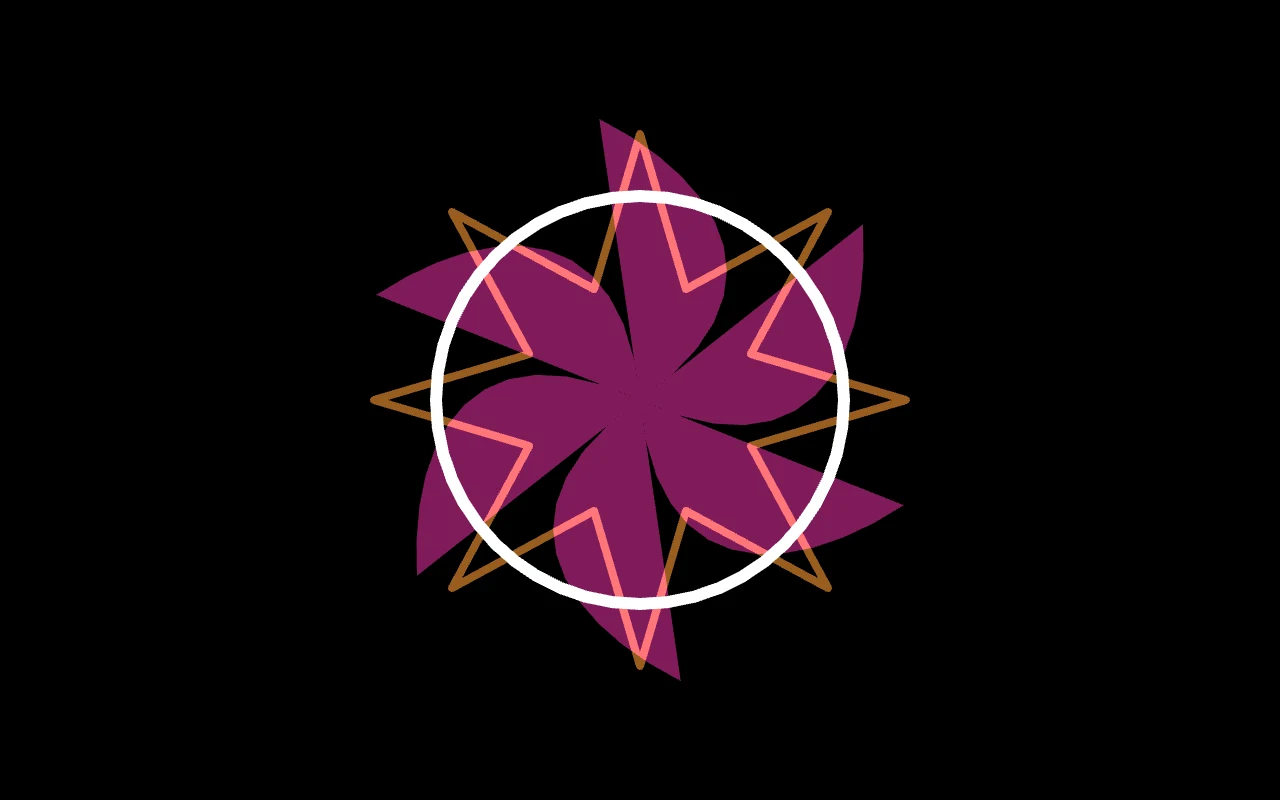
A drawing is a picture you write in a few lines: points, paths, circles, stars and patterns, in layers. Its inputs are wires, so an envelope makes it swell on every kick and an LFO turns it slowly. You can also draw with the pen, which writes the lines for you, and bring in an SVG.
1A drawing in a few lines
Add Start from drawing from the Visuals group, wire its visual into a Screen, and an envelope into its pulse. In the sound's code the drawing is used by name like a module, and written as a block after the patch:
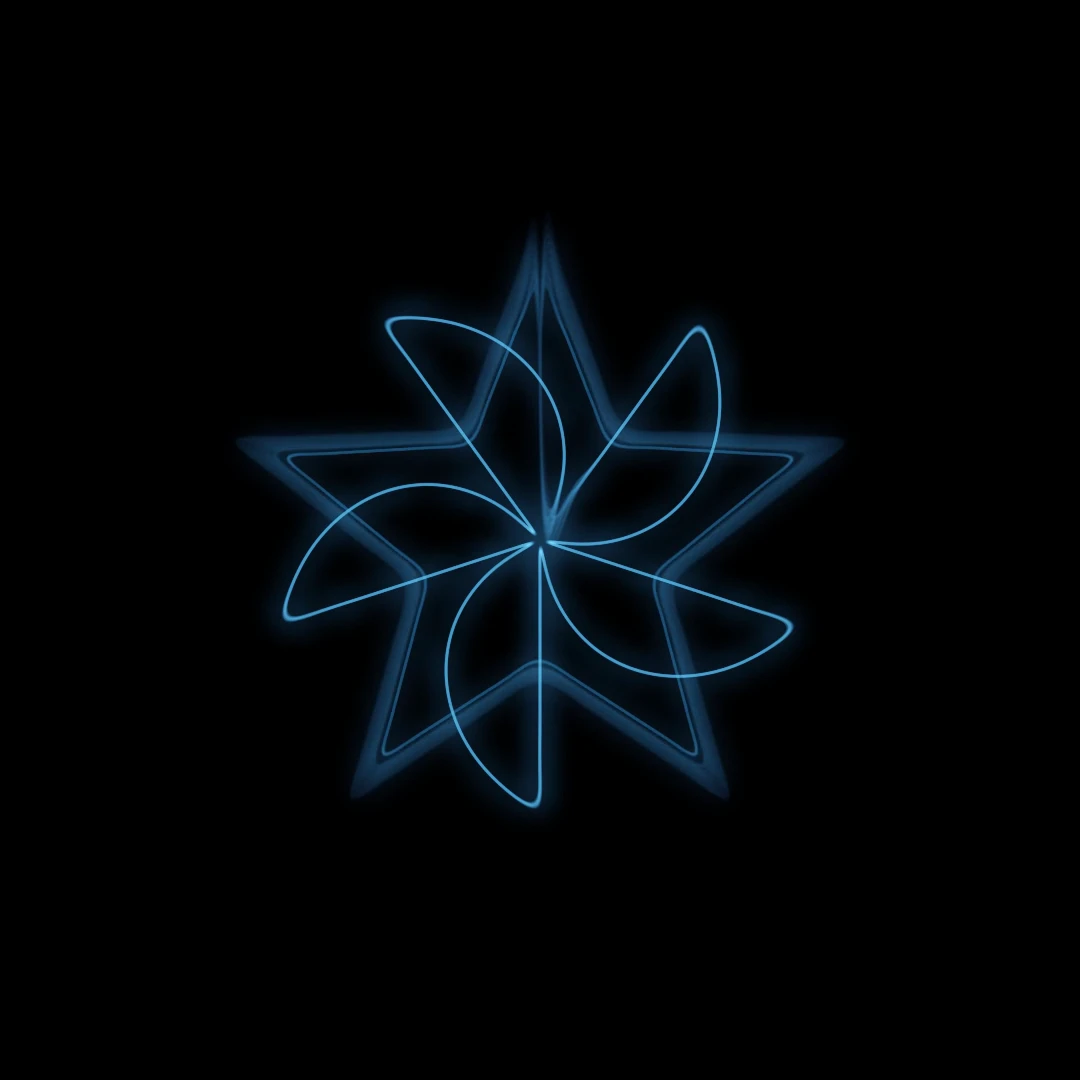
logo = Kick(size: 45)amp -> logo.pulselogo.visual -> screen drawing Kick in pulse setting size: 40, from 10 to 100 centre = (0, 0) tip = (0, 60 + pulse * 20) leaf = path(centre, curve(tip, (40, 20), (30, 50)), close) ring = circle(centre, size + pulse * 20) spikes = star(centre, points: 8, inner: 30, outer: 50 + pulse * 30) petals = repeat(leaf, 6, around: centre) layer glow: spikes, hue: 30, opacity: 0.6, blend: add layer body: ring, stroke: 3, colour: whiteend- One thing per line.
inandsettingread as in a module's code: an input a wire drives, and a knob. - The page goes from −100 to 100 on the Screen's shorter side, (0, 0) in the middle, and up is up.
- A point is
(x, y), and either number can be worked out:(0, 60 + pulse * 20)rises with each hit.
2Shapes
| Shape | What it draws |
|---|---|
path(a, b, curve(c, c1, c2), close) | Lines from point to point; curve bends to its point through two handles; close goes back to the start. Its points are a1, a2… |
circle(centre, radius) | A circle. |
rect(centre, width, height, turn) | A rectangle, its corners v1 to v4. |
polygon(centre, sides, radius, turn) | A regular polygon, its corners v1… |
star(centre, points, inner, outer, turn) | A star, its tips tip1… and inner corners v1… |
A shape's own points can be used further down: circle(spikes.tip1, 5) puts a dot on the star's first tip.
3Patterns
| Line | What it makes |
|---|---|
repeat(leaf, 6, around: centre) | Six copies round a point, a sixth of a turn apart. |
repeat(bar, 120, step: (3, 0)) | 120 copies side by side, 3 apart: fine lines. |
repeat(circle((0, 0), 2), 40, grow: 3) | 40 rings, each bigger than the one before by three times the first one's size. |
rotate(shape, angle), scale(shape, by), move(shape, x, y) | A turned, resized or moved copy; the amount can follow an input. |
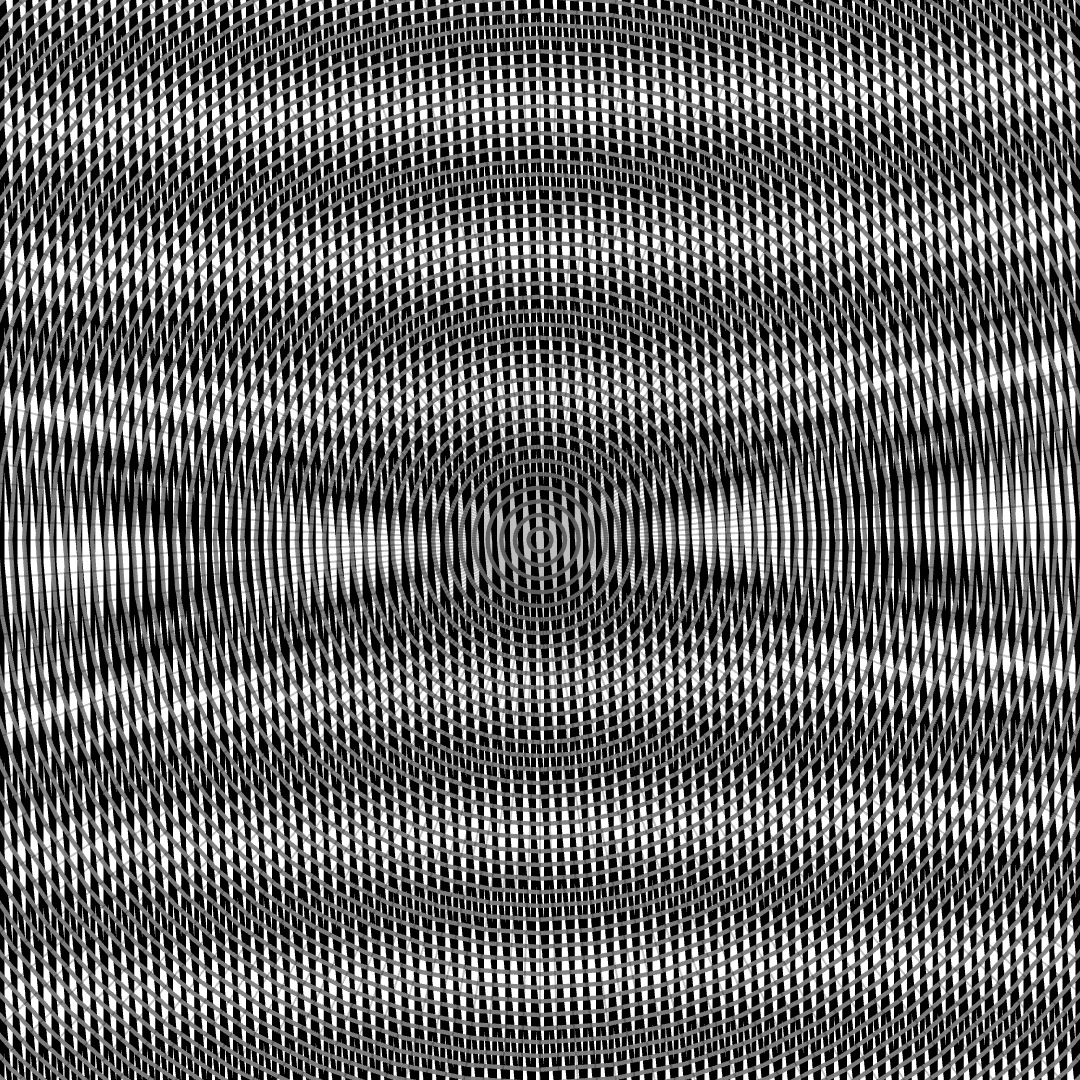
Fine lines and a turned copy of them make moiré: the slow LFO turns one field, each kick nudges it, and the fringes where they cross move across the picture.
4Layers
layer name: shapes, … draws its shapes in one look, in the order the layers are written.
| Says | Means |
|---|---|
stroke: 3 | How thick the lines are (0: none). |
colour: white | white, black, red, orange, yellow, green, cyan, blue, purple, pink, grey, or rgb(1, 0.5, 0). |
hue: 30 | A bright colour at that place round the colour wheel. |
fill: on | Fills the shapes, in the layer's colour or one of its own (fill: red). |
opacity: 0.6 | From 0 (not there) to 1. |
blend: add | add (light adds up), multiply (dark lines darken), screen, difference (white over white is black), or normal. |
Any of them can follow an input: opacity: 0.4 + pulse * 0.6. A shape no layer draws is drawn as a thin white line.
5The pen
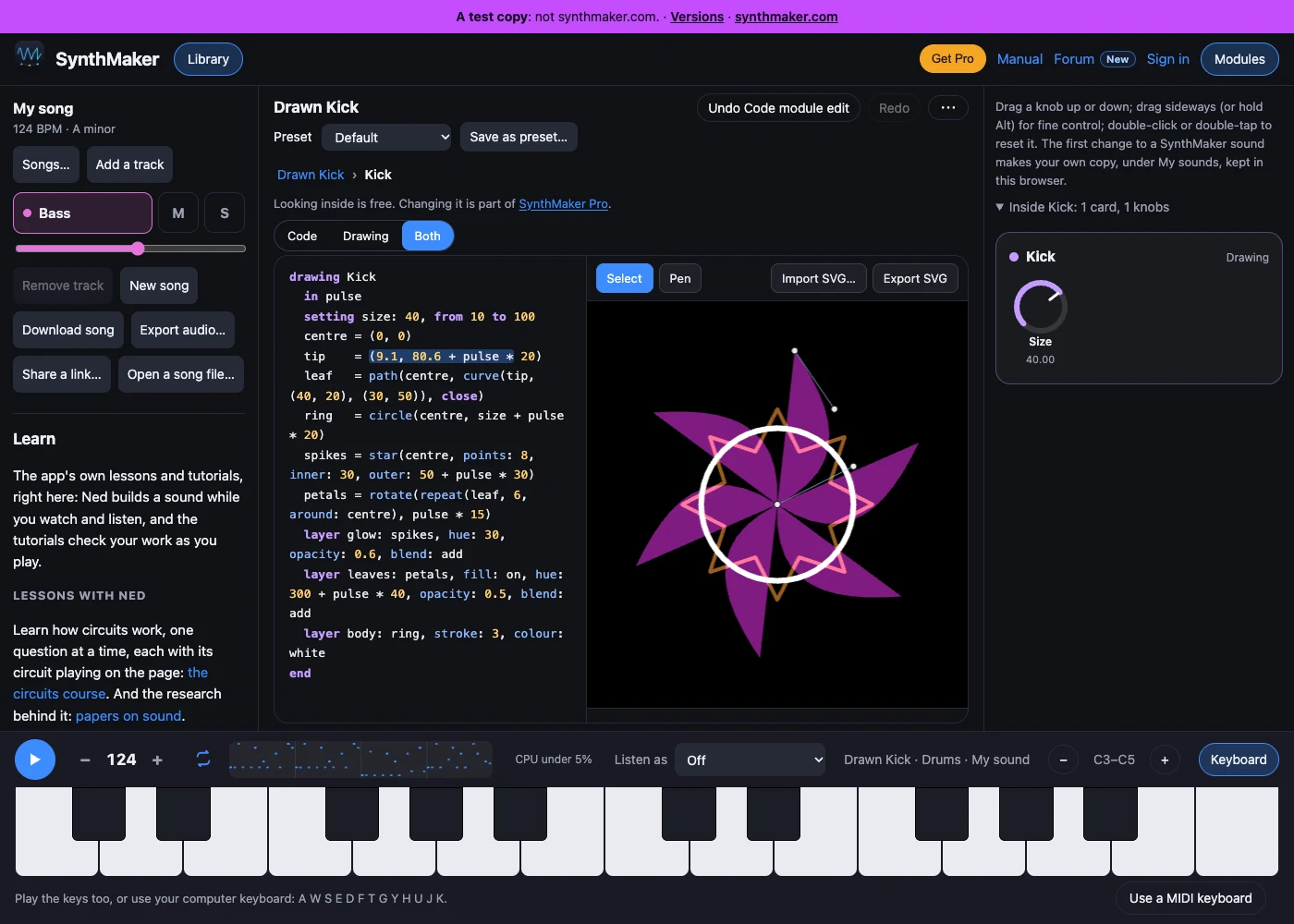
Open the drawing to see its code beside its picture. The pen changes the code, never a picture beside it:
- Drag a point: its numbers change. In
(0, 60 + pulse * 20)only the 60 changes, so the point still rises with each hit. - A point made only of inputs (
pulse * 20) is orange: it says it's driven by pulse and stays where the sound puts it. - Choose a shape and its line lights up in the code.
- Pen: click to add a point to the chosen path (drag for a curve), or start a new path; click its first point to close it. Each point gets a line of its own,
p1 = (x, y). - ⌘Z (Ctrl+Z on Windows and Linux) in the code takes a change back.
6SVG in and out
- Import SVG… adds a file's outlines to the drawing as
path(…)lines, each point named (p1,p2…), with a layer for each look. Only shapes are read: a file with a script, an image, a style sheet or a link to anything outside it is refused, and nothing is ever downloaded. - Export SVG saves the picture as it is at that moment, each layer a group.
7Draw it, hear it
PathOsc plays a drawing. Wire the drawing's visual into PathOsc's drawing: a pen walks its lines once round for every cycle of the note, so the drawing is the sound's wave.
xis where the pen is across, the left of the sound;yhow high, the right.- Wire
x,yandbeaminto an XY Plot and it draws the drawing back in light.beamis off while the pen jumps from one shape to the next, so the jumps aren't drawn. - Smooth rounds the corners for a softer sound; Oversample walks it faster and averages, for cleaner corners.
- The drawing's own wires move PathOsc too: an envelope into
pulseswells the shape you see and the sound you hear.
Try it
- Open the example, play a key, and watch the drawing swell with the kick.
- Open the drawing and drag the top of the leaf: the 60 in
tipchanges. - Change
points: 8topoints: 12in the code.
Remember
- A drawing is a few lines of code: points, shapes and layers. Its inputs are wires.
- repeat, rotate, scale and move make patterns; blends make their overlaps shine or darken.
- The pen writes the code for you, and only changes what you drag.
- PathOsc plays a drawing as sound; an XY Plot draws it back.