 SynthMaker
The core modules
Most sounds are built from five modules. The Oscillator makes the tone, the Filter shapes it, the VCA sets how loud it is, and an Envelope and an LFO move things as you play.
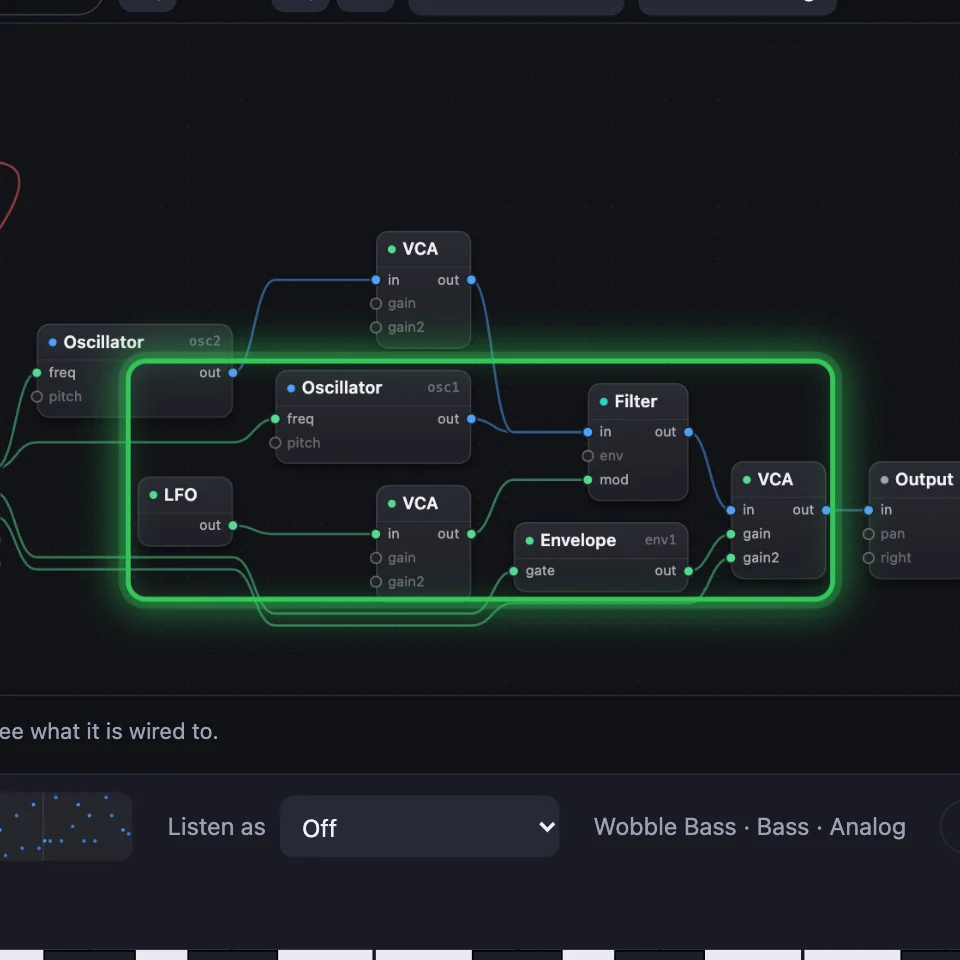
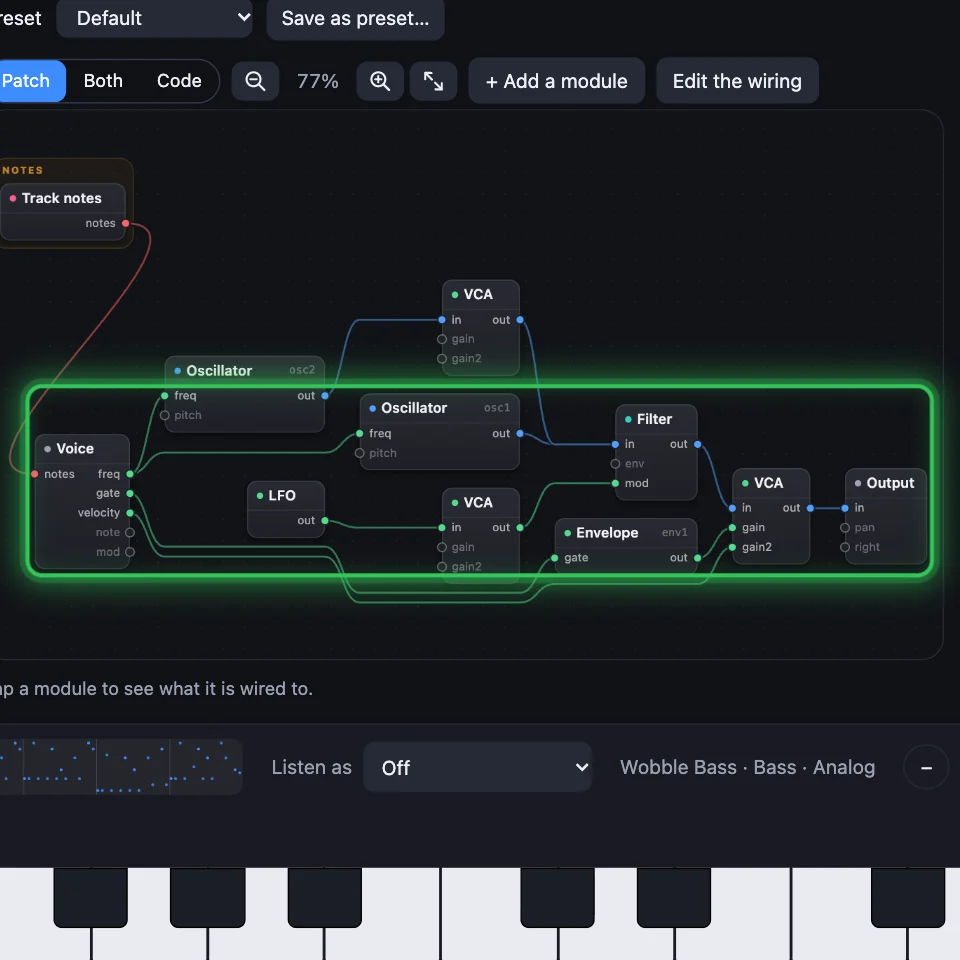
New words
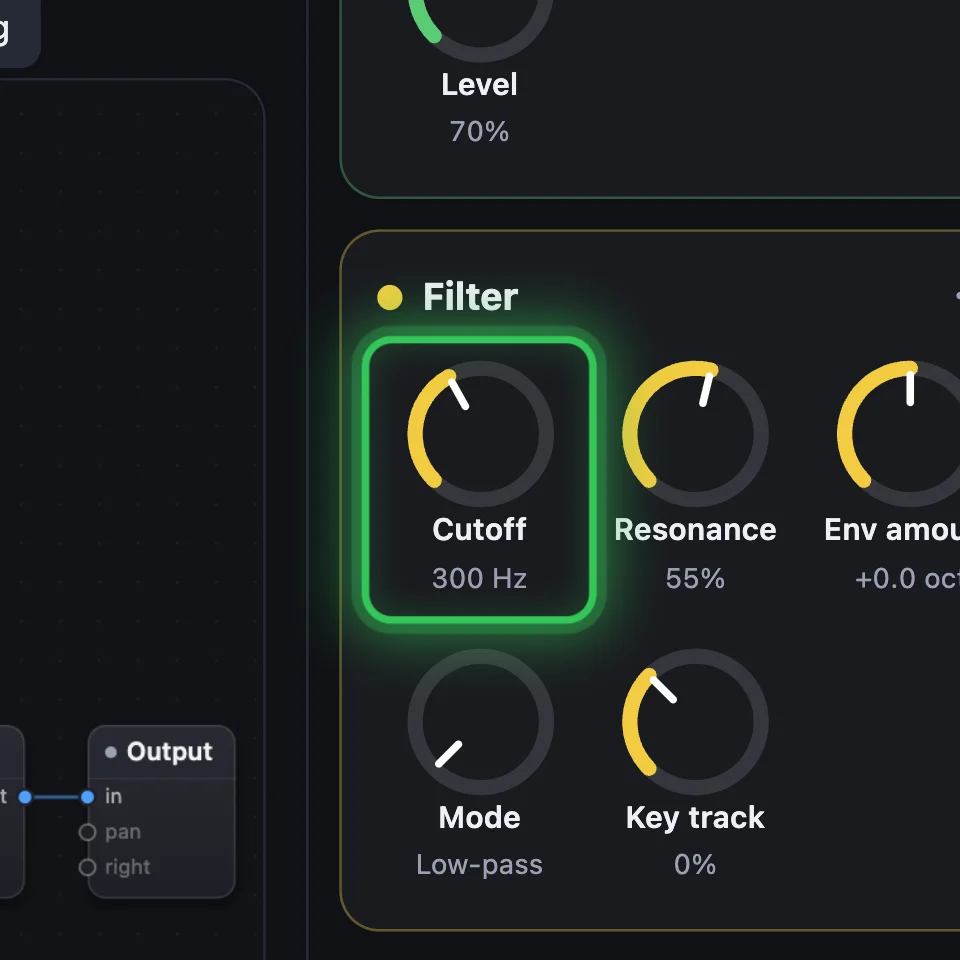
Cutoff is where the Filter starts taking sound away.
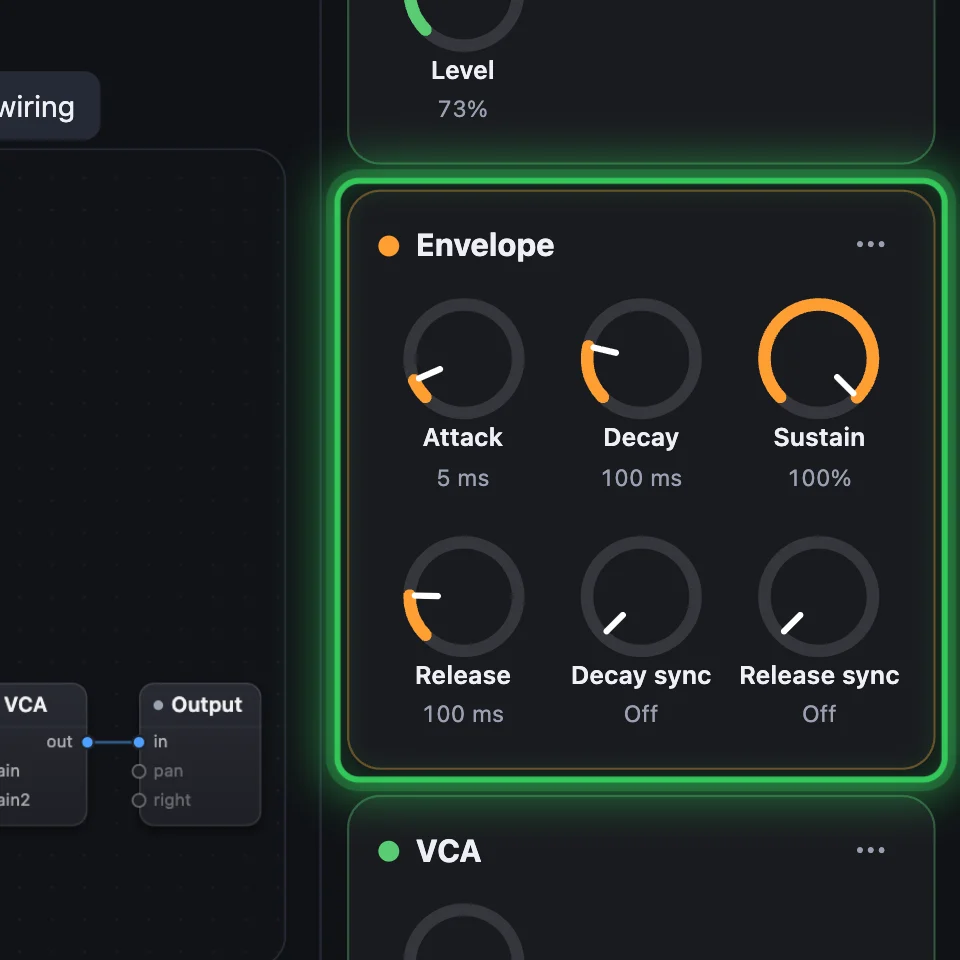
An Envelope is a shape that rises and falls with each note.
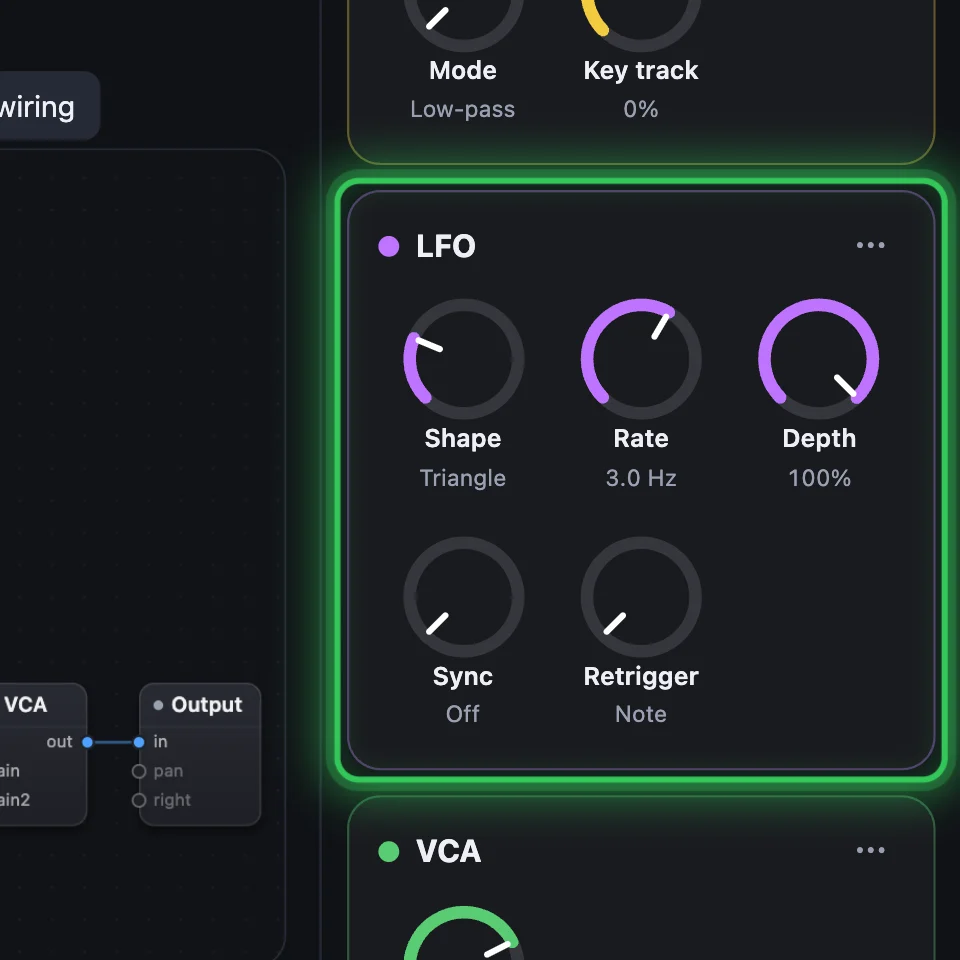
An LFO is a wave too slow to hear, which moves a setting up and down.
1Oscillator: the tone
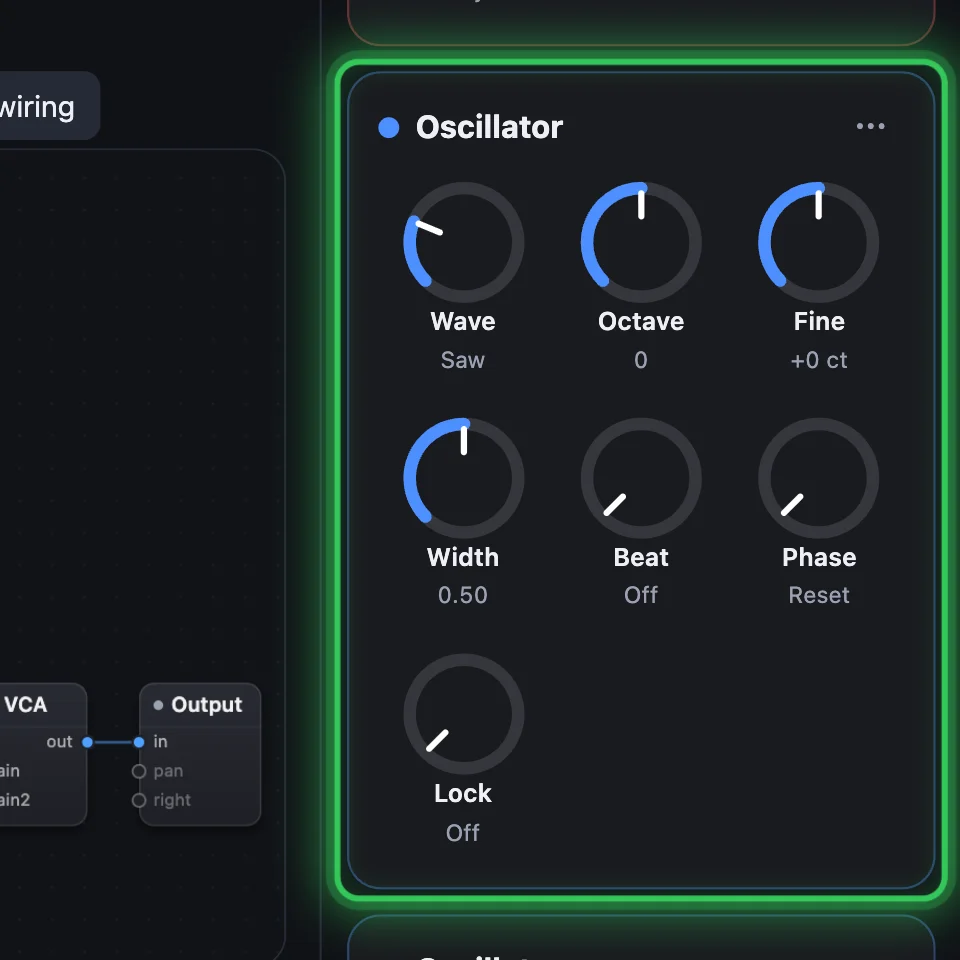
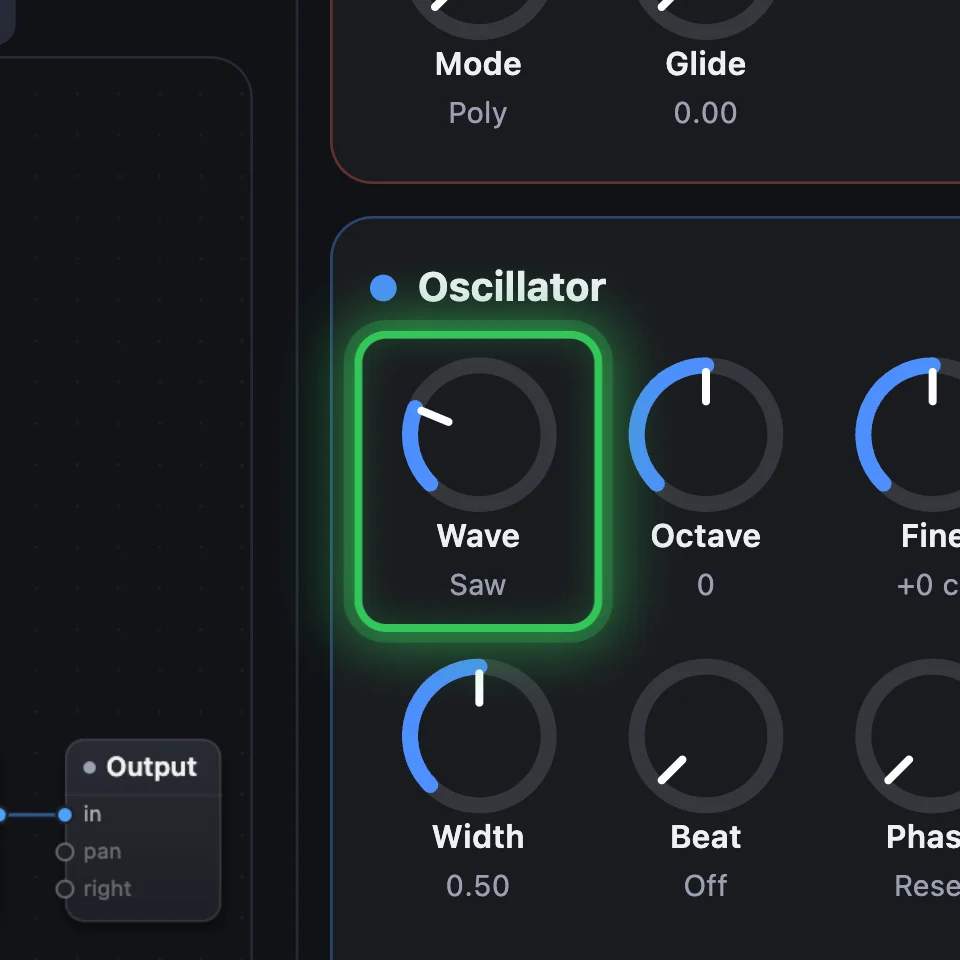
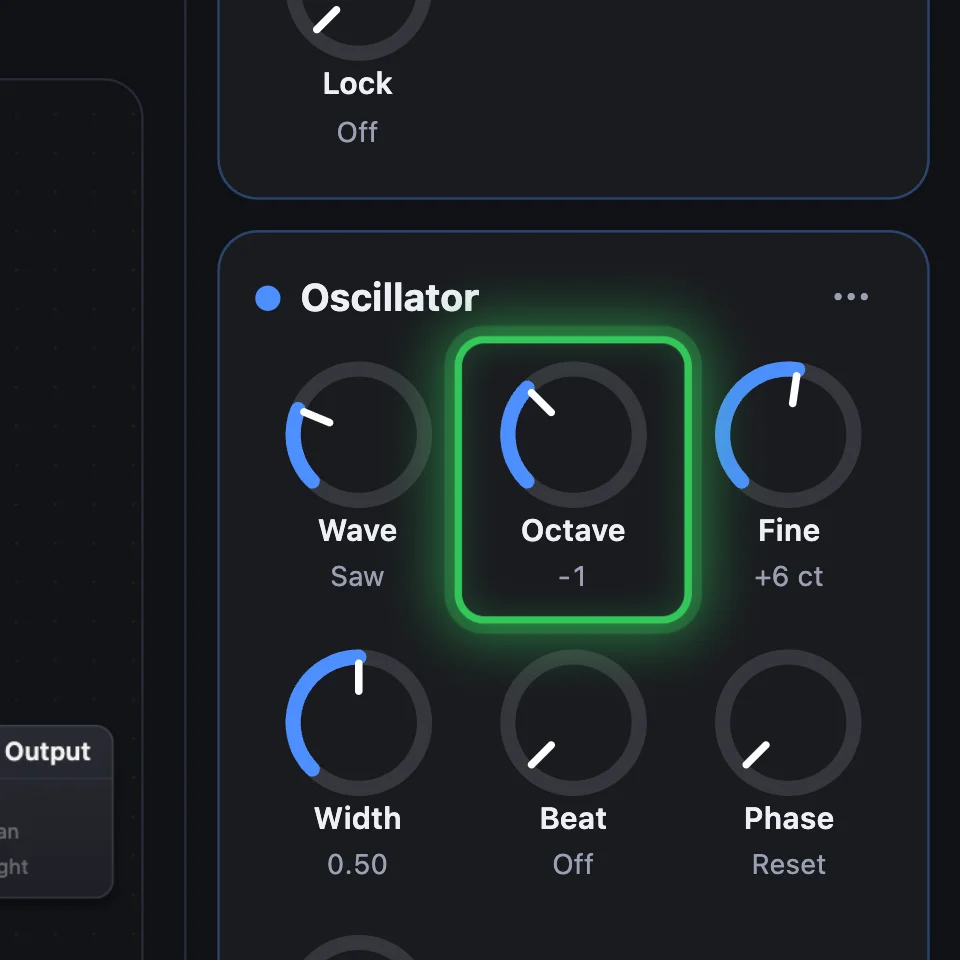
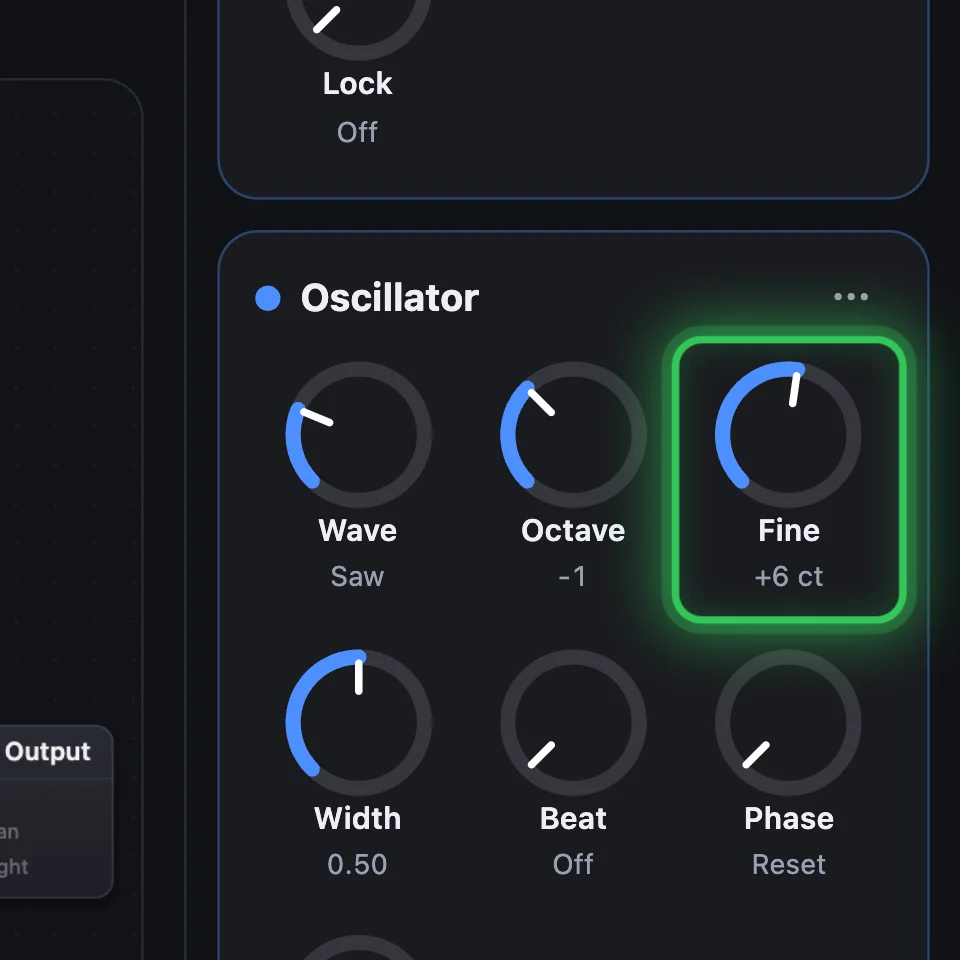
The Oscillator makes a steady tone at the note's pitch. Wave picks its shape: Saw is bright and buzzy, Pulse hollow, Triangle soft, Sine pure, Noise a hiss. Octave moves it in octaves, Fine in cents, and Width shapes the Pulse.
2Filter: the brightness
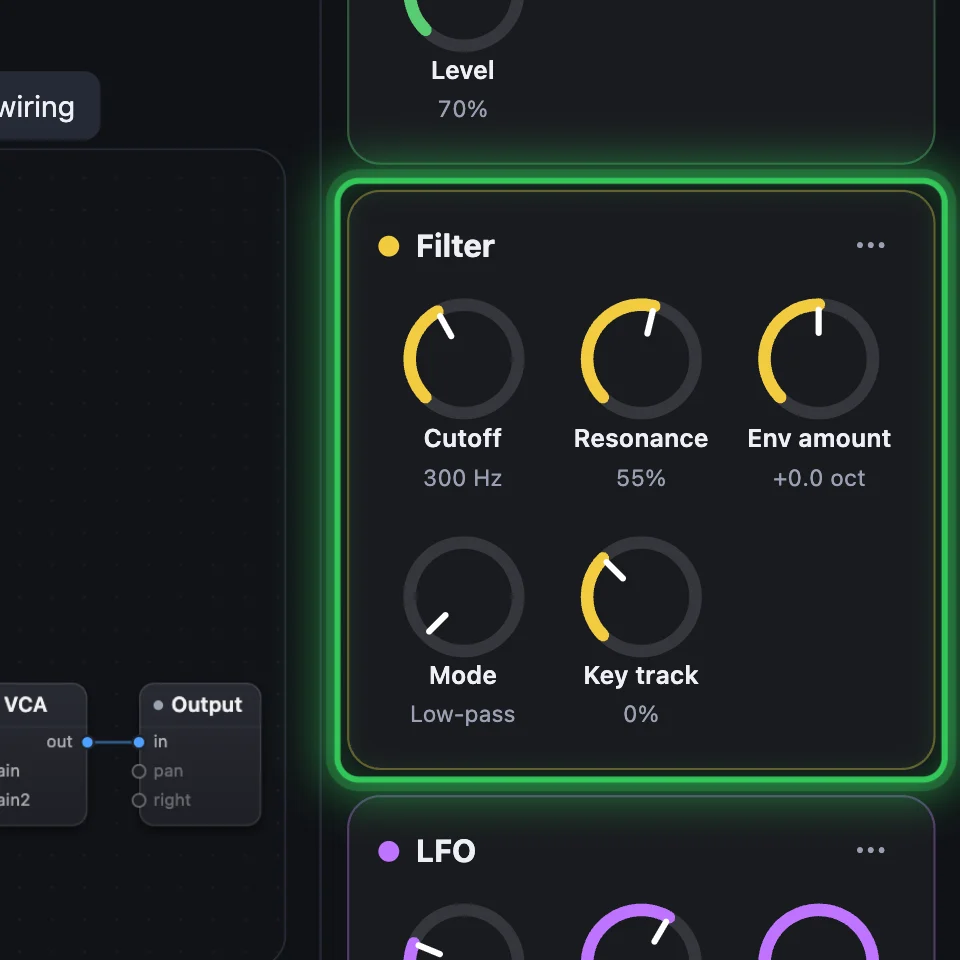
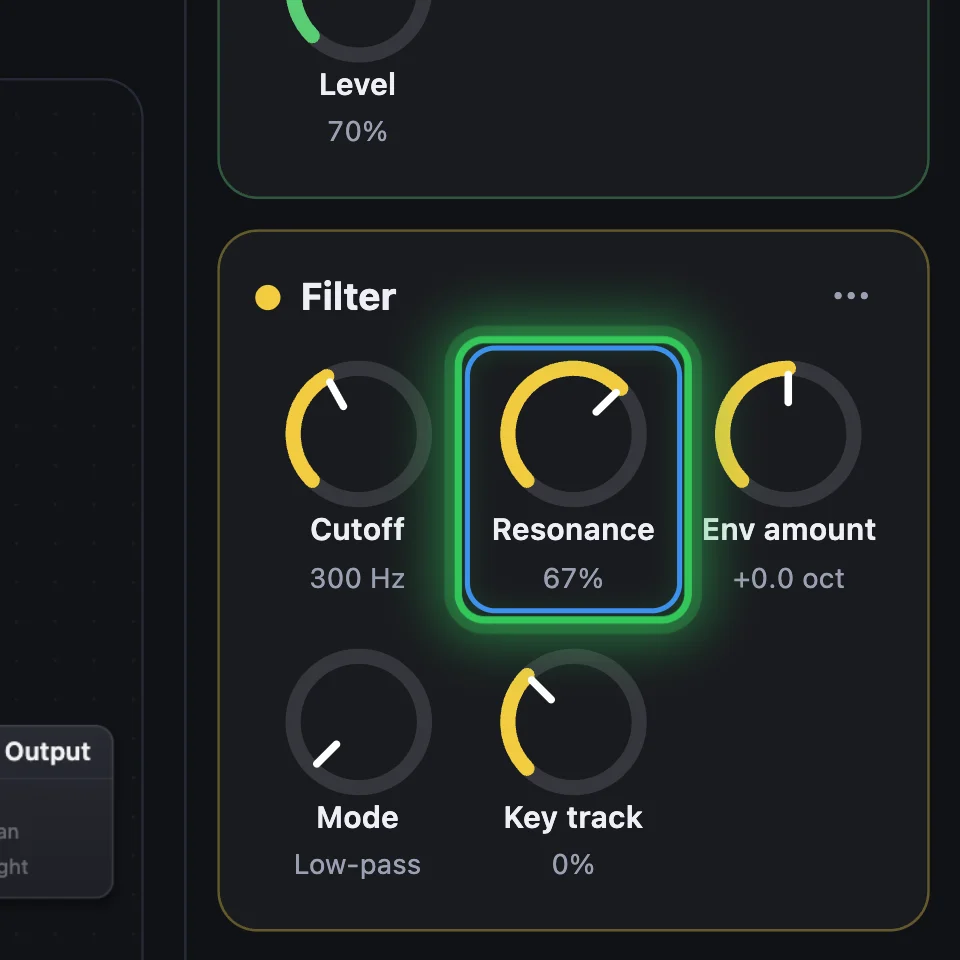
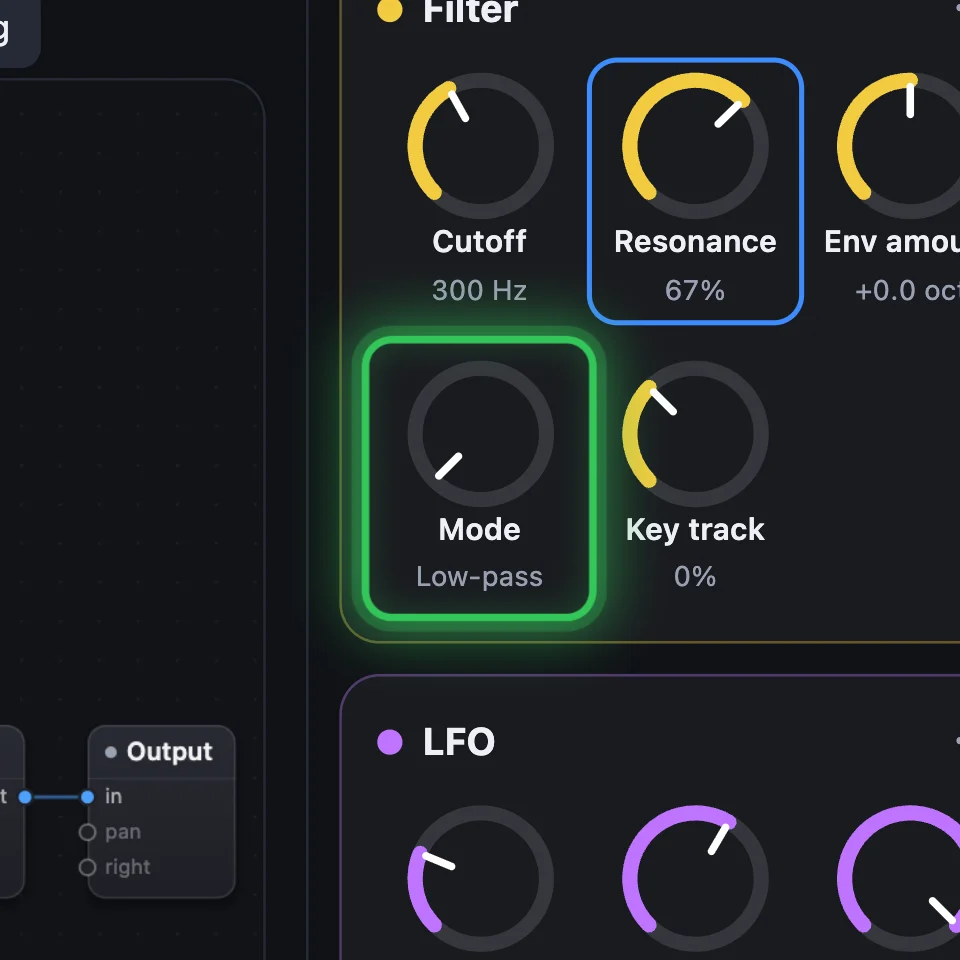
The Filter takes away the highs above its Cutoff, so a bright wave turns warm. Resonance makes it ring at the cutoff. Mode switches it to Band-pass, High-pass or Notch.
3Envelope: each note's shape
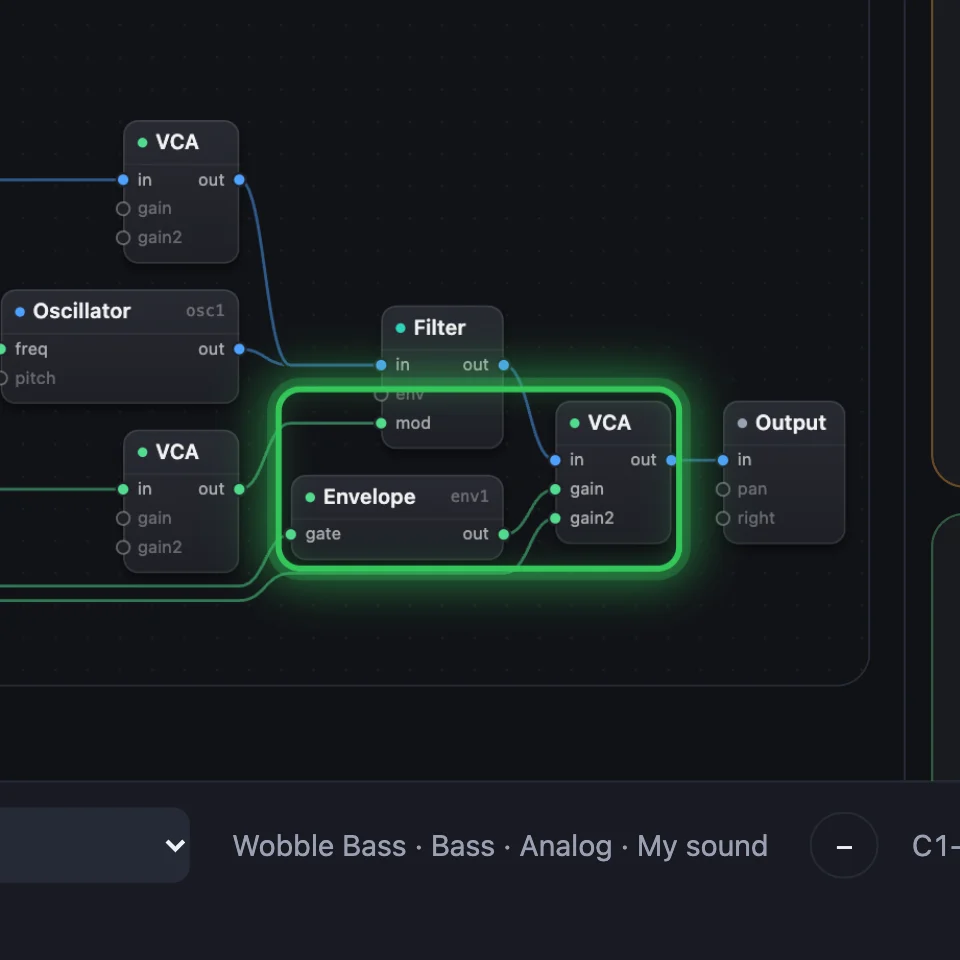
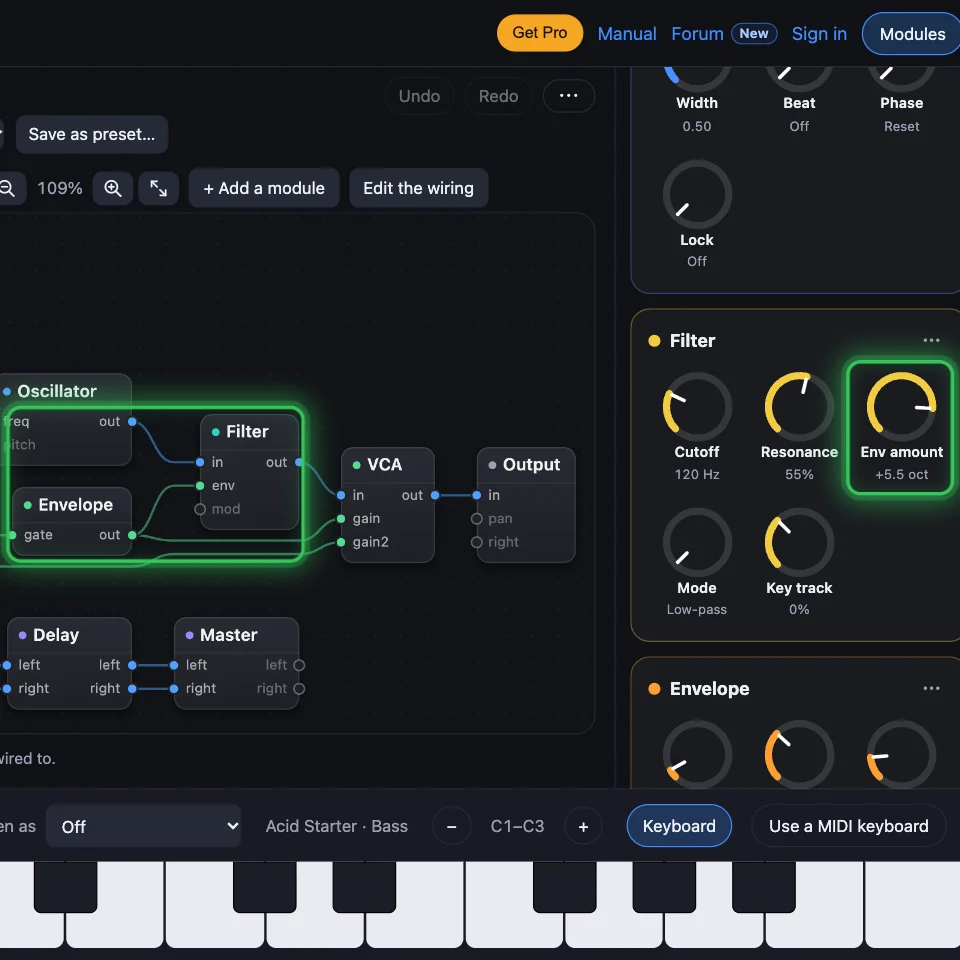
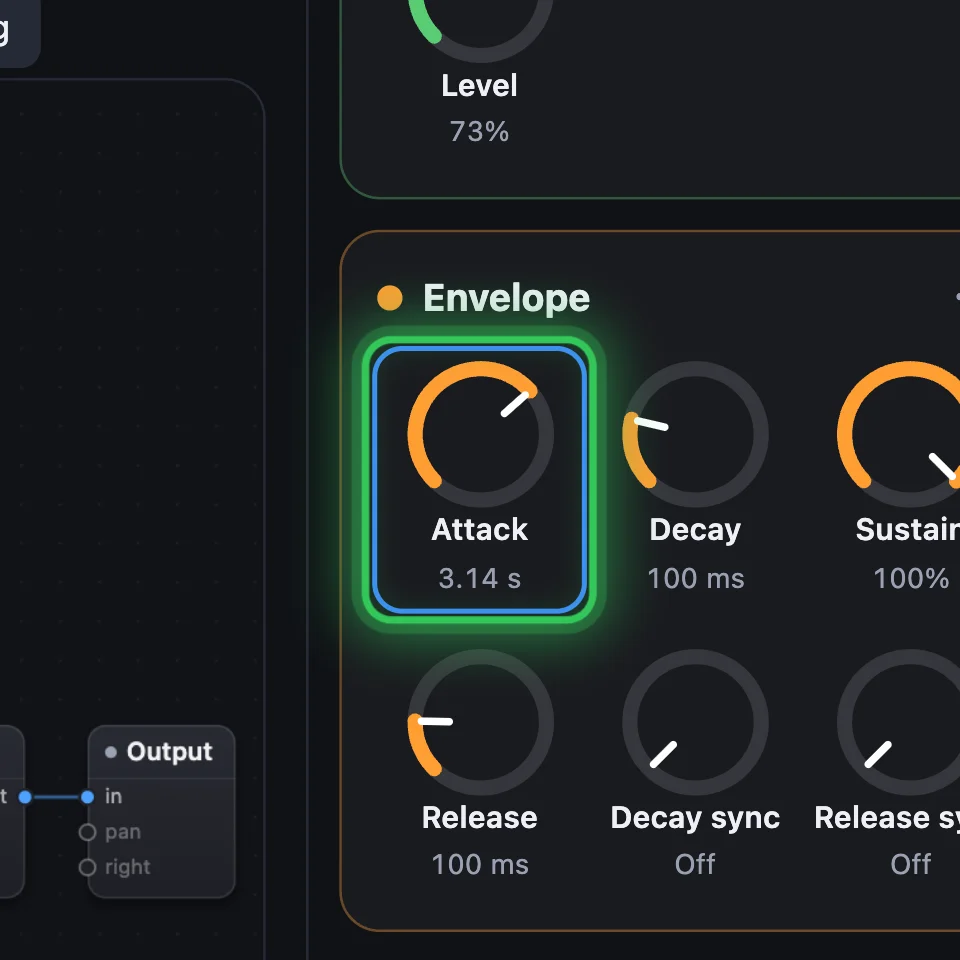
An Envelope rises when you press a key and falls when you let go. Attack is how fast it rises, Decay how fast it falls to Sustain, the level it holds, and Release how long it fades after you let go. Wire it into a VCA's gain for the volume, or into a Filter's env for the tone.
4LFO: movement
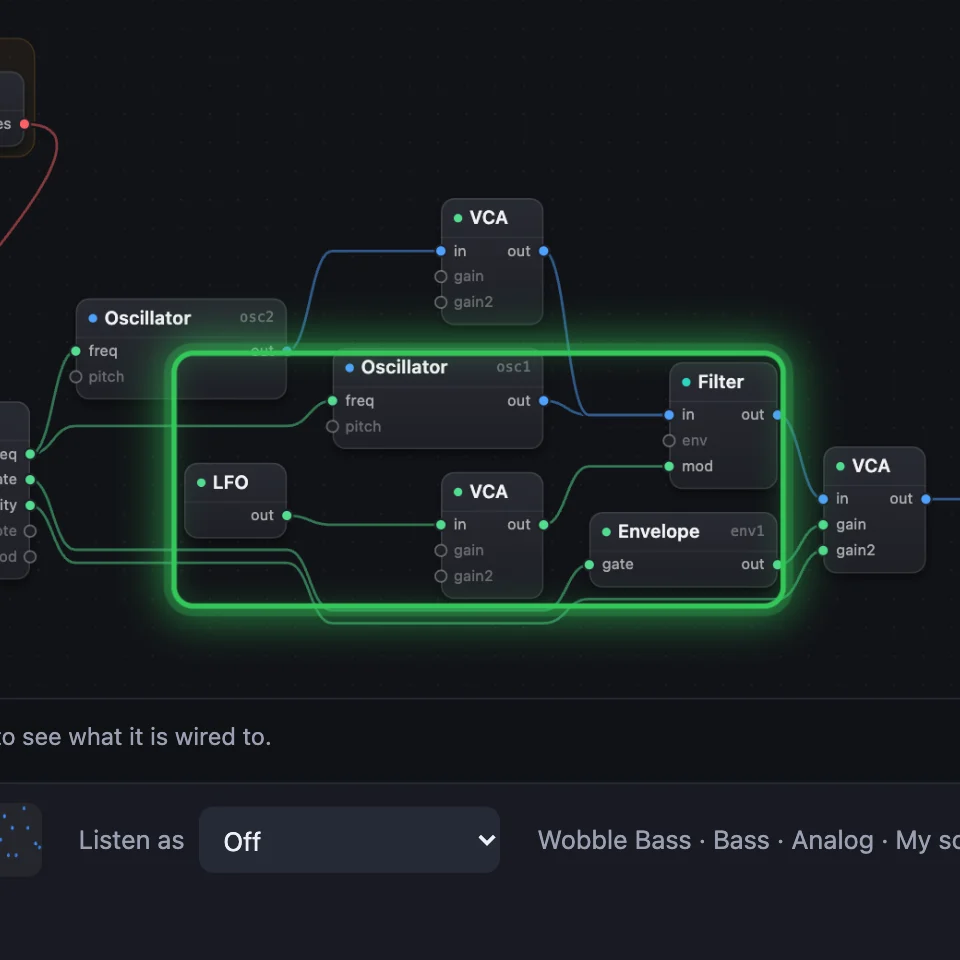
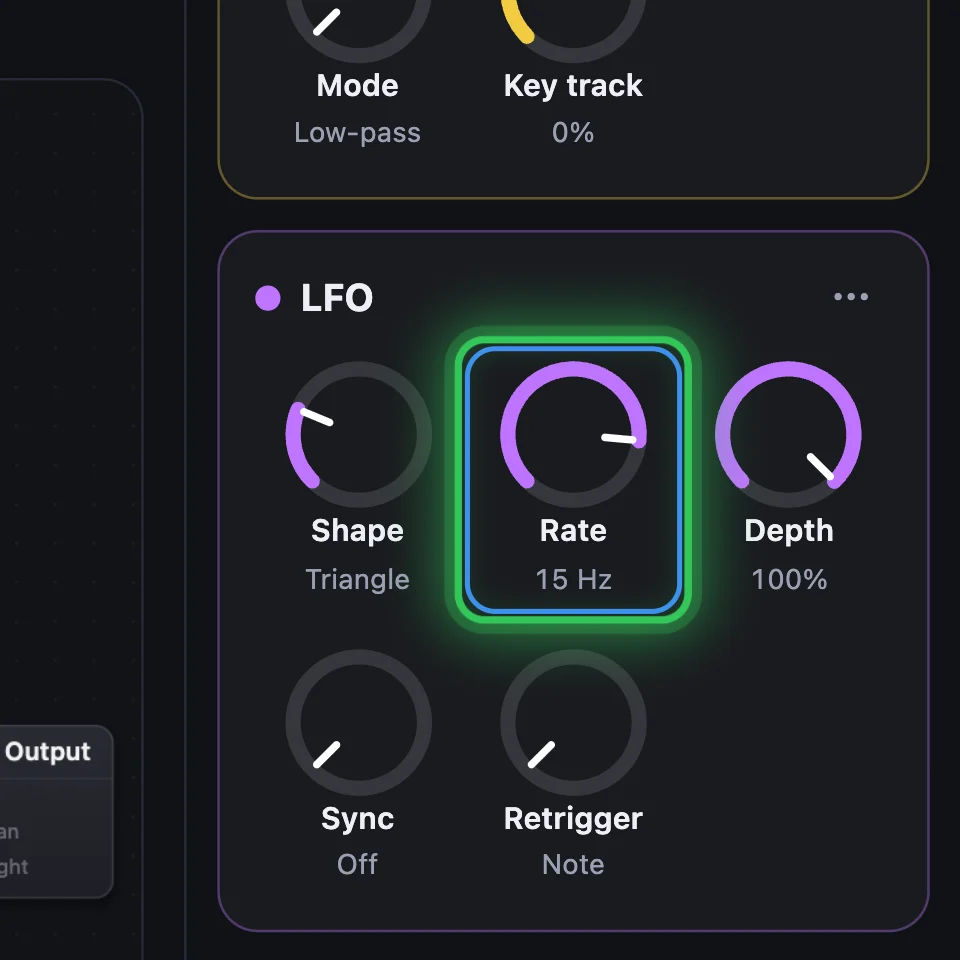
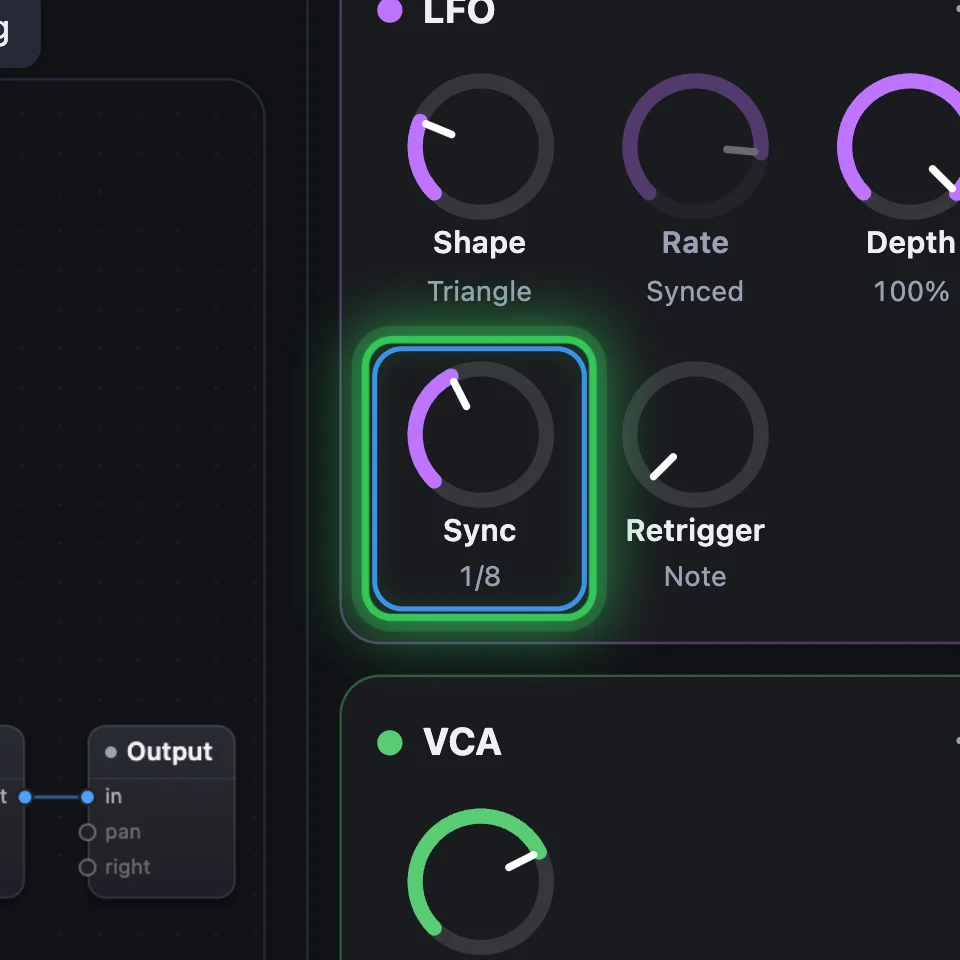
An LFO moves whatever it's wired into, over and over. Into a Filter's mod it makes a wobble, into a pitch a vibrato, into a VCA a tremolo. Rate is how fast, Depth how far, and Sync locks it to the song.
5VCA: how loud
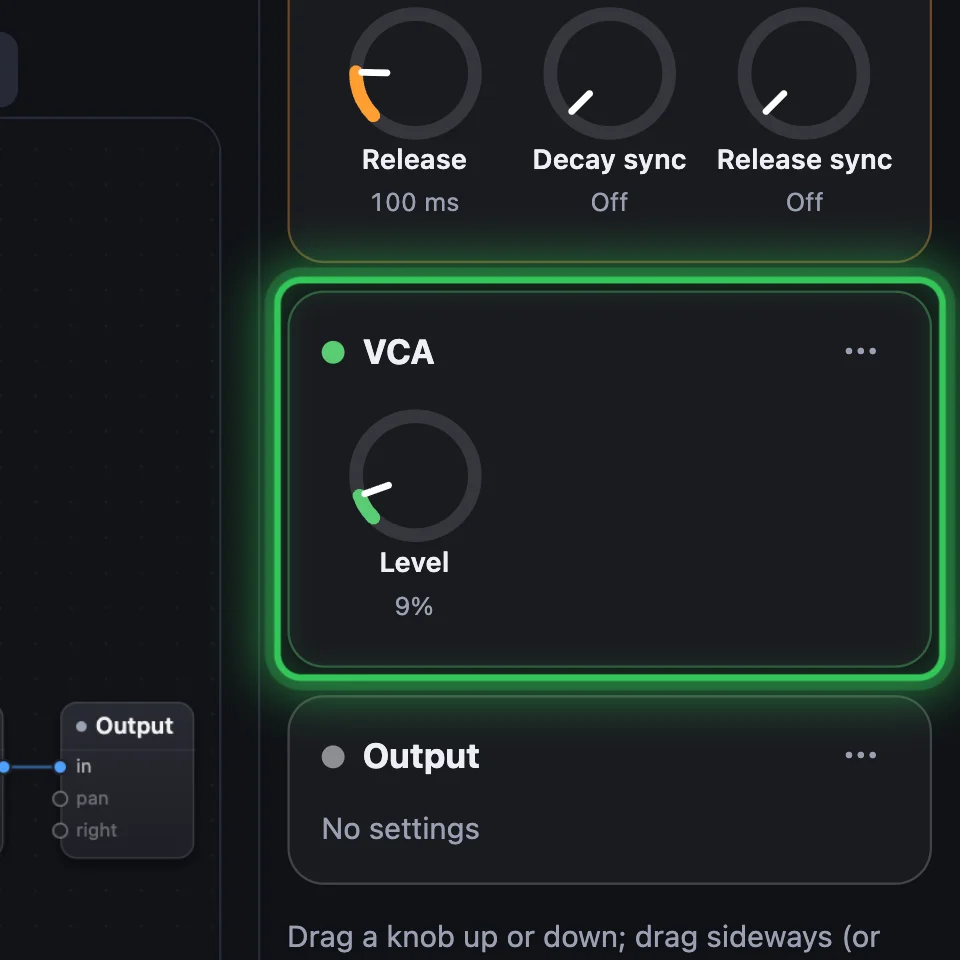
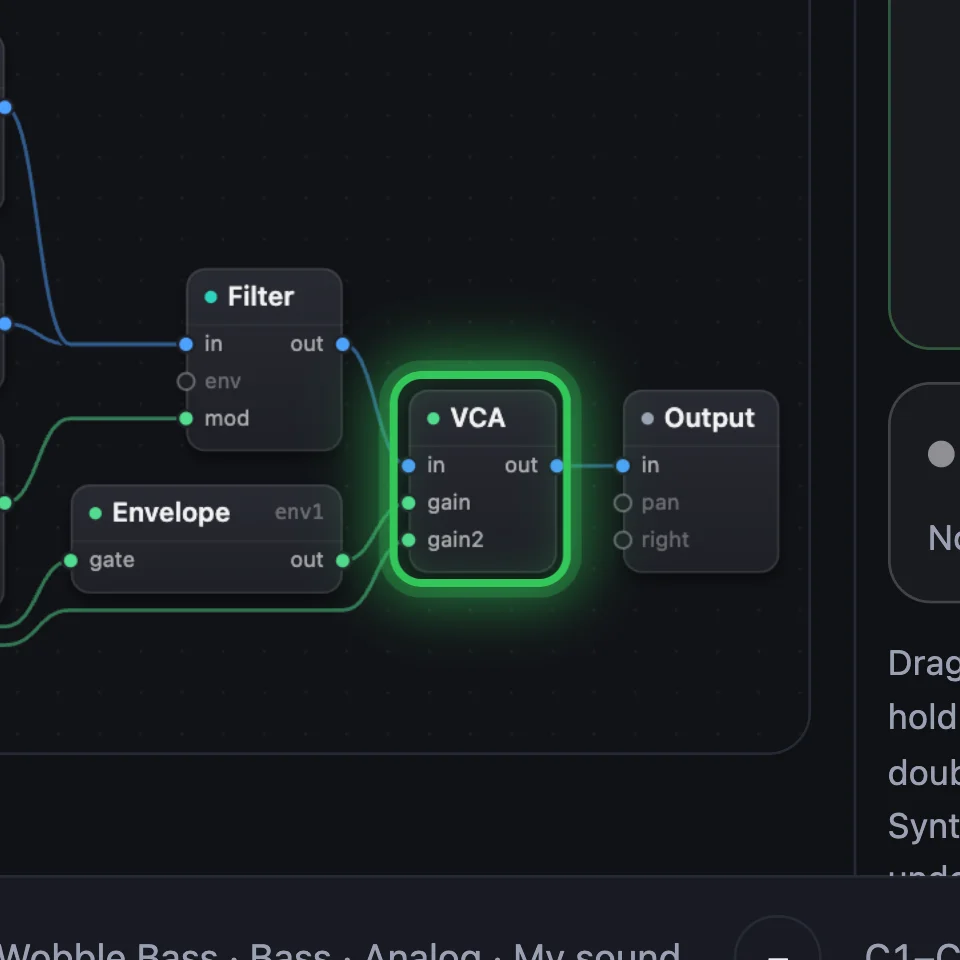
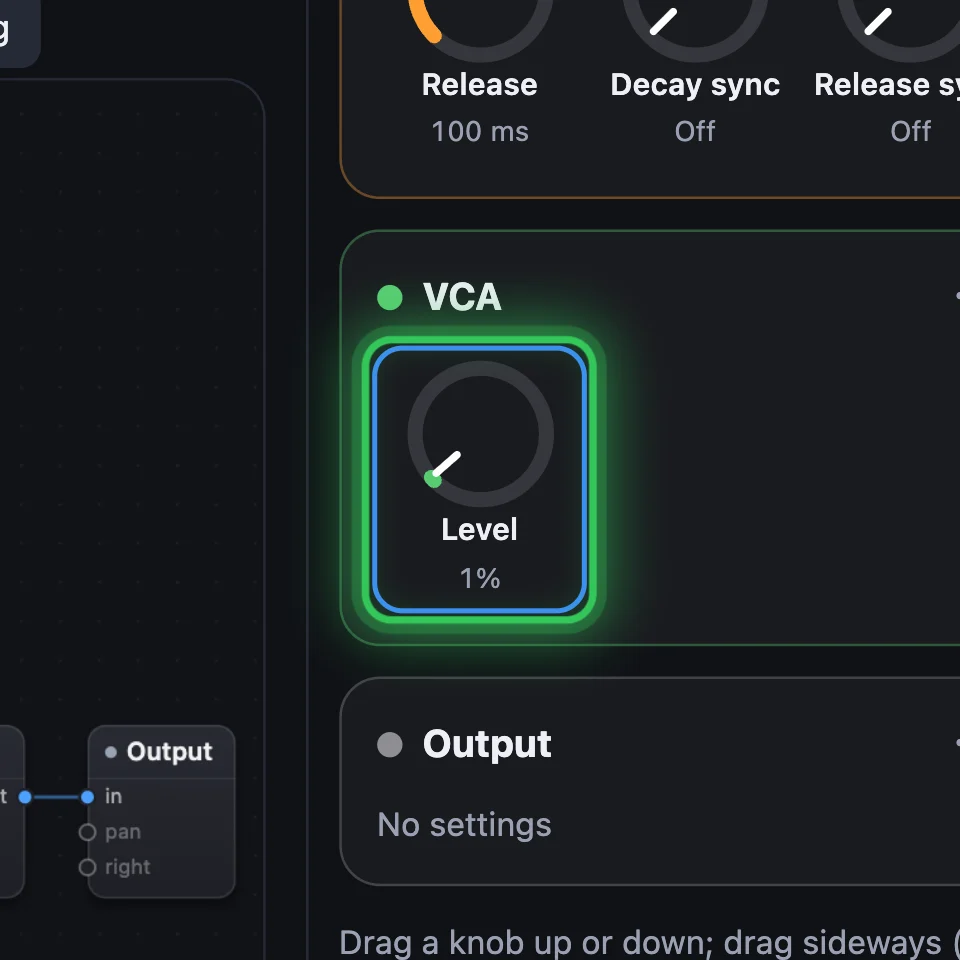
A VCA sets how loud a signal is, and anything wired into its gain turns it, usually an Envelope. Level is its volume. Several wires into one VCA are mixed.

Try it
- Open Wobble Bass and hold a low note: it wobbles.
- On the LFO's card, turn Rate up, then set Sync to 1/8: the wobble speeds up, then follows the tempo.
- On the Envelope's card, turn Attack up: each note now swells in.
Remember
- Oscillator makes the tone, Filter shapes it, VCA sets how loud.
- An Envelope shapes each note; an LFO moves a setting over and over.
- Wire an Envelope or an LFO into an input such as gain, env or mod, and it turns that setting for you.