 SynthMaker
The module language
Everything a Code module can say: its inputs, outputs and knobs, what it remembers, and the maths. Three small modules show each idea, and each one plays.
Pro: anyone can open any module and read its code, parts list or patch. Writing your own, or changing one, needs SynthMaker Pro. Turning its knobs is free.
1Inputs, outputs and knobs
The first lines of a Code module say what its box has: in lines are its inputs, out lines its outputs and setting lines its knobs. The lines after them are the maths.
| Line | Means |
|---|---|
in x | An input. Unwired, it reads 0. |
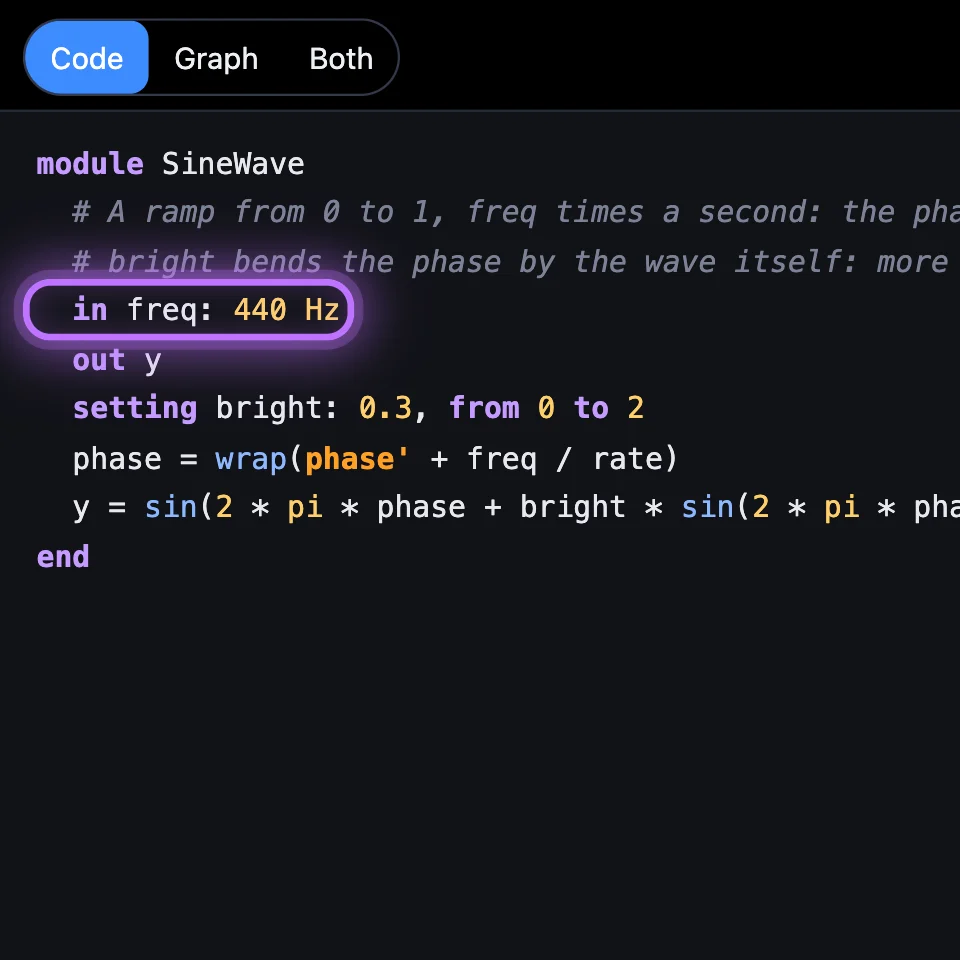
in freq: 440 Hz | An input with the value it reads when nothing is wired to it. |
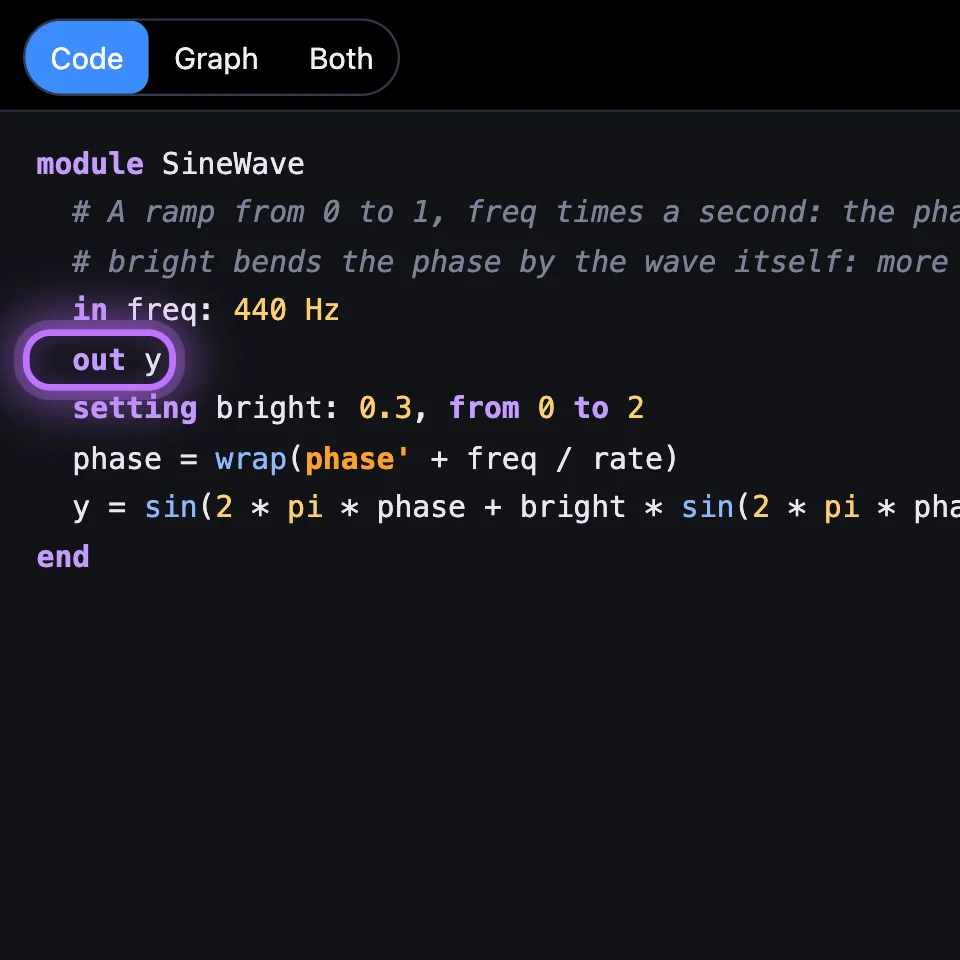
out y | An output. A module can have several outputs and several inputs. |
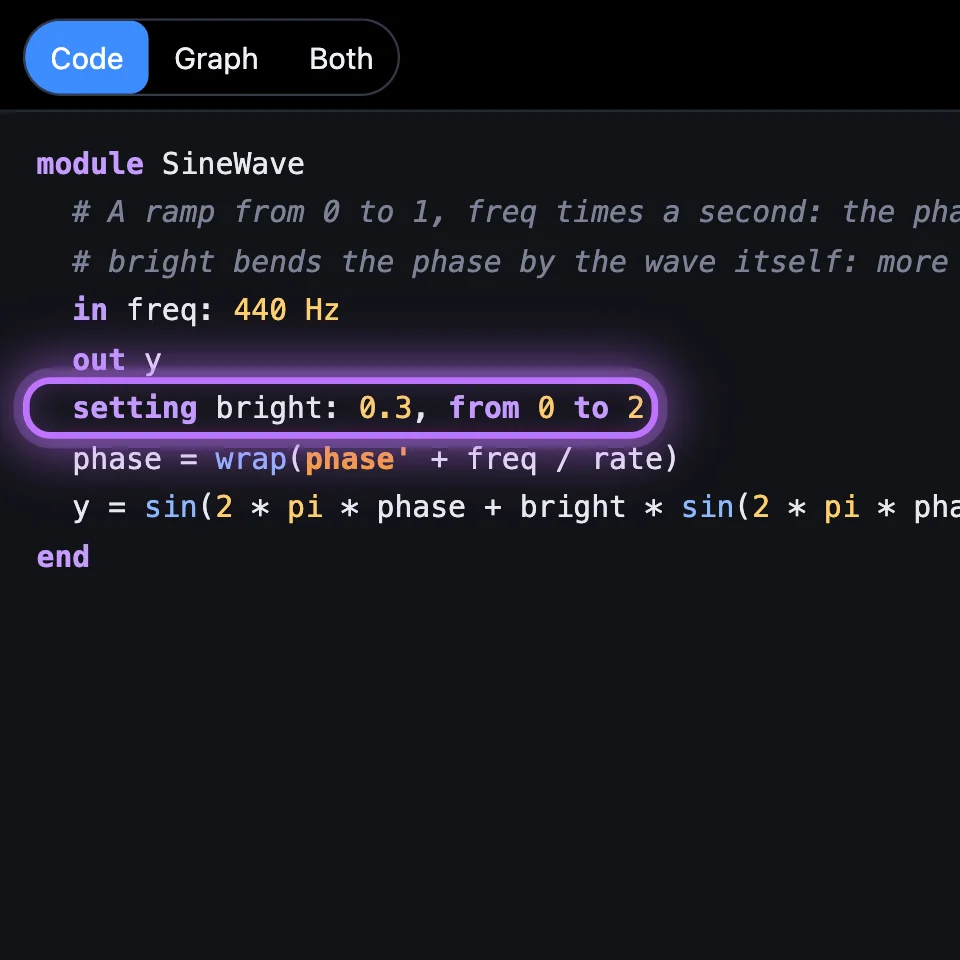
setting cutoff: 800 Hz, from 20 Hz to 20 kHz | A knob, with its default and its range. Units: Hz, kHz, ms, s, ct, oct, st, or none. |
setting mode: Low-pass, one of Low-pass, Band-pass, High-pass | A knob that picks a name. In the maths it's a number: 0 for the first name, 1 for the next. |
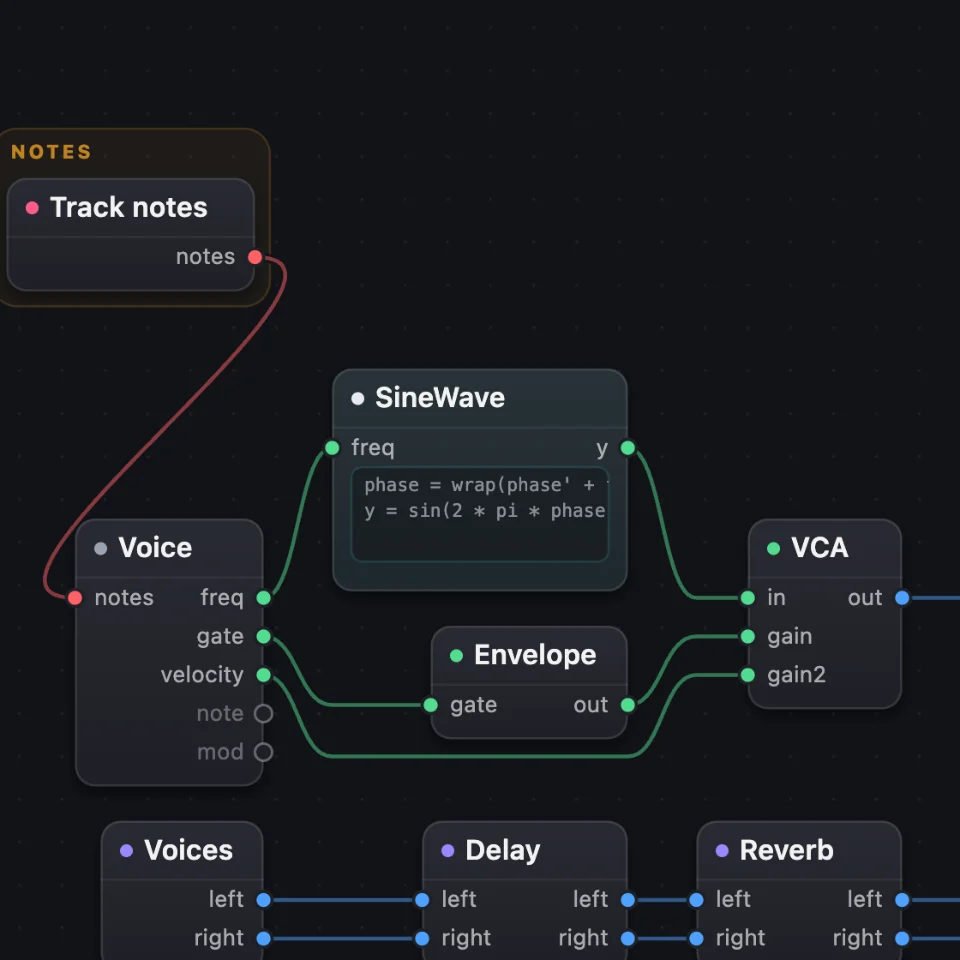
In the sound's code the box is used like any module, with its own settings: smooth = Smooth(cutoff: 1.2 kHz). A plain wire goes into its first input and comes out of its first output; name the others with a dot, such as env -> echo.x.
2Remembering: y′, and further back
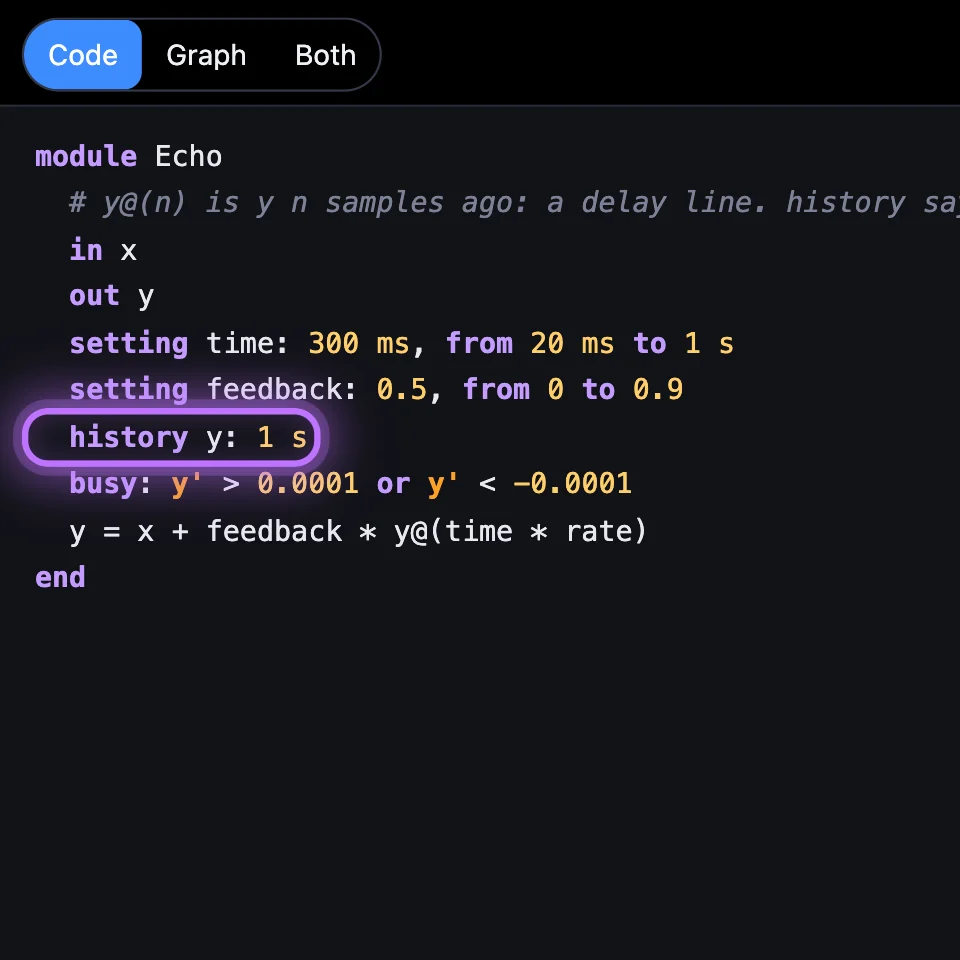
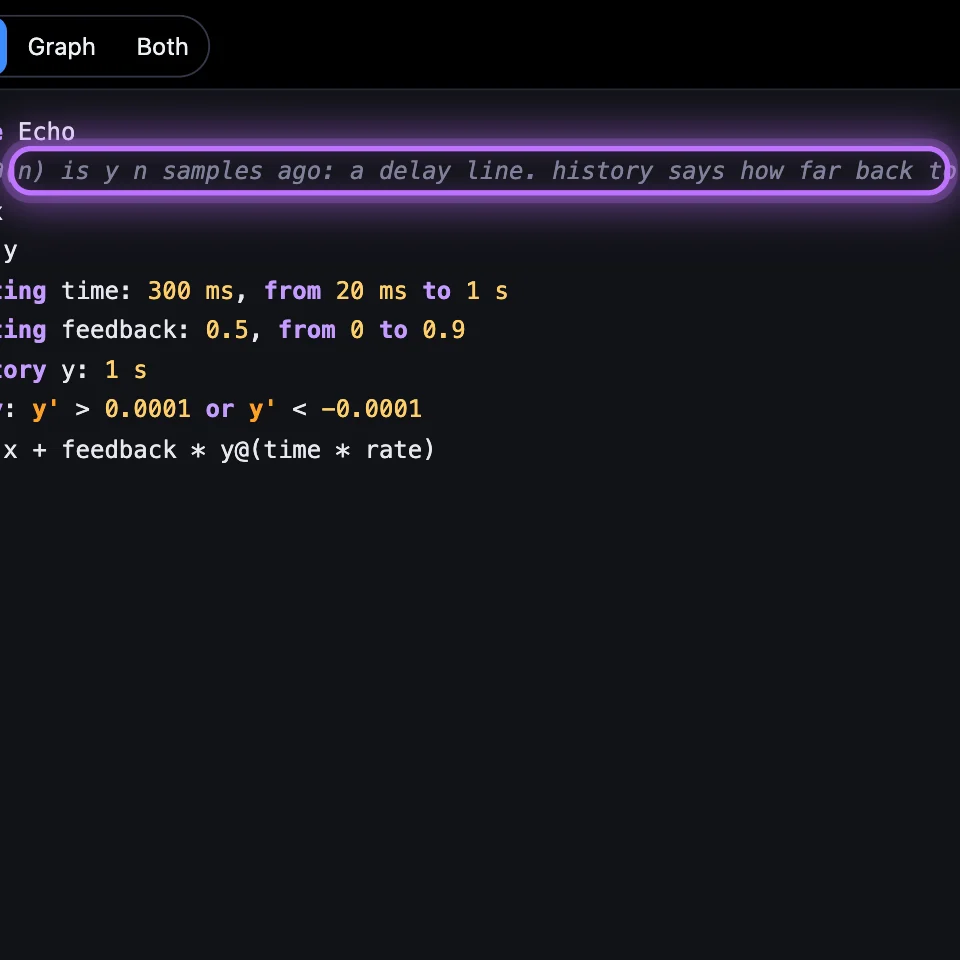
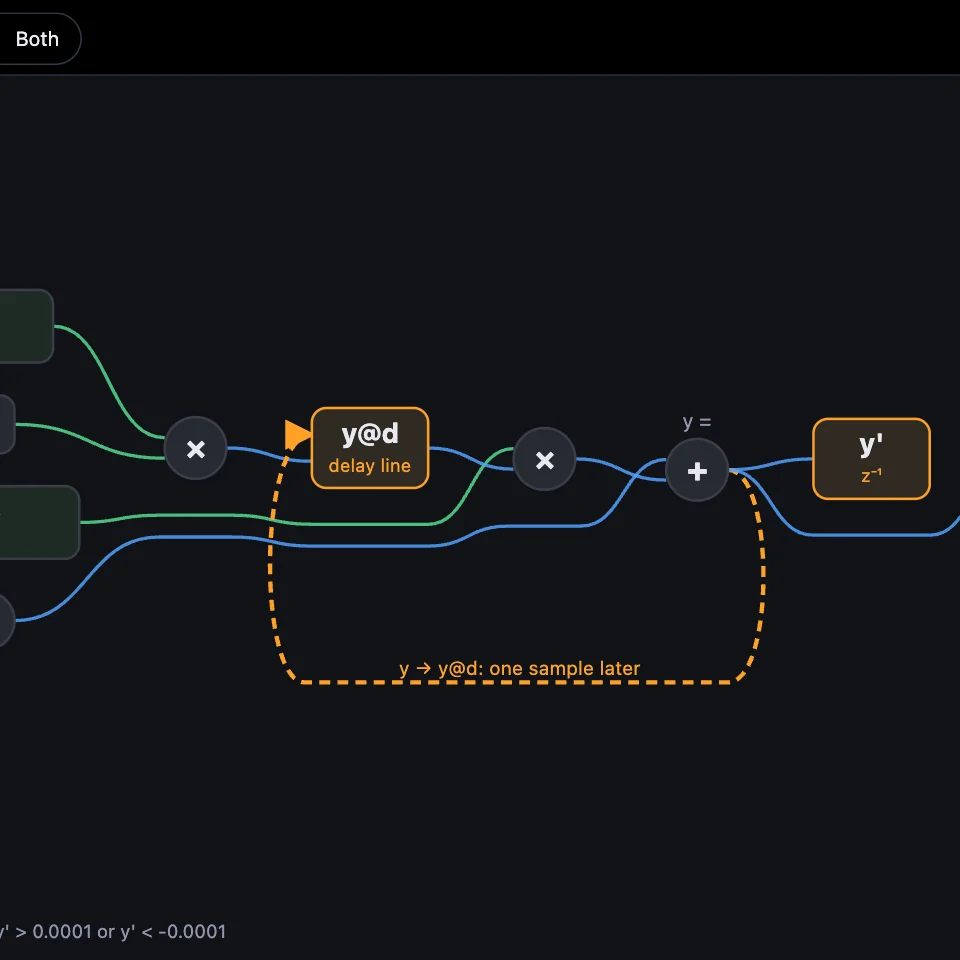
A name with ' is its value one sample ago, and reading it is what makes a module remember. history keeps a name further back, and y@(n) reads it n samples ago: a delay line. Here an echo is three lines of maths: each sample adds back what y was time seconds ago.

time * rate to time * rate / 2: twice as fast.
Open the example sound: Code Echo ↗ (opens in a new tab)
| Write | Means |
|---|---|
y' | y one sample ago. |
y'' | y two samples ago. |
history y: 1 s and y@(n) | y n samples ago (n can be fractional). history says how far back to keep, up to 10 s. |
on note: level = 1 | When a note starts in this voice, the next sample reads level' as 1. |
on start: phase = 0 | The same, only when the voice starts from silence. |
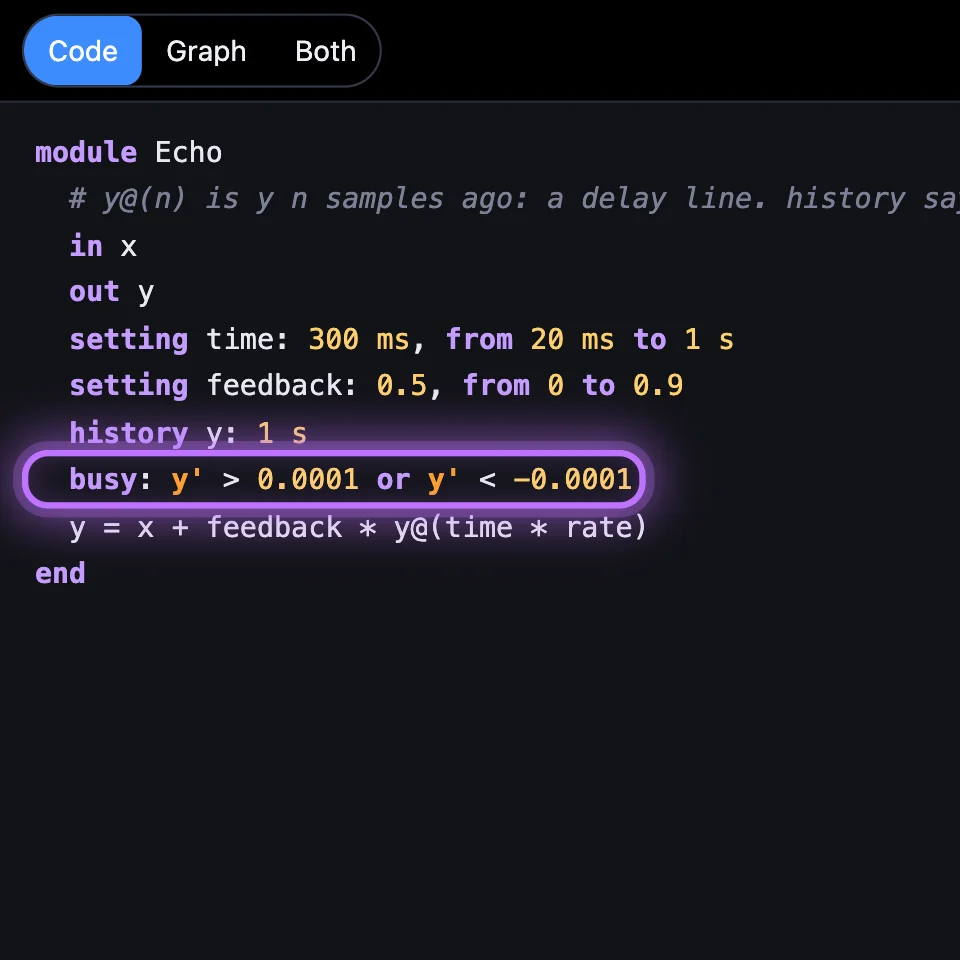
busy: y' > 0.0001 or y' < -0.0001 | Keeps the voice sounding after its key is let go, while the condition holds: an echo's tail. It may read only remembered values (with ') and numbers. |
module Echo # y@(n) is y n samples ago: a delay line. history says how far back to keep. in x out y setting time: 300 ms, from 20 ms to 1 s setting feedback: 0.5, from 0 to 0.9 history y: 1 s busy: y' > 0.0001 or y' < -0.0001 y = x + feedback * y@(time * rate)end3The maths
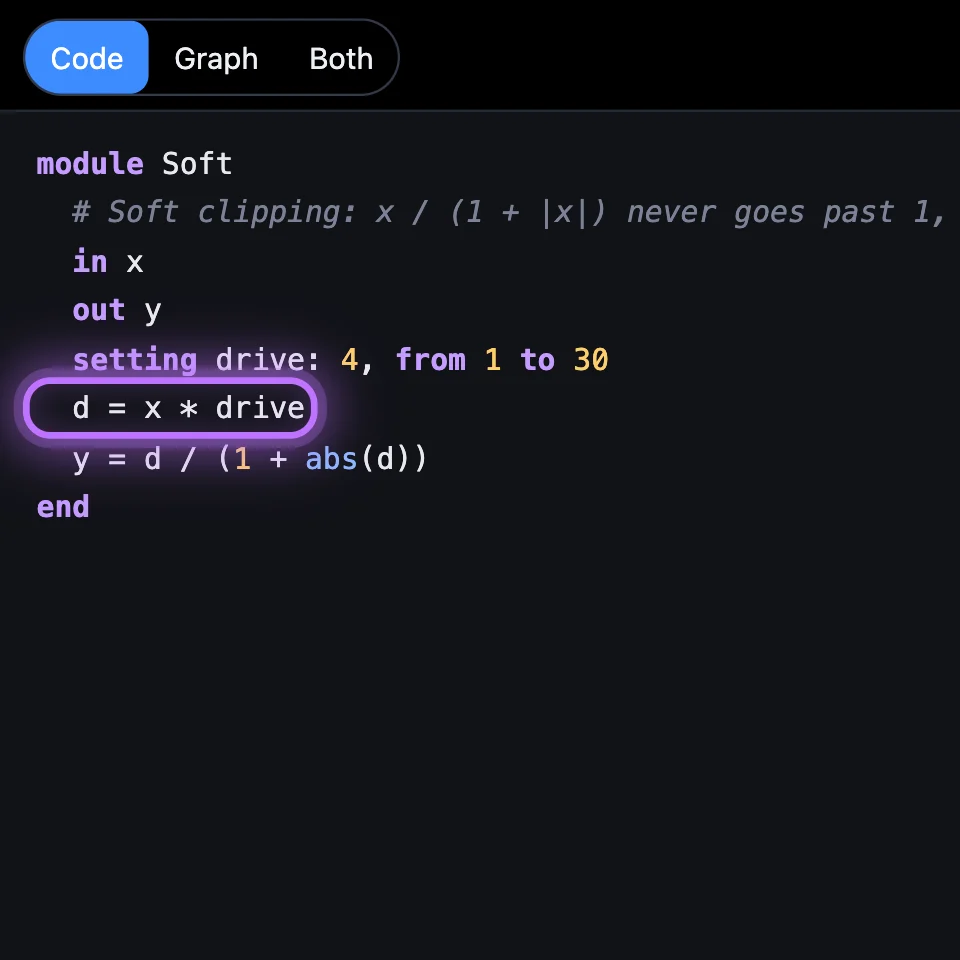
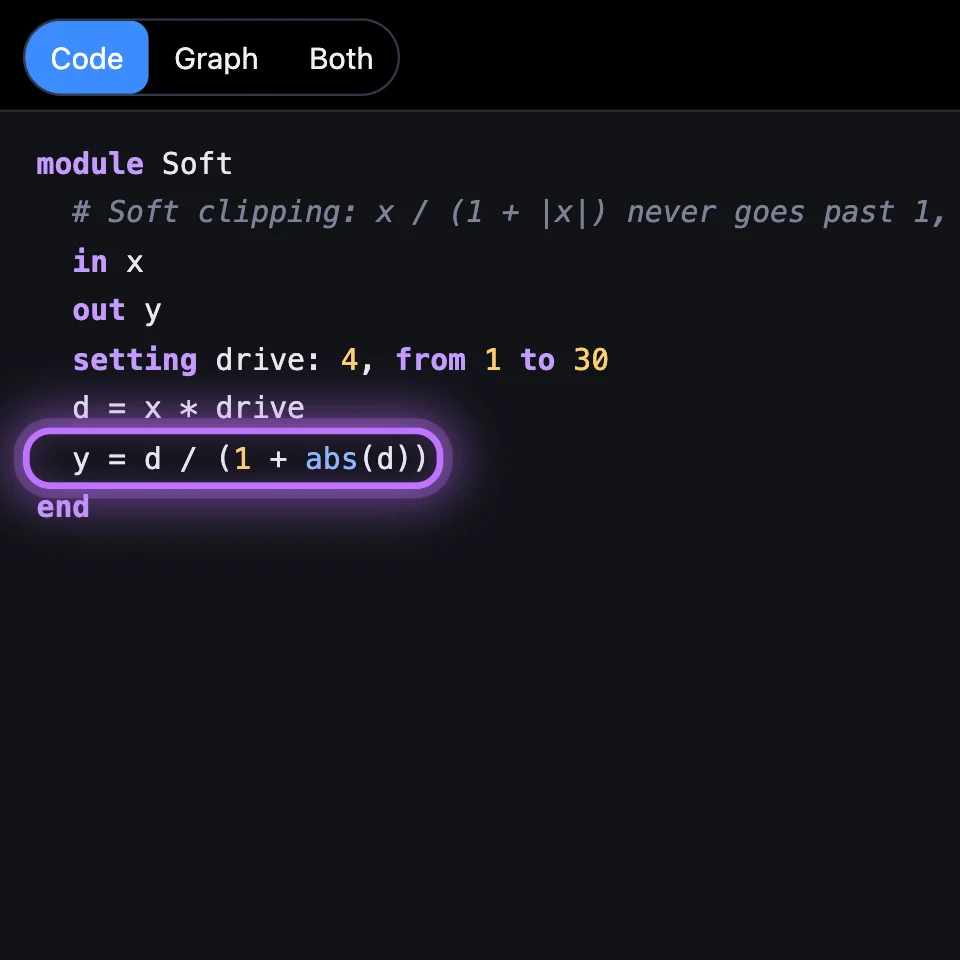
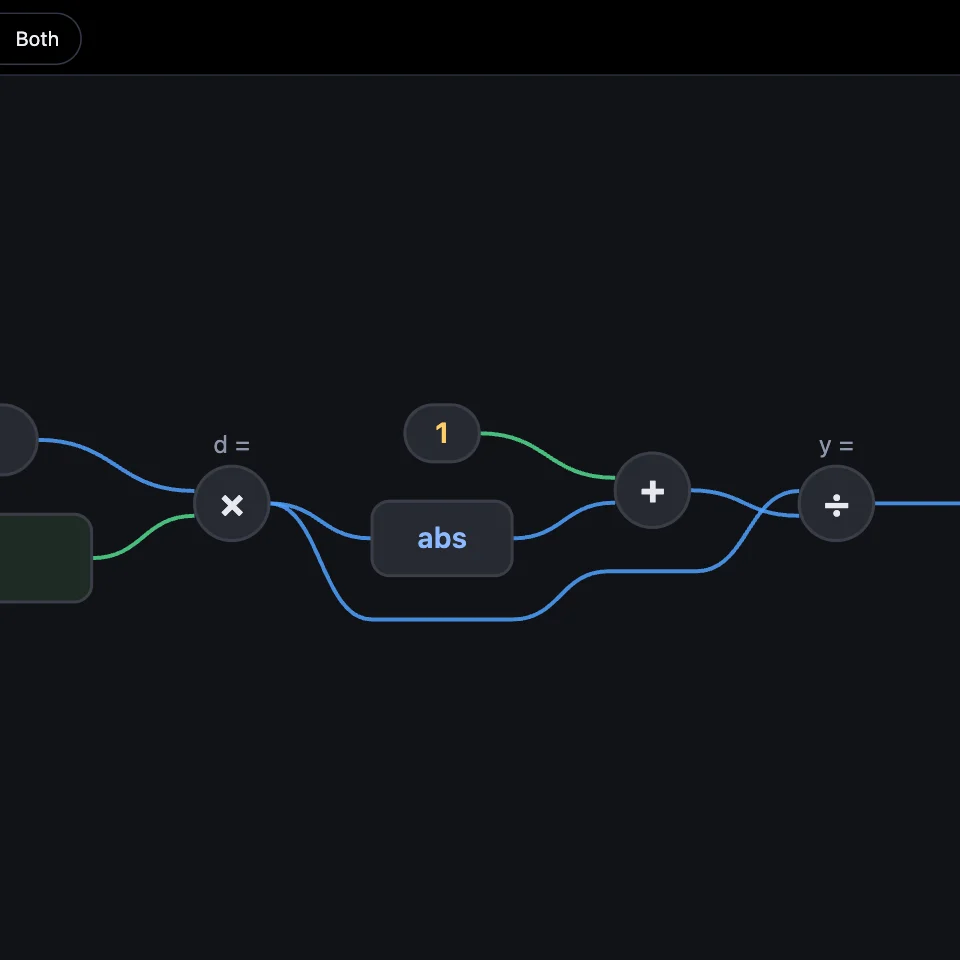
Every line is name = expression, run in order, every sample. This one bends a sound with soft clipping: d / (1 + abs(d)) gets close to 1 but never past it, and bends gently on the way, so turning Drive up adds warmth before it adds fuzz.

d = x * drive to d = x * drive * 4: more fuzz.
Open the example sound: Soft Drive ↗ (opens in a new tab)
| Kind | You can write |
|---|---|
| Arithmetic | + - * /, ^ for powers, parentheses, pi (π and · read too) |
| Comparisons and logic | < <= > >= == !=, and, or, not. True is 1, false is 0. |
| A choice | if x > 0 then x else 0: always a value, never a jump. |
| Functions | sin cos tan asin exp exp2 log log2 sqrt abs floor, min(a, b), max(a, b), clamp(x, lo, hi), wrap(x) (the part after the point, 0 to 1: a phase), noise() (white noise, −1 to 1, each voice its own) |
| What the voice knows | freq (Hz), gate (1 while the key is down), velocity, note, touch, bend, mod |
| The sample rate | rate: samples a second |
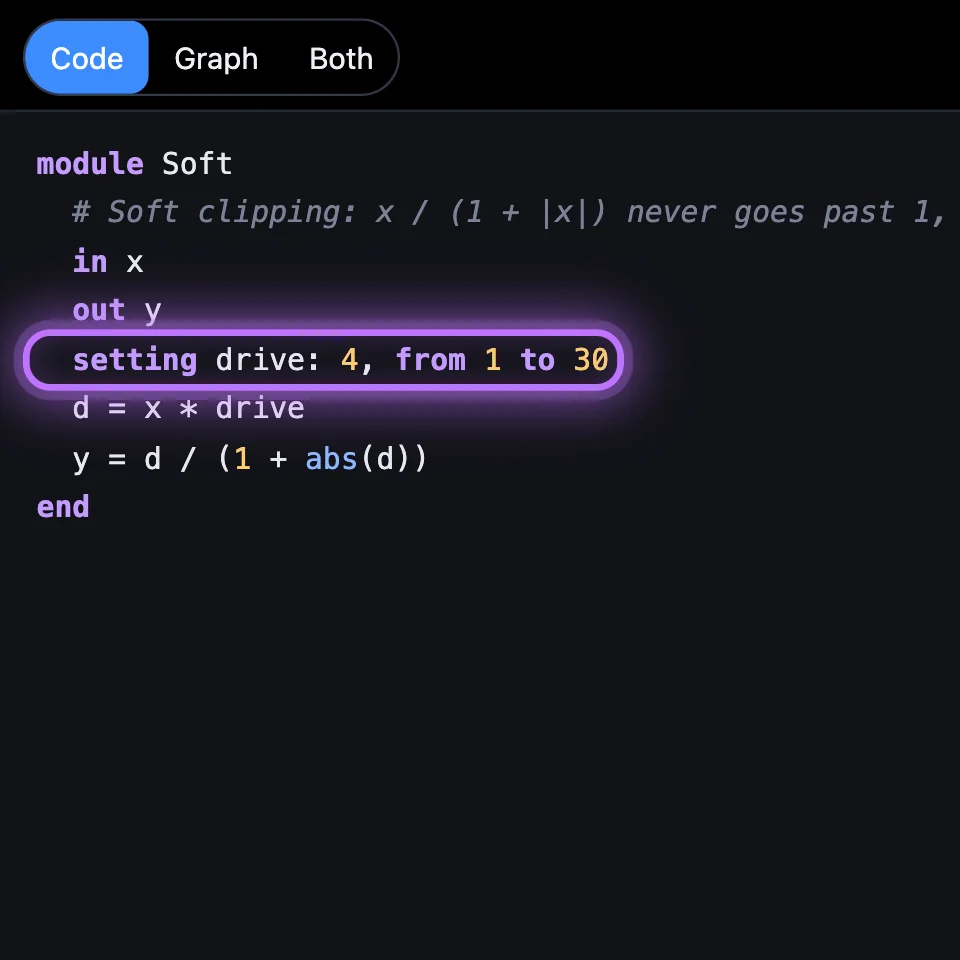
module Soft # Soft clipping: x / (1 + |x|) never goes past 1, and bends gently on the way. in x out y setting drive: 4, from 1 to 30 d = x * drive y = d / (1 + abs(d))end4An oscillator from scratch
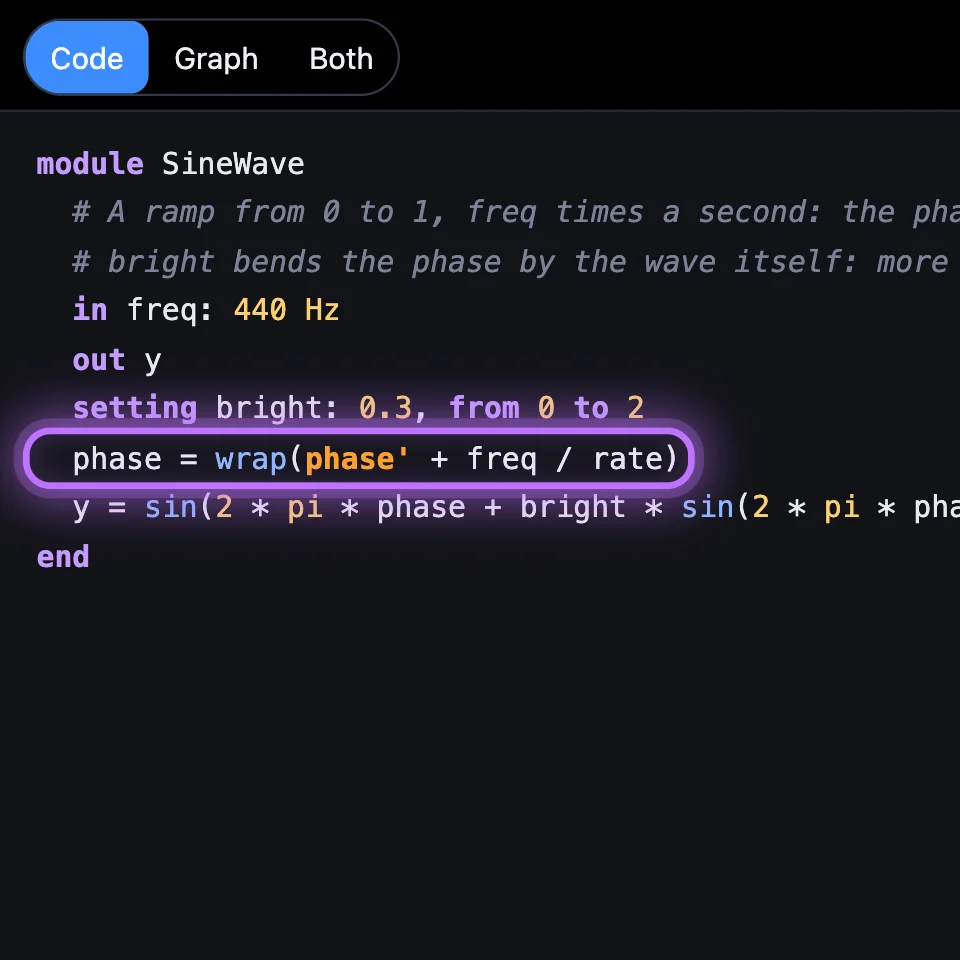
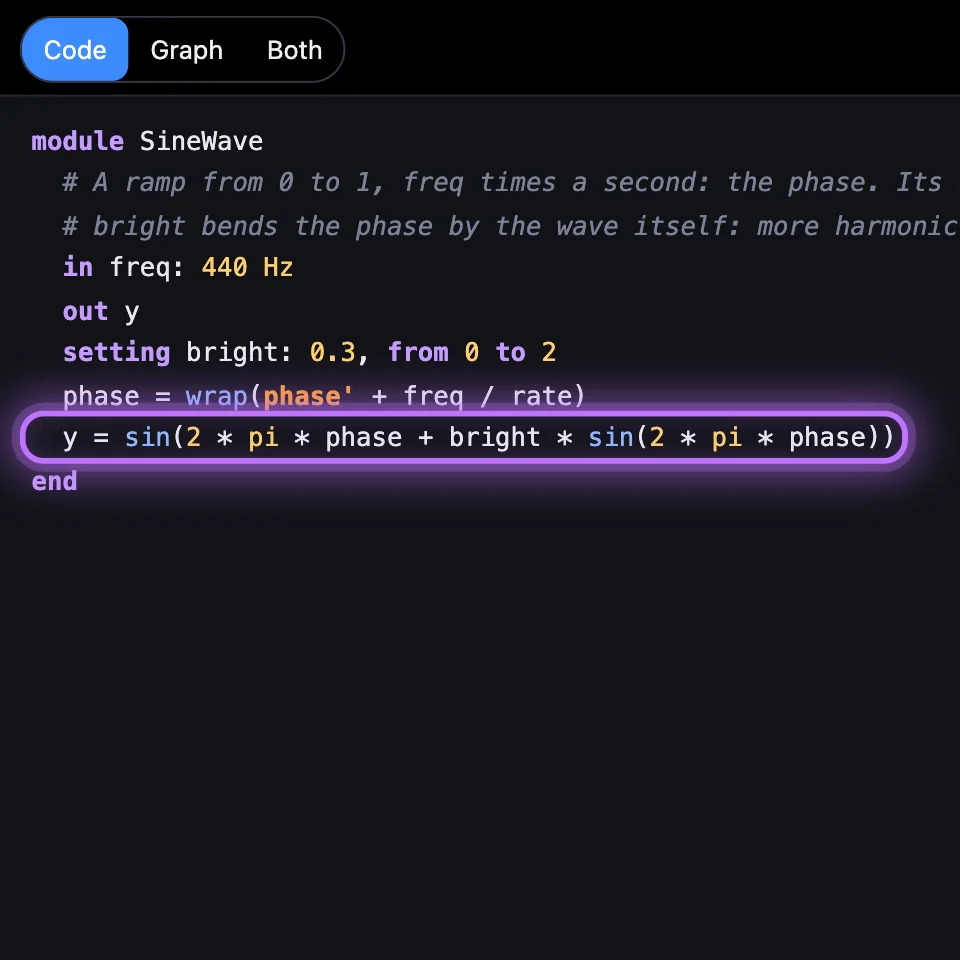
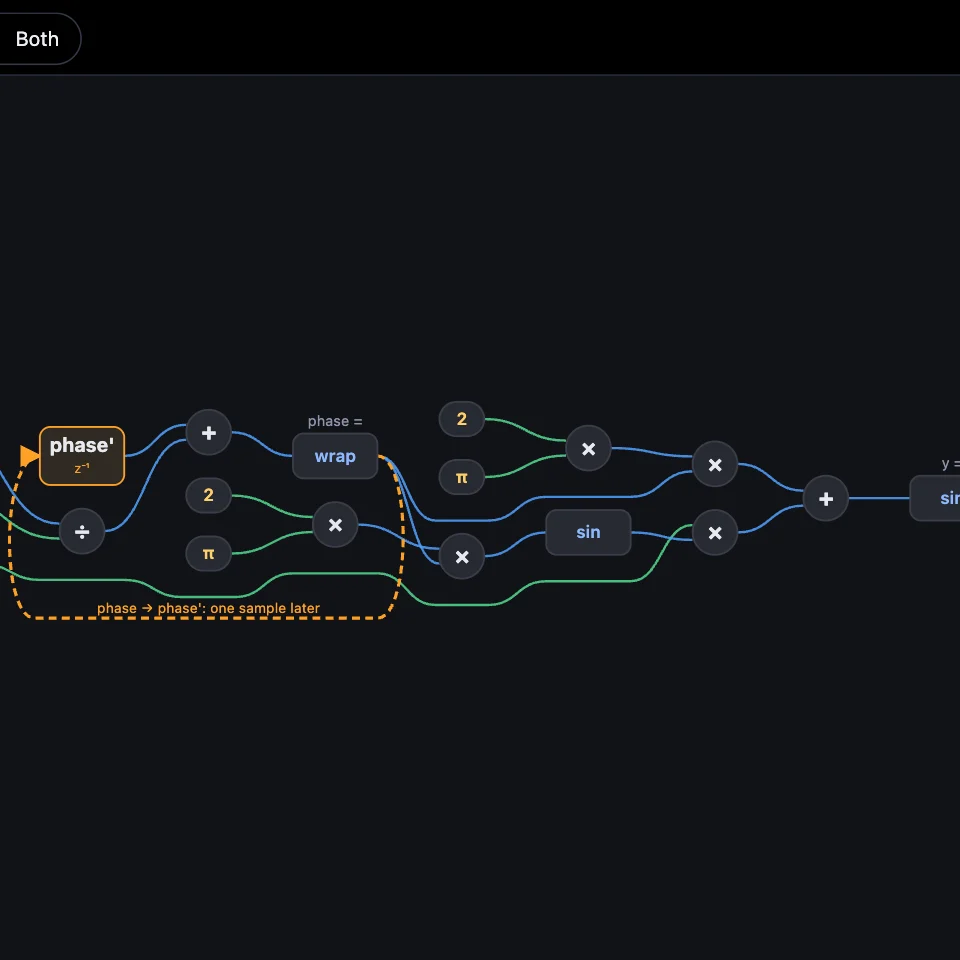
A Code module doesn't need a sound coming in: it can make its own. This one keeps a phase that ramps from 0 to 1, freq times a second (wrap brings it back to 0). The sine of that phase is a sine wave. Bright bends the phase by the wave itself, which adds harmonics as you turn it up.

bright * sin to 3 * sin in the last line: much brighter.
Open the example sound: Hand-made Sine ↗ (opens in a new tab)
module SineWave # A ramp from 0 to 1, freq times a second: the phase. Its sine is a sine wave. # bright bends the phase by the wave itself: more harmonics as you turn it up. in freq: 440 Hz out y setting bright: 0.3, from 0 to 2 phase = wrap(phase' + freq / rate) y = sin(2 * pi * phase + bright * sin(2 * pi * phase))endTry it
- Open Code Echo and double-click its Echo box.
- Turn Feedback up to 0.9 and play short notes: the repeats last much longer.
- In the line
busy: y' > 0.0001 or y' < -0.0001, change both0.0001to0.1: once you let go of a key, its echoes stop as soon as they get quiet.
Turning Feedback is free. Changing the code needs SynthMaker Pro.
On the Mac, Code modules read and run the same text.
Remember
in,outandsettinglines are the box's inputs, outputs and knobs.y'is one sample ago;historyandy@(n)reach further back.- Every line is
name = expression, every sample: arithmetic, choices, functions and what the voice knows.