 SynthMaker
Inside a built-in module
SynthMaker's own modules are written in the same code as a Code module. Open one, a Filter or an Envelope, and read the lines that make its sound: exactly the code SynthMaker runs for it.
2Read it
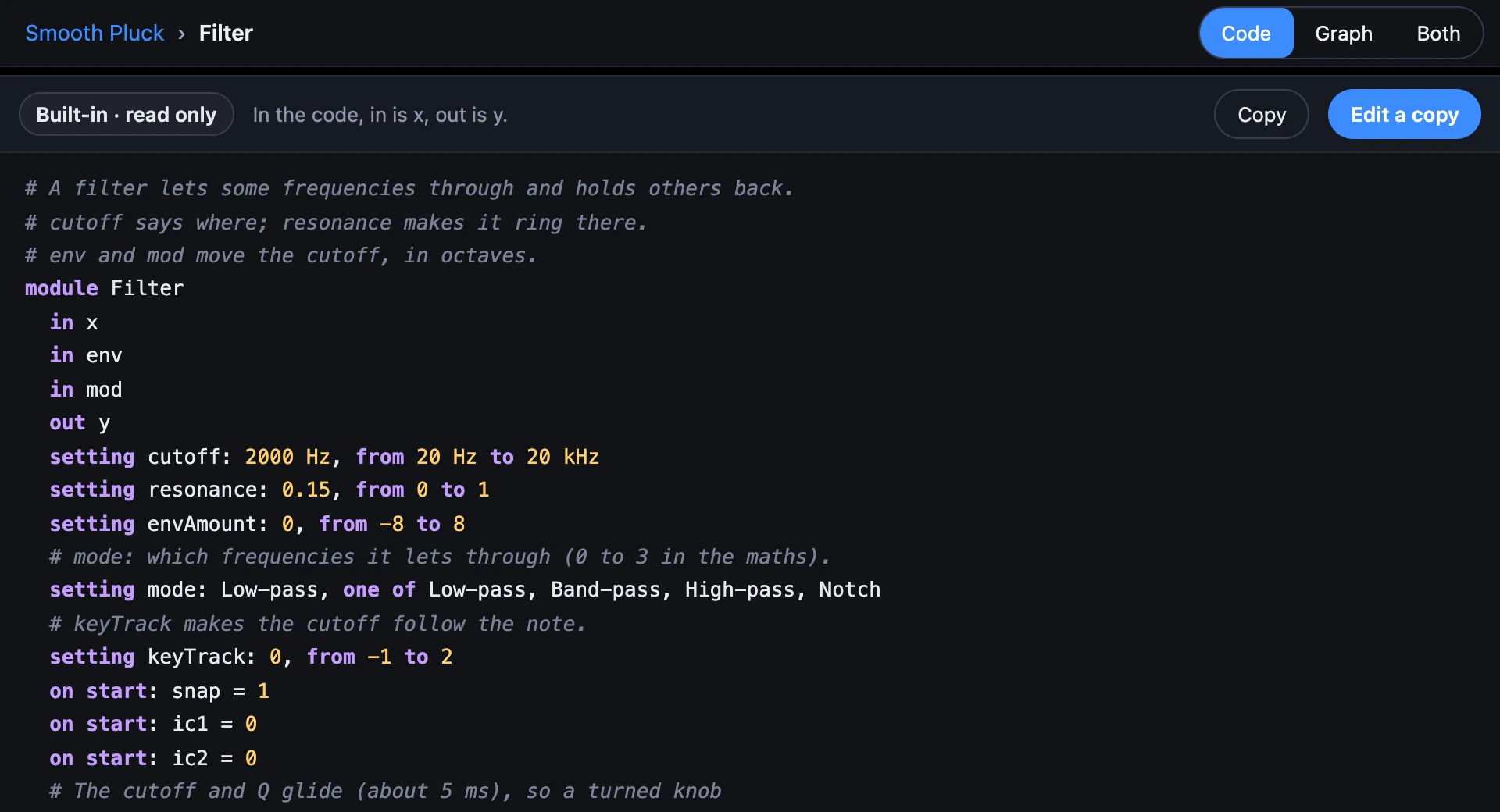
The bar over the code says Built-in · read only. The code is exactly what runs, the comments at its top say what it does, and every line is the same kind of line as in a Code module: y' is y one sample ago, and rate the samples in a second.
Some names in the code aren't the card's: in is a word of the code, so the Filter's in is x there. The bar lists them.
3Its graph
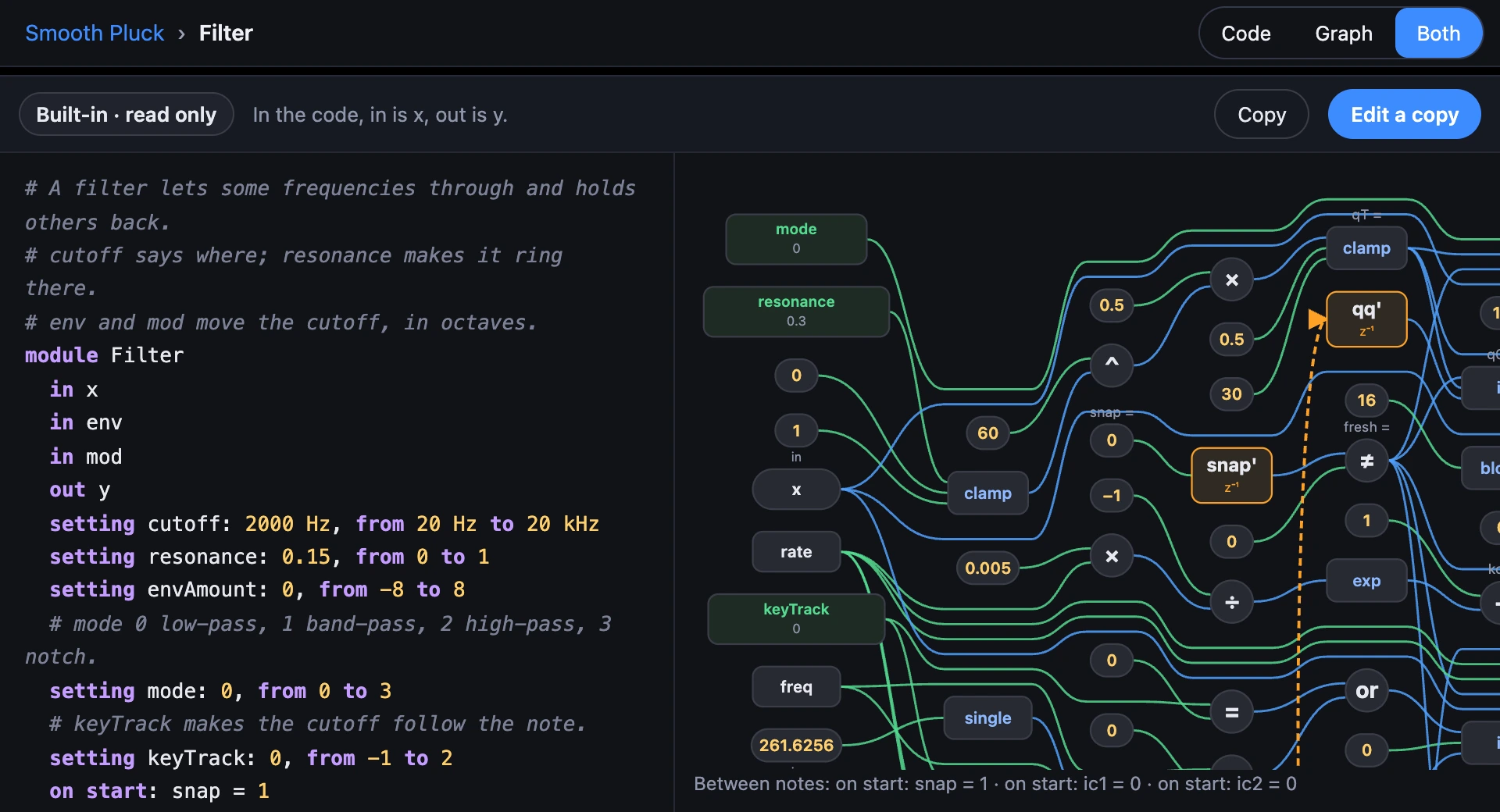
Choose Graph or Both to see the same code as a picture of its maths, as a Code module's: every +, × and function a box, its wires, and each y' a one-sample delay with its loop drawn back. Choose a box and its part of the code lights up; the cursor in the code chooses its box.
Its knobs show their values now, as on its card: turn the cutoff and the graph's cutoff follows.
4Not written in code yet
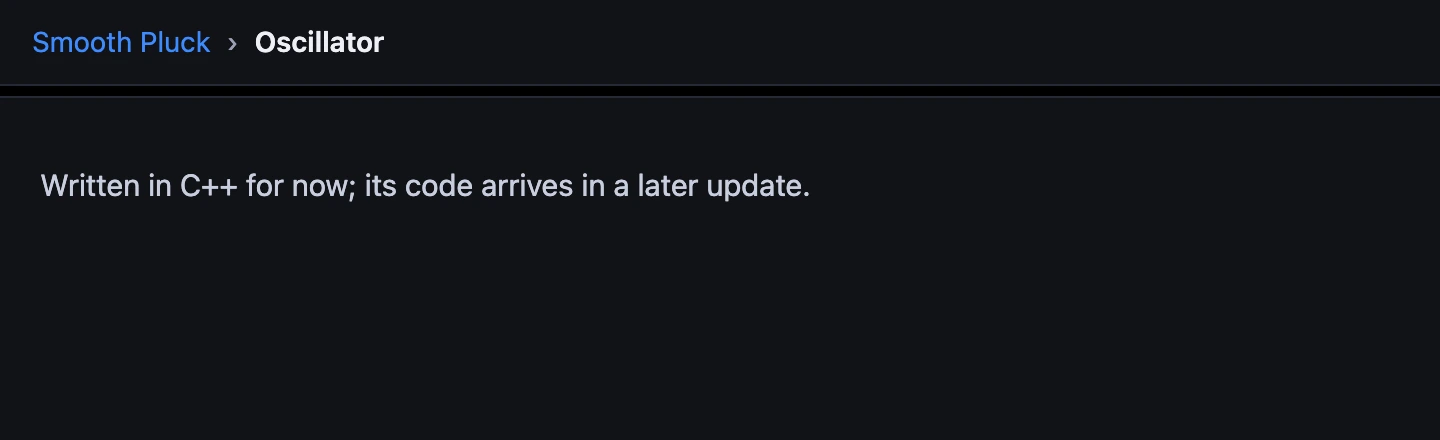
Some modules are still written in C++, the language SynthMaker's engine is written in. They open too, and say so: Written in C++ for now; its code arrives in a later update. SynthMaker never shows code that isn't what runs.
5Edit a copy
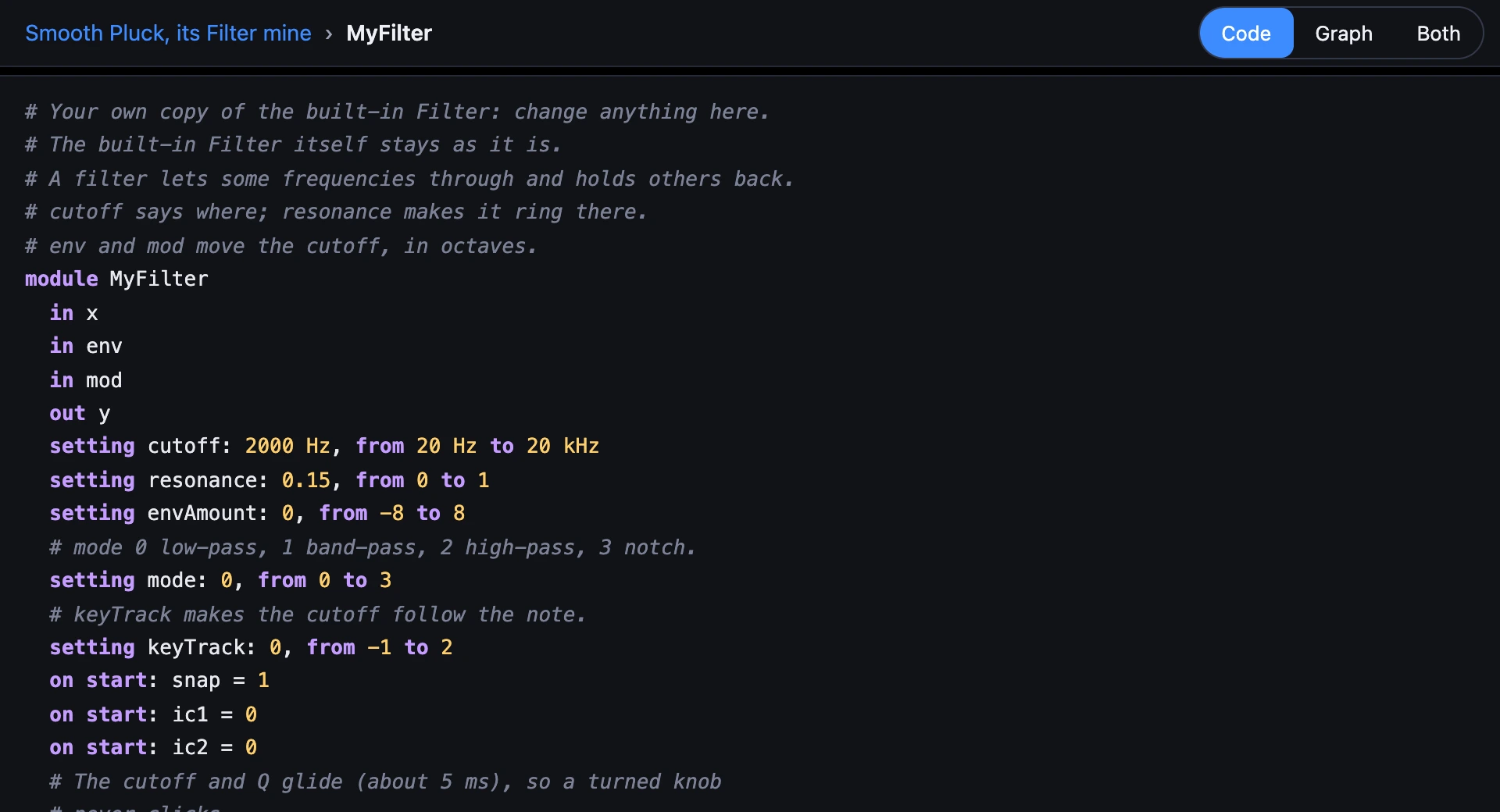
A built-in never changes. To change one, choose Edit a copy in the bar over its code. In this sound only, the module becomes a Code module of your own, Filter (mine), with the same code under a name of its own, MyFilter. It keeps its wires and its knobs where they were, and it sounds exactly the same until you change a line.
You stay inside it, and now its code is yours to type in. Undo brings the built-in back.
Try it
- Open Smooth Pluck and double-click its Filter.
- Turn the Filter's cutoff on its card while you play, and find
cutoffin its code. - Choose Edit a copy, then change
octT = log2(max(cutoff, 10))to usecutoff * 2: the Filter opens an octave higher.
Remember
- A double-click, or View code, opens a built-in module's code.
- It's read only, and exactly what SynthMaker runs; Graph shows it as a picture.
- A module still in C++ says so.
- Edit a copy makes it a Code module of your own, in this sound only.